Tiles format
Maintained by
David Watson
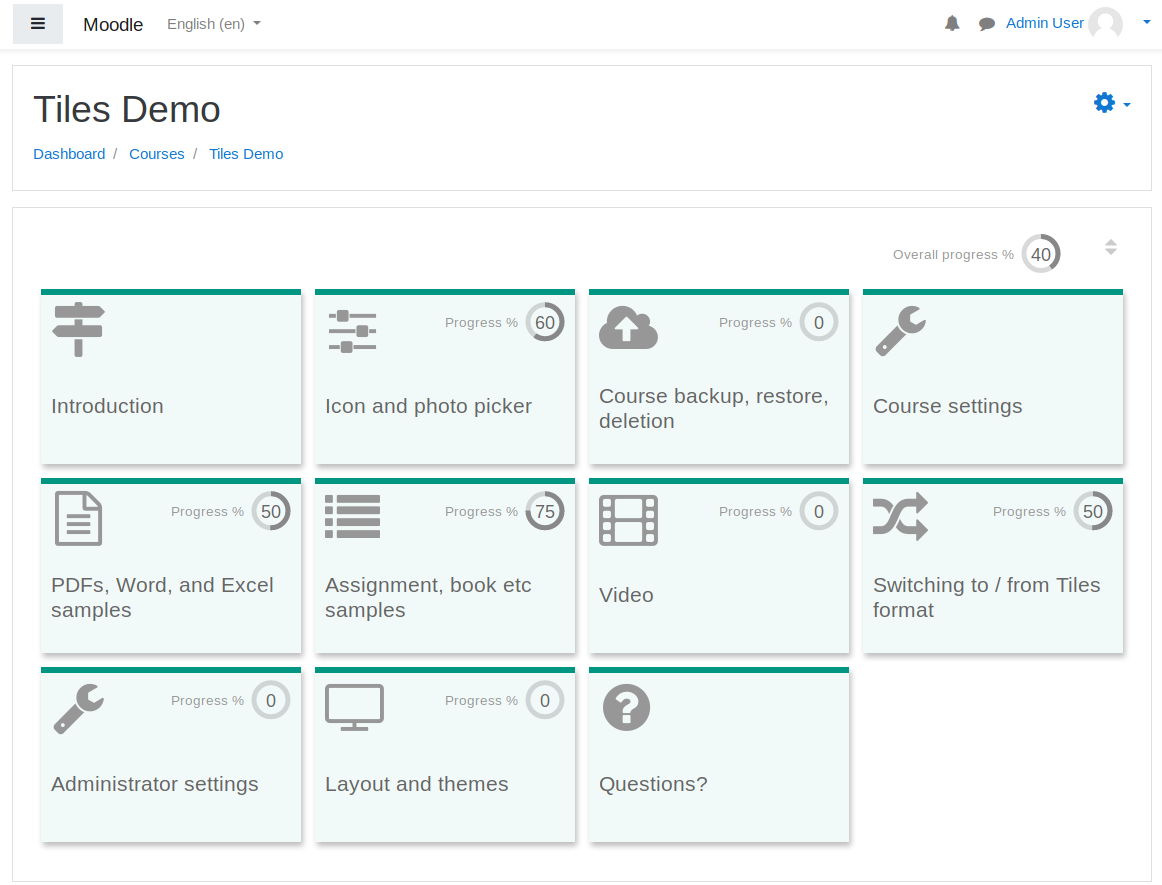
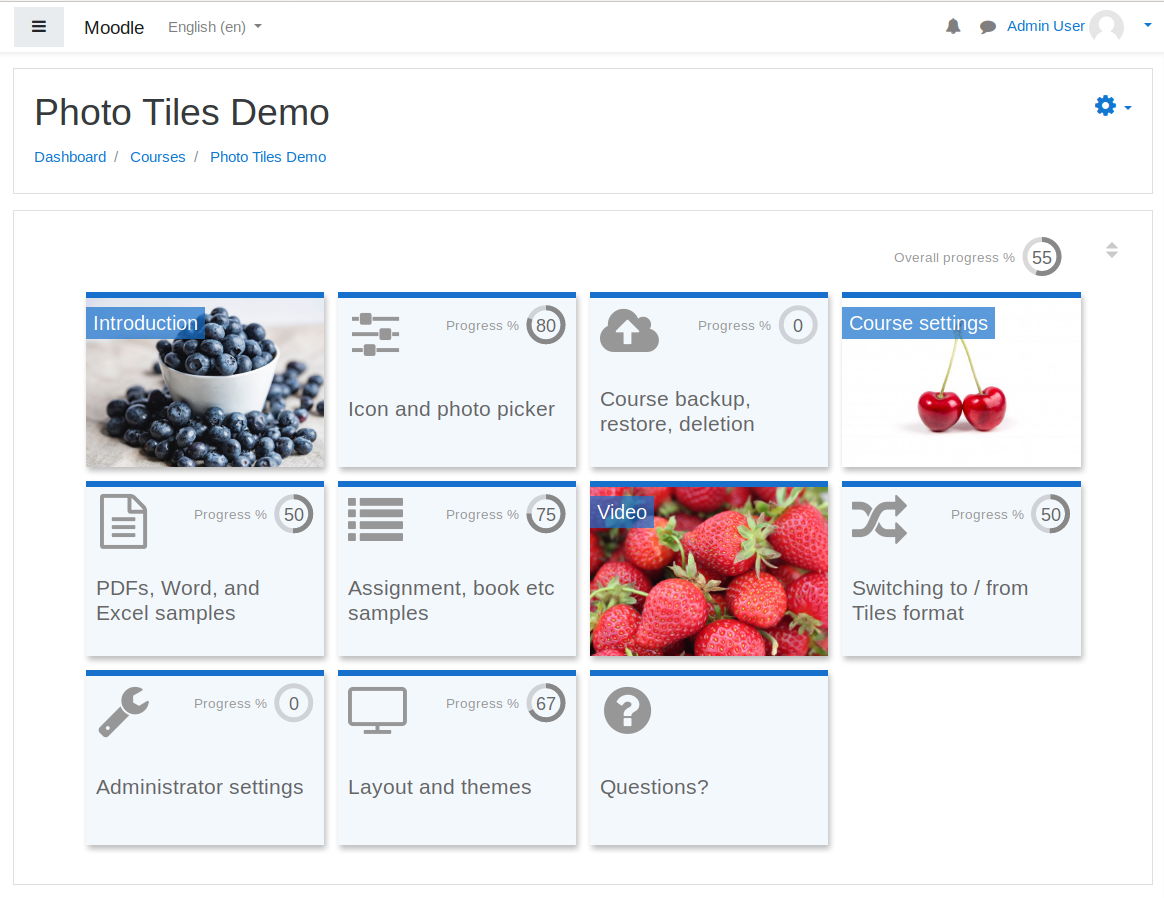
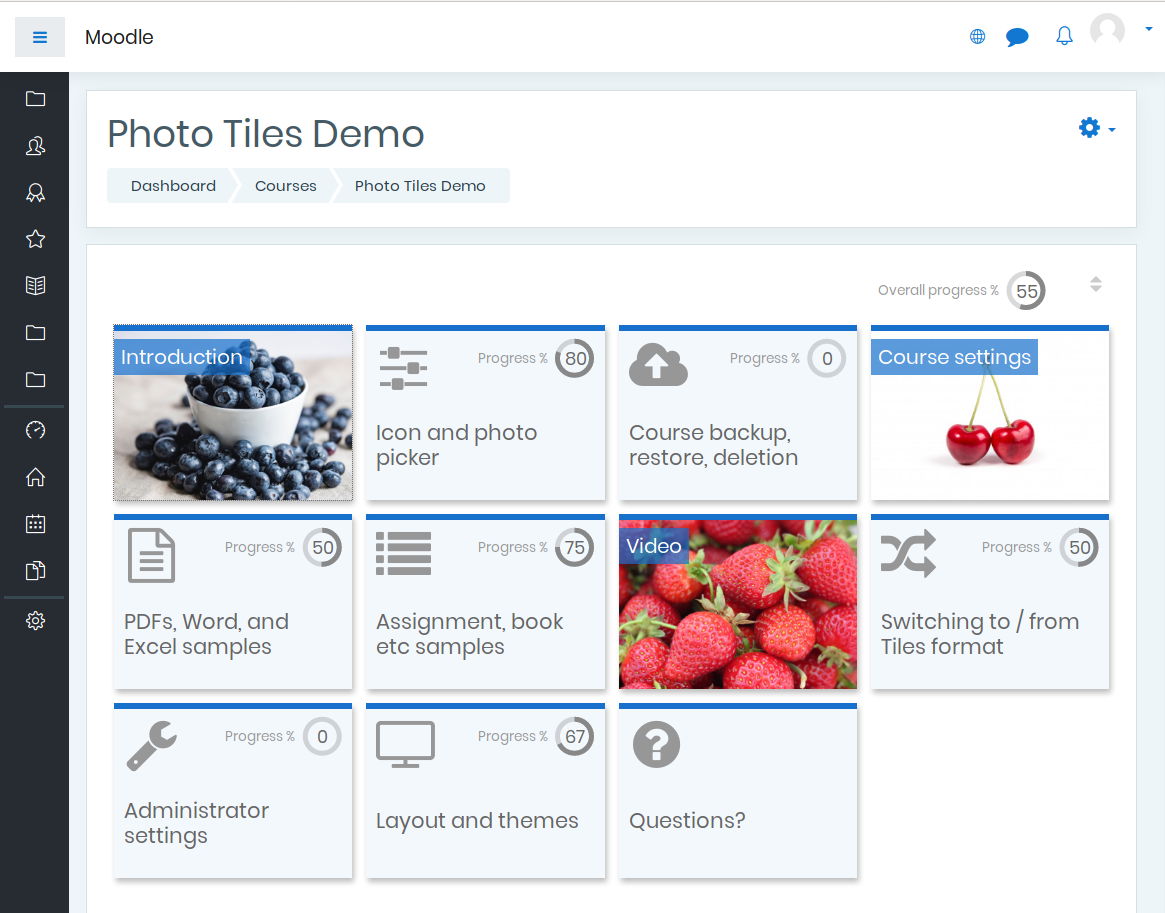
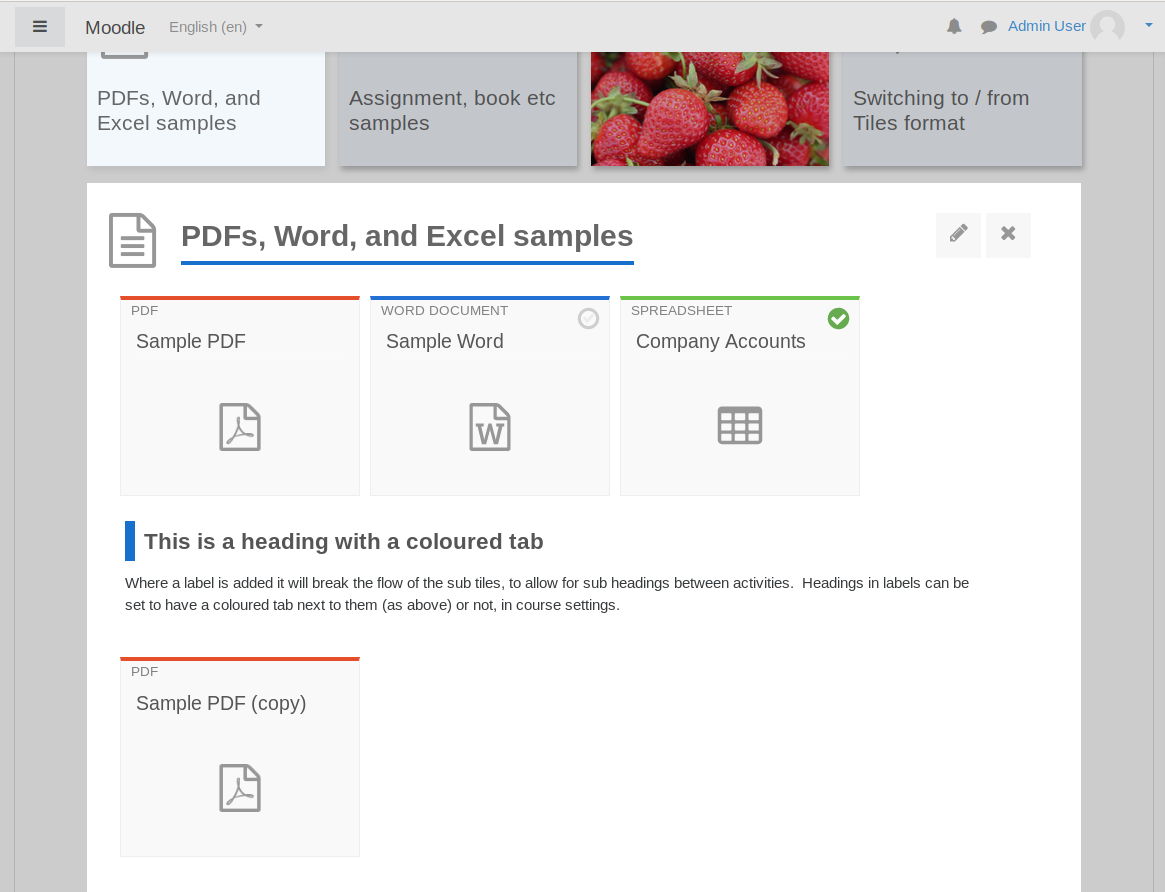
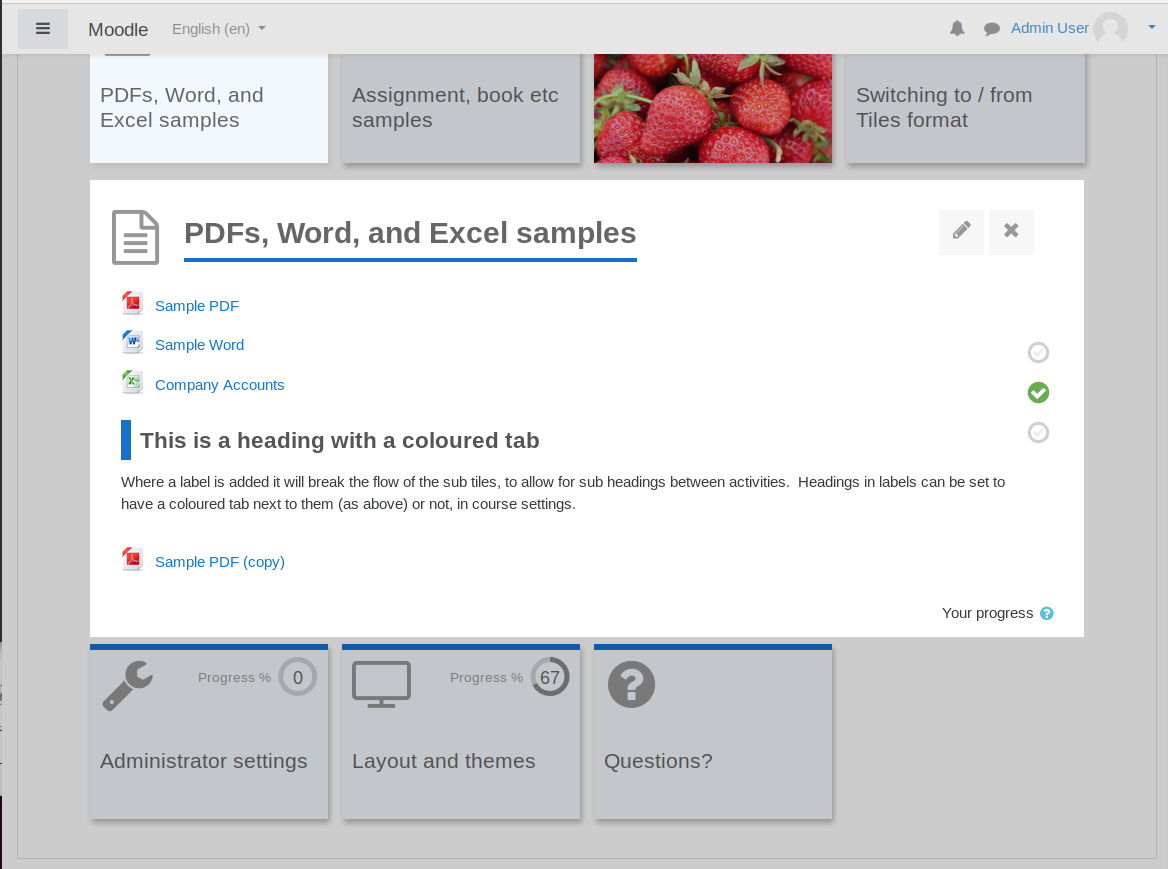
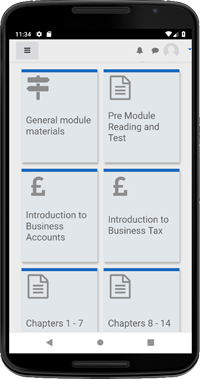
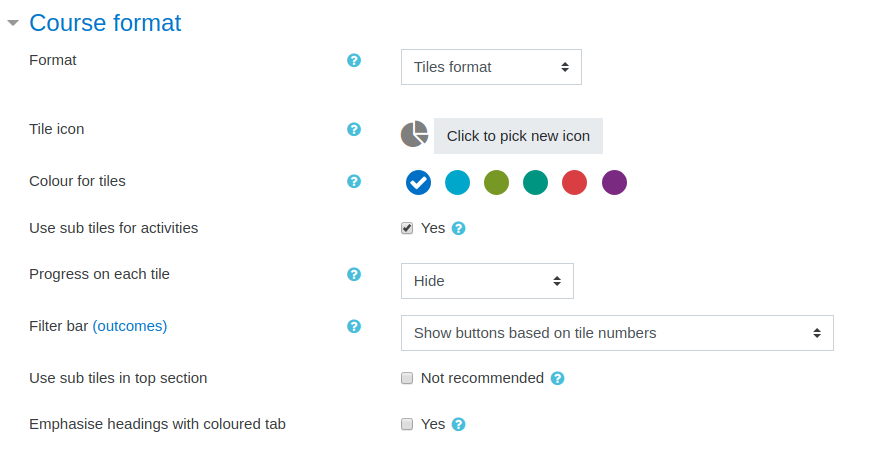
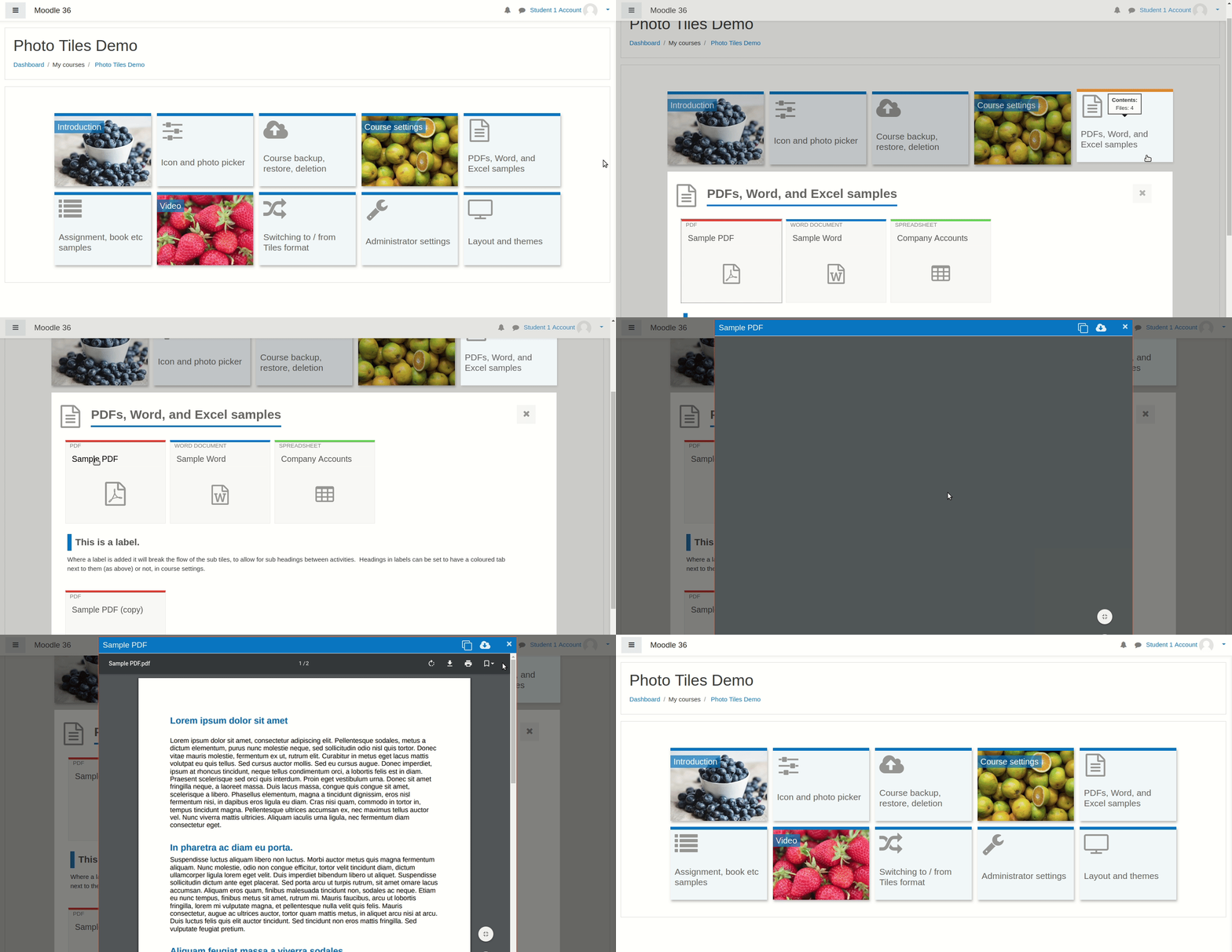
A course format which displays course topics as "Tiles", in a grid rather than as a list. When clicked, tile content is displayed under the tile with an animated transition. The layout adapts to different screen sizes and orientations. Within each tile, activities can also be set to display as "sub-tiles". For each tile, the teacher can pick an icon from a predefined set, or upload a background photo.
Comments
Product ratings and reviews are coming to Moodle Marketplace. Until then, existing comments remain available to read, but new posts have been disabled.
We found a bug. If you have a restriction to access a topic, for example pass a questionaire, when you pass the questionaire the topic is not accessible unitl you try ctrl-F5 3 or 5 times...
I need to create an orphan activity, but I can't.
Is there any way to do this?
When I log-in as a Teacher, I can see x of 35 activities completed.
When I log-in as a Student, I can see x of 5 activities completed. In other words, the hidden activities are NOT considered in the progress calculation. Therefor when a student is close to completing a module the progress percentage gets closer to 100%.
Course is set-up with an assessment at end of each module. Student must complete and pass the assessment before they can see the next module. It appears that only the visible activities are used in the progress percentage calculation? Is there a way to disable progress at course level? (e.g. not through plug-in settings in site admin).
your tiles course format is wonderful, and you is too great!!!
I think Tiles course format is the best one in the world.
I'm 曾棕根(Zonggen Zeng) from Ningbo Polytechnic, Ningbo City, Zhejiang Province, China.
Yesterday I fixed your Tiles course format , if user have not upload the photos of the sections, Tiles will select a photo from the photo-library zzg randomly when refresh the page everytime.
And I fixed another feature: when the title's length in disk are up to 24 Bytes I will cut it and add "..." to its rear, so the title is ONE line, it looks more beautiful.
see the real result, please see my course:
https://mood.nbpt.edu.cn/course/view.php?id=75
if you would change your tiles like me, I can send my fixed code to you.
my email: 461932968@qq.com.
Congratulations for the great plugin ! I have a suggestion for an improvement : include arrows on the left and right of the current tile to navigate to the previous/next tile, possibly with keyboard shortcuts (like the grid format does). Currently, one has to click on another tile to see its content, which is not always practical. Arrows would allow a faster navigation between tiles. There could also be a course setting if the teacher wanted to hide the arrows.
Regards
I'm also interested in being able to choose an image for the sub-tiles (e.g. thumbnail for an external video, either pulled from YouTube or add one when the video is not from YouTube or Vimeo.
When I add file (mov) to the titles, it appends redirect=1 to the desination URL. While this works fine on the modern browsers as the movie is played in the browser, however, using IE, this prompts a user to either play or download. Are there anyways to disable redirect=1? or I have to embed the mov to a page to work around this?
Thanks!
I have 1 Course with 3 Articulate Scorm Topic
I make 3 Activity Tile with This plugin
But Issue is Ones Student Click Tile This Scorm package not open direct
Its Showing One Drop Down Like then Showing One Link with Activity Name
Is it any option single Tile Click open Activity Direct
Thank you
Are you talking about the need to click the "Click X link to open resource" after clicking X for the first time?
Please see the following discussion:
https://moodle.org/mod/forum/discuss.php?d=388142
I was told that this issue is supposed to be fixed in the newest version of the plugin, but I don't have it myself so I don't know for sure.
I have course with 3 topic I want open activity in single click
right now open one page the need to click activity name again we need click your tile then open activity dierectly
Please help me
Thank you
What a great plug-in. I use it like a lot.
I set that I want to sub-tiles activities.
I have a request for that.
I also want to be able to choose an image from the sub-tiles.
Is that already possible (how?) Or is this something to work out in the near future?
Sincerely,
Kees Koopman
We started using tile format inside the course.
While customizing, we are finding a difficulty in changing the icon picture of tiles in sub-activity.
Could you consider adding an announcements display tile? We have your Tiles, and we dislike the default blocks at the top and side.
We have an RSS workaround, but it would be nice to have it integrated!