Tiles format
Maintained by
David Watson
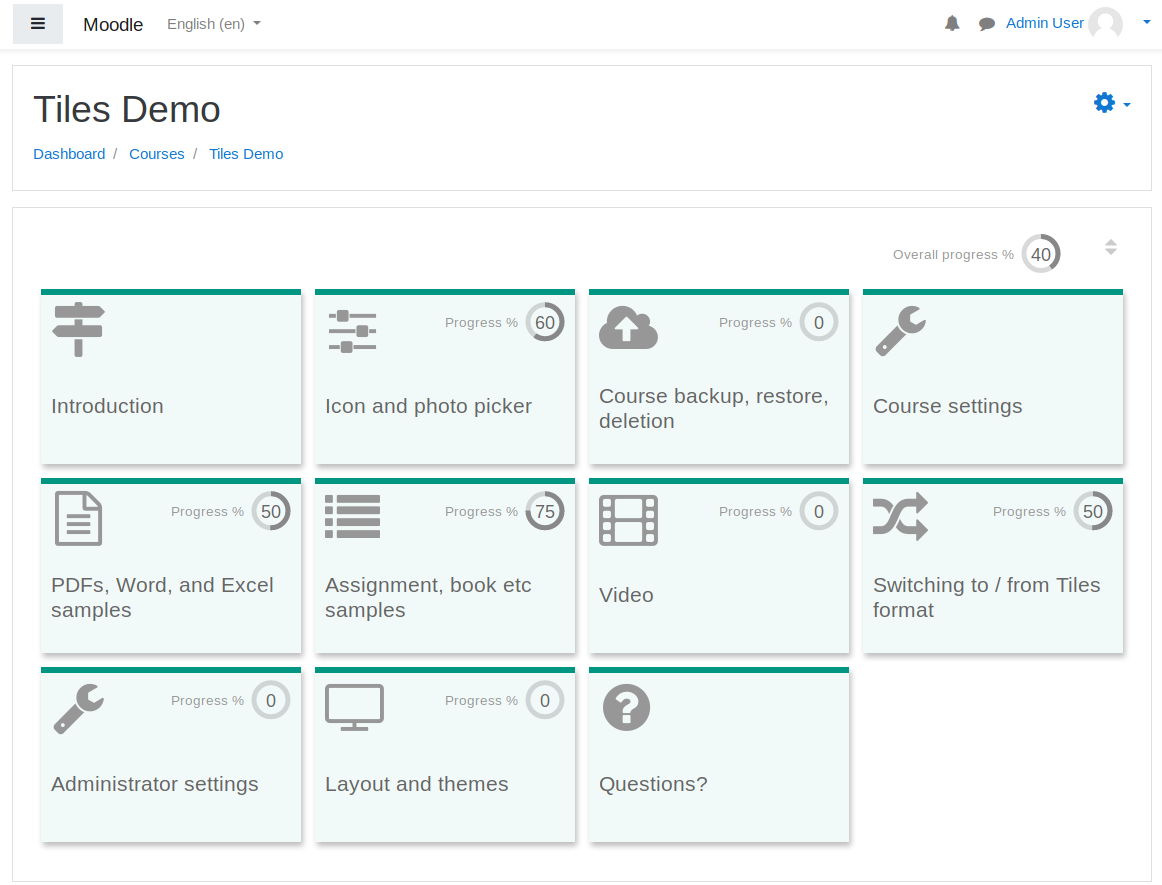
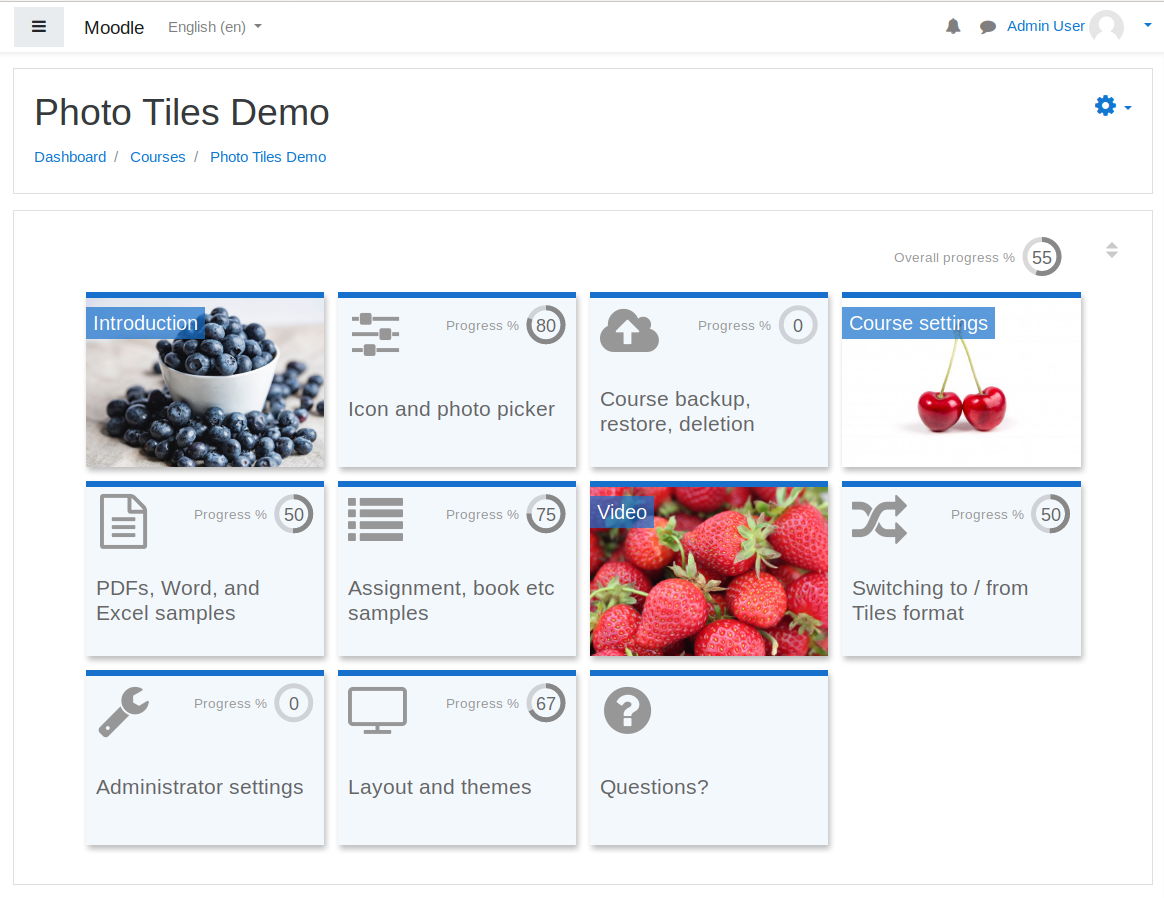
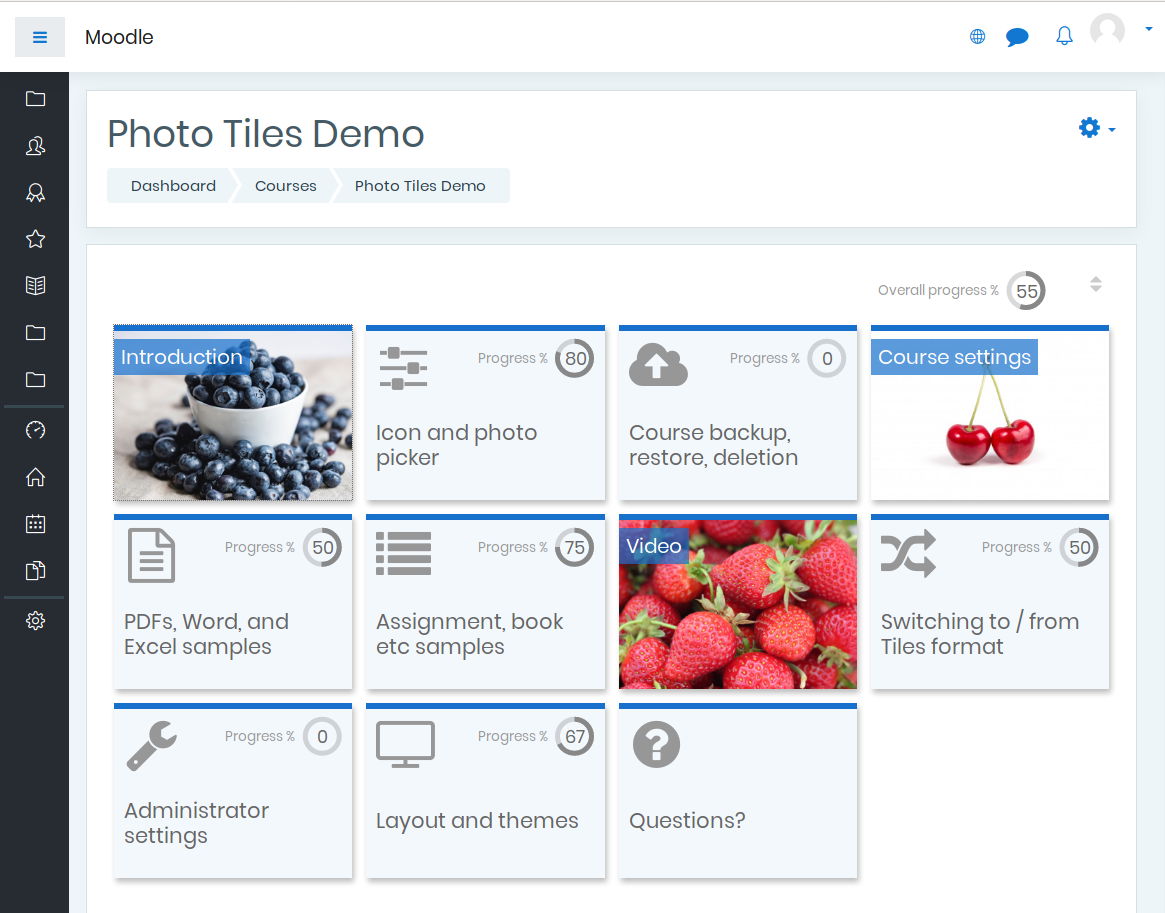
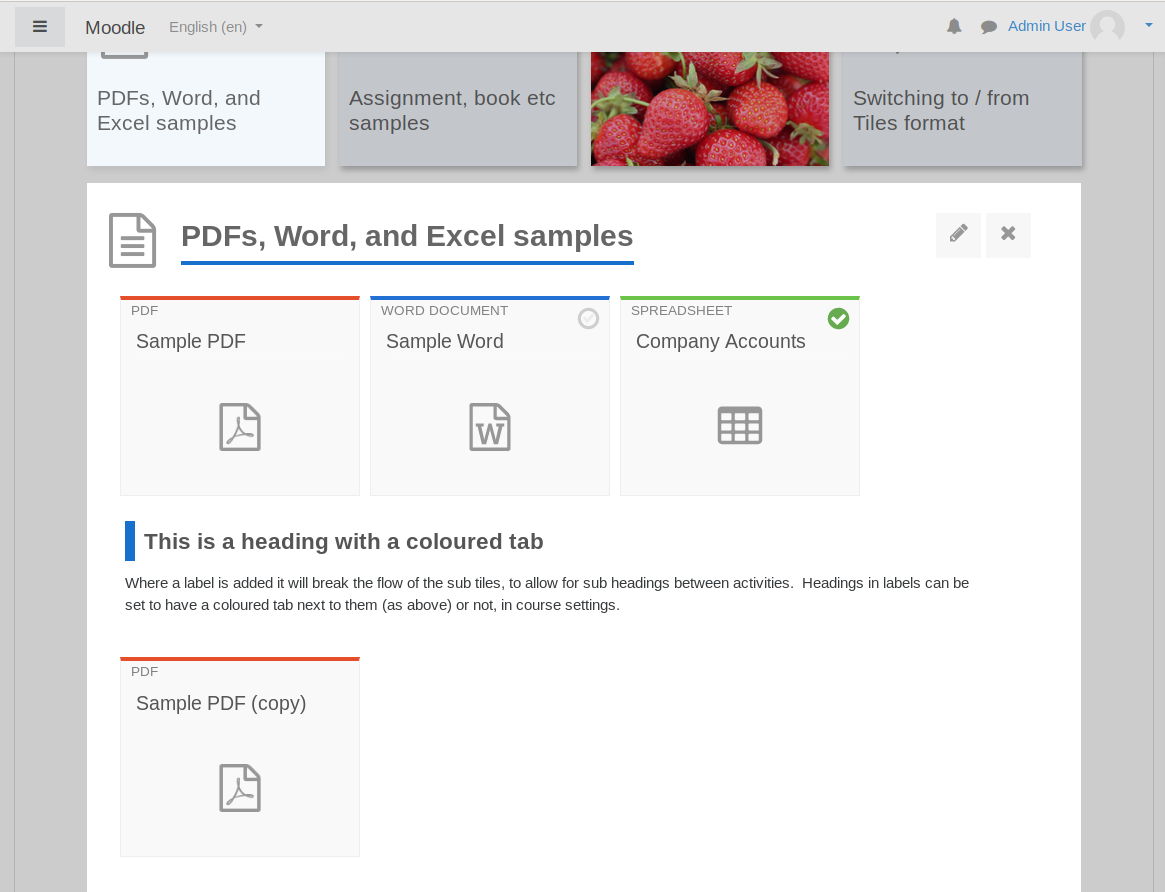
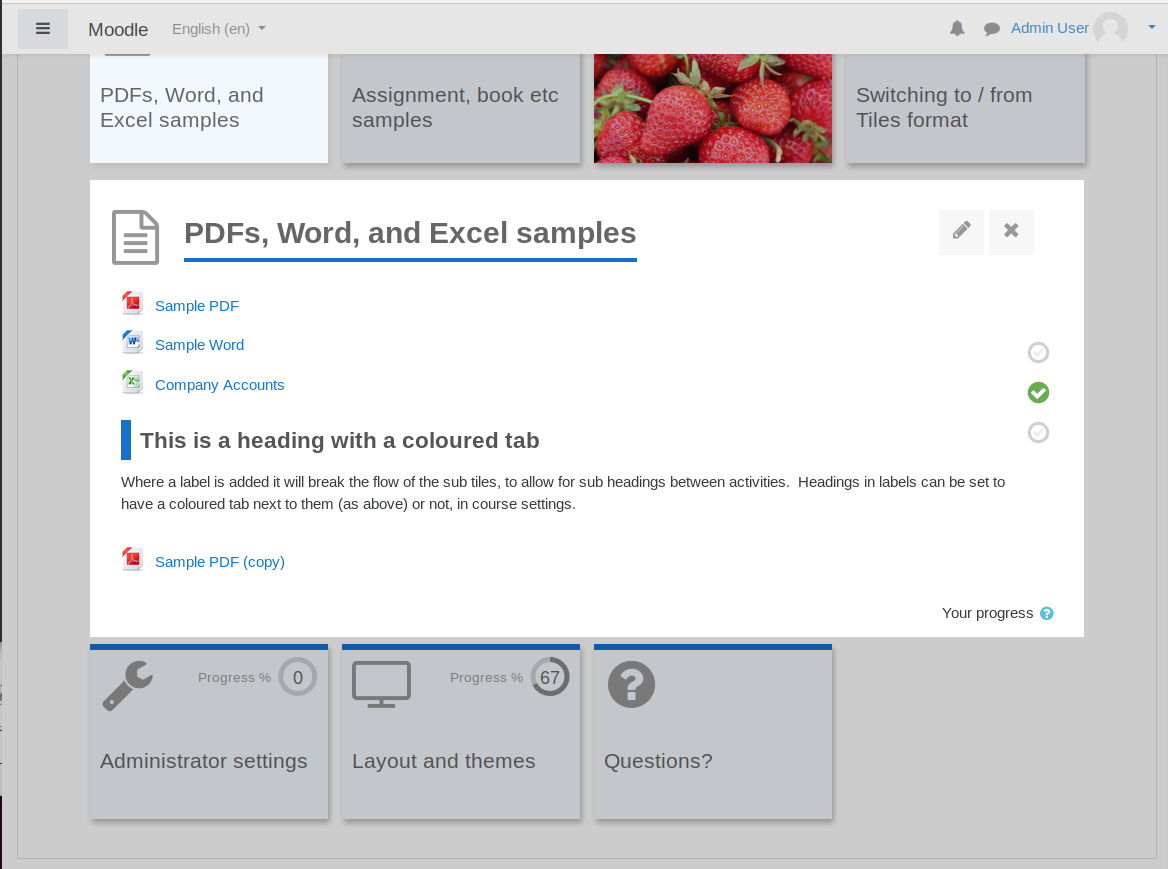
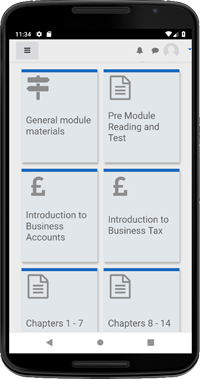
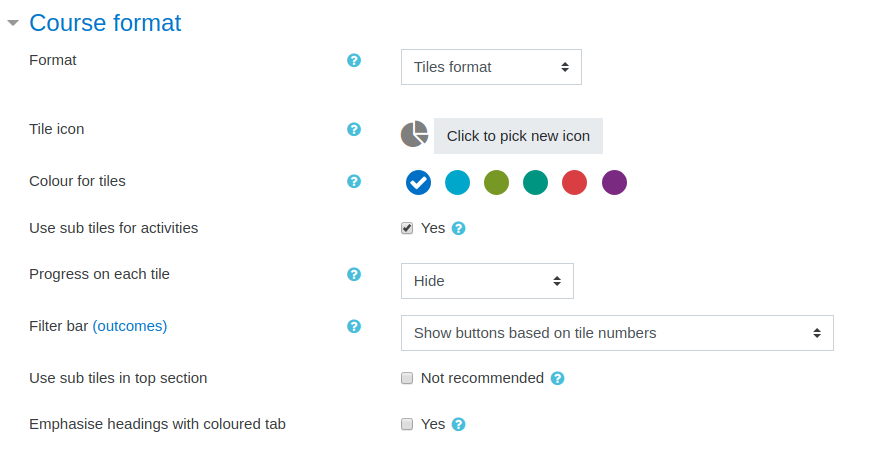
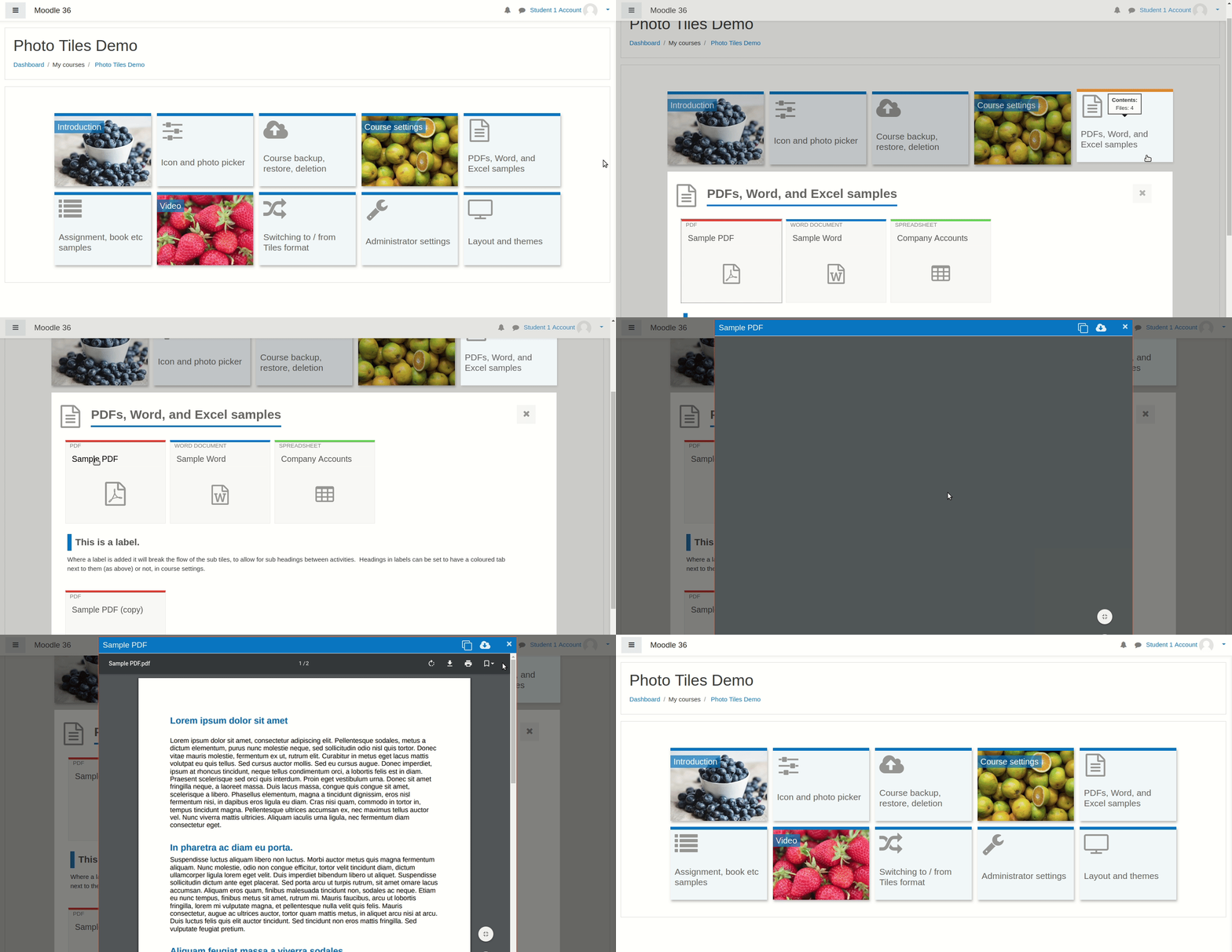
A course format which displays course topics as "Tiles", in a grid rather than as a list. When clicked, tile content is displayed under the tile with an animated transition. The layout adapts to different screen sizes and orientations. Within each tile, activities can also be set to display as "sub-tiles". For each tile, the teacher can pick an icon from a predefined set, or upload a background photo.
Comments
Product ratings and reviews are coming to Moodle Marketplace. Until then, existing comments remain available to read, but new posts have been disabled.
Does anyone know how to solve this?
Thanks
Thanks for such a lovely plugin. I am trying to use in Moove theme. I wanted some change in font type in topic names so added that in custom CSS and added some google fonts in additional HTML. It works fine without Tile format. But with tile format the section name is not displaying with updated font style. How to do this? Any help?
.format-tiles .btn:hover { background: inherit; }
Could you make more specific so it doesn't affect all btn?
Thanks
1. when sub tiles are used for activities, labels don't even show checkbox to mark it complete.
2. when subtitles are not used, labels do show checkboxes, i can mark them. but on homepage, on main tiles, these are not counted.
While this plugin does work very well, and is regularly updated, I agree with @Gabriel here, it is completely confusing that some resources/activities open in a modal window and others don't. But I guess the real issue here is the broken navigation model in Moodle, that I hoped to bypass using this plugin.
How did you guys ended up configuring your module? How can we get the learner back from an activity into the course view (where the tiles are visible)?
Thanks for any suggestion
You have an estimated cost that would involve including forums, tasks and glossaries. This would help me a lot.
Thank you
------
This course format is great.
Personally, I believe that it increases usability and user experience when browsing. Thank you so much for sharing it.
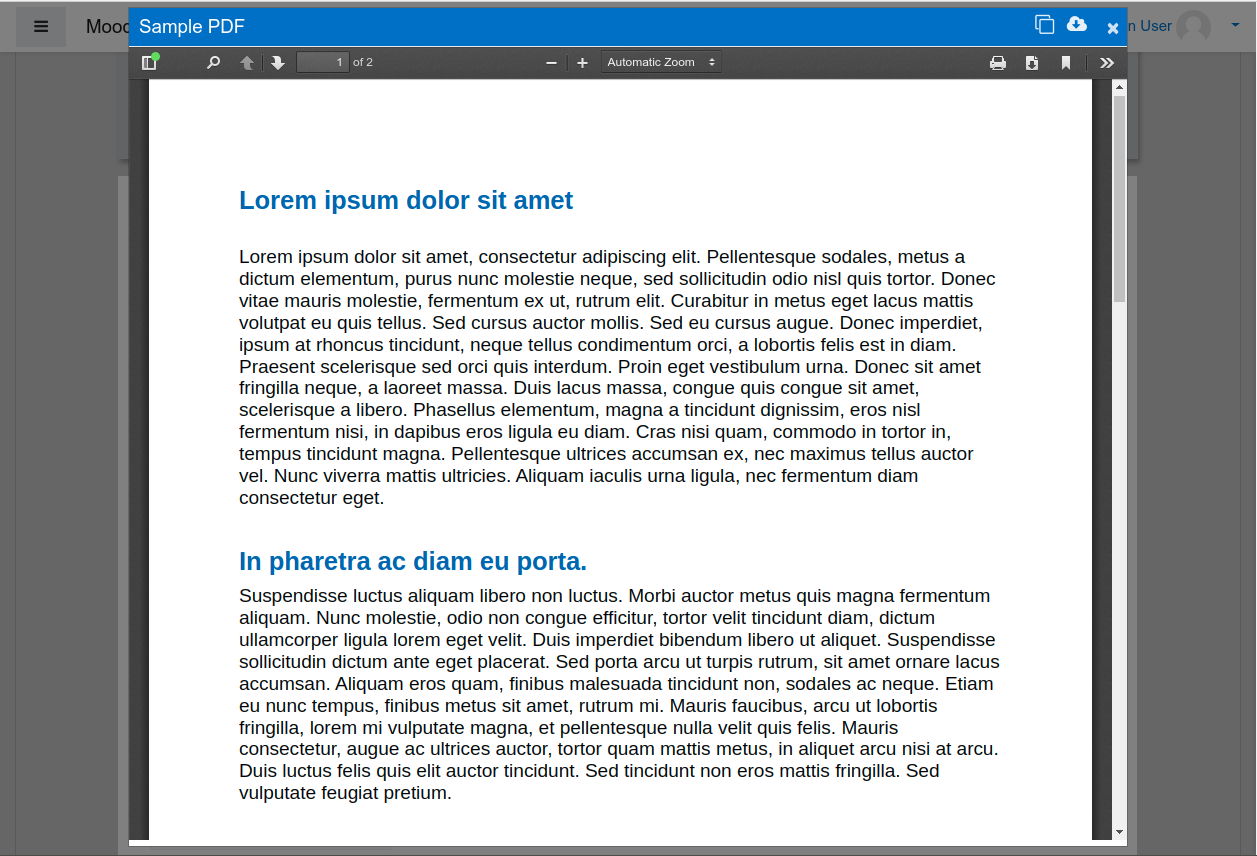
I wanted to make a query, you have thought about enabling the option so that not only the pages and PDFs are displayed in a modal window, but that this is for all resources, such as lessons, tasks, questionnaires, in short all activities What does moodle handle?
I think that by incorporating this detail, it would be the best way to navigate the contents.
Thank you for your time and your response.
One other thing I noticed. When doing a User Tour on a course that uses the Tiles format, the CSS seems to override. The pop-up boxes show a blue header and black text, which is different to how the User Tour looks on, say, the front page.
- Jérôme: For photo tiles I didn't include all of the elements which are displayed on standard tiles. I thought it better to let the photo show as much as possible and too many things hovering on top it didn't look good when I tried.
- Mina: you could do this by adding custom styles to Site Admin > Plugins > Course Formats > Tiles Format > Other > Custom CSS. If you know CSS or have someone who can help you with it, you can override colors here.
- Dan: progress on photo tiles - I just introduced progress for photo tiles as a new feature, so thanks for the bug report. I have pushed a fix for this up to Bitbucket just now to hide progress if there are no activities to complete, as with standard tiles. I will add it to moodle.org soon as a new version. You also spotted that, on photo tiles, it's not yet possible to use radial % progress indicators, only fractions. This is intentional for now, until I complete the additional feature. If you prefer to deactivate progress display on photo tiles, you can do that under Site Admin > Plugins > Course Formats > Tiles Format > Photo tiles. The hover issue is I believe specific to Lambda theme and doesn't sound hard to fix for a developer with access to the theme, but I don't have it. Finally the 'Your progress' thing - I am adding a class to this element in the next release. After the next release, you can hide this item by adding the following text to Site Admin > Plugins > Course Formats > Tiles Format > Other > Custom CSS: .format-tiles .completionhelp {display: none;}
I am proposing to take photo tiles out of beta soon so if you have found any issues in testing, please let me know. You can use the 'Contact developer' button above to contact me by email.
1. Is there a way to remove the 'Your Progress ?' element that resides at the bottom of each section? This seems redundant now and - when the ? icon is clicked - nothing happens.
2. When we use Tiles for Activities/Resources we see a strange effect where the resource icon eg. PDF icon, displays multiple times when hovered over. This is inside the tile. Could this be a theme conflict?
Thanks again.