Tiles format
Maintained by
David Watson
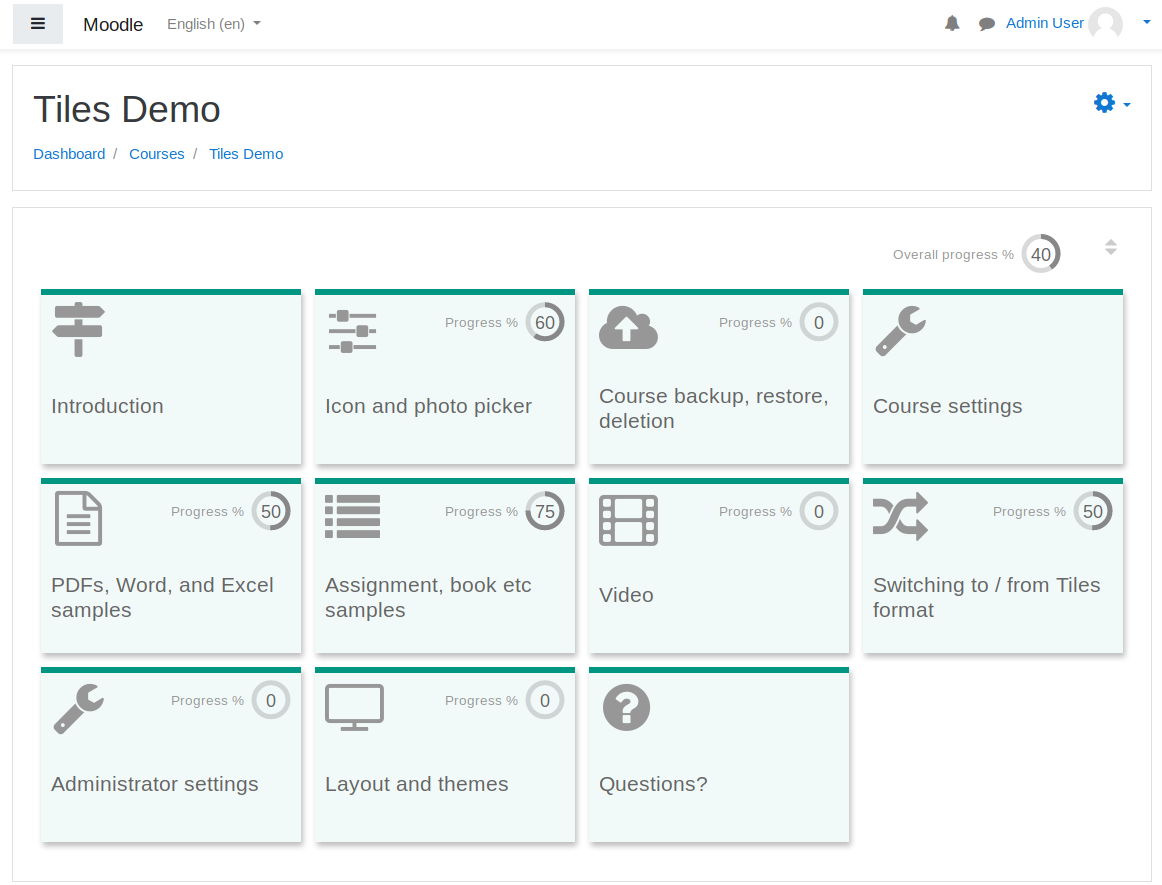
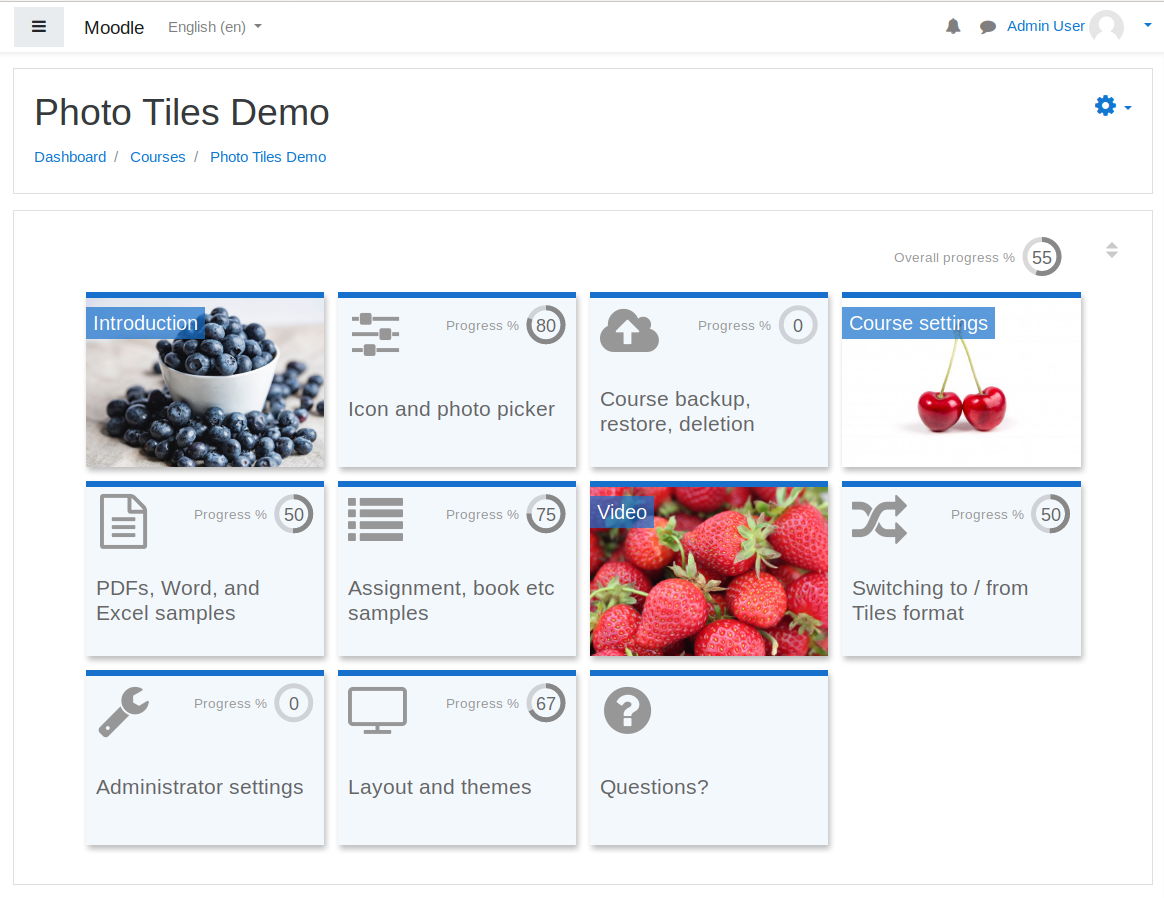
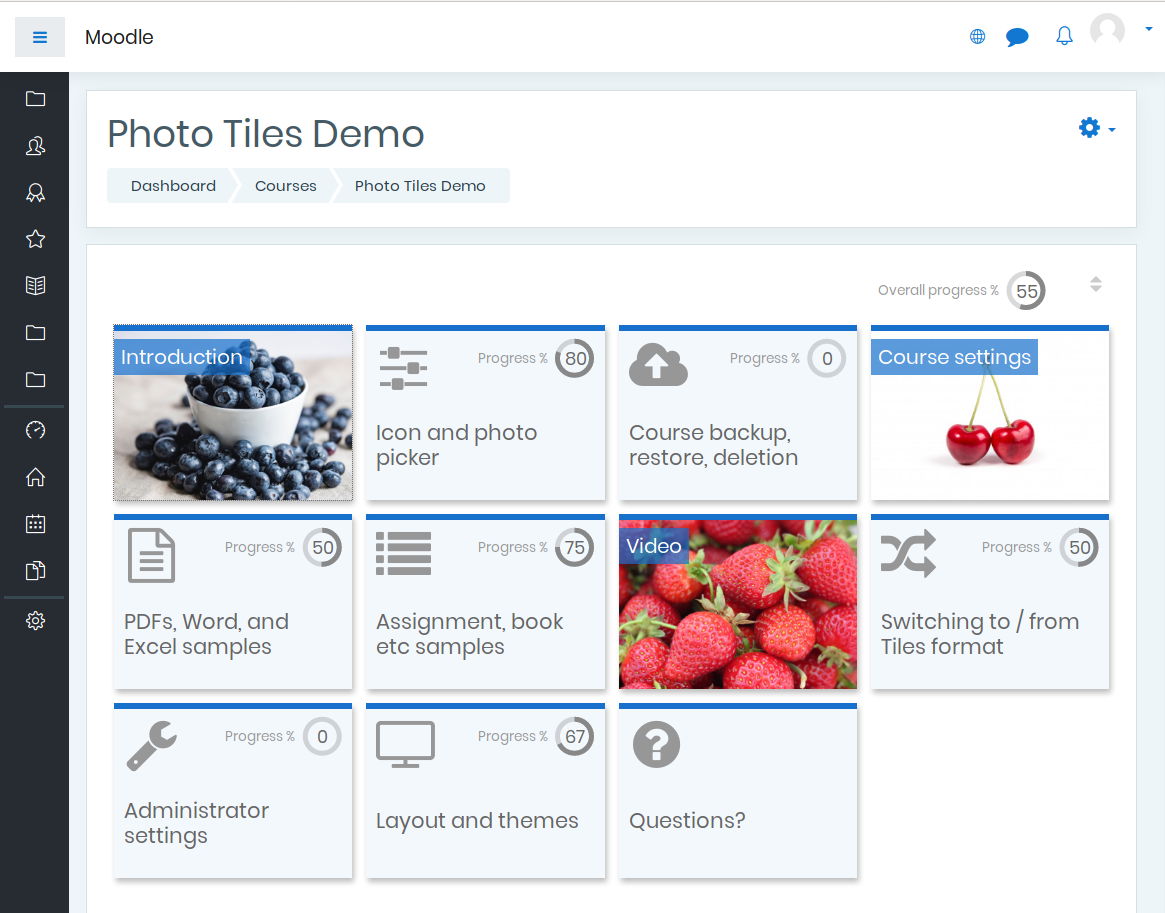
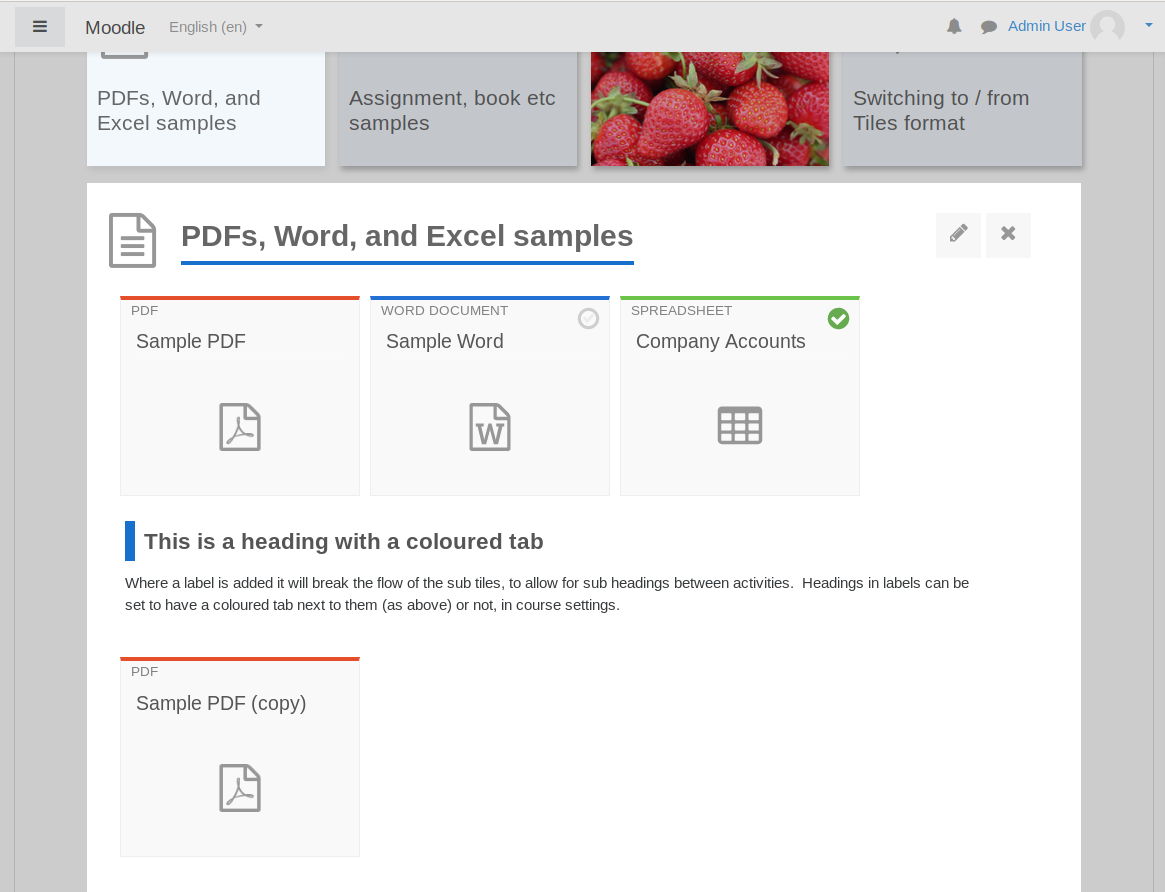
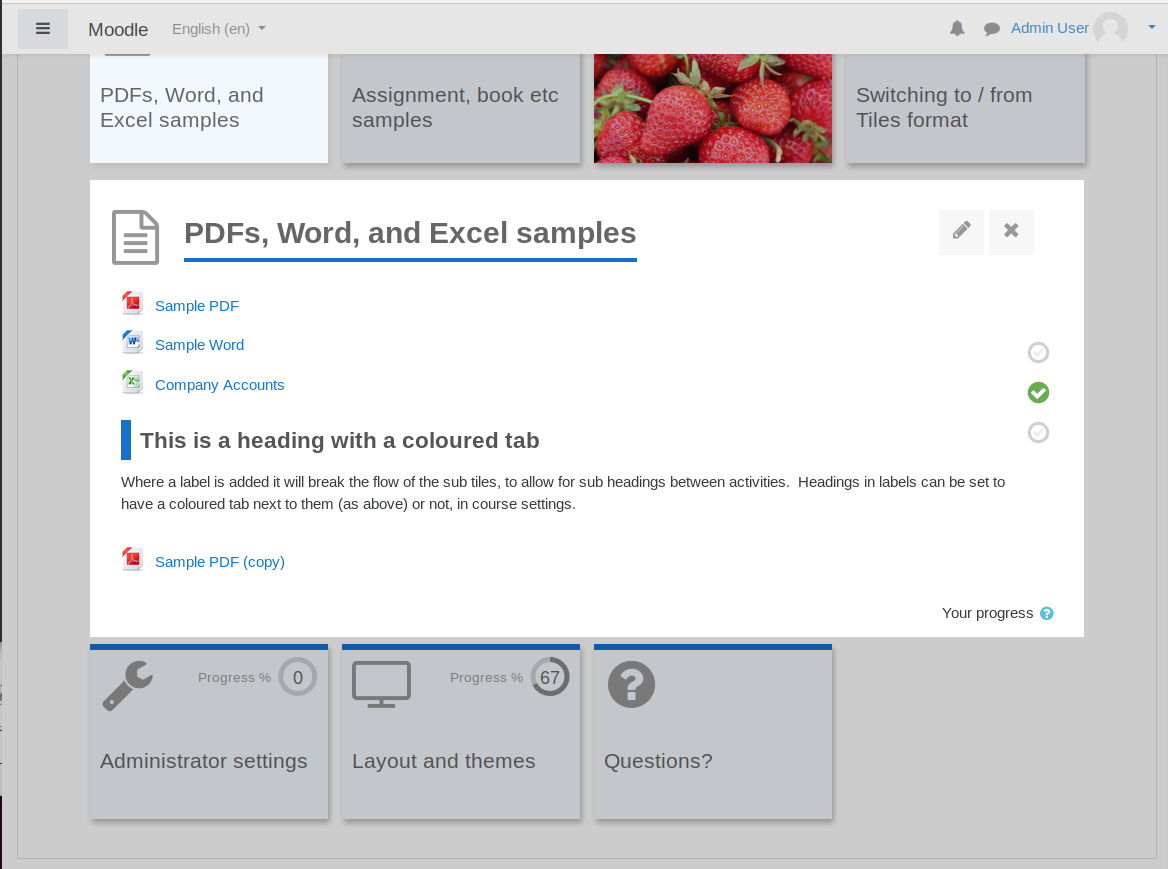
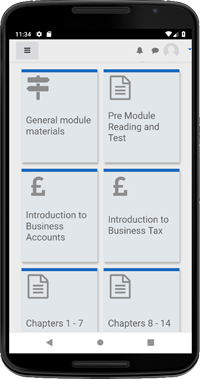
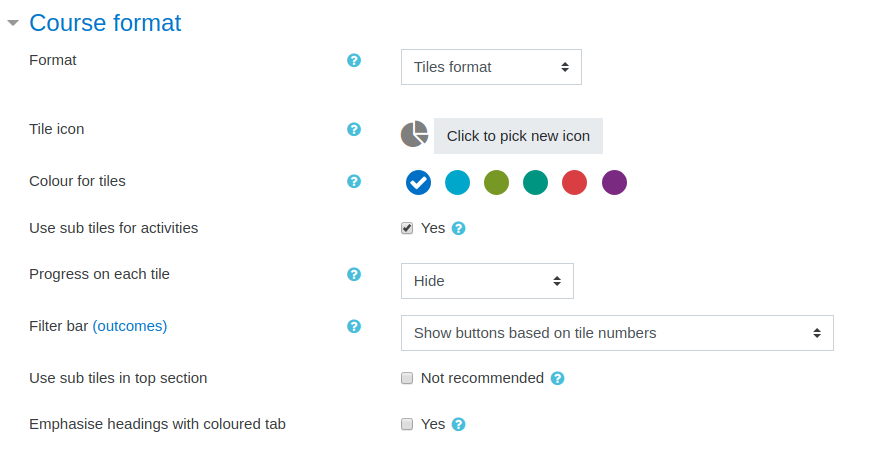
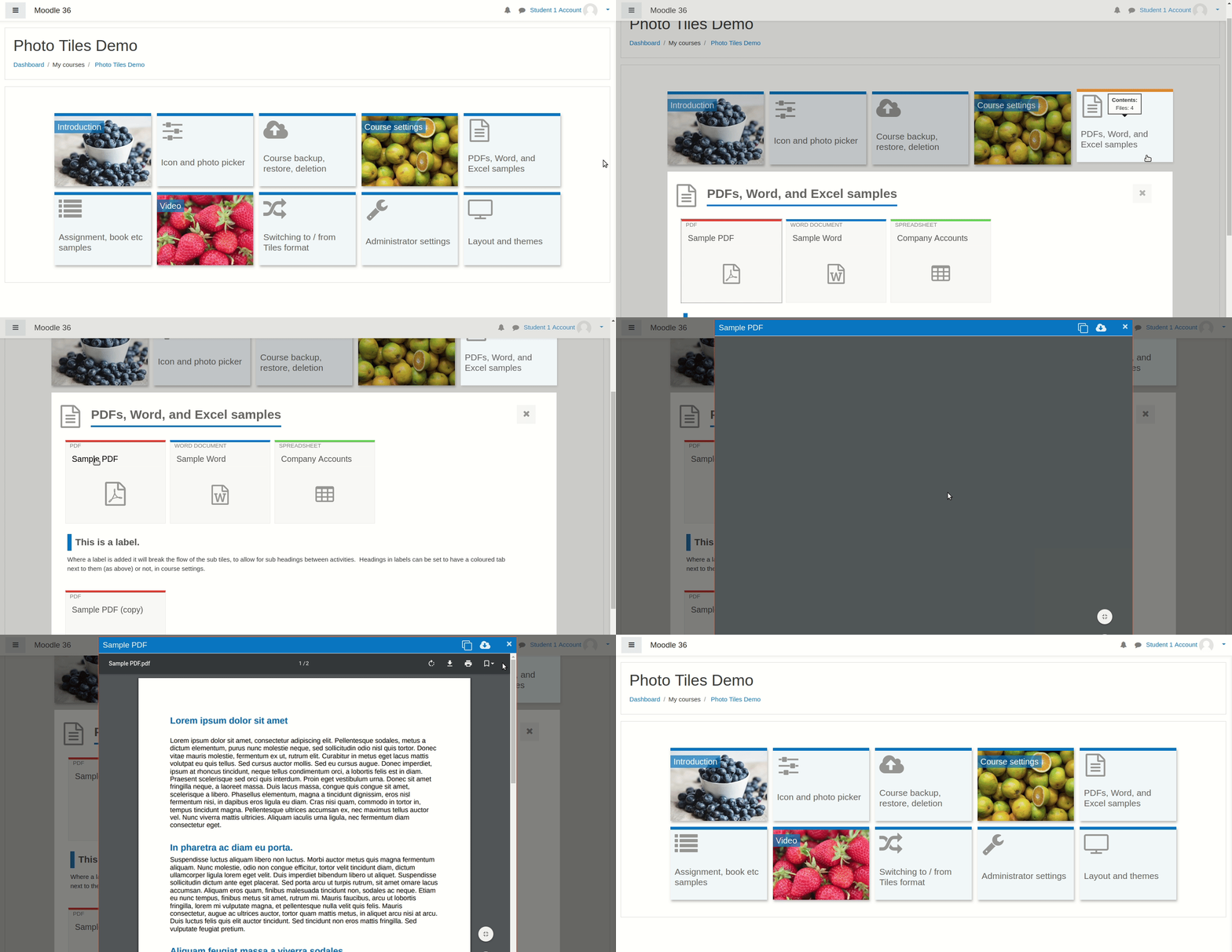
A course format which displays course topics as "Tiles", in a grid rather than as a list. When clicked, tile content is displayed under the tile with an animated transition. The layout adapts to different screen sizes and orientations. Within each tile, activities can also be set to display as "sub-tiles". For each tile, the teacher can pick an icon from a predefined set, or upload a background photo.
Comments
Product ratings and reviews are coming to Moodle Marketplace. Until then, existing comments remain available to read, but new posts have been disabled.
Firstly, congratulations on such a fantastic plugin.
We are testing our the course format and I noticed a couple of anomalies. We are using your 3.70.13 release and we also use the Lambda theme.
What we are noticing is that tiles are showing a progress status even when no content is included. I'm sure this isn't right, and I'm sure this wasn't the case with the previous version (before images were possible). Also - when selecting the % display option - we're not seeing the circle display in the Tile; it's a bar at the bottom.
Finally, can you confirm if there is an option to show new content has been added to a section? This is possible in the Grid format and would be hugely useful.
Thanks - Dan
The workaround for the time being would be to deactivate "Fit tiles to screen width" under Site Admin > Plugins > Course Formats > Tiles > JavaScript. It comes from an experimental feature which probably needs a little adjustment.
I'm really enjoying this theme as it works very well for more visual learners. However, I've the same issue as @Srikant Padhi where the tiles have to aligned themselves across the page but with a narrow area for content - this means when the drop-down occurs any embedded content (large images or videos as a Label) is quite narrow and thus are unreadable or have a scroll bar.
Example 1: Course which has 10 tiles, these spread themselves across the page as 7 top row and 3 bottom. This means the drop-down fills the entire page/browser window. Great!
Example 2: Course which has 6 tiles has aligned as 4 on the top row and 2 on the second. This means the drop-down for content is narrow and does not fill the page.
Is there a fix for this? The loading page does appear before the tiles are displayed but this leads to the above issue. When I use the demo site I get 5 tiles across with the side-nav showing which shows more content, so I'm not clear on why this does it on my site! I'musing Fordson on 3.6.
Thanks,
Juli
I love your plugin!
Can I request being able to change activity icons, like tile icons?
In adaptable theme the subblocks images no redirect for the content, just the text contains the link.
In the boost theme this does not occur.
Can i help me?
Sorry for my english.
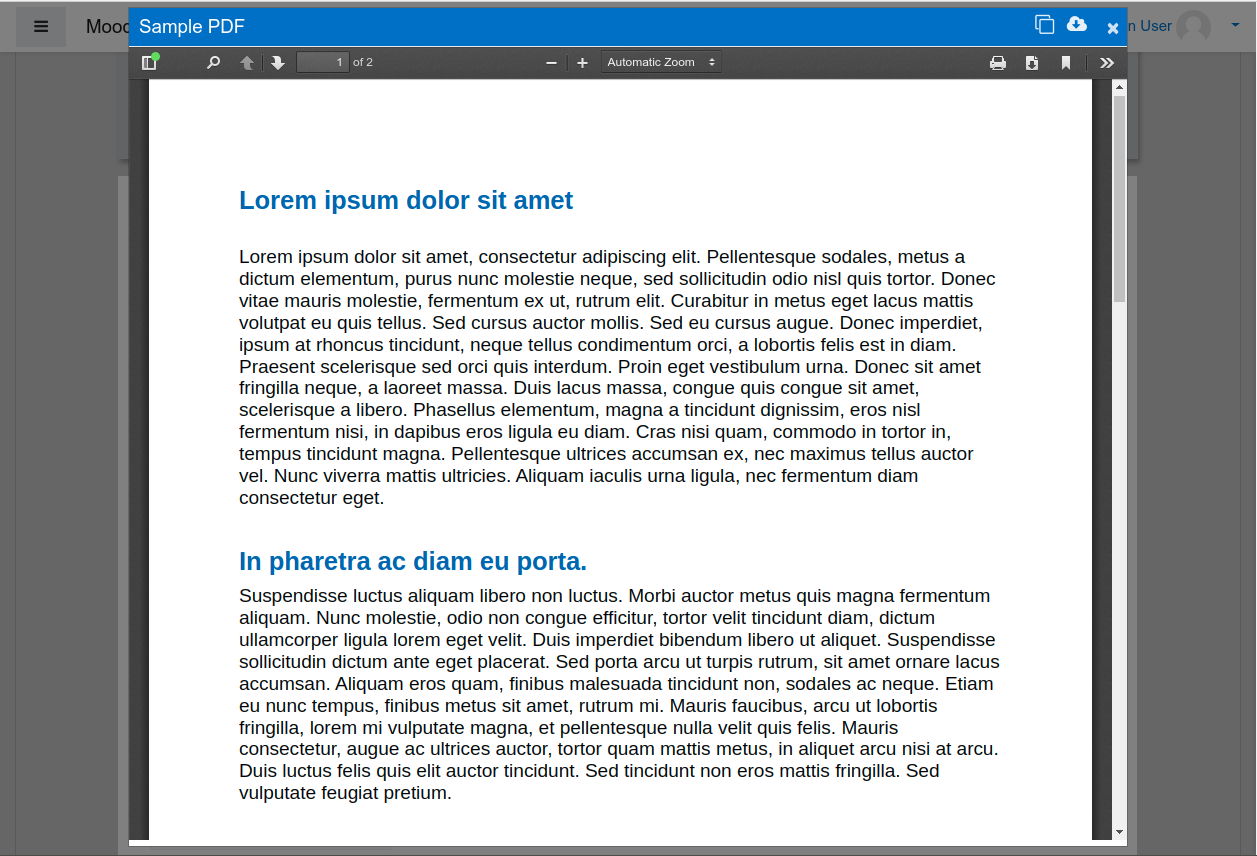
- pages will open in modal windows (pop ups), unless the site admin has disabled this feature site wide by unchecking "Page" under Site Administration > Plugins > Course Formats > Tiles > Modal modules > Page
- you could also post the video as a "URL" activity and set "Display" to "embed". If you do that with plugin version 3.3.x, the video will display without a modal window. If you do that with plugin version 3.7.x (currently in "beta" but I hope to upgrade to "stable" in the next few weeks), you will see a modal window, unless the Site Administrator disables modal windows for URL activities by unchecking Site Administration > Plugins > Course Formats > Tiles > Modal resources > URL (Display: Embed)
I hope that makes sense. If you want to send me a screen shot of the issue you have using the pop up, please use the "Contact developer" button above to message me and I will email you back.
we need to display youtube videos embedded as iframes in pages (as resource), but we don't want the pages to popup, since that interferes with the display. Strangely, when in editing mode, the page opens within the same window, whereas with editing off, the page opens in a popup.
How can I set pages to NOT open as popup? Thank you, and thanks for this beautiful course format.