Tiles format
Maintained by
David Watson
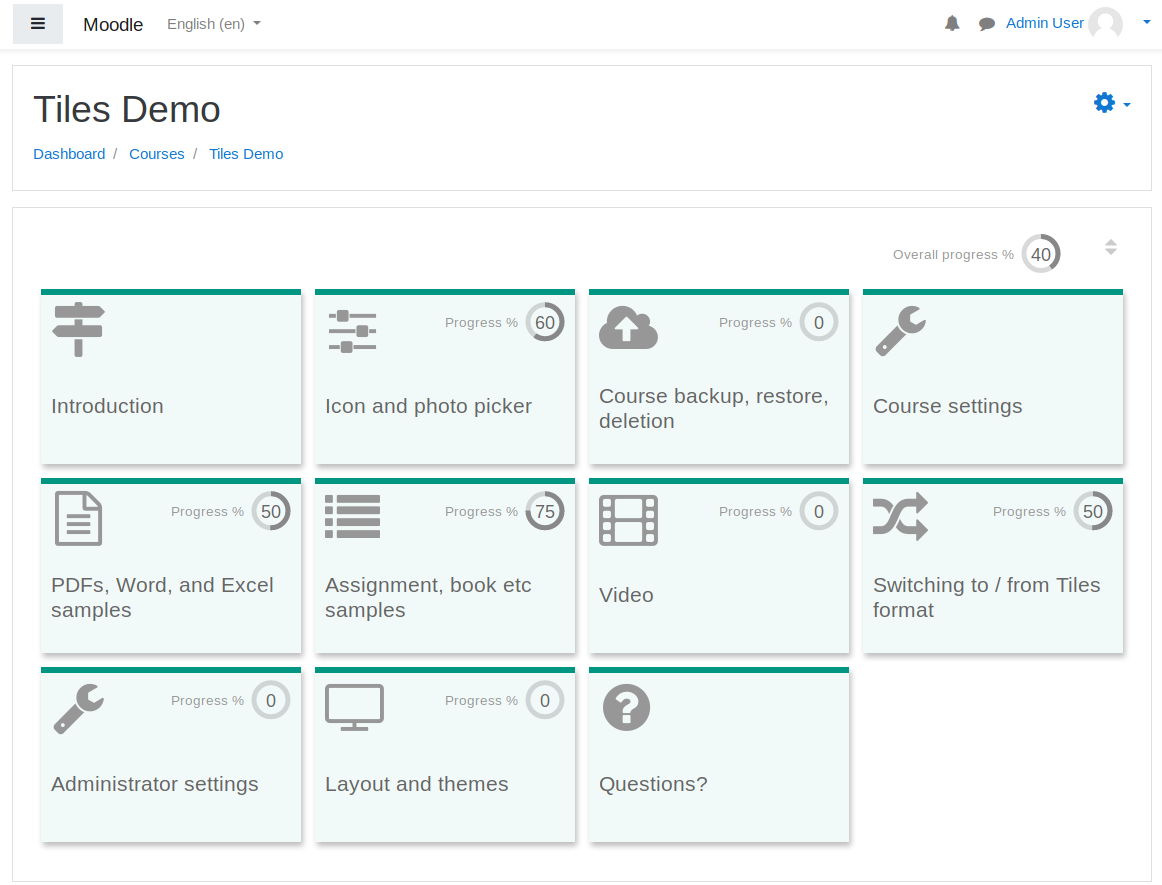
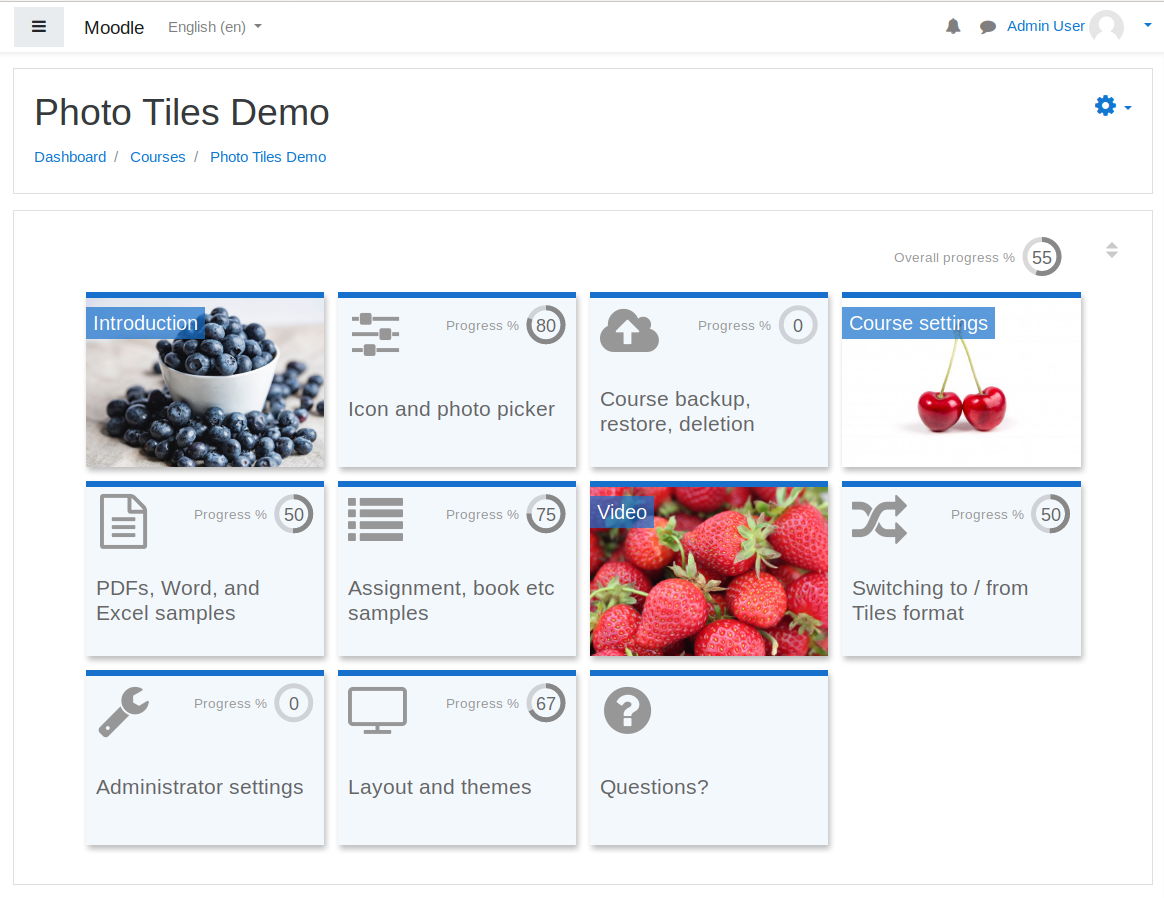
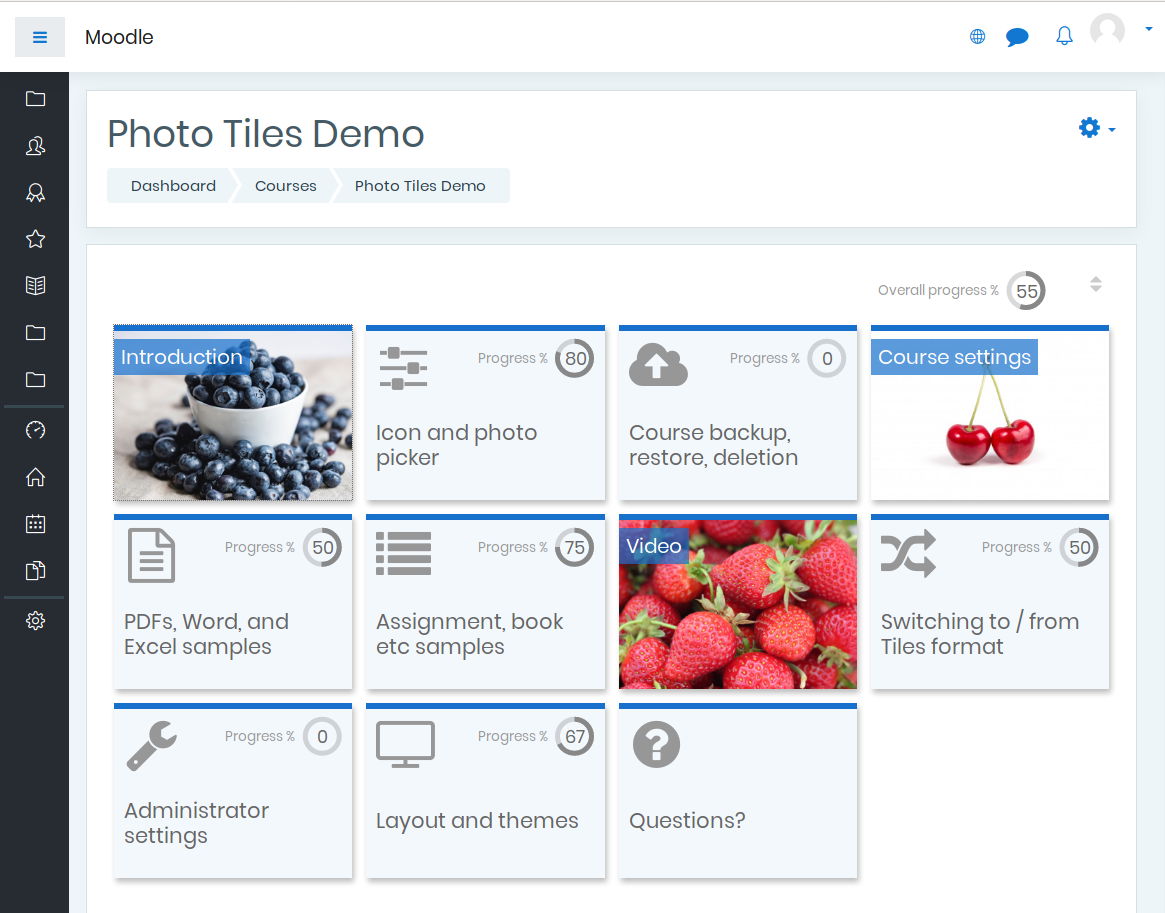
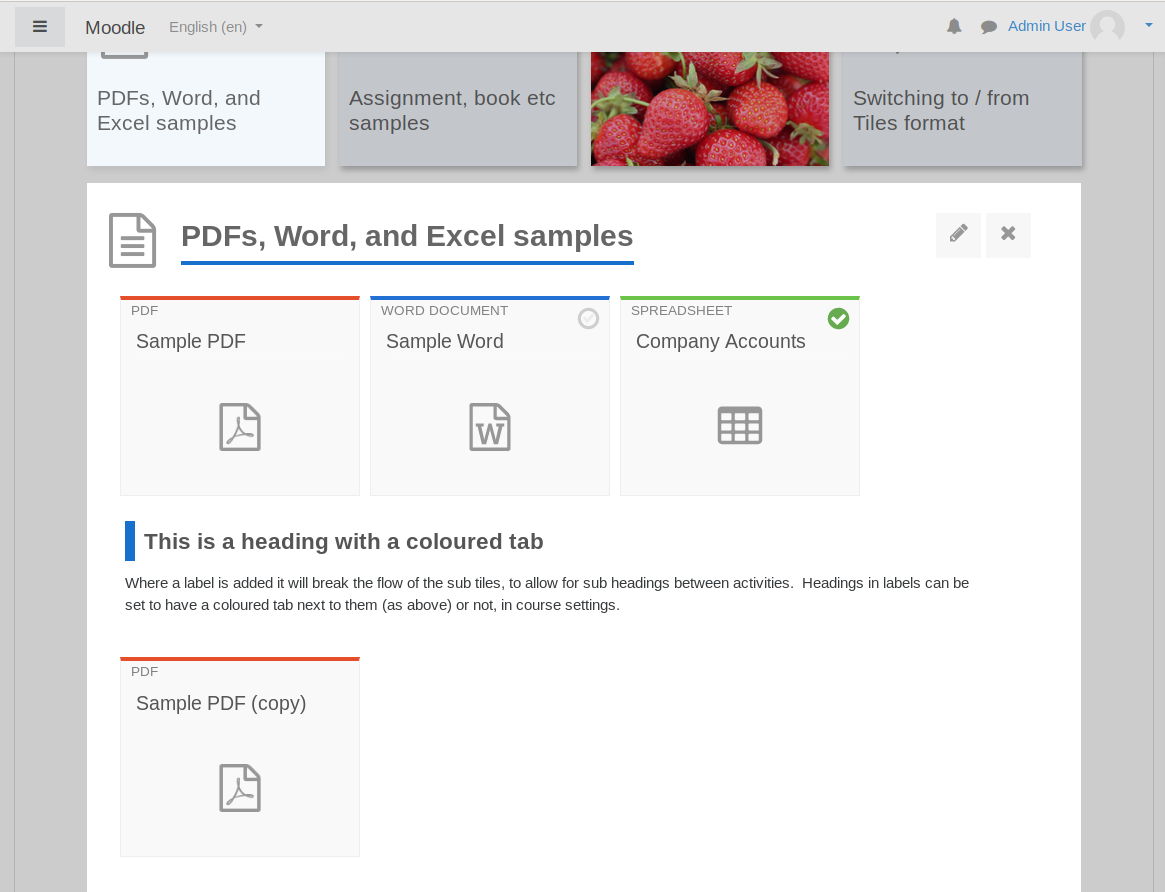
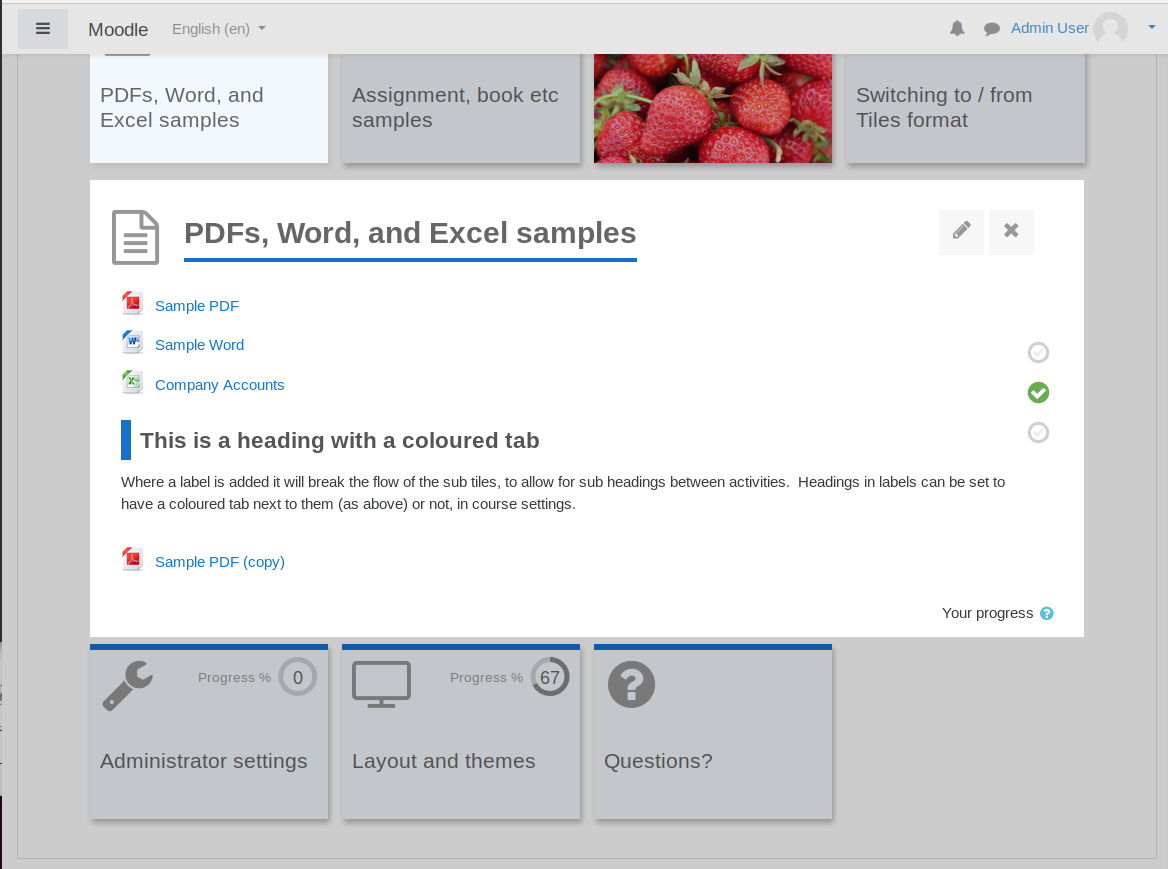
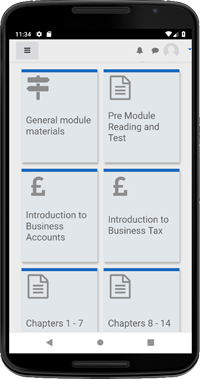
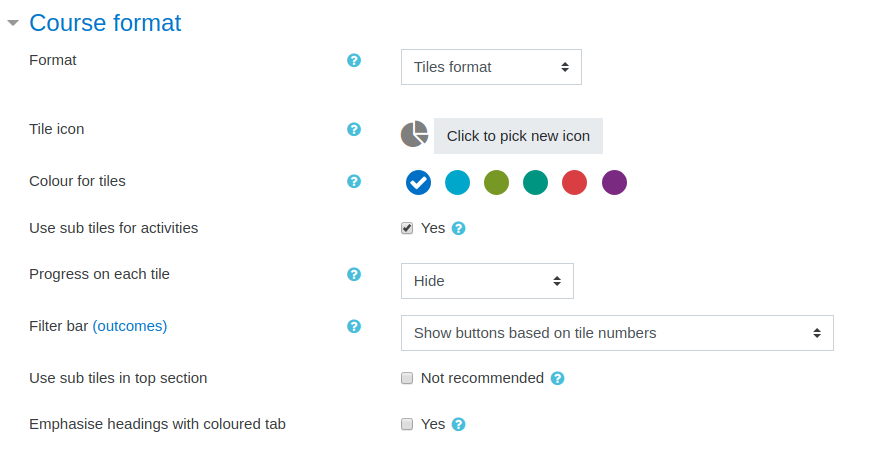
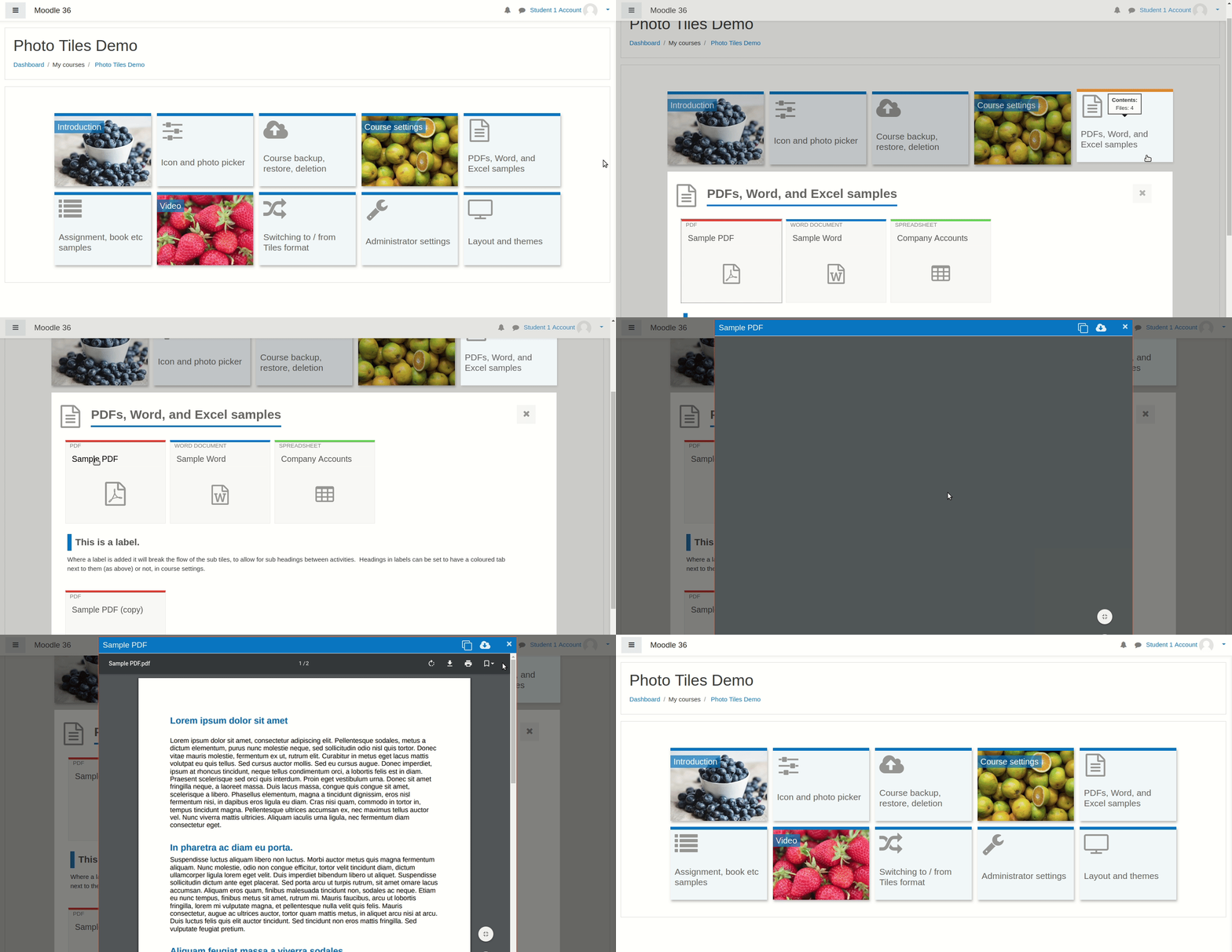
A course format which displays course topics as "Tiles", in a grid rather than as a list. When clicked, tile content is displayed under the tile with an animated transition. The layout adapts to different screen sizes and orientations. Within each tile, activities can also be set to display as "sub-tiles". For each tile, the teacher can pick an icon from a predefined set, or upload a background photo.
Comments
Product ratings and reviews are coming to Moodle Marketplace. Until then, existing comments remain available to read, but new posts have been disabled.
This format is a really great step to really giving a facelift to Moodle - it just really modernises it.
Thanks again.
Catherine
Thanks for the kind comments. Some good news:
- There is a "reveal all sections" button in the bottom right hand corner of the screen when editing mode is on. I accept that this is fairly well hidden!
- For the next release (later this week I hope) the button will be moving to the top right of the screen and will be much more visible.
- Once you click the button, it will remember to keep the sections expanded until you collapse them or log out.
Longer term, I have plans to improve this further - I'd like to handle it in a similar way to the student screens, where content for additional sections can be loaded quickly without a full page reload being required. Full page reloads can take a long time if the course has a lot of content. I have some code for this already but it needs a little more work.
Thank you for creating this beautiful course format. I am testing it at the moment and hope to be able to roll it out.
A challenge for me though is how the sections are all collapsed when Editing mode is turned on. Generally teachers expect to be able to see where everything is when editing is on, and to be able to easily move content around from one section to another.
Currently, to move File X from Section A to be the 2nd resource Section C:
- I turn editing on
- I need to already know which section File X is located in - otherwise I need to navigate around to the different tiles
- I need to expand out Section A
- I can now see File X and can drag it down to Section C.
- I can see that File X is in section C. However, I can't see the other files in Section C
- I need to expand out Section C because I need to re-position File X to be the 2nd file in Section C.
It is for this reason I am nervous to roll it out! I need for a course format to be user friendly for the teachers and admins as well as the students.
If all sections were expanded by default.
- I turn editing on
- I can see straight away where File X is located.
- I can drag it down to Section C and simultaneously place it in position 2
Thank you
Catherine
- Completion checkboxes - these are improved in version 3.3.6. Thanks to Bruno Henrique Cury for his help testing this behind the scenes.
- Using photos on tiles - Kasper I added an FAQ about this. Maybe one day we could do it, if I get some more time, but no immediate plans. Grid format does offer this.
- URL activity intermediate screen (too many clicks) - I hope to remove the intermediate screen in version 3.3.6, so this should be improved very soon.
- Indenting activities in non-subtiles mode - Sébastien thanks for reporting this and for your kind comments. I have made some changes and indenting should be supported in version 3.3.6.
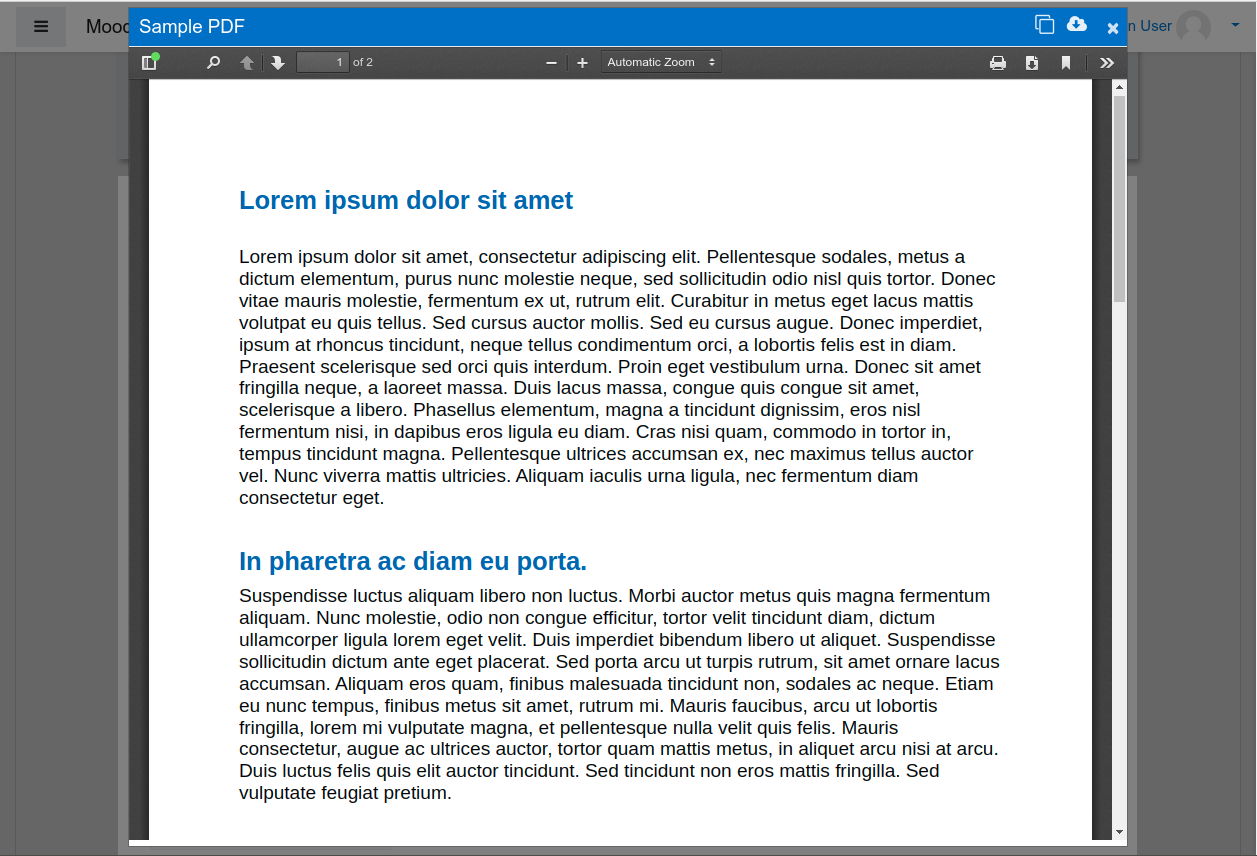
- Embedding other websites in modal windows - I added an FAQ about this (please see the new "FAQs" button above). My latest thinking is that we could allow URL activities to launch as modal windows if the URL activity is set to "Display: Embed". I will come back to this once version 3.3.6 is done, but no change in this release.
- Leaving sections expanded in editing mode - from version 3.3.6, the plugin will remember the last section you had expanded and, if you had all sections expanded, it will keep it that way for the session.
I hope we can get version 3.3.6 released later this week, but more testing is required first.
Finally I can write in the forum. To resume my comments,
I just love your Tiles race format. I have a small problem however regarding the resource layout. I do not want to use under tiles. In order to facilitate the structure and the sequence to follow for the students I use a lot the movement of resources to the right or to the left. It creates a sort of hierarchy between activities and resources. However, your theme does not support this option. Here is a video illustrating the problem:
Also I do not understand why it is not possible to open a URL resource (such as a Youtube video) directly inside a pop-up window without having to make two clicks to fit in and also leave the heart of course. It would be an interesting improvement.
Sincerely for almost a year I have experienced a ton of course format. Your is the most adapted and evolved I've ever experienced. Thank you.
Will the addition of pictures to Topic and Activity/Resources tiles ever be possible with this plugin?
/Kasper
The extended sessions probe can be seen in the plugin wiki. We solved this problem, thank you very much.
But I believe that after you've changed "Ensure that completion checkboxes respond correctly to auto complete events" the questionnaires are also being marked as completed just by clicking on the questionnaires and tasks, but the correct thing is that they get a score to have the activities completed.
Can you help us?
Thank you
When we leave editing mode enabled, leave all sessions on a single page expanded, this way it is easier to duplicate and drag an activity or any feature for the other sessions.
Thank you
1. I have a problem.
How do I insert a URL (HTML) in modal format?
2. Another problem, when I put a page to show activity as completed when conditions are satisfied> The student should visualize this activity to complete it, not change by modal navigation between sessions or blocks, I need to click close to change the activity status.
https://imgur.com/UgqmcRg
Thank you
if you need a workaround with the existing release, users can turn off navigation themselves using the "Animated navigation off" control, or a site admin can disable animation for everyone under Site Admin > Plugins > Course formats > Tiles format (set these 4 controls to no/none: "Use javascript navigation from Tiles main page", "Use JS navigation for single section page", "Modal modules", "Modal resources")
Thanks to you and Nicolas for the feedback!