Tiles format
Maintained by
David Watson
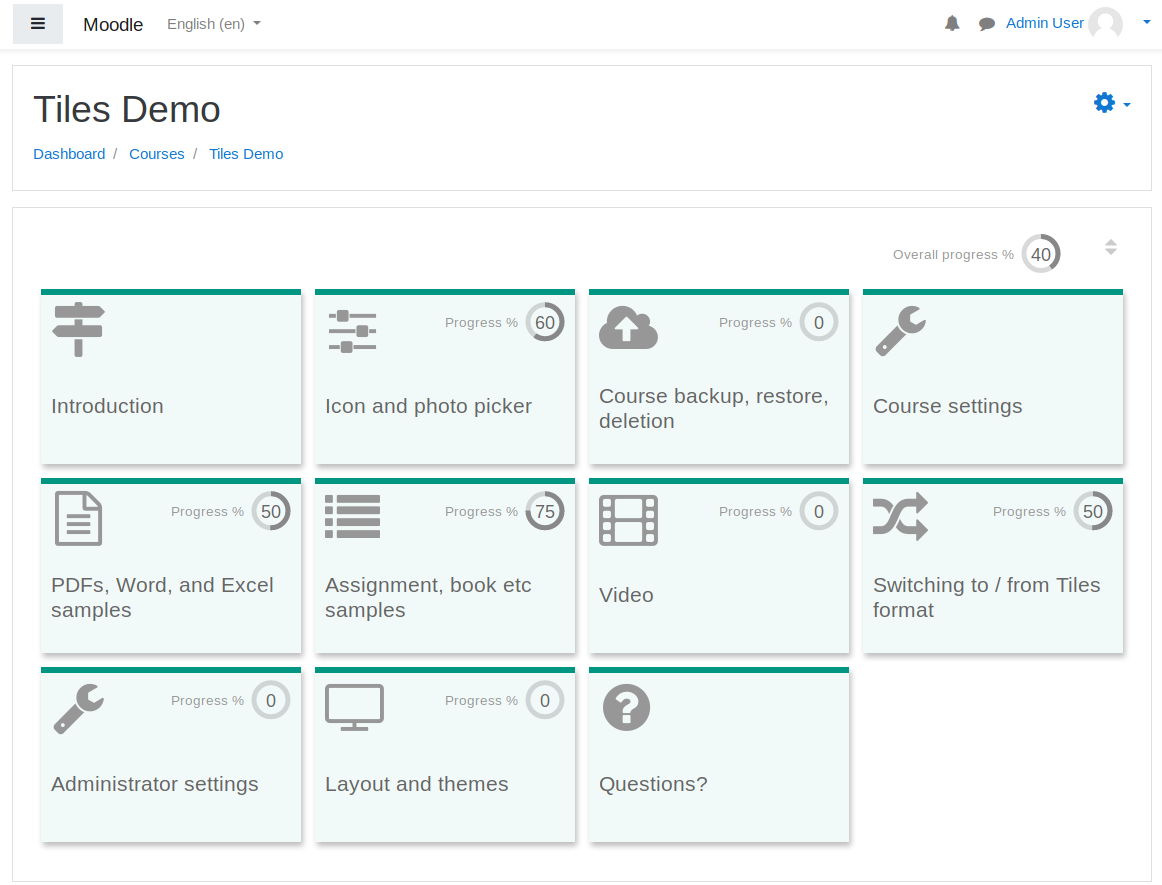
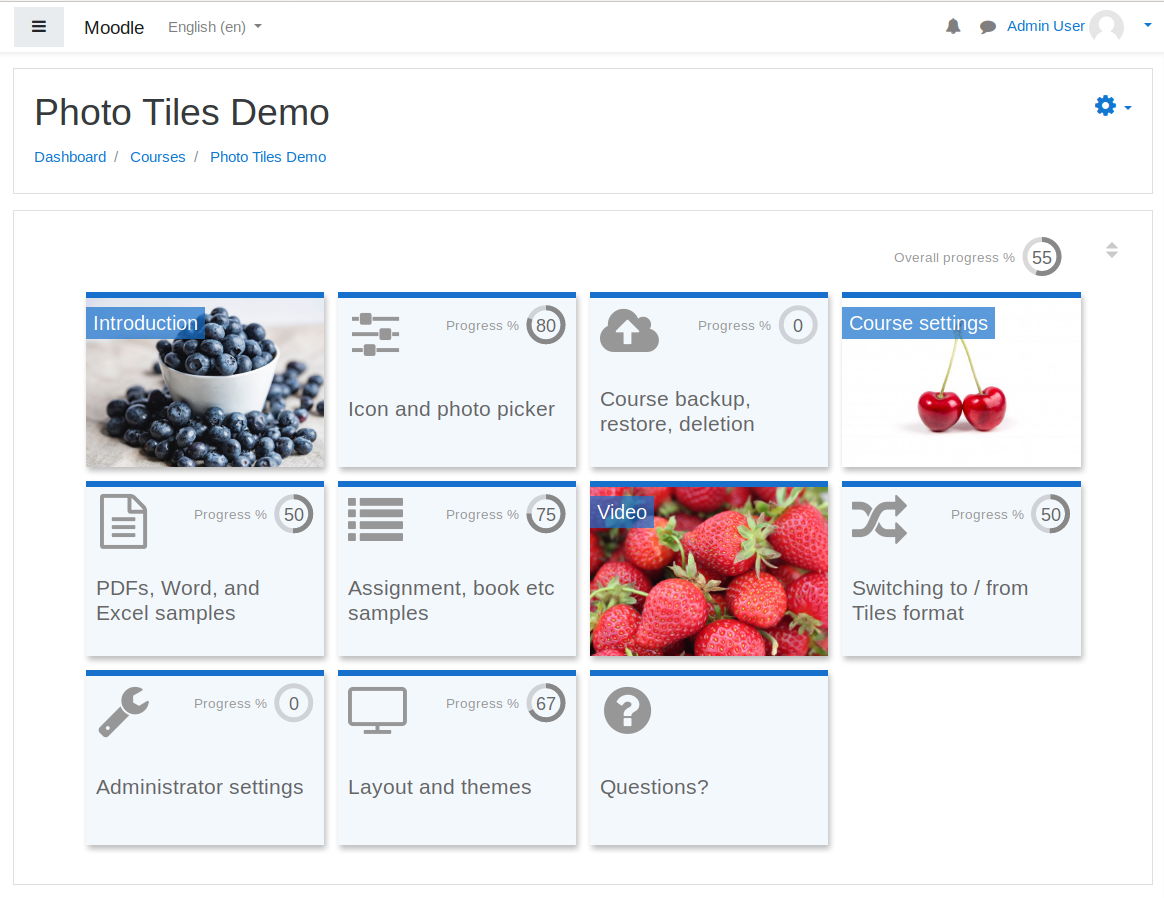
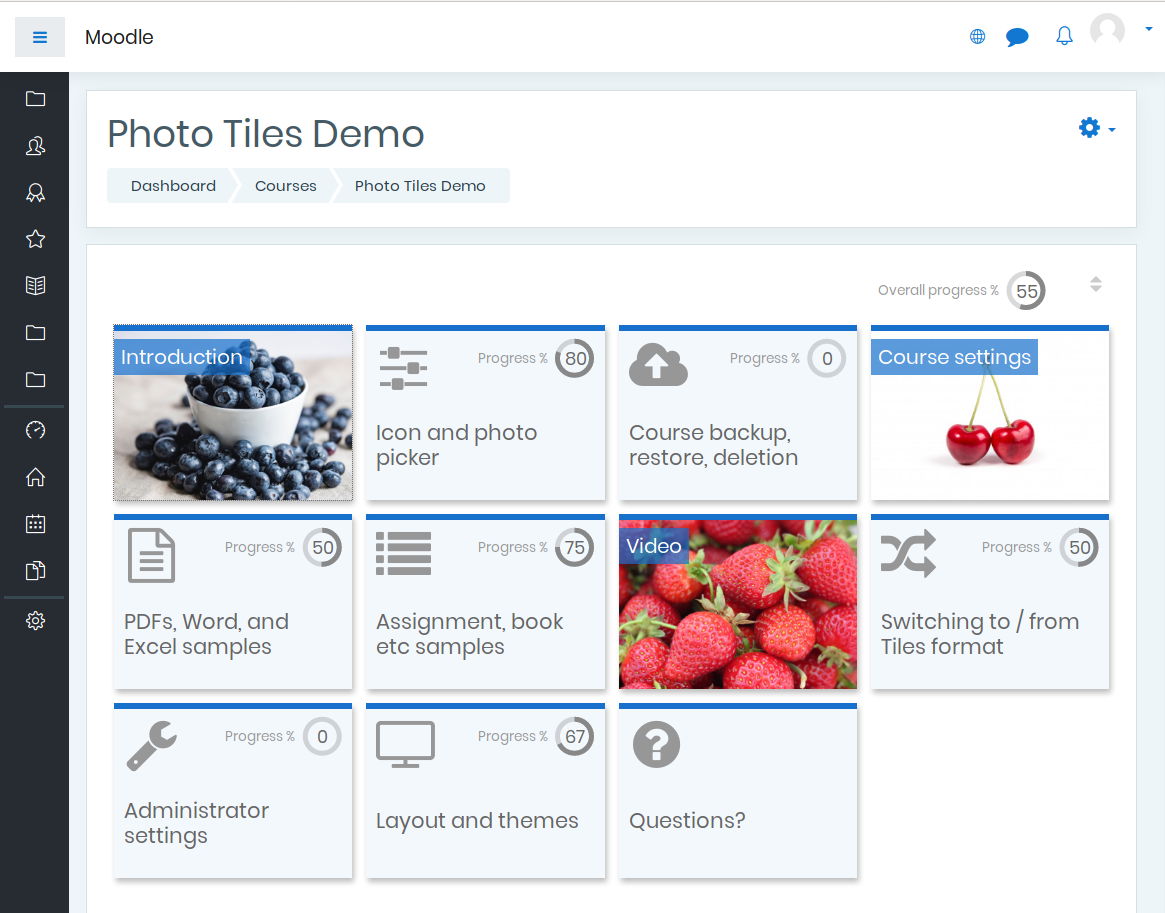
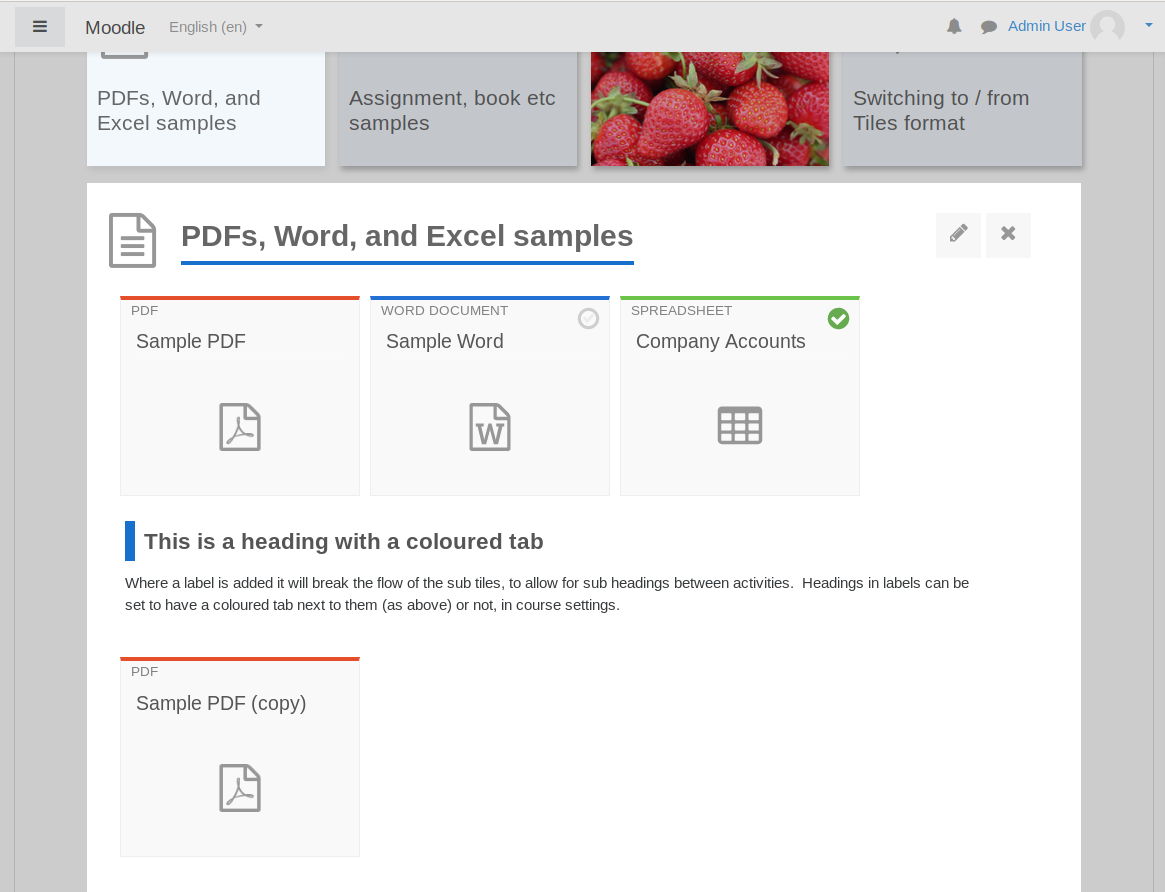
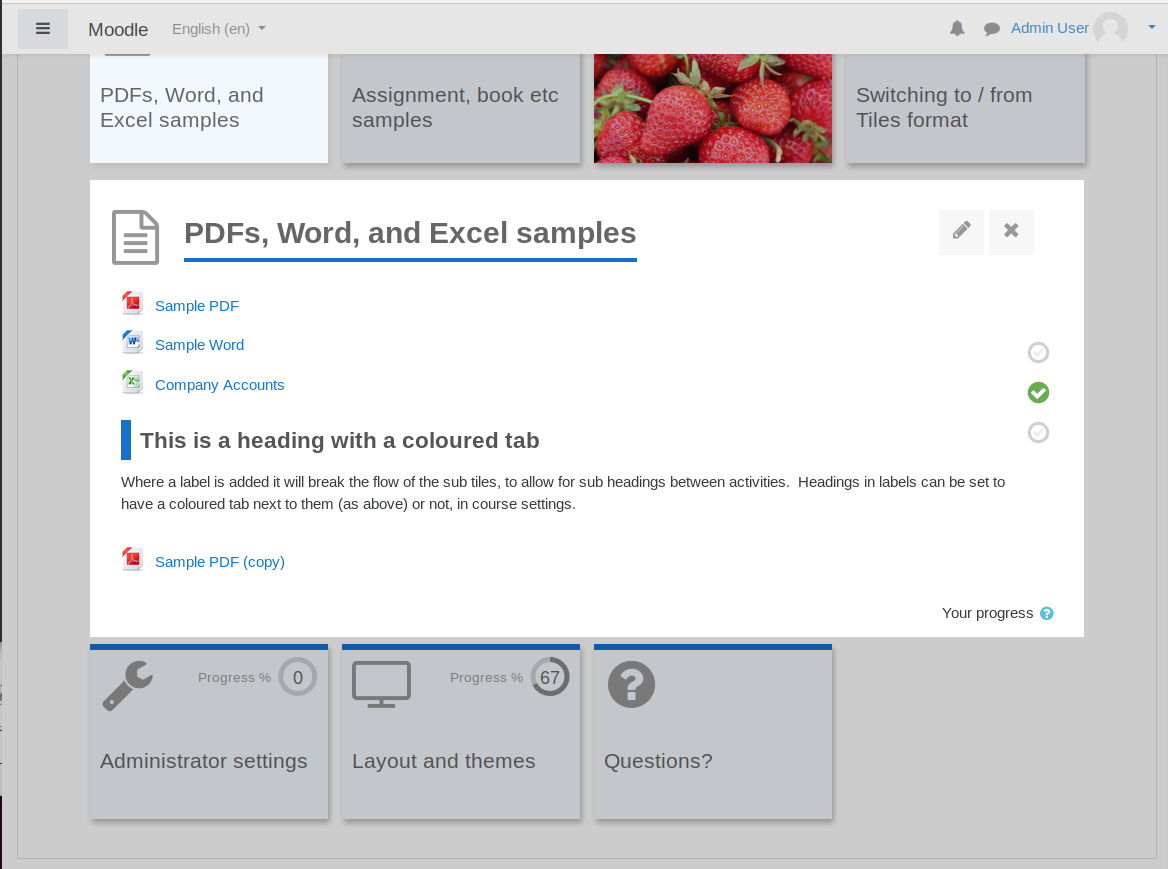
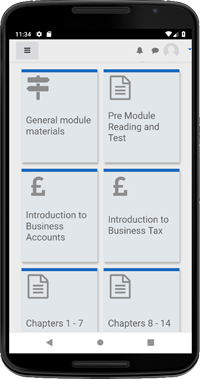
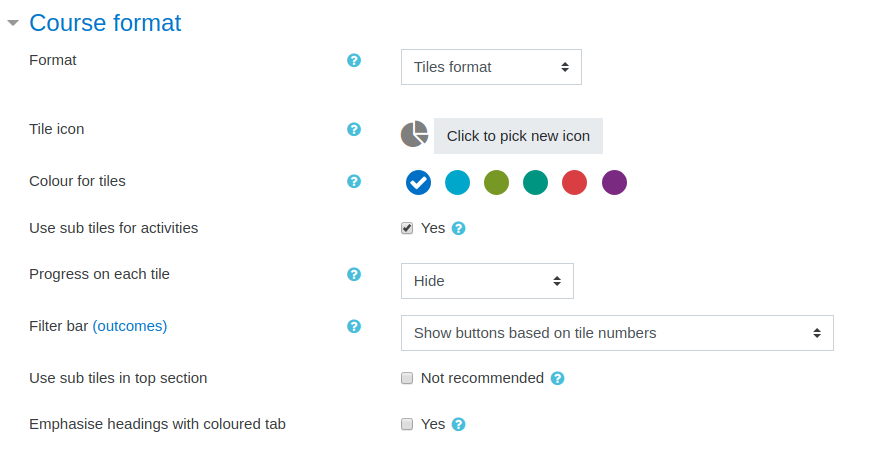
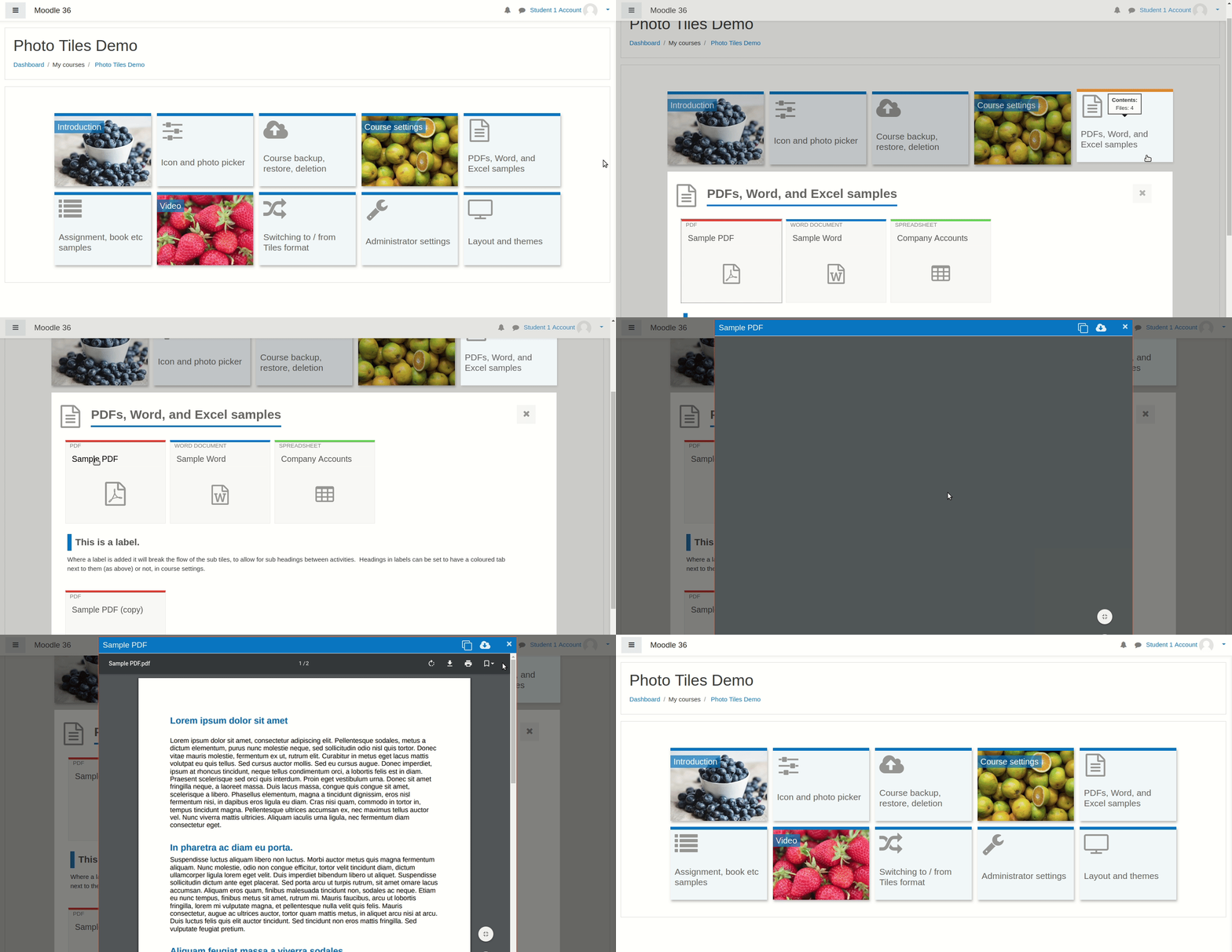
A course format which displays course topics as "Tiles", in a grid rather than as a list. When clicked, tile content is displayed under the tile with an animated transition. The layout adapts to different screen sizes and orientations. Within each tile, activities can also be set to display as "sub-tiles". For each tile, the teacher can pick an icon from a predefined set, or upload a background photo.
Comments
Product ratings and reviews are coming to Moodle Marketplace. Until then, existing comments remain available to read, but new posts have been disabled.
Every time I update the moodle version I have to reinstall the format tiles, the contents of each tile disappear and they are all stored in the general tab, for this reason I have to manually put the content back in its corresponding tile, is there a way to avoid this?
Greetings
Same issue as some forum users; in Moodle 4.1 and with the latest version of the plugin (4.1.0.2) it is not possible to scroll over the dialogue box that opens the sections.
Any solution? New release soon?
Thanks!
Peter Ruthven-Stuart on Fri, Mar 3, 2023, 11:10 AM we also lost the course index when using Tiles format. We are testing Moodle 4.1.2 with Tiles plugin version 4.1.0.2
I can't create an issue on your bitbucket projetc so i wrote here
Working with your plugin on a 4.1.2 moodle with php 8.1 I encountered errors while running any behat test
Deprecated: Implicit conversion from float 329.0000000000004 to int loses precision in /var/www/moodle/course/format/tiles/settings.php
I changed l.198 of course/format/tiles/settings.php
to $choices[(int)($x * 10)] = $x; and everything is ok now
Hope thisis correct and help
Regards
Céline
thank you for this great plugin.
I'm trying it now on a Moodle 3.7+ version.
I have this problem, maybe it is already known, but I didn't find...
The access conditions of an activity are not taken correctly.
I have a Quiz activity in one tile, I have set that an H5P activity in another tile must be passed to gain access. But does not work.
I used the same settings in another course with Boost theme, where this conditions works well.
Box 1, H5P activity with multiple choice test with 1 question
Passing score: 10
Maximum score: 10
Activity Completion: The student must receive an assessment to complete the activity AND Require passing grade
Box 2, Quiz activity (the one already embedded in Moodle).
Access conditions.
Activity "xxxx" must be completed (otherwise invisible)
(I tested too: "Activity must bi completed with sufficency, but doesn't change the results)
The activity remains invisible even if the student has passed the required activity. Even after performing a refresh.
Could someone help? Thank you.
David
Is it possible to validate a tile when the course has been consulted, because the learners are obliged to tick the "validated" box themselves for the progress to be validated.
Thank you so much
It looks like any themes that are based off of Boost are impacted. themes based off of Classic are not impacted.
At least I think it's doing this, because of this css code:
@media (min-width: 768px)
body.format-tiles.limitedwidth:not(.path-mod) #page.drawers .main-inner, .format-tiles .header-maxwidth {
max-width: unset;
}
how can I fix this?