Tiles format
Maintained by
David Watson
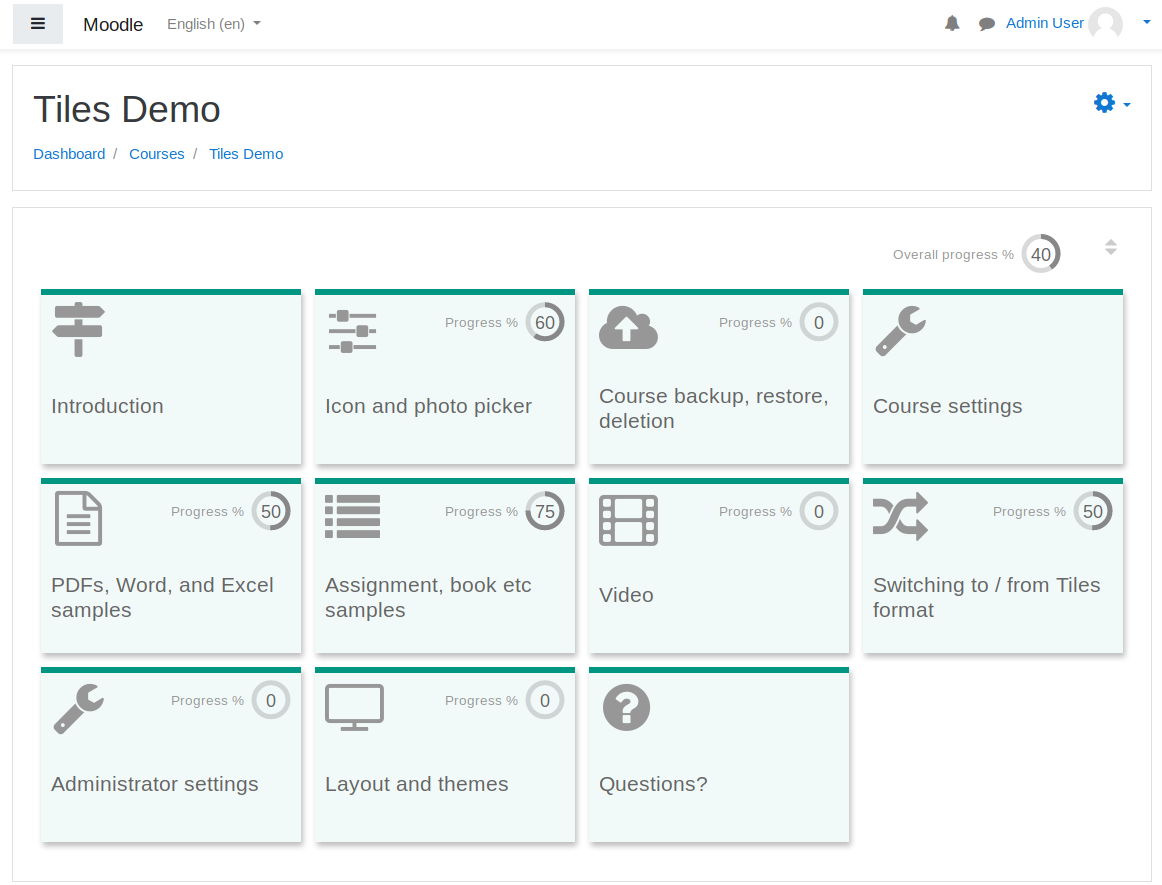
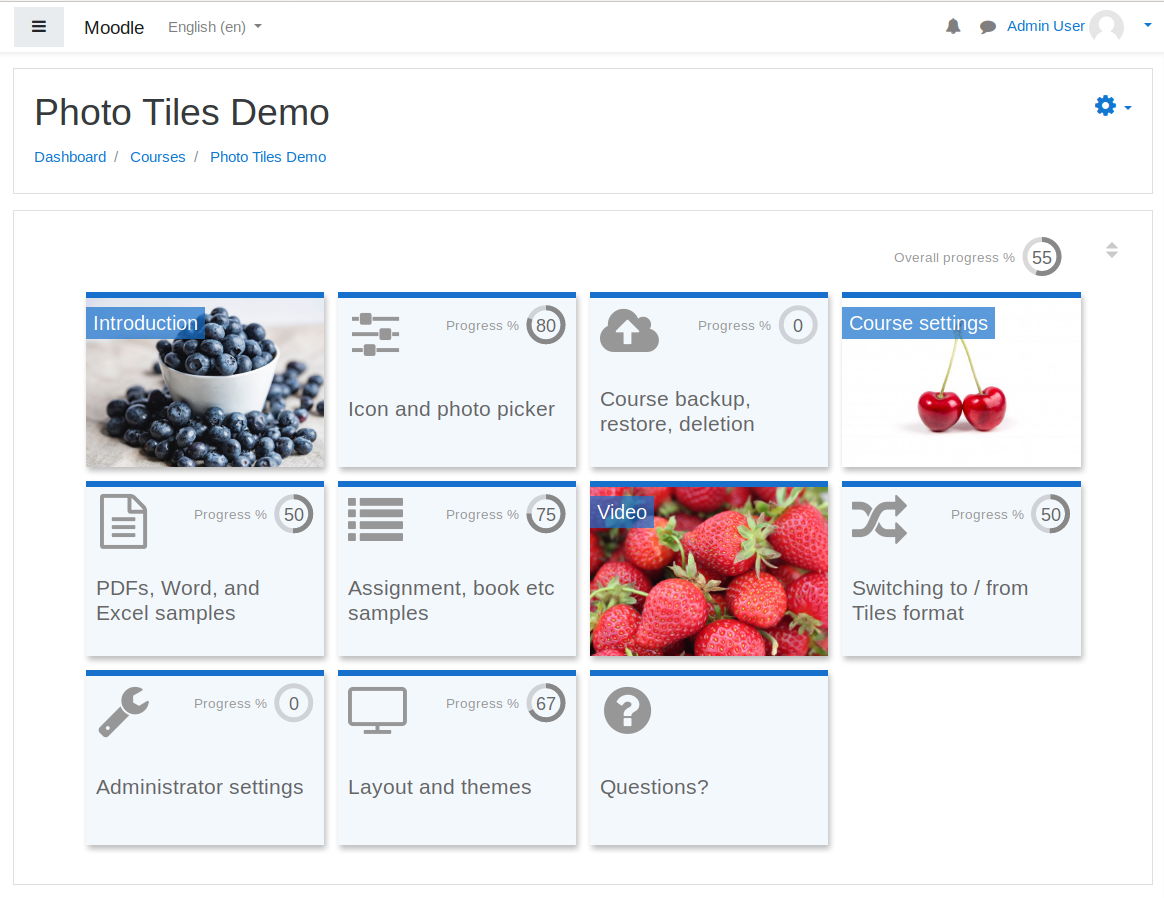
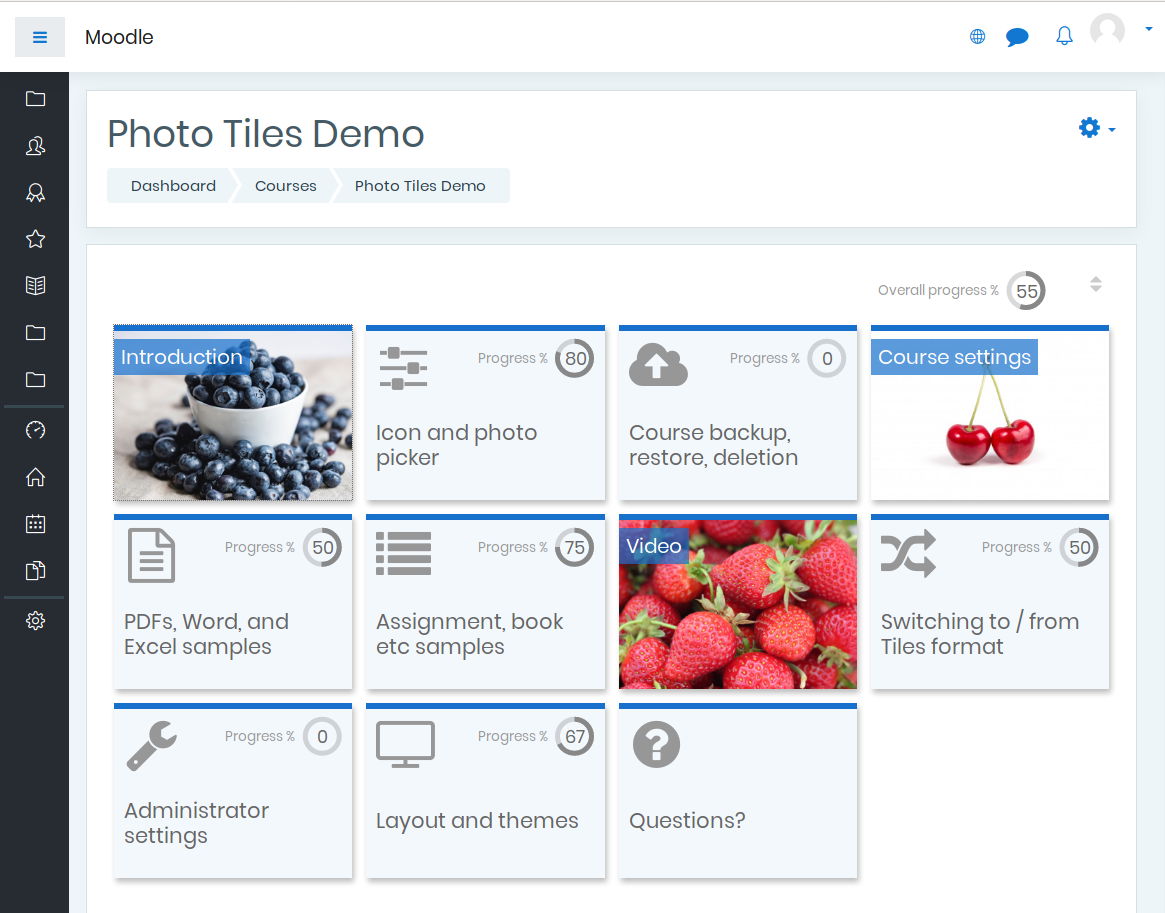
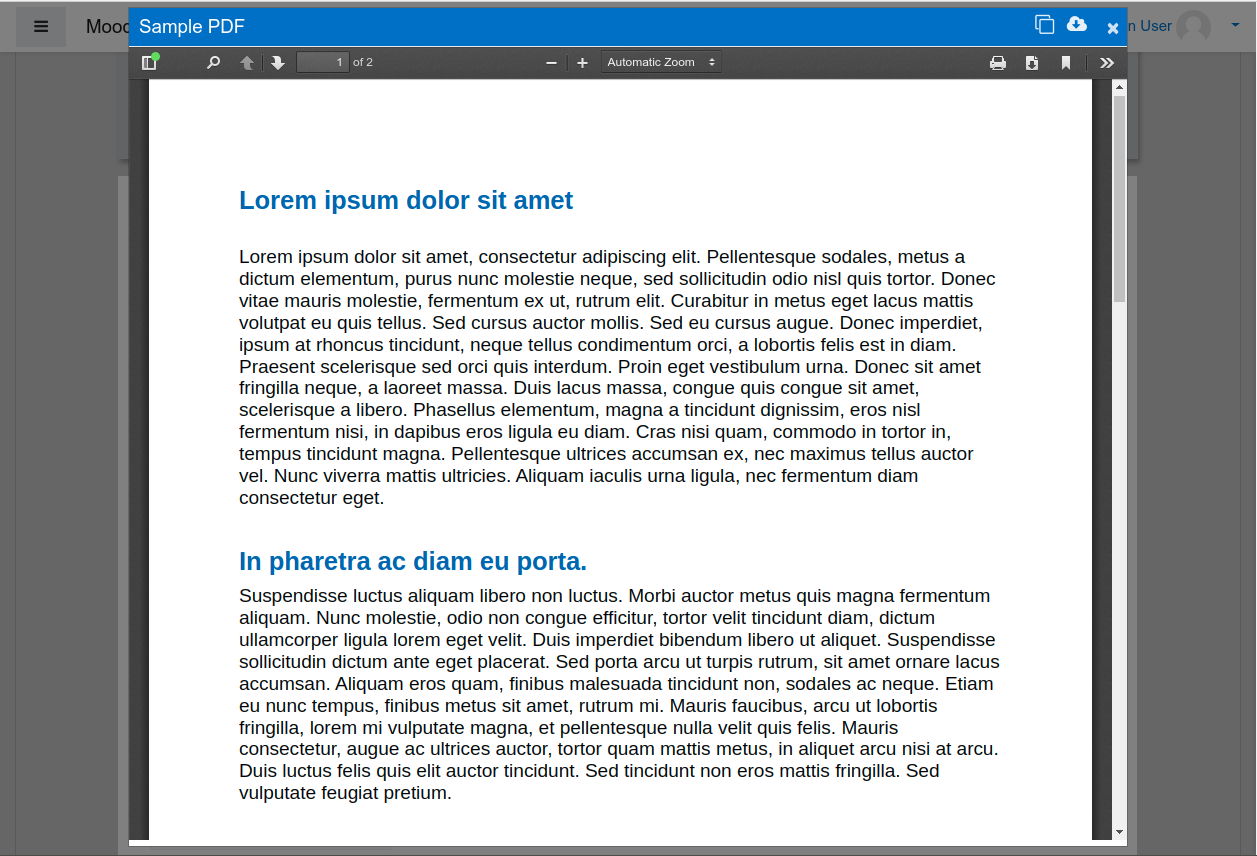
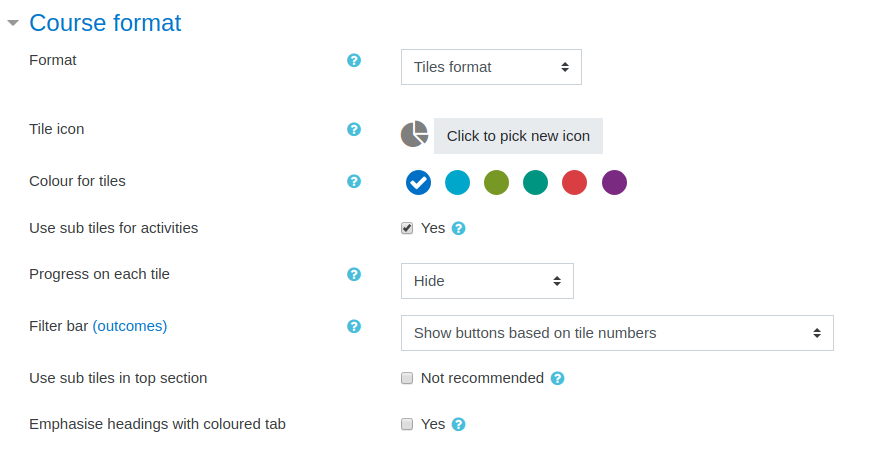
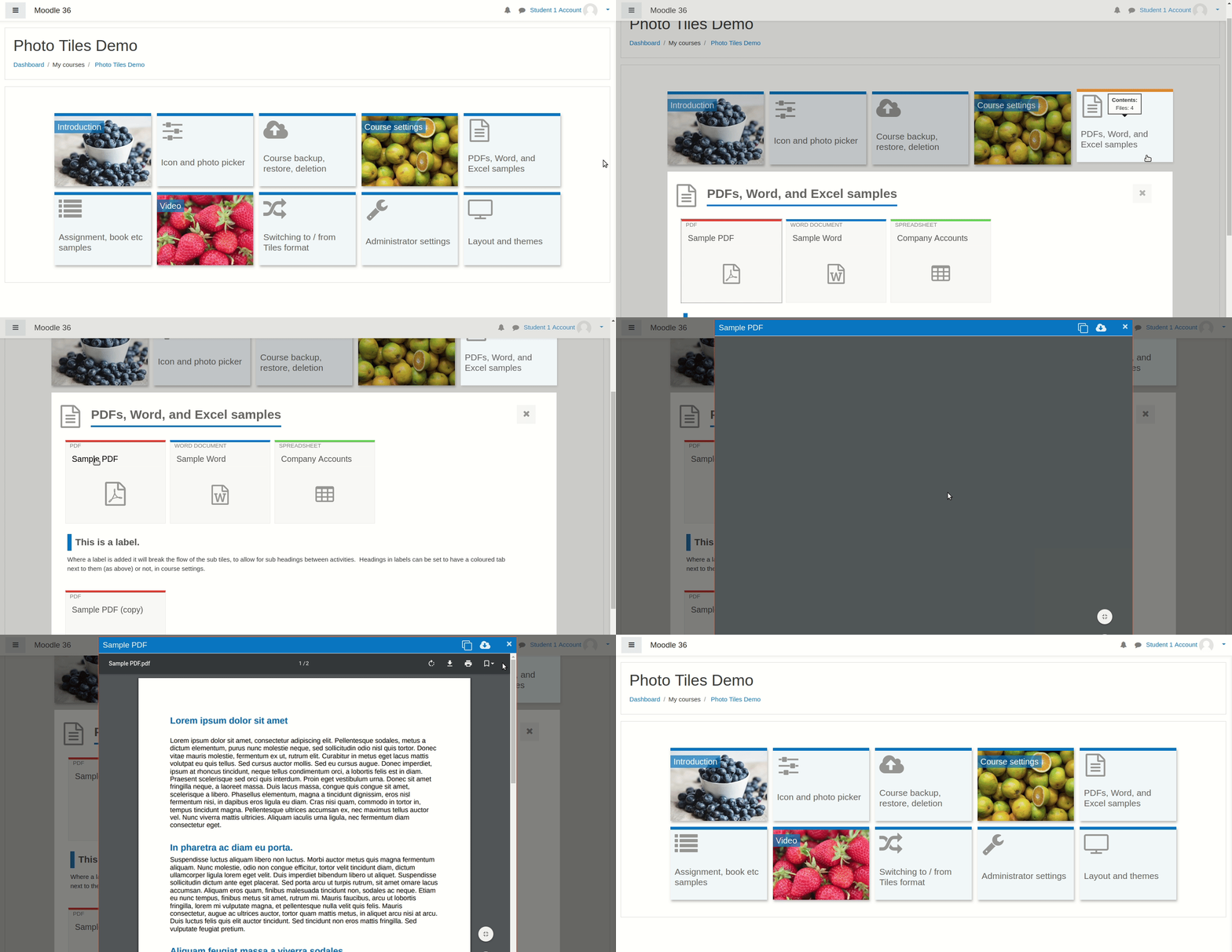
A course format which displays course topics as "Tiles", in a grid rather than as a list. When clicked, tile content is displayed under the tile with an animated transition. The layout adapts to different screen sizes and orientations. Within each tile, activities can also be set to display as "sub-tiles". For each tile, the teacher can pick an icon from a predefined set, or upload a background photo.



Comments
Product ratings and reviews are coming to Moodle Marketplace. Until then, existing comments remain available to read, but new posts have been disabled.
Using the latest version of tiles and Moodle 4.0, if you select a tile and reveal its content, the page scrollbar can no lo longer be dragged. You can scroll (and swipe), but trying to drag the bar will result in the tile being closed. I encountered this in Boost theme. Is there a possible fix? Thank you!
This happened with the previous version of Tiles format also. It causes a lot of issues for those users without a scroll wheel on their mouse.
SyntaxError: Unexpected token '<', "*script*
/"... is not valid JSON
at parse ()
at https://ourmoodle/lib/javascript.php/1675293956/lib/jquery/jquery-3.6.1.min.js:2:79614
at l (https://ourmoodle/lib/javascript.php/1675293956/lib/jquery/jquery-3.6.1.min.js:2:79731)
at XMLHttpRequest. (https://ourmoodle/lib/javascript.php/1675293956/lib/jquery/jquery-3.6.1.min.js:2:82499)
(It's not allowing me to enter and save the whole message here, but it looks similar to the above. Replace the * around script with < and >)
There does not seem to be setting to control this and behavior which is unique and unintuitive compared to other course formats when usually you have instructions, images etc. other information in start of the course, but with tiles you have to scroll back to start of the course page.
This is still an issue in latest 4.0.0.9
Any fix?
I have exactly the same problem as described by Michaël Lambert above. I had to disable JavaScript navigation for tiles format to work when the offline quiz plugin (newest version for Moodle 4.x) is installed. Otherwise, the screen just remains grayed out when selecting a tile, and activities cannot be selected. This is independent of whether an offline quiz activity is in fact used in the corresponding course or not. Simply installing the offline quiz plugin somehow breaks the JavaScript navigation of the tiles format. Not sure, if this is a bug in the tiles format or the offline quiz plugin, though. Without JavaScript navigation enabled in the tiles format both plugins seem to work ok. Thanks for checking this.
Stack trace {stacktrace/debug}: {labelsep/langconfig}
line 702 of /course/format/lib.php: Error thrown
line 656 of /course/format/tiles/lib.php: call to format_base-create_edit_form_elements()
line 47 of /course/editsection_form.php: call to format_tiles-create_edit_form_elements()
line 214 of /lib/formslib.php: call to editsection_form->definition()
line 914 of /course/format/lib.php: call to moodleform-__construct()
line 104 of /course/editsection.php: call to format_base-editsection_form()
I encountered a problem with your plugin (which I really like!) because the execution of javascript does not work if the mod_offlinequiz plugin is installed.
Setup: Moodle 4.1 - Tiles Format 4.0.0.8
Error code: generalexceptionmessage
* line 702 of \course\format\lib.php: Error thrown
* line 656 of \course\format\tiles\lib.php: call to format_base->create_edit_form_elements()
* line 47 of \course\editsection_form.php: call to format_tiles->create_edit_form_elements()
* line 214 of \lib\formslib.php: call to editsection_form->definition()
* line 914 of \course\format\lib.php: call to moodleform->__construct()
* line 104 of \course\editsection.php: call to format_base->editsection_form()