Completion Progress
Maintained by
Jonathon Fowler
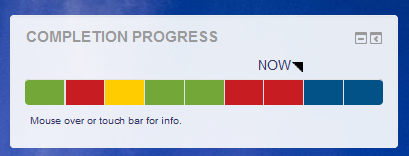
The Completion Progress block is a time-management tool for students.
Comments
Comments are no longer open for new posts. Existing comments remain available to read.
The block doesn't track much itself. It relies on the completion system to tell it what is complete. What's shown in the block should reflect what's presented in the tick-boxes beside activities. The only exception is for Assignment submissions.
You might want to check on the activity completion settings to see if they are reflecting what you want them to show.
Michael
Thanks for the wonderful plugin. I am using in on 3.0 but I have a slight problem which can't resolve by myself. There are a lot of students that have completed 100% of the activities but are still highlighted as blue (not started). Is the plugin tracking and collecting information only after its installation? I have only recently installed the plugin and we had the course running for a few months now.
It seems odd, but I can't figure this out. Thanks!
Unfortunately not, unless you are using activity completion already. This new block requires very little configuration one you have completing defined for activities.
Michael
Is there a way to somewhat "migrate" old progressbar instances to new completion_progress block?
Regards
Just noting that the block doesn't work with Moodle 2.7, although the versions page says so. Some database queries are using 'assign_submission.latest' column, which was added in Moodle 2.8.
If the groups are assigned to groups in the course then you can make three assignments, one for each group, and restrict them using activity restrictions. Add all the assignments to the Completion Progress block and students will only see the activities visible to them in the course. Check out the docs for groups and activity restrictions.
Michael
I run a course with no set dates to my assignments because I have 3 different timelines using the one course. I have semester I, semester II and All Year students in the same course. I create a calendar for each semester. Do you know if it's possible to configure a Moodle course with groups (SI, SII, AY) and use different assignment dates attached to the respective group and then configure your progress bar based on group? I would prefer not to manage 3 different courses if possible.
Thanks.
Jeff
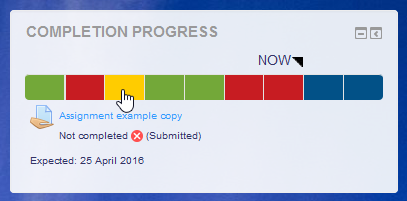
The block will show red if the assignment is late according to the "Expected by" date in the completion settings. It will also show red if the completion settings require the student to pass and they fail, regardless of lateness.
Michael
activity:
submission types = file submissions
grade > grade to pass = 1.0
activity completion > require grade > student must receive a grade to complete this activity
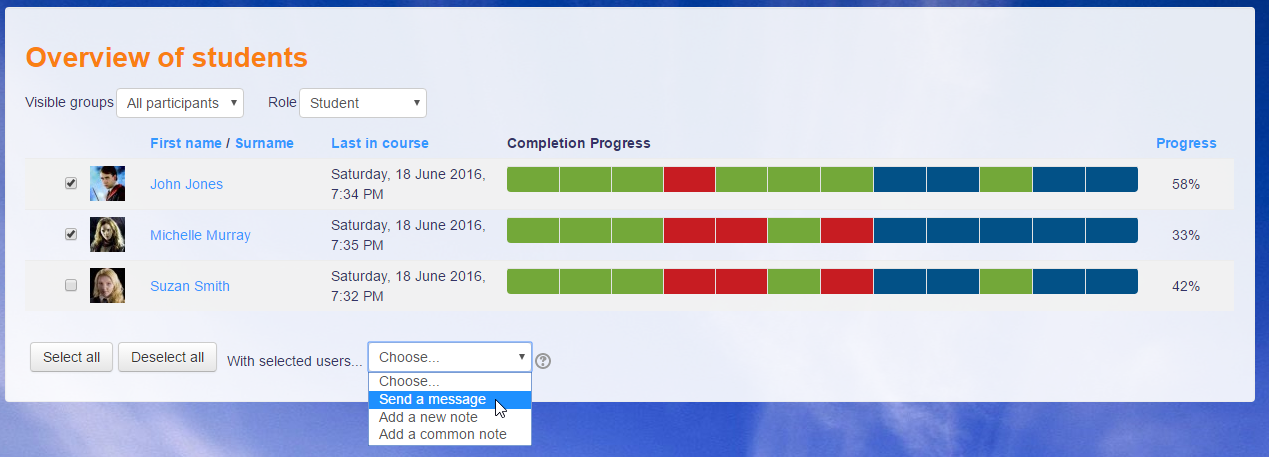
i have them submit a file only in order to get the progress bar to go Yellow; this is the alert to me that the assignment is ready to be looked at; I look at it elsewhere, not on moodle; I dont want them sending me emails to tell me they are done with an assignment; i just look at the 'class view' of the bar and can see whose work needs to be looked at.
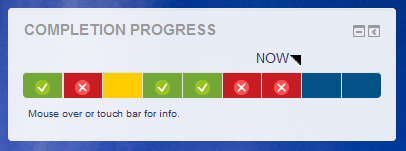
@Mark - I want to do exactly as your saying and I thought I had set it up as you have described, but the green checks do not turn red when a failure grade is given. Other than setting a passing grade, turning on activity completion for the assignment and setting it to "requires grade" and turning on the x/check symbols in the block, is there any other setting that needs to be done? Thanks,
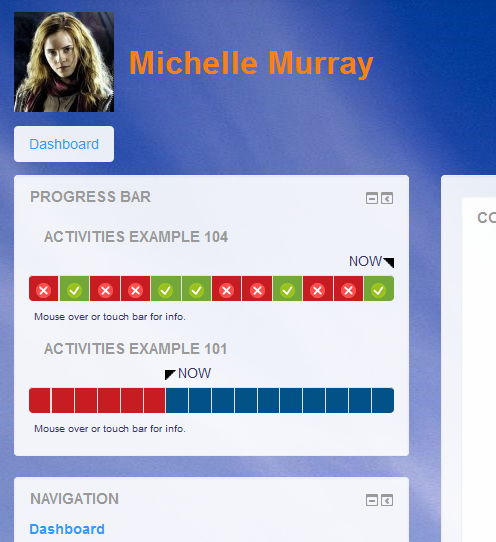
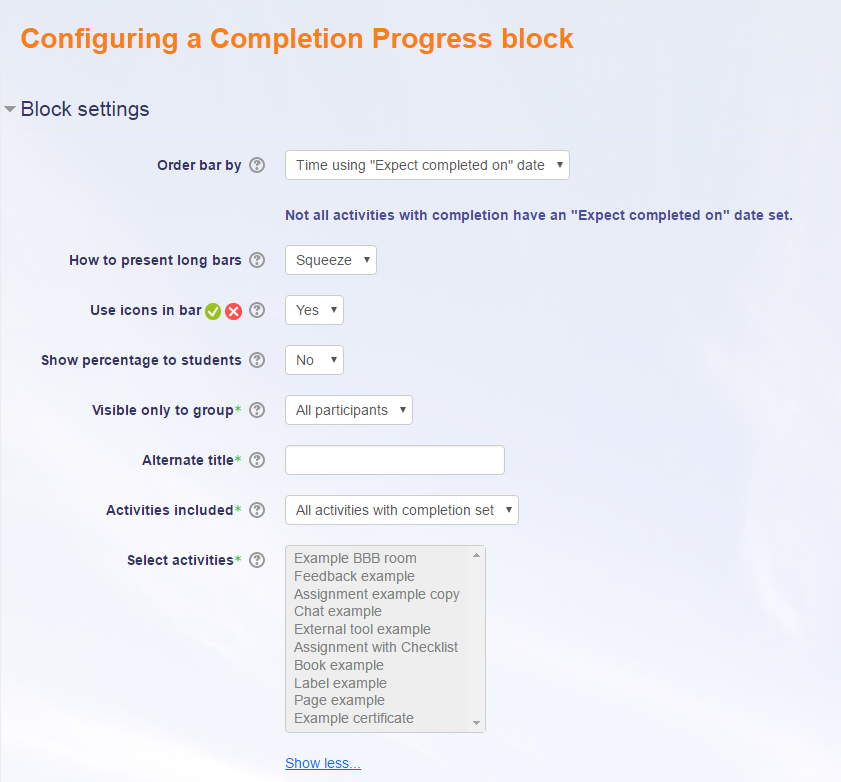
For clarity of others reading this, the ticks and crosses appear only when you choose that option in the block's settings, otherwise the segments of the bar are just coloured squares.
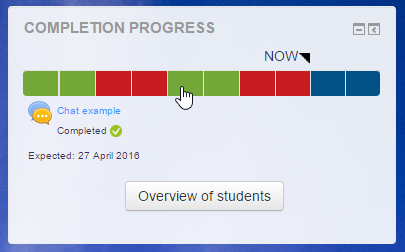
The Completion Progress block also considers the time the item is expected. Check that expected by dates are set for activities. When an activity is not complete and past the expected date of should go red. If that's not happening, it could be a problem and if you can report the case in the tracker with replication steps.
Michael
It could be there is a style conflict with another plugin, possibly a block, or there could be a JavaScript problem. I'd try removing other blocks to see if that makes a difference. Also, turn on the browser console (F12), switch to the JS tab and see if any errors come up. If you spot anything, please post an issue on the tracker.
Michael