
AutoEnrol
Maintained by
Roberto Pinna, Mark Ward
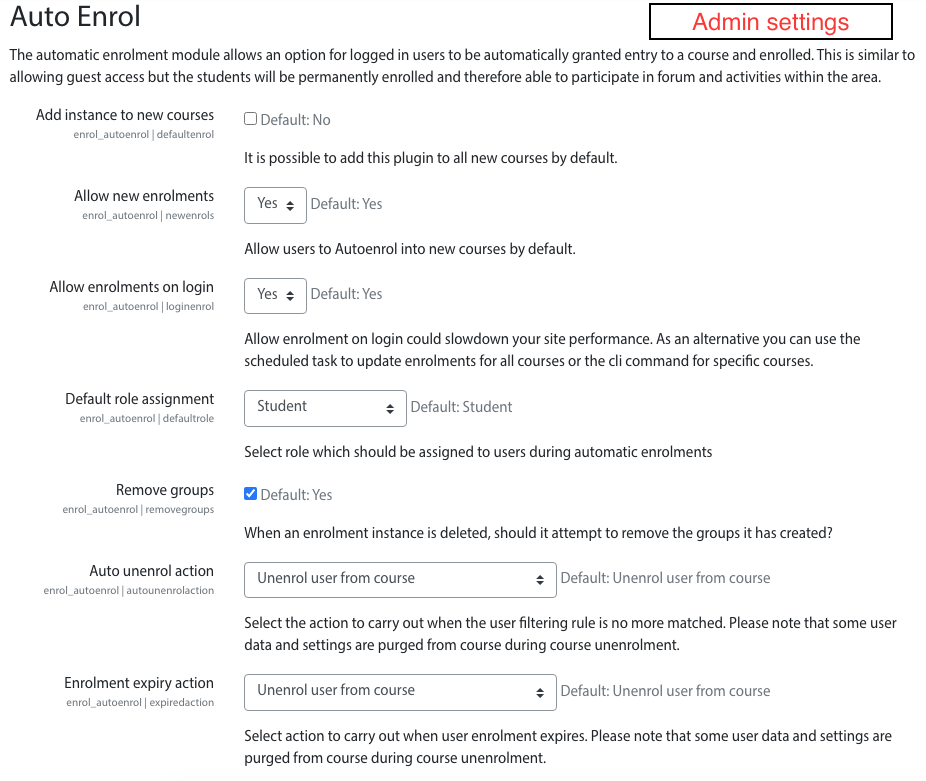
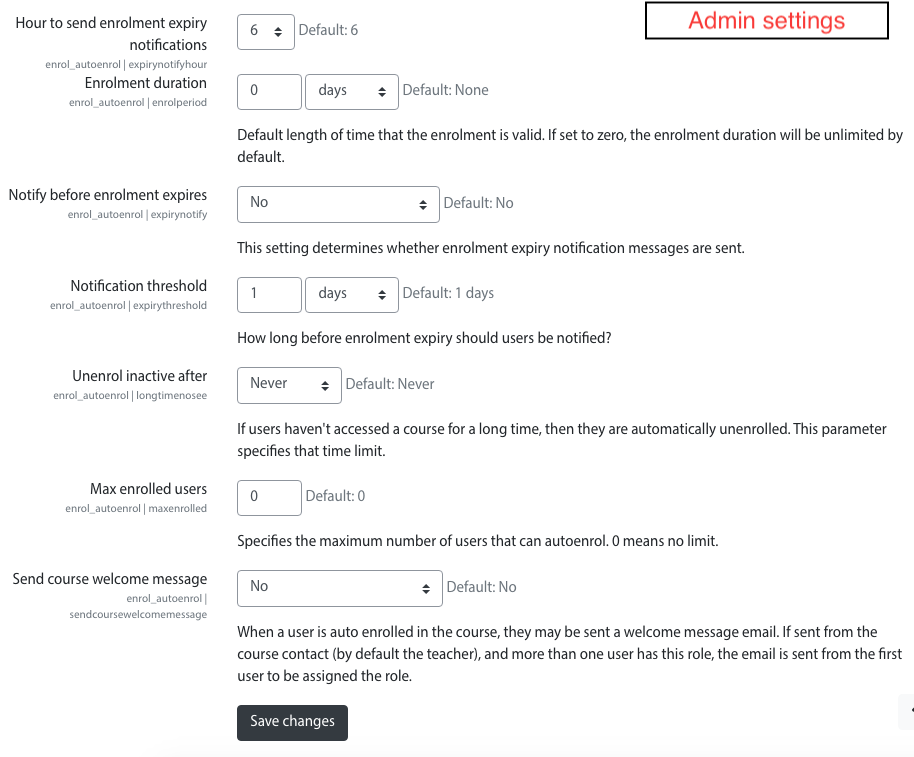
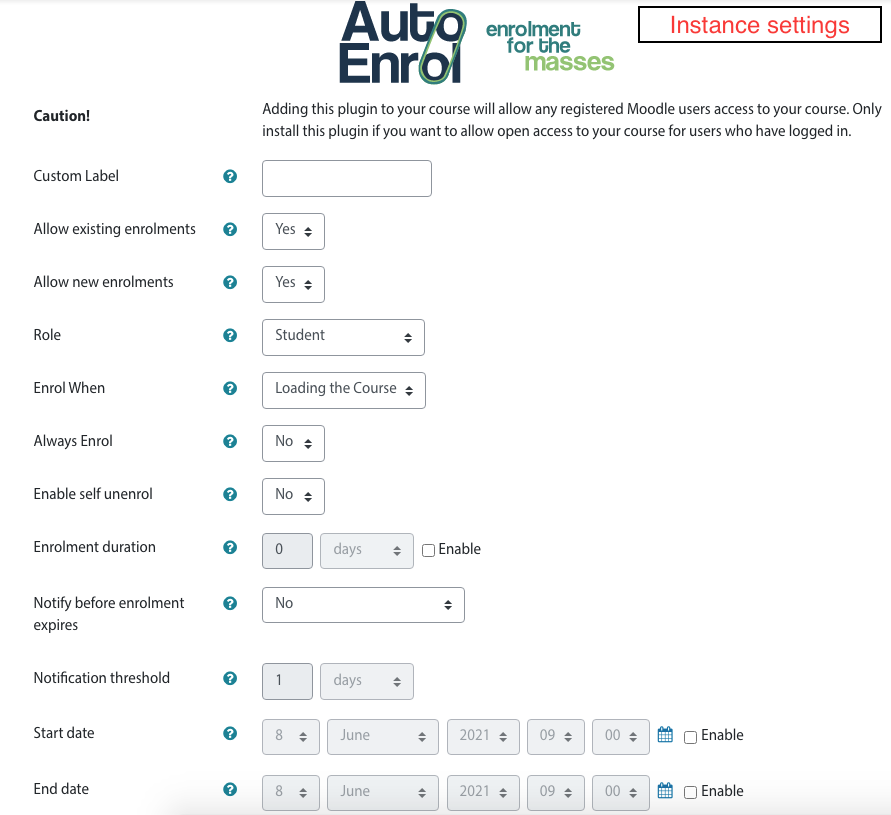
Adds functionality to automatically enrol users onto a course, either as they log in to your Moodle site or as they access a course.
This plugin was at first intended for use on courses which you want all users to be able to access but can also be configured for more advanced purposes as reserved access courses.
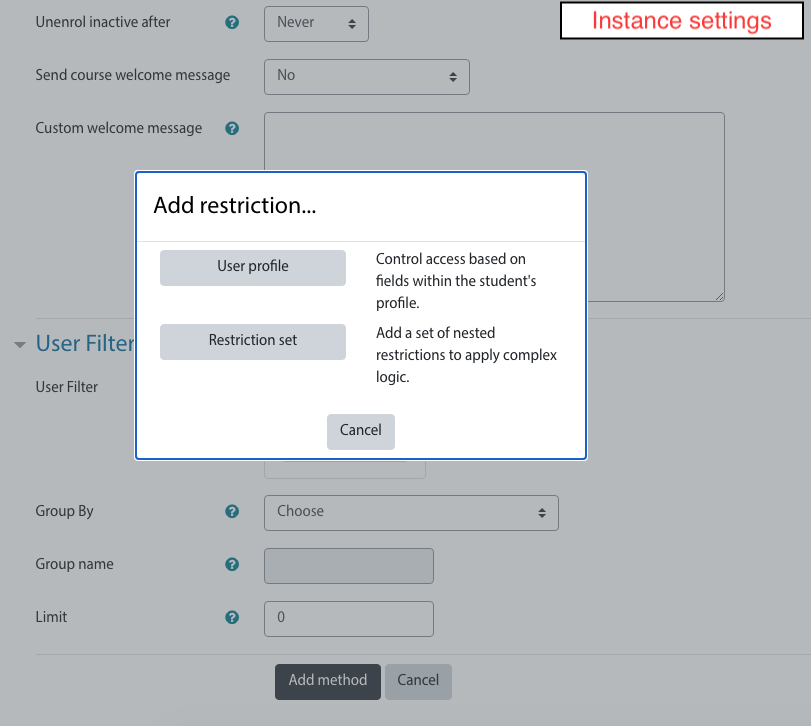
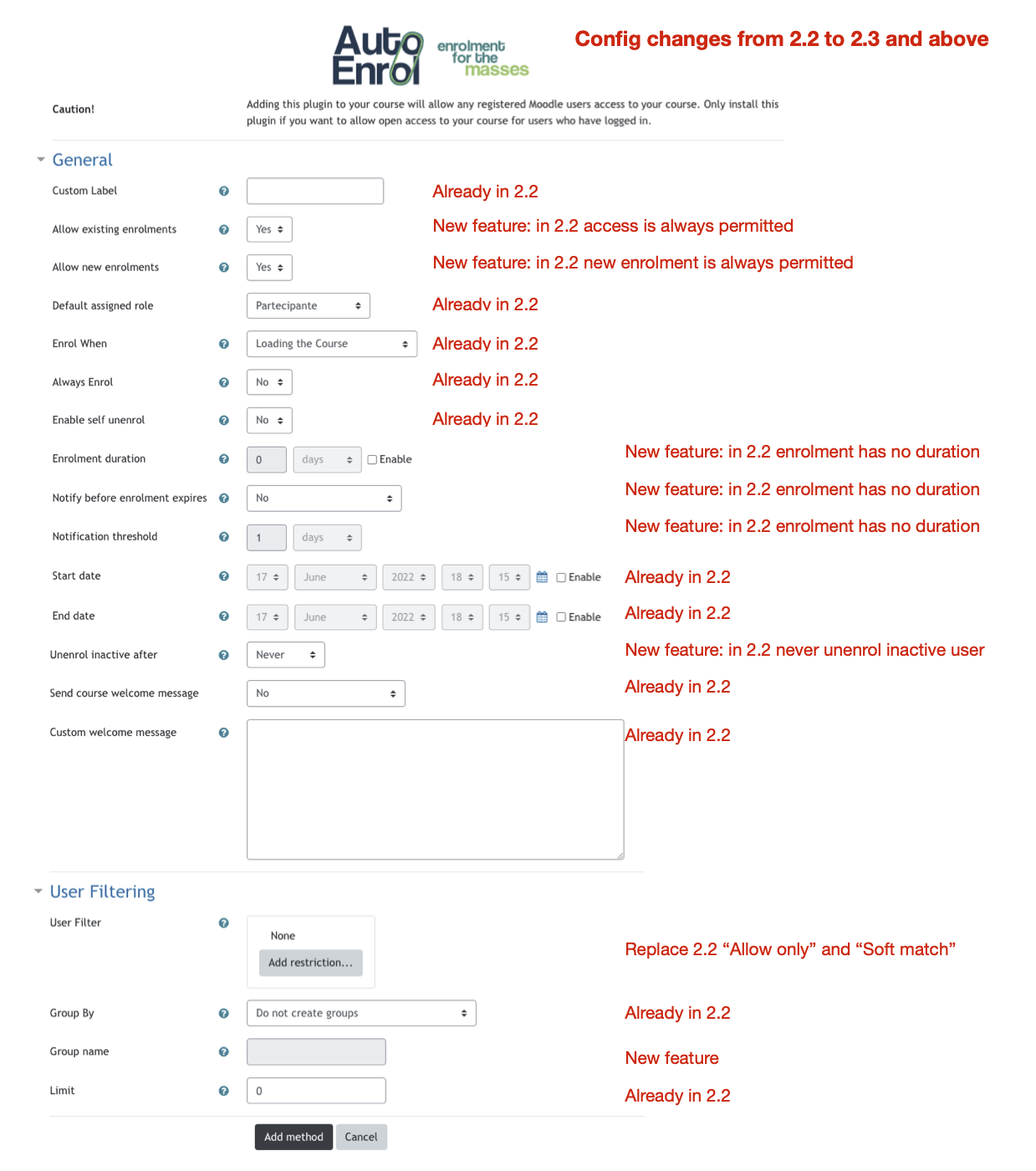
Using the new user filtering you can think at Autoenrol as a Swiss Army knife for Moodle enrolments.

Comments
Product ratings and reviews are coming to Moodle Marketplace. Until then, existing comments remain available to read, but new posts have been disabled.
is it possible to enter OR values in the "allow only" field?
I'd like to set up this:
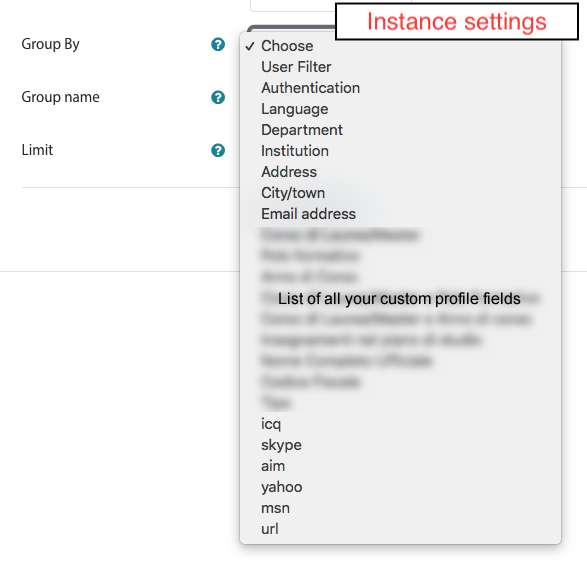
Group by: email
Allow only: @xy.de OR @yz.com
this problem is not managed from autoenrol plugin but by moodle core that setups user data before finish user enrolments.
Today I worked hard to try to find a workaround to this problem and now I hope I found it.
I've already posted on Github a commit that seems to solve the problem. Please test it and let me know.
HTH,
Roberto
Ihave it auto enrolling students to a course as they log in, (and it does so) but they can only see the relevant course (in My Courses on Dashboard) after doing a Shift-Refresh or logging out and back in.
Any ideas how I could have the "My Courses" recognise the enrollment quicker?
I'm using Moodle 3.8, Boost and Auto Enrol 3.8 on Windows 10, Firefox
the current version could be used on Moodle 3.9.
I hope I could release soon a new version with new features. but now I can't tell you when.
Cheers,
Roberto
They see autoenrolled courses on the next login.
I tried to find a workaround but I couldn't arrange it.
but the automatic course enrolment could be done on user site login or on course access. You can choose it in advanced settings of the autoenrol plugin.
we can add that feature in next release. I added it as github issue.
enrolment plugins can only enrol users into courses. Cohort enrolment need to be done manually or with user bulk upload. You can take a look to https://moodle.org/plugins/local_ldap.