
FilterCodes
Maintained by
Michael Milette
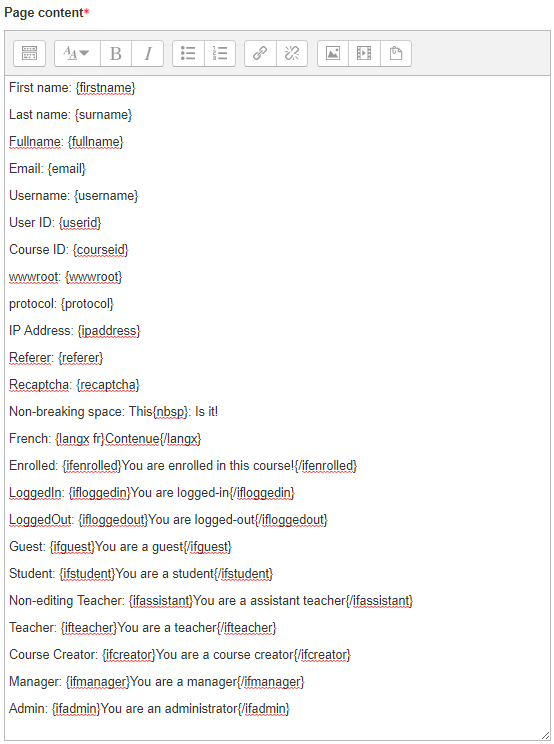
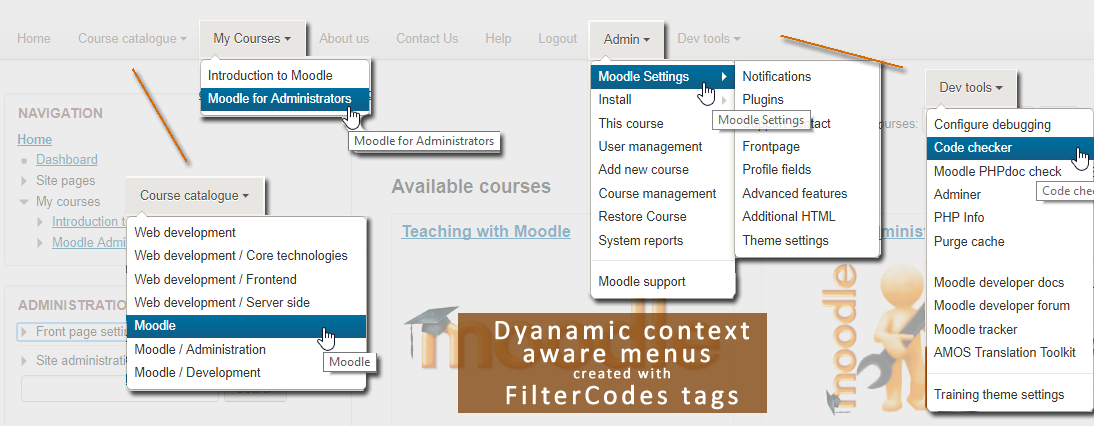
Transform your Moodle site with the FilterCodes Plugin! Elevate engagement by inserting about 200 dynamic plain-text tags like {firstname} to create personalized learning experiences, customize your site and course content, display progress bars, simplify Contact Form customization effortlessly and much more. FilterCodes empowers educators to revolutionize Moodle into a dynamic, personalized platform. Join the community of FilterCodes enthusiasts to unlock the potential of your Moodle LMS site.

Comments
Comments are no longer open for new posts. Existing comments remain available to read.
BUT:
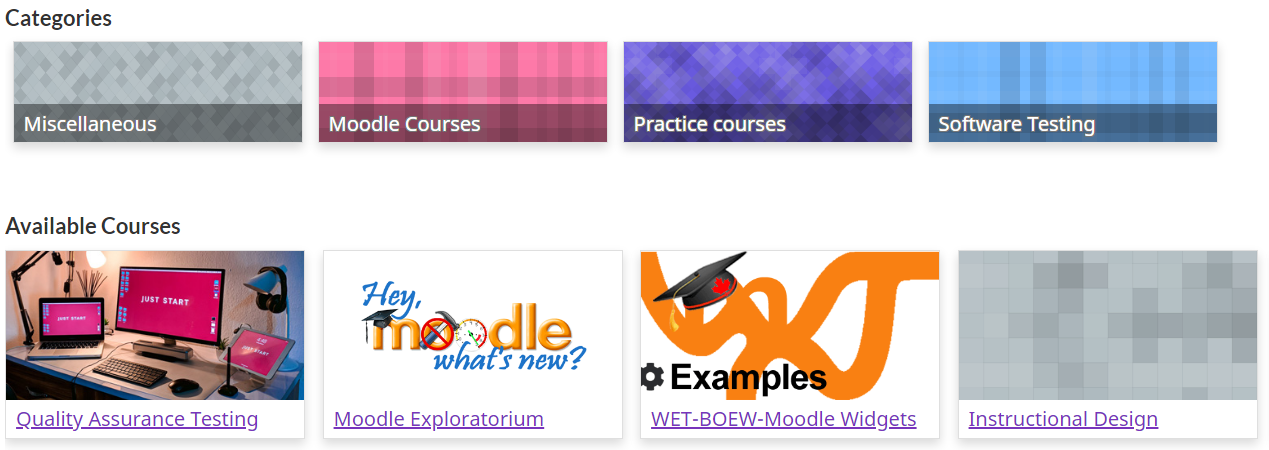
in addition to "all courses" (with {coursecards}) or "all courses from an cat. ID"( with {coursecards 2})
will there also be a way to add just a SINGLE course by it's ID?
then I can create a list of random courses from different categories bij adding them (manually).. IE:
{coursecardid 2} - {coursecardid 12} - {coursecardid 5} - {coursecardid 24}
is that something that would be possible (in the near future?)
This is a really wonderful and helpful plugin. I am looking for someway to show the activity/resource name, but could not find it in the list above or on github. Is there anyway to use it or add it?
Thanks a lot.
I have a question.
en {label backgroundtype}{/label} : Display text over a color background. how can i put the color
since {coursecontacts} is not possible to change the color
Thank you: Gerardo Diaz
A suggestion, break out the capabilities of the {coursecontacts} filter into a couple of additionally parts such as {coursecontacts_names} {coursecontacts_images} and {coursecontacts_profiles}. That way we could enable (in settings) the generic diplay of all of the contact info and yet be selective within indvidual courses about what we want to display or not. Thanks.
-Tay
I recommend that you:
1) Take a look at the Troubleshooting section of the documentation found in the README.md file included with your plugin. The latest version of this can be found by going to:
https://github.com/michael-milette/moodle-filter_filtercodes/blob/master/README.md#troubleshooting
2) If that does not help, use the discussion link on the FilterCodes plugin page and ask you question there. This will take you to https://moodle.org/mod/forum/discuss.php?d=359252
Hope this helps.
Best regards,
Michael
Thanks.
1) Sorry, I wrote it wrong here, but in the forum it is correct: {profile_field_fechacumple}
2) The field is visible
3) the filter works in other places, but not inside the forum
1) in the message above you have spelt 'field' incorrectly, if that is what you have done in the forum, then that would definitely stop it working.
2) Check that the profile field is not set as 'not visible'
3) does the filter code work in another item eg a page, if it does. then it muset be a forum specific setting (not sure what)
I'm trying to use filter codes with a custom profile field in a forum, but it doesn't work, it shows as {profile_fild_fechacumple} instead of the date.
Could you help me please?
I love your Moodle Tricks of the Trade series (not just when they are FilterCodes related) and highly recommend that moodlers check it out and follow this helpful and useful series of tips and tricks.
Best regards,
MIchael Milette