
FilterCodes
Maintained by
Michael Milette
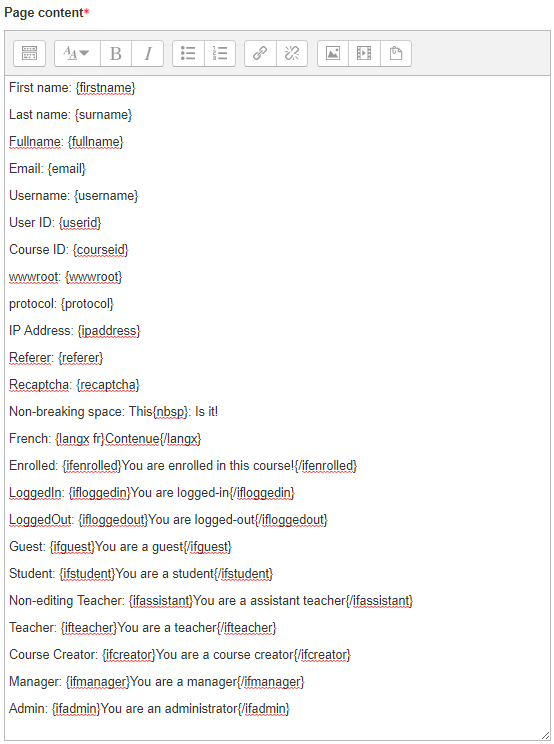
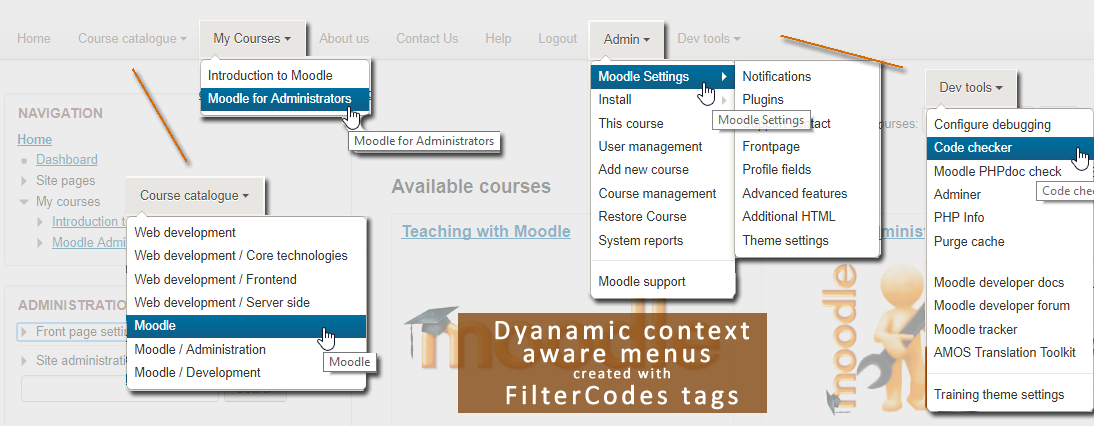
Transform your Moodle site with the FilterCodes Plugin! Elevate engagement by inserting about 200 dynamic plain-text tags like {firstname} to create personalized learning experiences, customize your site and course content, display progress bars, simplify Contact Form customization effortlessly and much more. FilterCodes empowers educators to revolutionize Moodle into a dynamic, personalized platform. Join the community of FilterCodes enthusiasts to unlock the potential of your Moodle LMS site.

Comments
Comments are no longer open for new posts. Existing comments remain available to read.
If there is no option, as an idea, it could be done {qrcode X}URL{/qrcode} where X is the pixels for each side.
Thanks in advance!
It works perfect now.
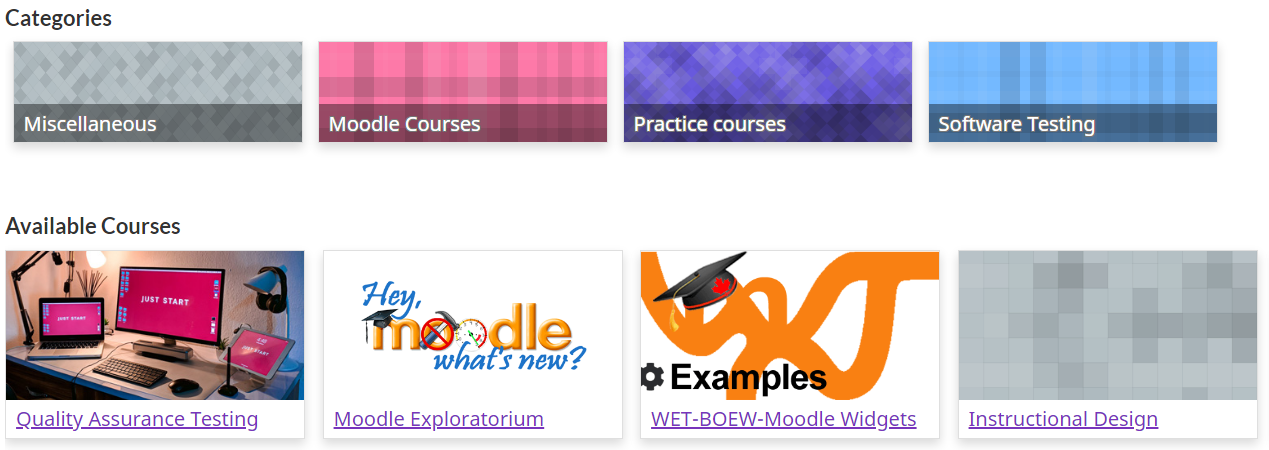
I just released version 2.4.2 which should address the issue you described when rendering course cards in Moodle 3.10 and earlier. If you have any other issues, please report them to https://github.com/michael-milette/moodle-filter_filtercodes/issues
Best regards,
Michael
Thank you for great plugin. But I have trouble with new 2.4.1.
When I add {coursecards}, {coursecards id} or {mycoursescards} on Page or frontpage i get this error: "Exception - Argument 1 passed to core_course_list_element::__construct() must be an instance of stdClass, instance of core_course_list_element given, called in [dirroot]/course/classes/external/course_summary_exporter.php on line 172"
(My Moodle ver.3.10.3 with FilterCodes 2.3.6 was OK. no errors)
It really depends on what you are trying to do. FilterCodes is a Moodle filter. Content output by Moodle needs to go through the Output API in order for the content to the filter to be applied. It also depends on which tags you are using and in which context it is being displayed. For example, course related tags only work in courses. So, if you are trying to put the {courseid} tag in a course summary, it will work in the course but not in course listings which are outside the course.
I suggest that your next step be to ask your question in the community discussion/support forum and include specific details about what you are trying to do and which theme you are using:
https://moodle.org/mod/forum/discuss.php?d=359252
Best regards,
MIchael
Can we put the shortcode in the "Custom parameters" field of an activity or in the activity name ?
Thanks
Best wishes to you all!
Michael Milette
Best regards,
Michael Milette
is it possible to create shortcodes on the User profile fields
Thanks