
FilterCodes
Maintained by
Michael Milette
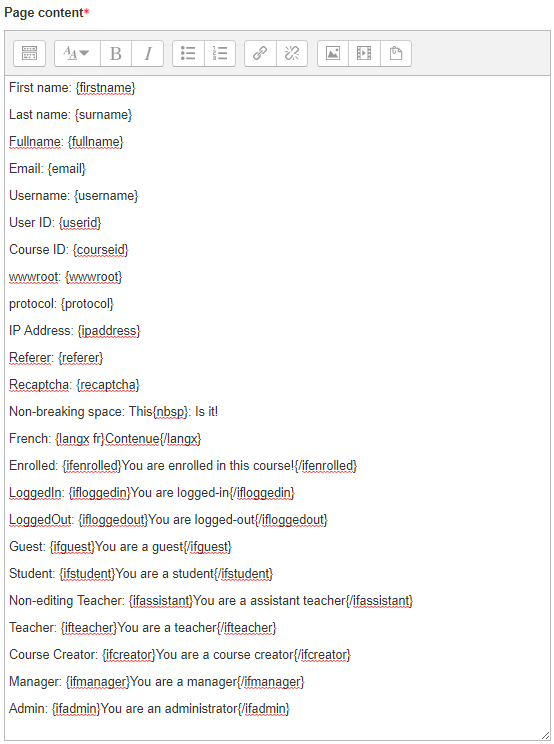
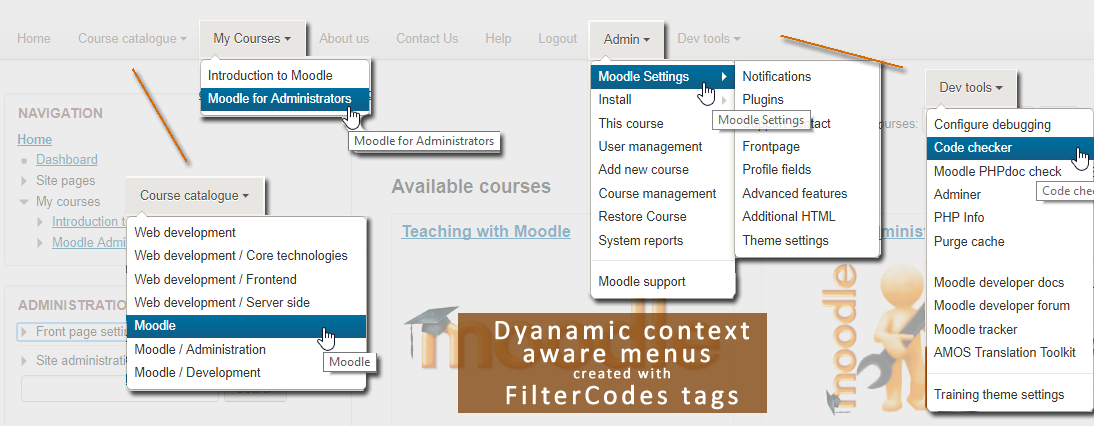
Transform your Moodle site with the FilterCodes Plugin! Elevate engagement by inserting about 200 dynamic plain-text tags like {firstname} to create personalized learning experiences, customize your site and course content, display progress bars, simplify Contact Form customization effortlessly and much more. FilterCodes empowers educators to revolutionize Moodle into a dynamic, personalized platform. Join the community of FilterCodes enthusiasts to unlock the potential of your Moodle LMS site.

Comments
Comments are no longer open for new posts. Existing comments remain available to read.
When I try to use this, however, it does not {fa fa-brands fa-discord}. Any suggestions on using the filtercode for font-awesome 6.0?
https://fontawesome.com/icons/discord?f=brands&s=solid
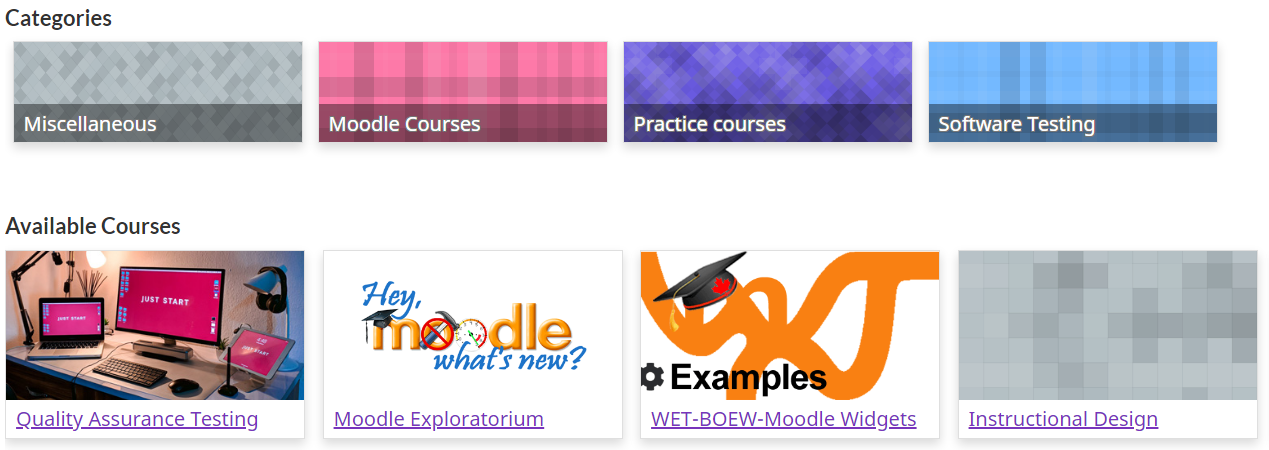
If you are displaying the descriptions with the categories, you could embed an icon in the category description.
Best regards,
Michael Milette
Is it possible to get in some way the list of students. Something like {coursecontacts} but populated with students in place of teachers.
Thx in advance
thanks
You could also try alternative solutions such as Quickmail or an Announcements forum to see if they work any better for you. If you have PHP programming skills, you could clone the bulk user action and create a custom version that works the way you want it to.
Sorry that it isn't going to be as simple as you might have hoped but I hope you find something helpful in my suggestions. Feel free to DM me if you need to hire someone to do custom development for you.
Best regards,
Michael Milette
I see in the code that $u = $USER (the logged in user) as below, so it will be replaced with the current logged in user's full name.
Are there any improvements you could think of to do to the plugin to accomodate for use in the messaging module. I think it would be anice addition to your already excellent plugin which I use a lot.
$u = $USER;
if (!isloggedin() || isguestuser()) {
$u->firstname = get_string('defaultfirstname', 'filter_filtercodes');
$u->lastname = get_string('defaultsurname', 'filter_filtercodes');
}
// Tag: {fullname}.
if (stripos($text, '{fullname}') !== false) {
$replace['/\{fullname\}/i'] = $u->fullname;
Thanks.
Kind Regards
I am using Moodle's messaging module using "Bulk user actions" and then sending a message which then gets recieved as an email. For example I used the {fullname} and {username} filtercodes but when send, it gets recieved by the student with the System Administartor's (who sent the message) full name and username.
Any guidance would be appreciated. Am also trying to look at some of the plugin code to see if there is a fix I could suggest.
Thanks
I'm using Moodle 4.1
I tried sending a message from the administrator to a user using the {fullname} and {username} filtercodes.
However, when I recieved the message it replaced the filtercodes with the sender (admin's) details, rather than the recipient's details. Am i doing somehting wrong?
Thanks. Kind Regards
I only speak English and French, not Spanish, so I am not clear on your question/statement. Are you asking how to use the {coursecontacts} tag in a label? These are plain text tags. Just create a label and type it in.
Best regards,
Michael Milette