MooTyper icon

MooTyper

Maintained by RACHELS, DANIEL A.
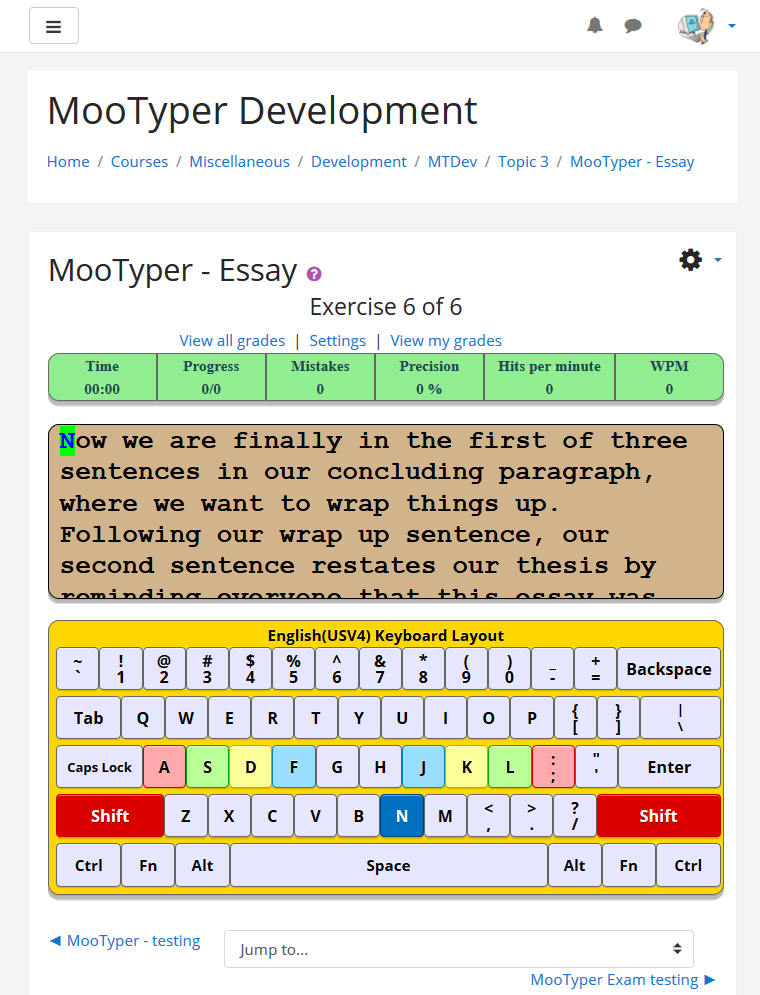
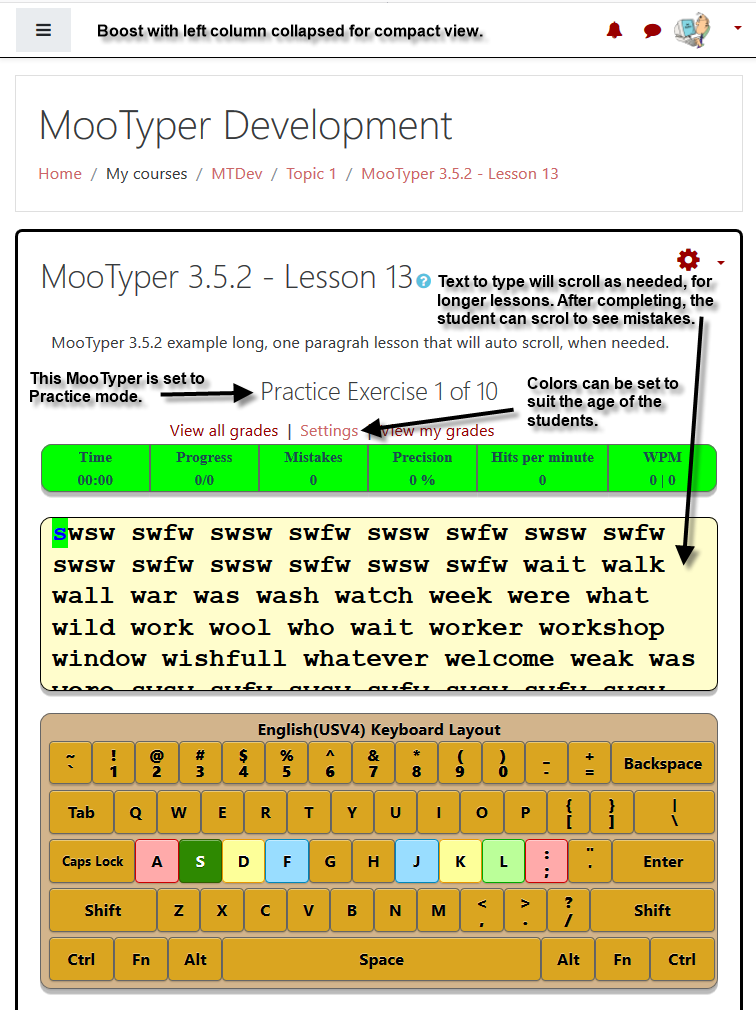
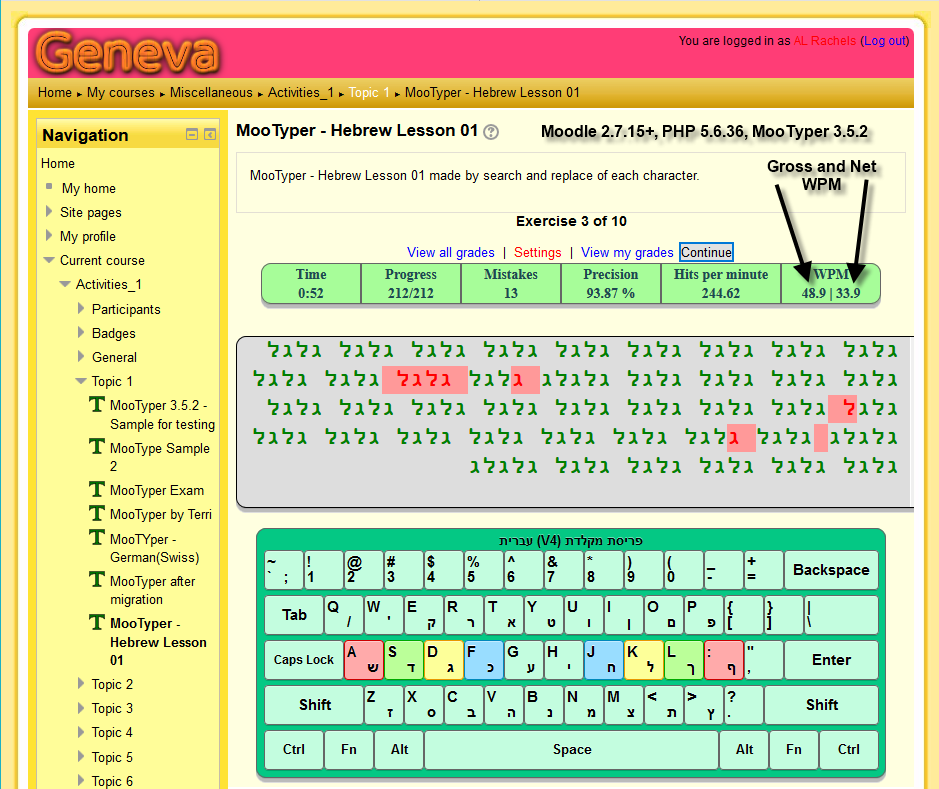
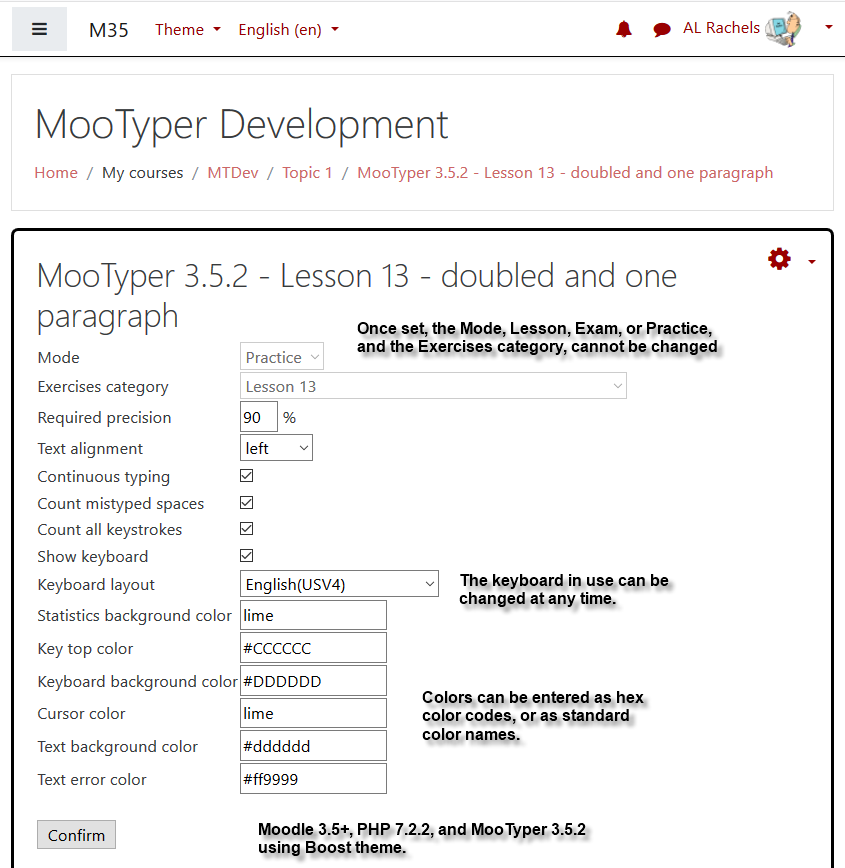
MooTyper implements a typing practice/instruction functionality into Moodle.
Price option: Free

Supports Moodle 2.2-5.2 See all versions
Latest release: 2 months ago
Installations: 1058
Downloads (last 90 days): 386

Frankenstyle name: mod_mootyper
Activities

Comments

Comments are no longer open for new posts. Existing comments remain available to read.

If you mean typing English letters using a Chinese keyboard, then I might be able to get it to work. But if you mean typing Chinese letters, then sorry, MooTyper currently is not able to do that. The current keyboard driver does not support typing letters from a menu.
I am happy to see the module,could this module support chinese typing test in the future?
Hi Javier, I will be happy to try and help you, any way I can. I have sent you a private message regarding contacting me via email. The second version of MooTyper you mention: "mod_mootyper_moodle23_2014080300" was the code version available at the time I took over maintaining MooTyper. As you mention, that old version is very limited when compared to MooTyper 3.6.1.
I have installed Mootyper v 3.6.1 for Moodle 3.7+ Clean installation. Correct plugin, correct installation ... I add the activity of mootyper. All good. I click on T-mootyper and I see: options. I can configure all the options: create lessons, delete, etc. But I do not see the keyboard, I only see the configuration options. I can not work just set up lessons, and features. I have tried other versions of mootyper and the plugin works for mod_mootyper_moodle23_2014080300 in moodle v3.7 +. But this version is very limited in features (language, keyboards, lessons ...) You can help me.
Hi Maritza,
Intriguing idea. Cannot be done with current version of MooTyper and would require major development work to implement. Would still need to have the text (hidden) along with the audio file so that the exercise could be automatically checked for correctness by MooTyper.
Hello, Are er able to add an audio file only instead of the text and have a student type what they hear for a listening and writing activity?
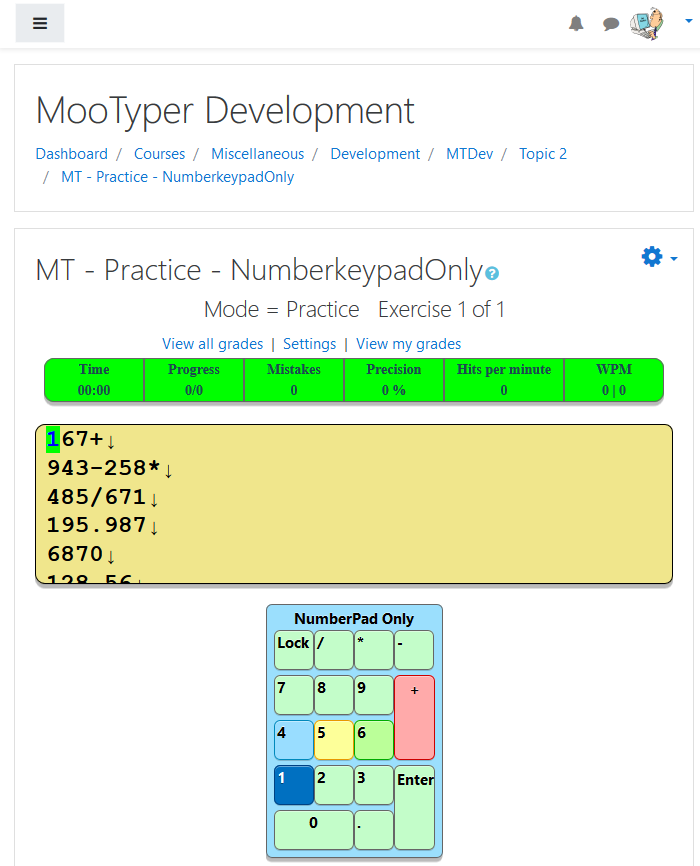
I have both the solo keypad and the keyboard+keypad working and available at git hub.
I've had a request to implement a keypad layout. If anyone else is interested, please let me know and I will let you know where to see it in action. Keypad by itself works, but keyboard+keypad still needs a little work to get both keytops to highlight.
Just to let everyone know, if you downloaded and tried to use the 3.6.0 release, you should replace it with this 3.6.0+ one. I was in a hurry to release before going on a trip, and accidentally included the wrong copy of the typer.js file. The included file had a bunch of console.log entries in it, one of which was breaking the scroll function. Sorry for any inconvenience.
The only time I ever have that happen is when my Windows computer keyboard driver does not match the MooTyper keyboard layout. It happens to me quite often as I currently have 33 languages installed on my development computer and I sometimes forget to make sure I am using the correct language with the corresponding MooTyper keyboard layout. i.e. Many times I have been using one language, then try to type in another in MooTyper without changing the computer keyboard driver. Nothing appears to happen because the letter in the the two do not match so MooTyper is counting it as a mistake and waiting for me to type the correct letter before it will move the cursor to the next letter to type. If you write me direct at drachels at drachels dot com you can send me a picture of your MooTyper settings page, etc.
We have just installed the mootype in Moodle 3.4. When I started typing verything was right on the screen , the time , the first letter appears underlined in green... But, I cannot type. the keyboard is not working and I tried both; Spanish v4 and Spanish V5. How can I make it work? Thanks in advance.
For anyone interested, I have finally had time to create an English(USV5) keyboard layout and driver, that correctly shows only one shift key per upper case key, instead of highlighting both of them. You can try it out at http://m3x.drachels.com/mod/mootyper/view.php?id=446
Anyone wanting the same functionality for any of the other language keyboards, let me know and I will try to do them on a first-asked, first-served basis.
I was actually working on this some yesterday and again earlier today, and still do not have it working. However, I think I might have an idea of what the problem is and will see if I can make more progress on the Korean layout tomorrow.
Thank you for answer.
I wish your wife to be healthy.
I am not a programmer. I do not know how to use the file even if you give it to me.
Let me know how to use it, so I will try.
Hi Polaris, I started trying to do a Korean keyboard layout last June, but without any real progress due to the way the keyboard driver for Windows and Linux work for Korean. Due to my wife's extreme health issues, I have not been able to work on the layout since September. If you would like to work on it, I can give you a copy of the work (2 files) that I currently have.