MooTyper icon

MooTyper

Maintained by RACHELS, DANIEL A.
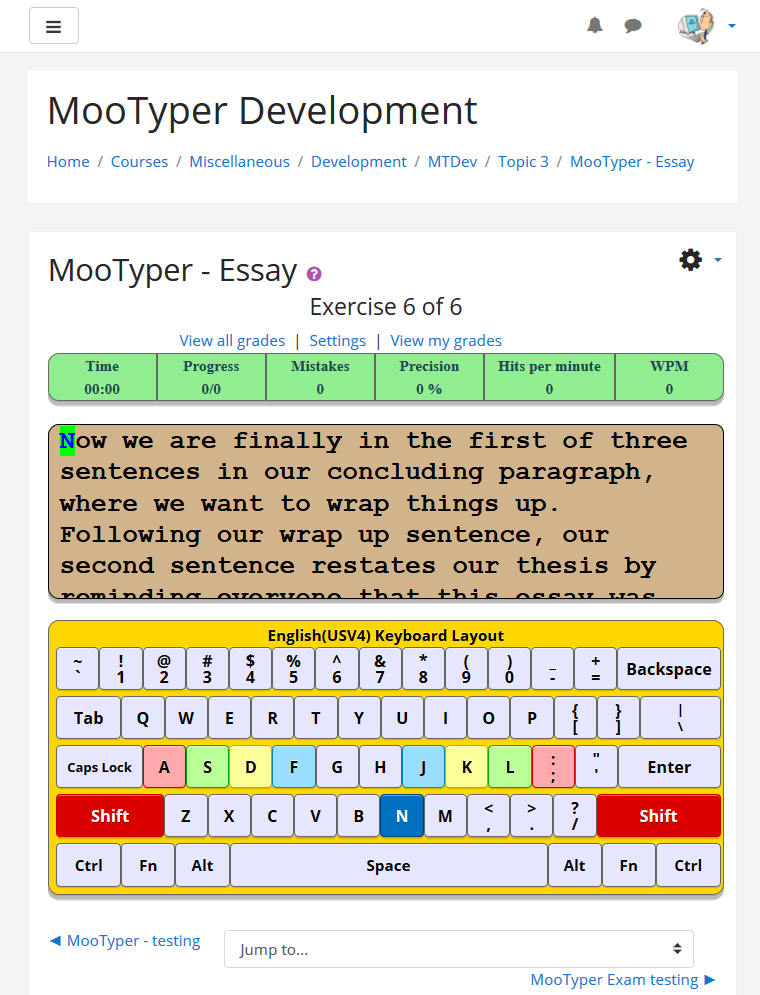
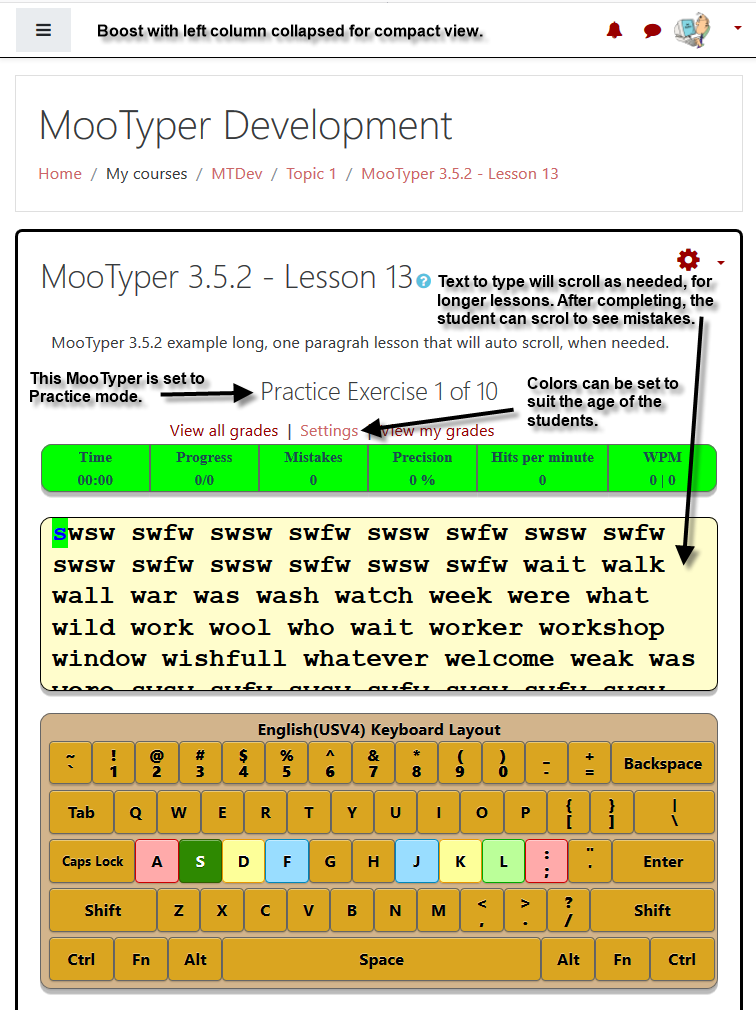
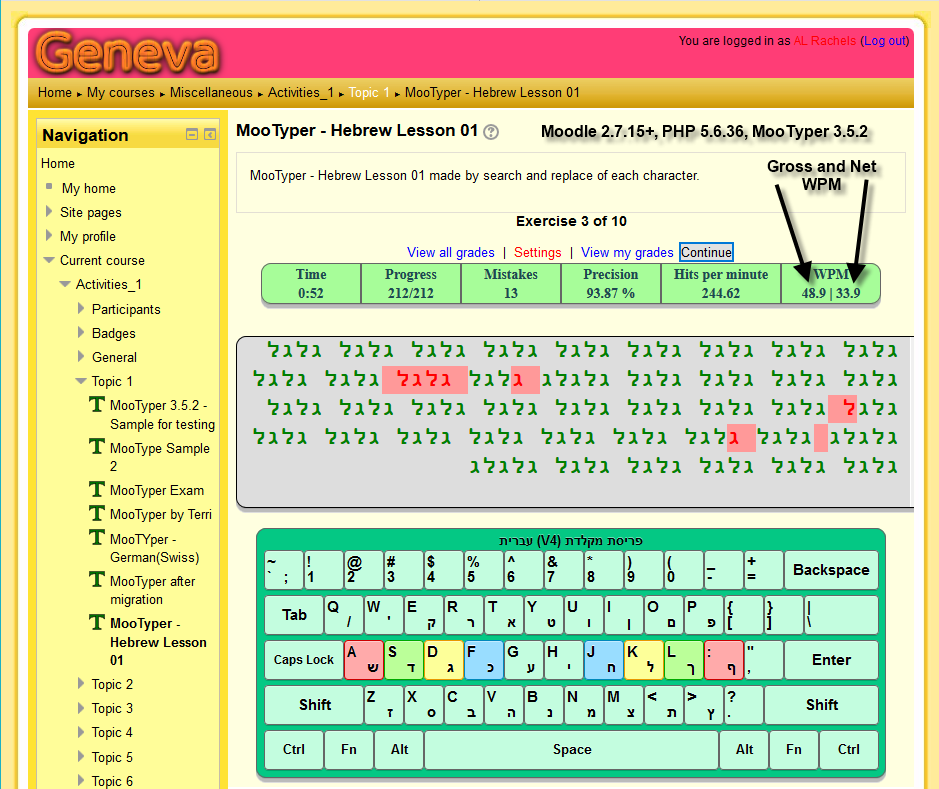
MooTyper implements a typing practice/instruction functionality into Moodle.
Price option: Free

Supports Moodle 2.2-5.2 See all versions
Latest release: 2 months ago
Installations: 1058
Downloads (last 90 days): 386

Frankenstyle name: mod_mootyper
Activities

Comments

Comments are no longer open for new posts. Existing comments remain available to read.

Both translated 100% to European Portuguese.
Thanks for yours GREAT plugin.
Another shout-out of thanks to Stamos Spiliotis from Greece. In the past few days he has not only installed MooTyper for his students, but has also taken the time to translate all the MooTyper language strings into Greek. Stamos also helps maintain other Greek translations for Moodle. He has also made a couple of suggestions to improve MooTyper, which I have added to my, TODO list. Thanks again Stamos!
Just a quick shout-out of thanks to Jelle Pauwels from Belgium. Being in lockdown at home due to Covid-19, he has taken the time to translate all the language strings for Belgium(DutchV5) used by MooTyper. He has even agreed to do the same for my other plugin, Hot Question.
If there are any other users working from home and looking for something to do to keep busy, if you would care to add translations for other MooTyper layouts, please let me know and I will gladly tell you how to do it.
@Maritza Rojas - I have finally gotten caught up with other updates to MooTyper and over the past couple of days I have been working on a, Dictation, capability for MooTyper. Could you give me more info on just what you would like for MooTyper to do for a "listening and writing activity?" If you could provide an example audio file that would be great. My email address is available in my profile.
If you are wanting to give students a set of general directions in an audio file for a typing assignment such as an essay, and then have them type whatever they want, you would need to use some other activity, such as assign in text mode, or journal. The audio directions file could be placed/recorded in the description of the activity.
As I mentioned before, for a dictation capability, MooTyper will need to have the text along with an audio file narrating the text. MooTyper will need to be modified so that the complete text starts out as invisible, and then becomes visible one character at a time as the student types. From the student viewpoint, I have this already working. Just need to finish adding code to eins.php and eedit.php that lets the teacher add or edit the audio file. To simplify things, I am going to use the audio recording capability built into the Atto editor, so this new capability may be for only Moodle 3.5 and above. Comments and suggestions from anyone are welcome.
Hi Gorn,
Sorry, I do not supply any lesson named "English2.txt" so it must be one that someone in your organization created. What keyboard layout are you using?
I remember once a few years ago, someone had the same problem and it was caused by creating the exercise in MS Word, then doing a copy and paste. MS Word uses the curved version of quotes and apostrophes as they "look" better, but they are actually named something else, which creates the problem you have noticed.
If you edit the exercise, in MooTyper, retype the problem characters and save your changes, that should fix it. You might have to figure out who created the exercise due to permissions, or just have an admin do it. Admins can edit any exercise.
Hi AL! There seems to be a problem with the exercise "English2.txt". One of our users has complained that her students can't continue with the lesson when they reach the apostrophe in line 17. I had a look at the file and it seems there are two different types of apostrophes used. "Who's at the door?" at line 14 and "You’re looking good" at line 17 look differently in the text editor. Apparently the students can continue at line 14 without any problems. I haven't tested it myself, so I can't say if there's anything to it, but maybe you'll like to have a look at it.
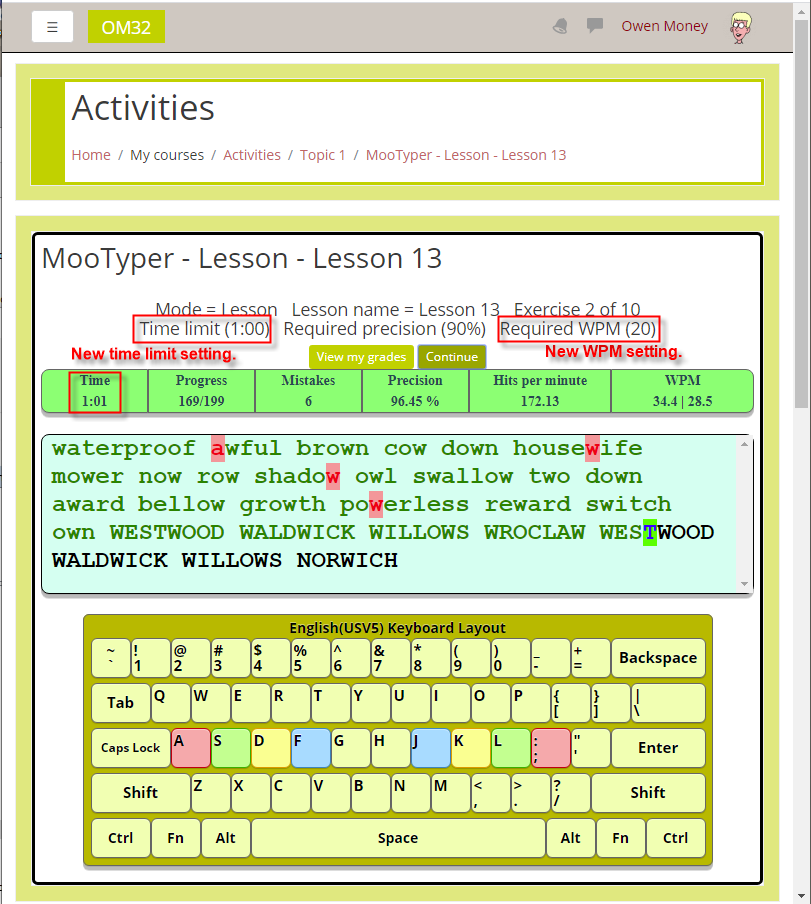
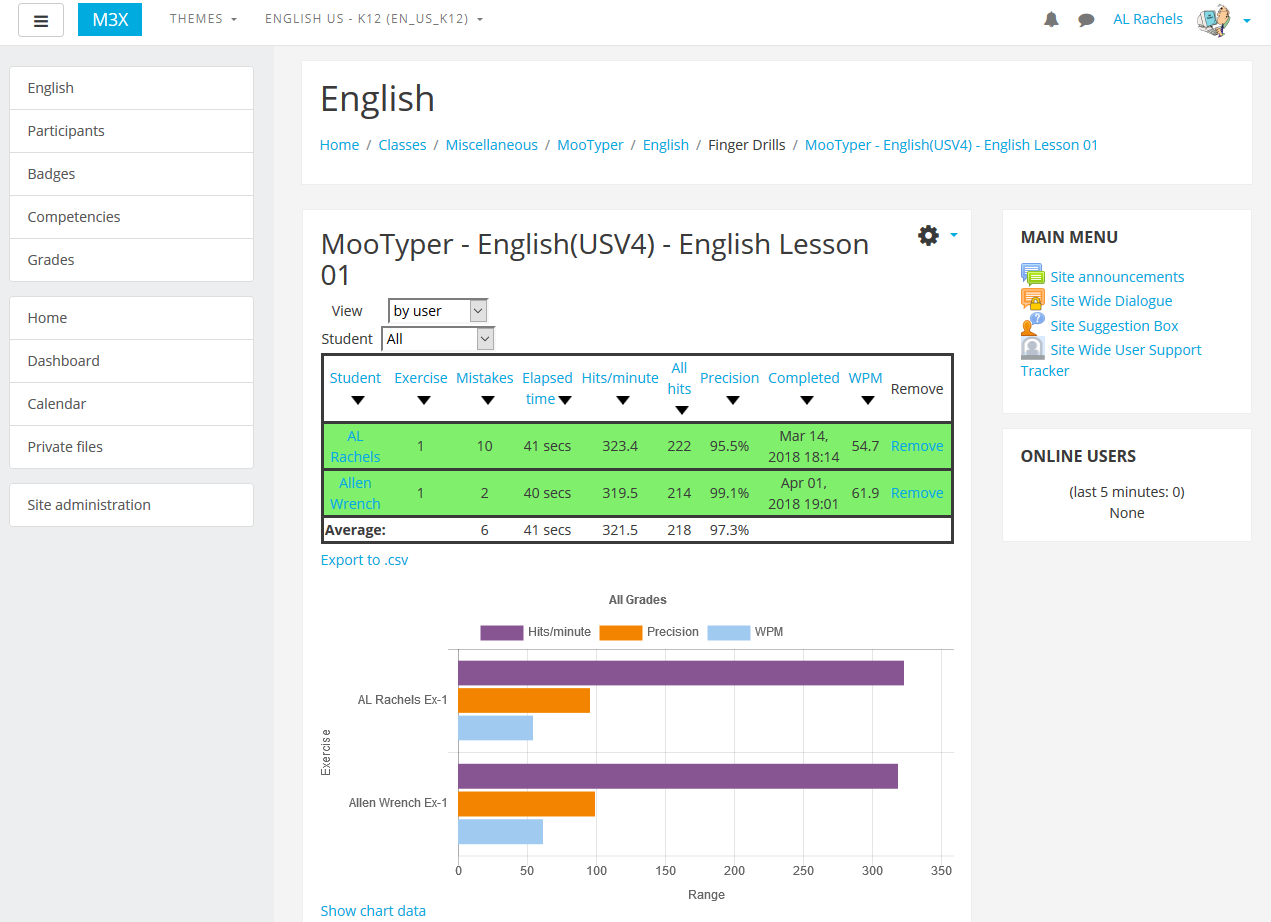
I have just started testing the new MooTyper V3.8.3, that will now let the teacher see the mistakes each student has made in each exercise. It usually takes a couple of days for me to go through all the versions of Moodle that MooTyper works with and I expect this version will take a little longer due to having to test the new time limit and required WPM rate settings. I've checked it on Moodle 3.7.x, 3.8.x and 3.3.x (using PostgreSQL) so far and it looks good. The new version is available at github via the Source control URL link, listed above.
Coming soon in a new version of MooTyper, Mistake details, which is a consolidated list of mistyped characters with count, displayed between the status bar and the text-to-type. You can see a preliminary version in operation if you visit the Website URL listed above. Next step, is to make the Mistake details result available to the teacher so they can see where students are having trouble. If you have any suggestions for this and any other improvements, please let me know.
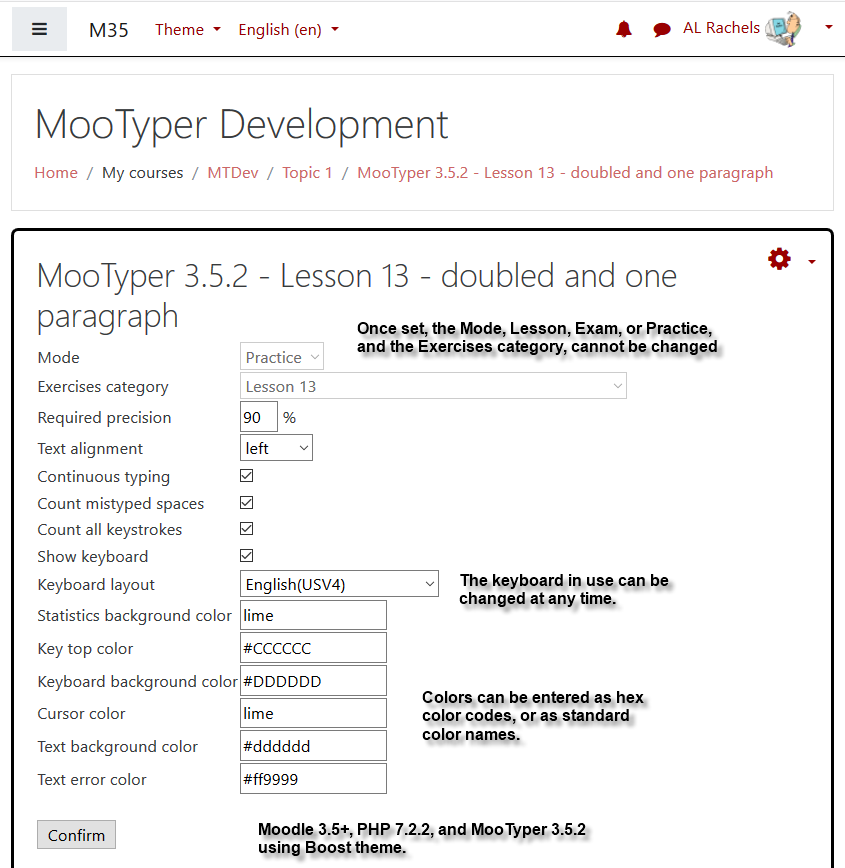
Forgot to mention, there is a new key top text color setting so you can make the on screen keyboard layout look similar to the way most keyboards actually look. For instance, my actual desktop computer keyboard has a light gray background, and black keys with white letters. This combination is now possible, however, home row key tops are still red, yellow, green and blue with black letters.
For anyone interested, I am right in the middle of testing a new MooTyper 3.8.2 version, but due to good results so far, have already placed it on the demo site reached by the Website URL listed above. Like the last two releases, this one contains over a dozen new "things" and fixes one bug related to mode settings. The two biggest items are a time limit setting and a required WPM setting. Anyone can self enroll and if you would like to see things from a teachers point of view, contact me via private message or email listed in last comment.
Hi Bruce,
Can you contact me via email, drachels at drachels dot com and provide me with details, pictures, etc., of what you mean by "Time Test"?
Hi Al, we appreciate this activity. The only thing we see missing is a Time Test that follows standard keyboard testing rules...any thoughts about adding this so we don't have to have two products?
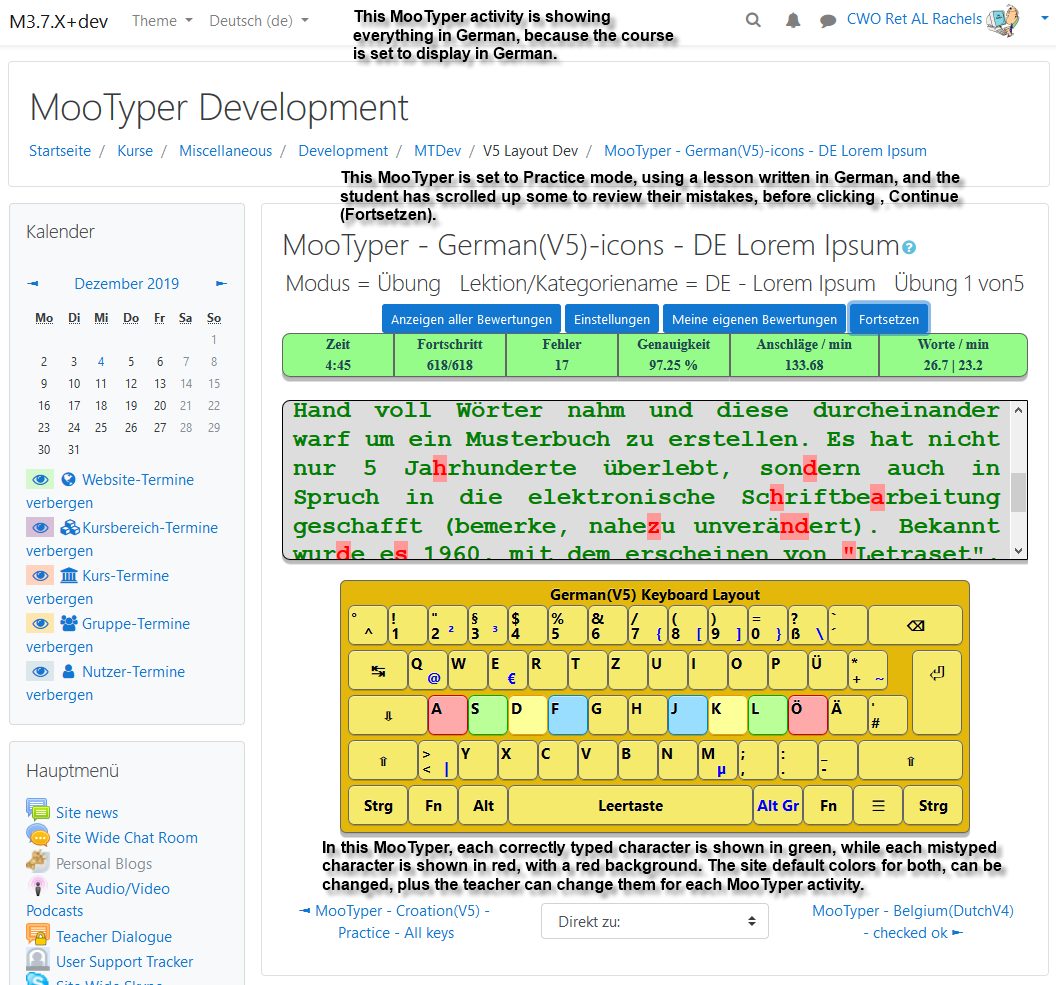
I am sorry to say that my, "try to do another release sometime next week," has become next month, and it will probably be another couple of days. I have managed to clear a few more of my tracker items, plus I am waiting for some feedback about a change and a new German(V5)-icons layout. The new layout is already in the master branch at github for anyone who might want to try it out.
Even though the new MooTyper 3.8.0 included over 18 different bug, style, and new item changes, thanks to user pmaneggia, I managed to fix another newly discovered bug today. The problem was that the Confirm button, when changing MooTyper settings, would not save the changes if you were using a Safari web browser. Anyone who regularly uses Safari, can get the fix from github. It is in branch MOODLE_380+_STABLE. I have also completed work on two more tracker items, which are in the master branch. Since I am trying to clear some more of my TODO tracker items, I will try to do another release sometime next week.
Just added a new MooTyper 3.8.0 release. Most of the new changes, additions, and updates are related to code changes to events. People who can edit or add lesson categories and exercises, will see a couple of new, Cancel, buttons. Sites using Moodle 3.1 down to 2.7 may see a very slight alignment difference between the Confirm and Cancel buttons. For all the Moodles from 3.2 and higher, that have the Boost theme, the buttons align as they should.
Sites using lower versions of Moodle really should upgrade because if I start having more problems with getting MooTyper to work seamlessly, I will have to drop support for older Moodle versions.