MooTyper icon

MooTyper

Maintained by RACHELS, DANIEL A.
MooTyper implements a typing practice/instruction functionality into Moodle.
Price option: Free

Supports Moodle 2.2-5.2 See all versions
Latest release: 2 months ago
Installations: 1058
Downloads (last 90 days): 386

Frankenstyle name: mod_mootyper
Activities

Comments

Comments are no longer open for new posts. Existing comments remain available to read.

Do you plan to develop a Korean keyboard version?
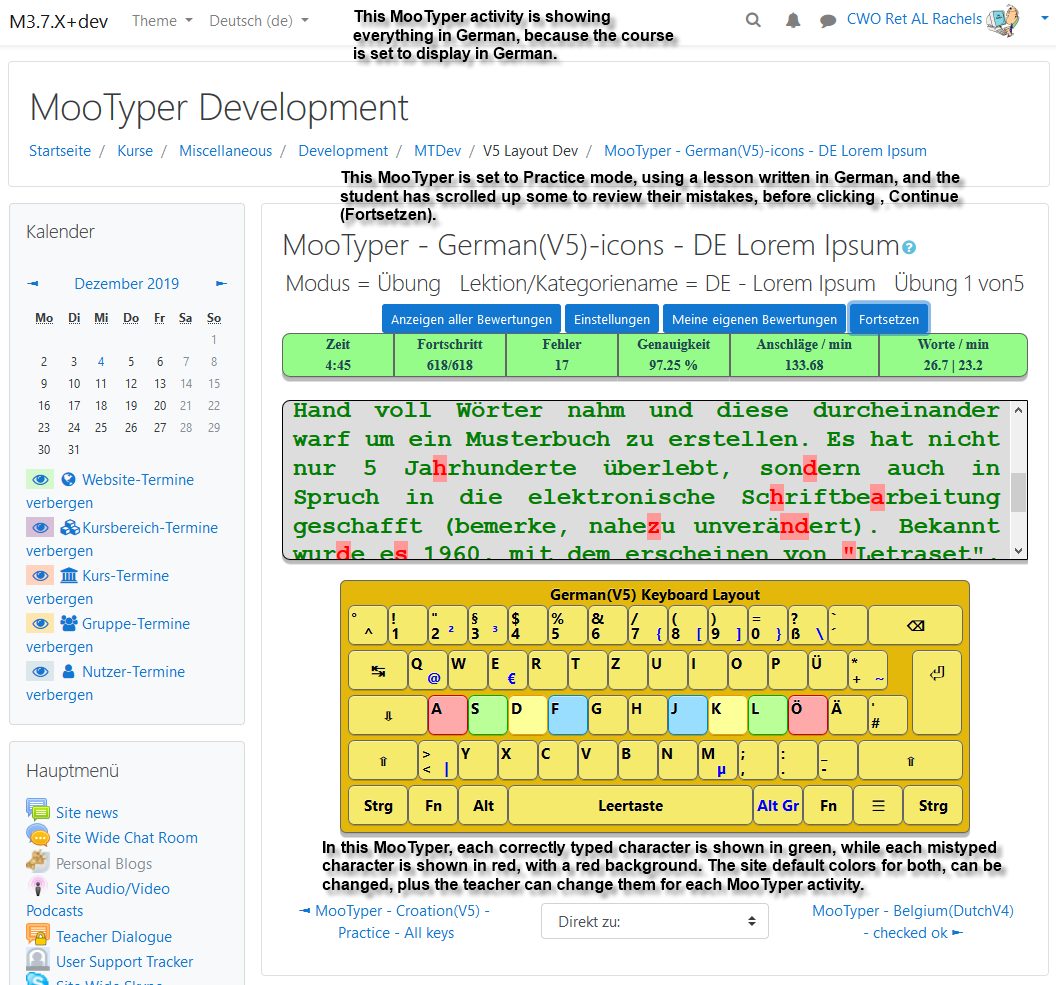
To anyone who might be interested, I have spent some time over the past week creating some new keyboard layouts that need testing. I will set them up at http://m3x.drachels.com/ as time permits. New layouts - Bulgarian, Czech, Danish, Greek, Italian, Norwegian, Swedish, and Vietnamese. Currently working on adding Turkish.
Hi Bruce,
It only comes with a few samples due to it's capability of supporting other languages, but creating your own is easy to do. I do have a fairly comprehensive set of lessons for English, but have not had time to post them on my sample site. They all have to be modified for the new scrolling paragraph style exercises capability. Been very busy working on the recent QA Testing for Moodle 3.5 and creating code for GDPR compliance, and just haven't had time to do that.
Does this plug in come with assignments already created or do we have to create our own? If the latter, does anyone have a good set they would like to share?
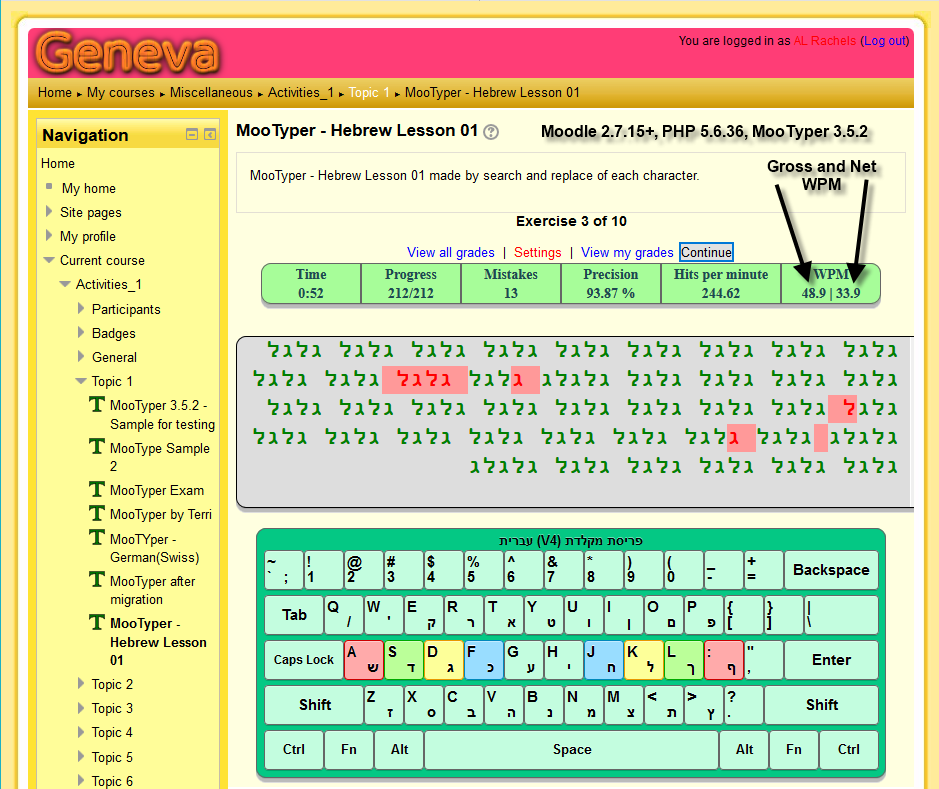
Just released MooTyper 3.4.3 with three new keyboard layouts, Estonian, Thai and Hebrew. Hebrew, being right-to-left required some "under the hood" and other changes, so if anyone experiences any problems, please let me know so I can try to get them fixed, quickly.
If anyone tries the new Website URL listed above, you can create an account and self enroll as a student in any course listed. I am in the process of creating content (Slowly due to working on MooTyper code.) so if you need me to add something, let me know. Other student or teacher access can be provided if you contact me directly.
Hi Eyal, What language do you want for your new layout? If you send me the two files, I will take a look at them and see if I can find the problem. drachels at drachels dot com
Hi,
This is truly an amazing plug-in! - My students just LOVE it!!!
I tried to add another language as described (README.md file).
"To implement any other layout you have to:
Create a php file with keyboard layout defined with HTML. Create a javascript
file (with the same name and .js extension) that implements the logic of the keyboard
layout."
I've added two files with the same name(.php & .js) - did not work sad
I'll be very happy with any suggestions ...?
Hi John, There were so many things "missing" when I took over MooTyper, and I just have not gotten around to "completing" completion yet. ;) It is one of the many things I have on my TODO list.
AMAZING PLUG-IN!!! Do you have any future plans to support automated activity completion (right now it only supports manual activity completion). I'd like to lock activities down to students completing their MooTyper activities, but I don't seem to have any way to tell Moodle what 'completed' is. Would be a nice feature. Thanks!
Hi David, Thanks for the info. The problem is due to a change I made in the styles.css file at the end of one day, then had some other obligations for a couple of days. By the time I got back to MooTyper, I did not associate my change with the altered look in a couple of places in Moodle, besides the one you point out. I've had a fix in the master branch at github for a few days, just have not had time to completely test against all versions of Moodle from 2.7 to 3.4, due to Doctors appointment and some kitchen renovations for a new stove for my wife for Christmas. I am in the process of testing now and should have the new version posted here no later than tomorrow. This new version also has had course reset capability added and some new keyboard layouts. The English keyboard layout has it's name changed due to future plans for a new British layout. If you want to you can download the new version now from github.
I've stopped using MooTyper because it appears to alter the way forum posts display. Students complained when I updated to the latest MooTyper version (34_2017120100). Basically, the text in the forum post displays below the box. When there is a "Read more..." option, clicking does nothing. I initially thought it was happening because I was using Moodle 3.2.2 and the plugin was newer so uninstalled it. Today, I upgraded Moodle to 3.4+ and then re-installed MooTyper to see if it now worked. Saw the same display as before. I have the Gourmet theme installed so I had previously contacted them to ask about it, but they said it was the plugin and not the theme causing this text overrun and dead Read more link. So at this point, I've once again removed MooTyper until this gets sorted out. Thanks.
Currently, MooTyper does not contain the code needed for that. The only way at the moment would be to put the info in the MoTyper description and then check mark the, Display description on course page, setting so students could see it. Another possibility would be to add a Generico filter countdown timer. Currently just finished new Portuguese(PortugalV4) and French(V4) keyboard layouts and have four other layouts under development, plus working on adding course reset capability. I also have Calendar events on my todo list.
Anyway to display the Due Date or Close date of the assignments for students? Or have the close date appear in the Upcoming Events block?
Translation completed.
Hi Dinis, Thanks for the work you do as a translator. If you email me directly: drachels at drachels dot com, I will try to have the new version ready for you later today, and give you a link so you can test it for me to make sure it is working correctly.