
Quiz Analytics
Maintained by
Purnendu Dash, DualCube Team
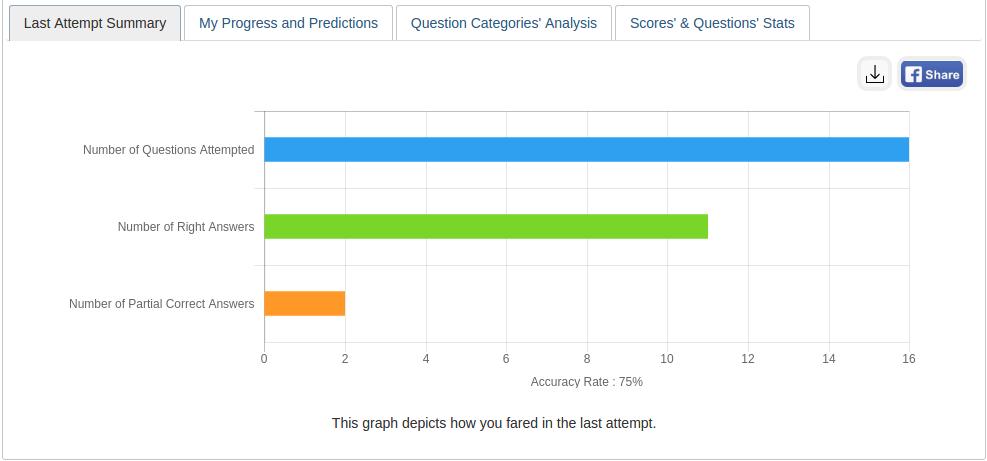
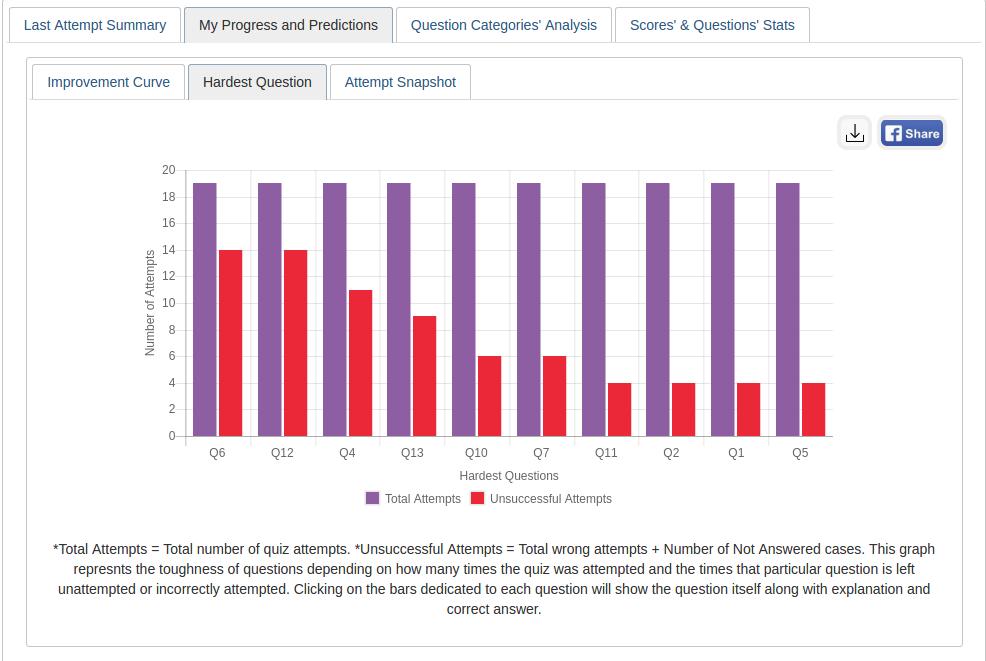
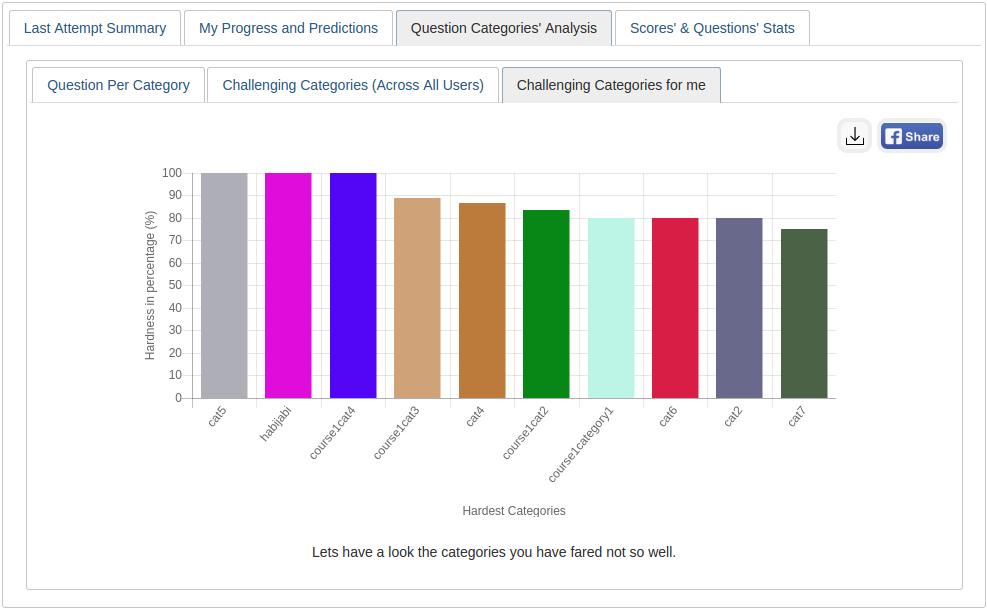
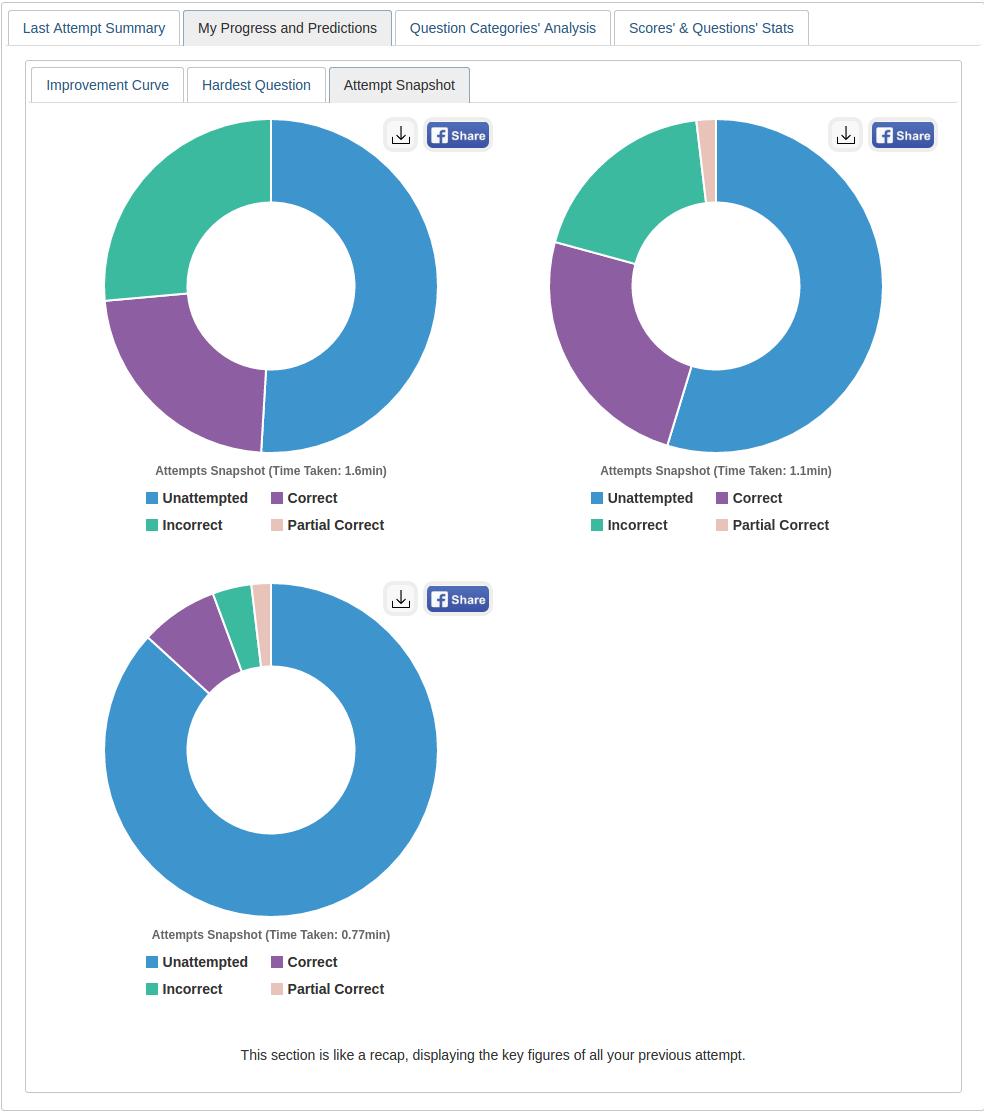
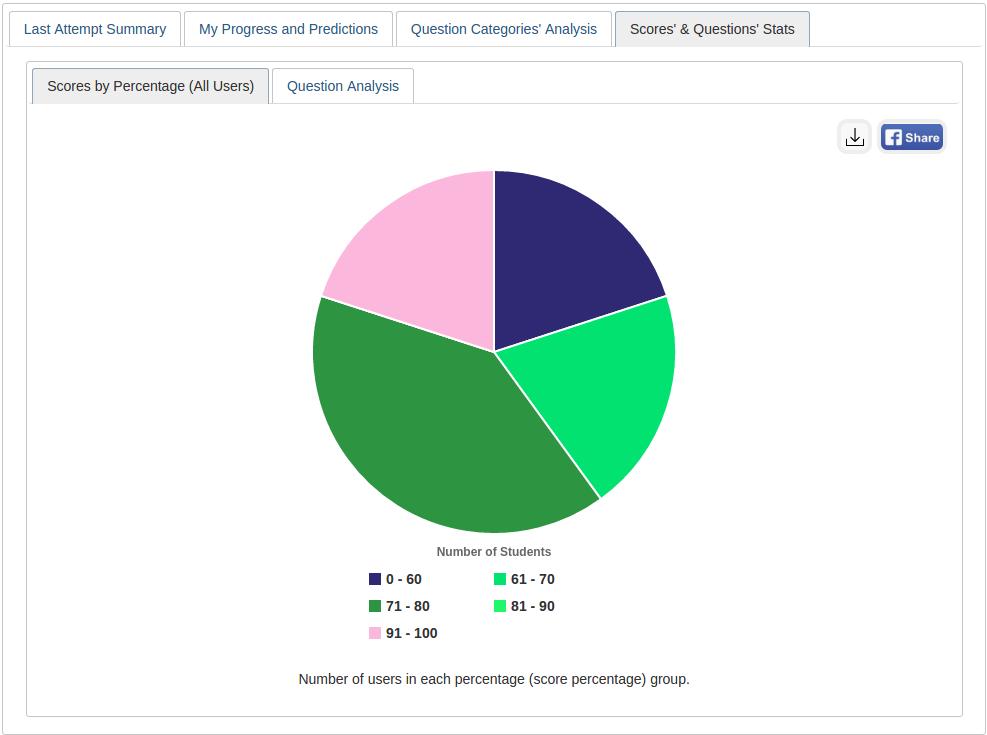
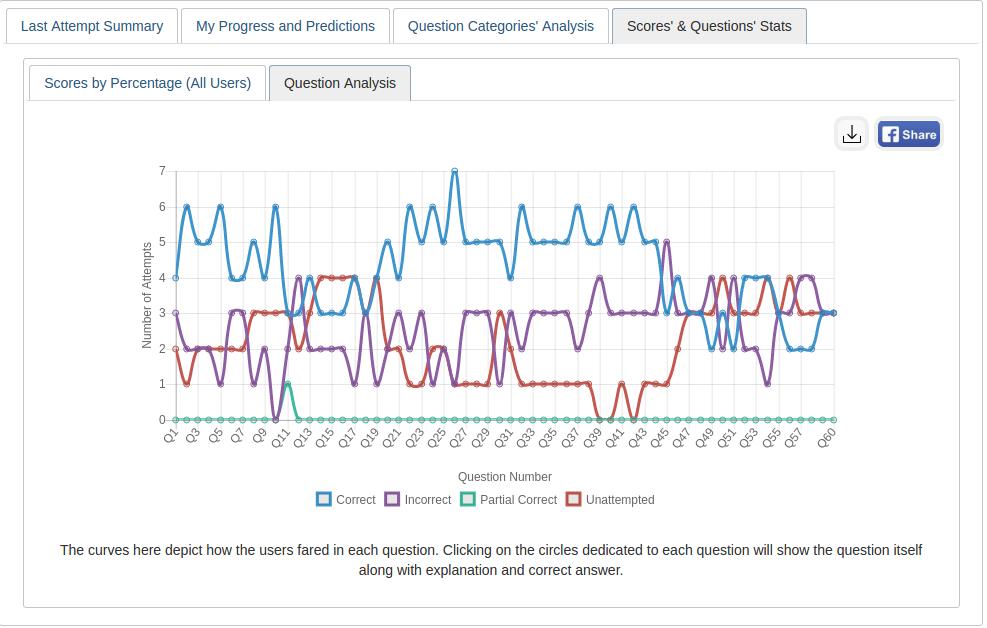
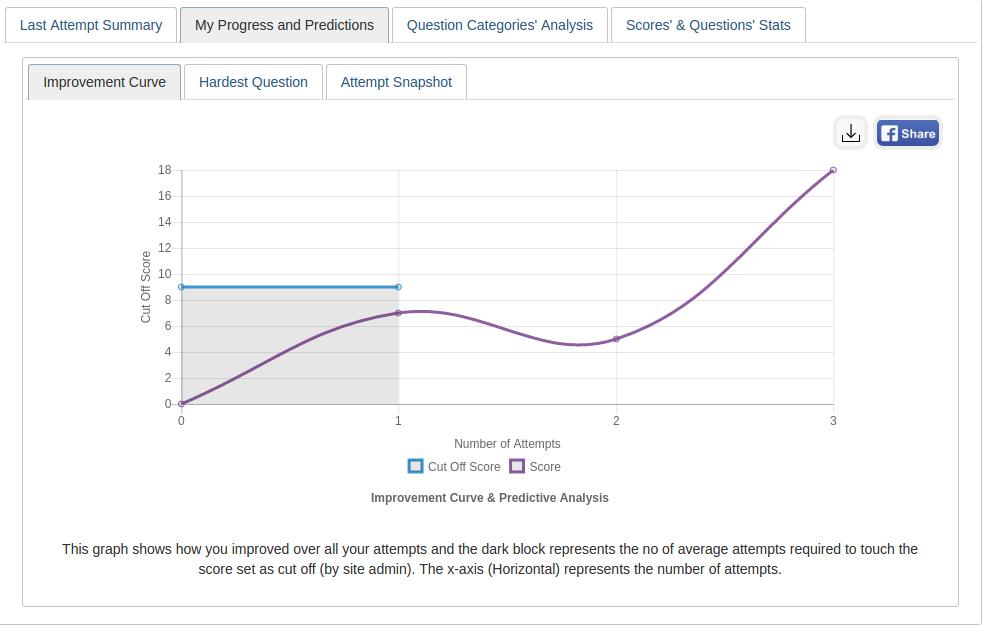
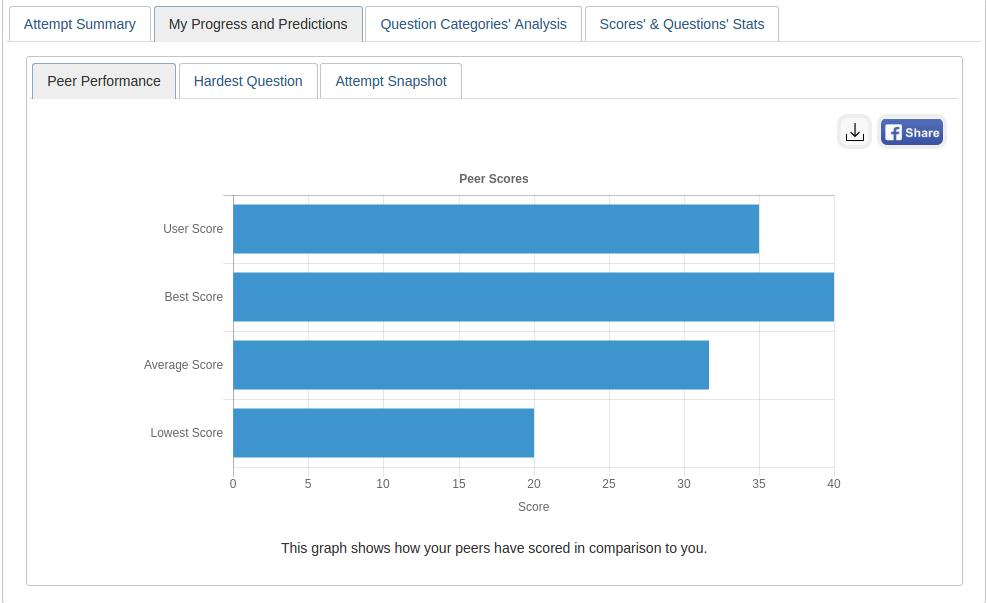
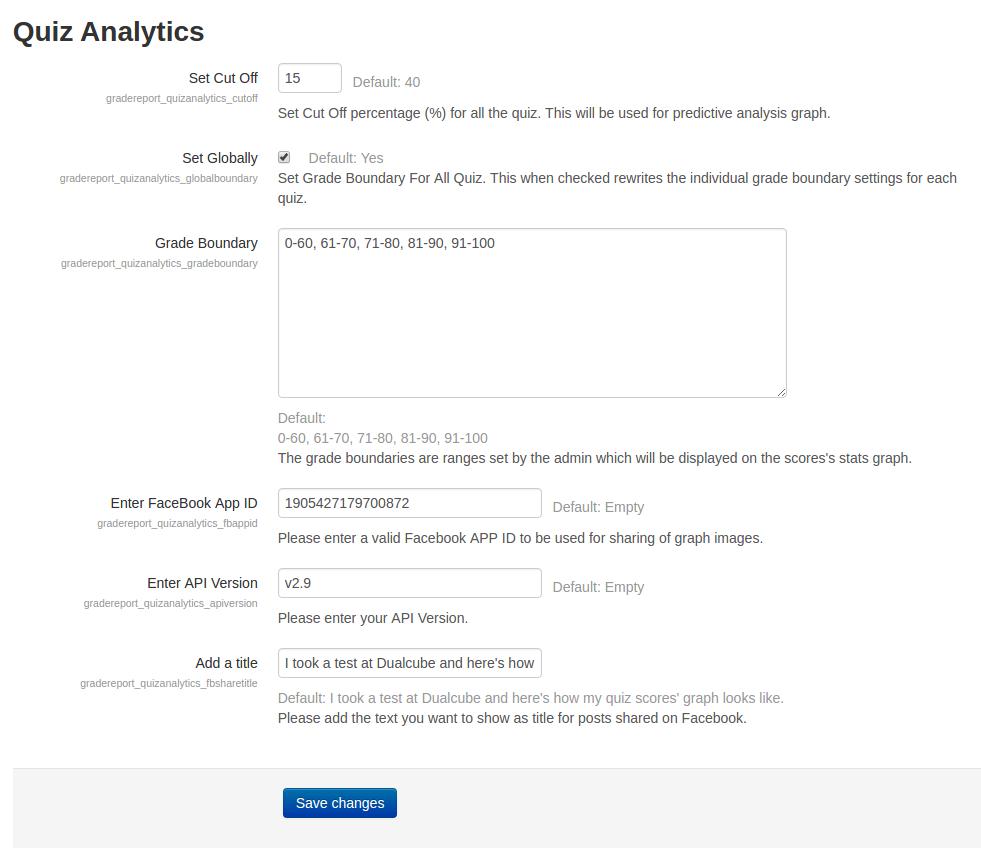
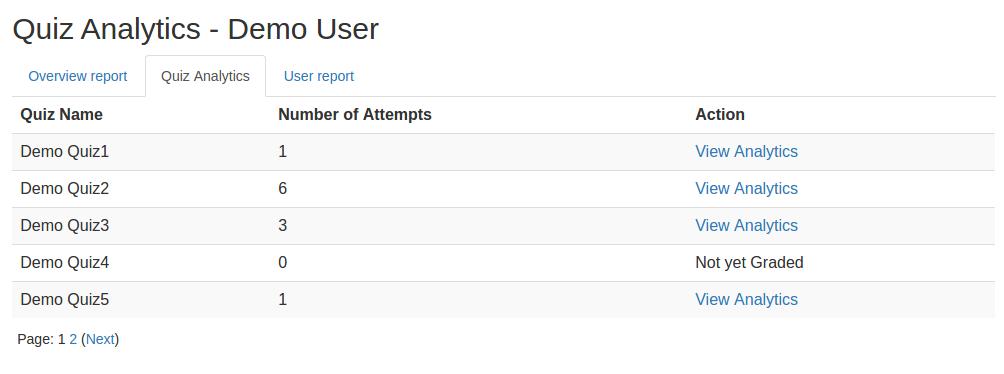
This plugin gives an analytical report of the quiz and the questions within it to promote student growth. A learner’s growth pattern is ascertained after carefully examining their quiz attempt. The user's current position is then displayed on a graph following each successful attempt.
Comments
Comments are no longer open for new posts. Existing comments remain available to read.
First of all, thanks for this great plugin.
I have a problem that I do not know if the plugin will give it by default but I have not seen it in configuration. If you are an administrator, the graphics appear correctly, but students do not have the option to see their graphics. Is there any way of doing this?
Thanks!
I tried to attempt quiz analytics as an admin.
So ... i logged in as a test-student and made a quiz (result: 1,3
Ik can now see te link 'View analytics'. Great.
But ... when i click on that link nothing happens.
That link links to the overall-page (https://my.moodlesite.nl/grade/report/quizanalytics/index.php?id=xx)
Please, can you help me?
Thanks a lot!
Regards, Kees.
Ik read the readme-file on github.
That's it.
I cann't do anymore. There are no links, no buttons.
Please, can you help me to get the information from the quizzes?
Moodle: Moodle 3.9.7 (Build: 20210510)
Quiz Analytics: 1.1 (Build: 2017081602) | 2020060500
Regards, Kees
Please assist.
Moodle 3.5, quiz_analytics 1.1 (Build: 2017081602)
I have installed this plugin in 3.9 version. When I click on Quiz Analysis and then click on any of the quiz, nothing happened. It took me to the quiz page. No graph report generated for that quiz or nothing else. It just redirects me to the quiz page only. Thanks
Please read the complete details here: https://github.com/dualcube/moodle-gradereport_quizanalytics
If you still have any doubt, please let us know.
Thank you.