
Quiz Analytics
Maintained by
Purnendu Dash, DualCube Team
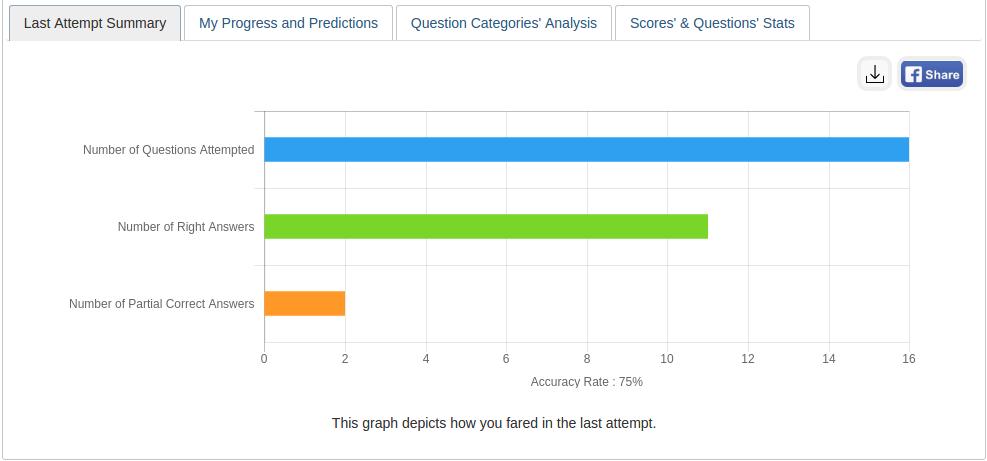
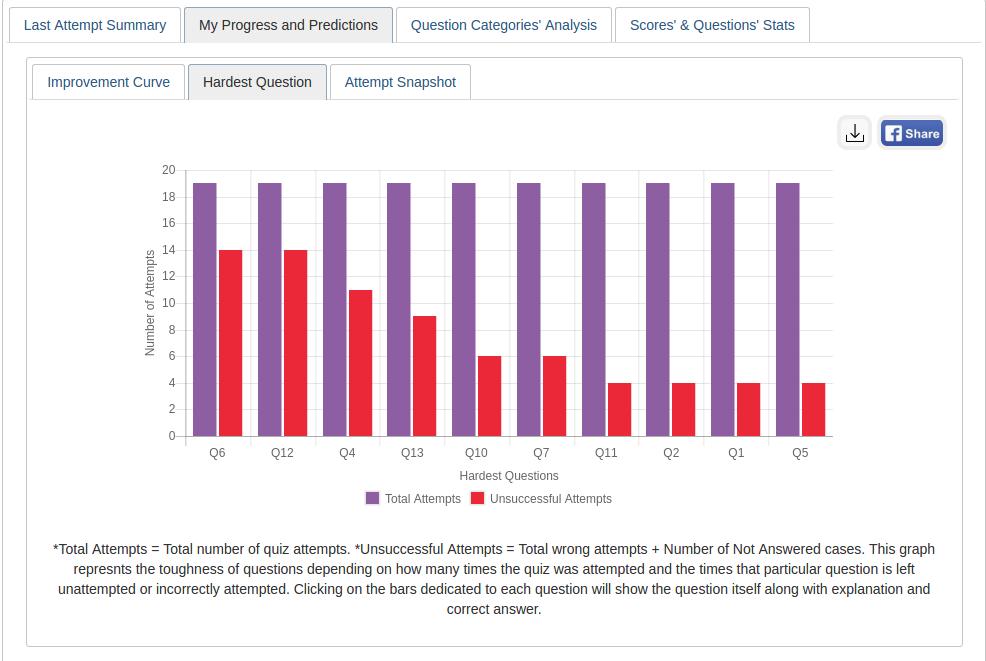
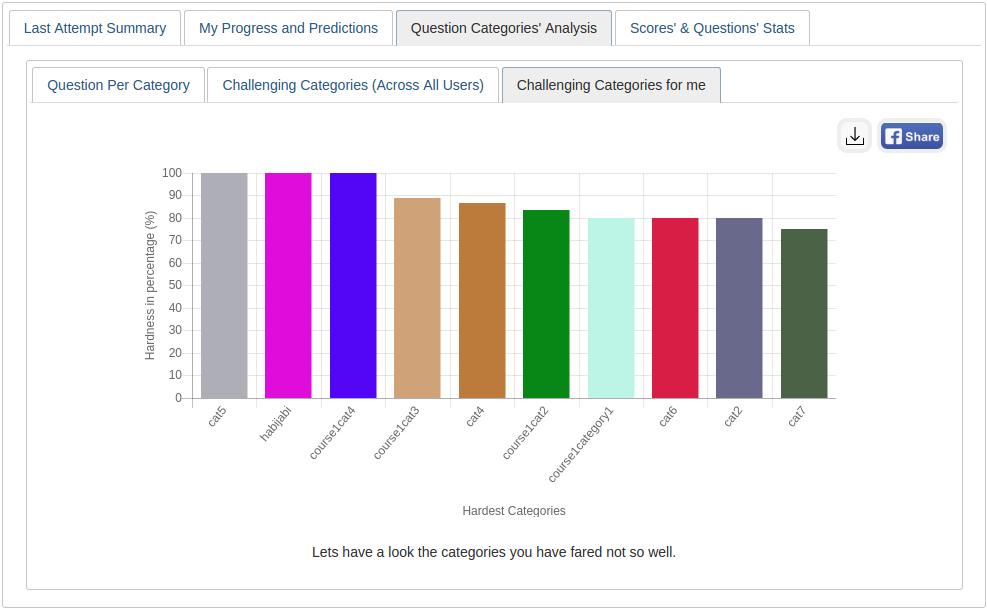
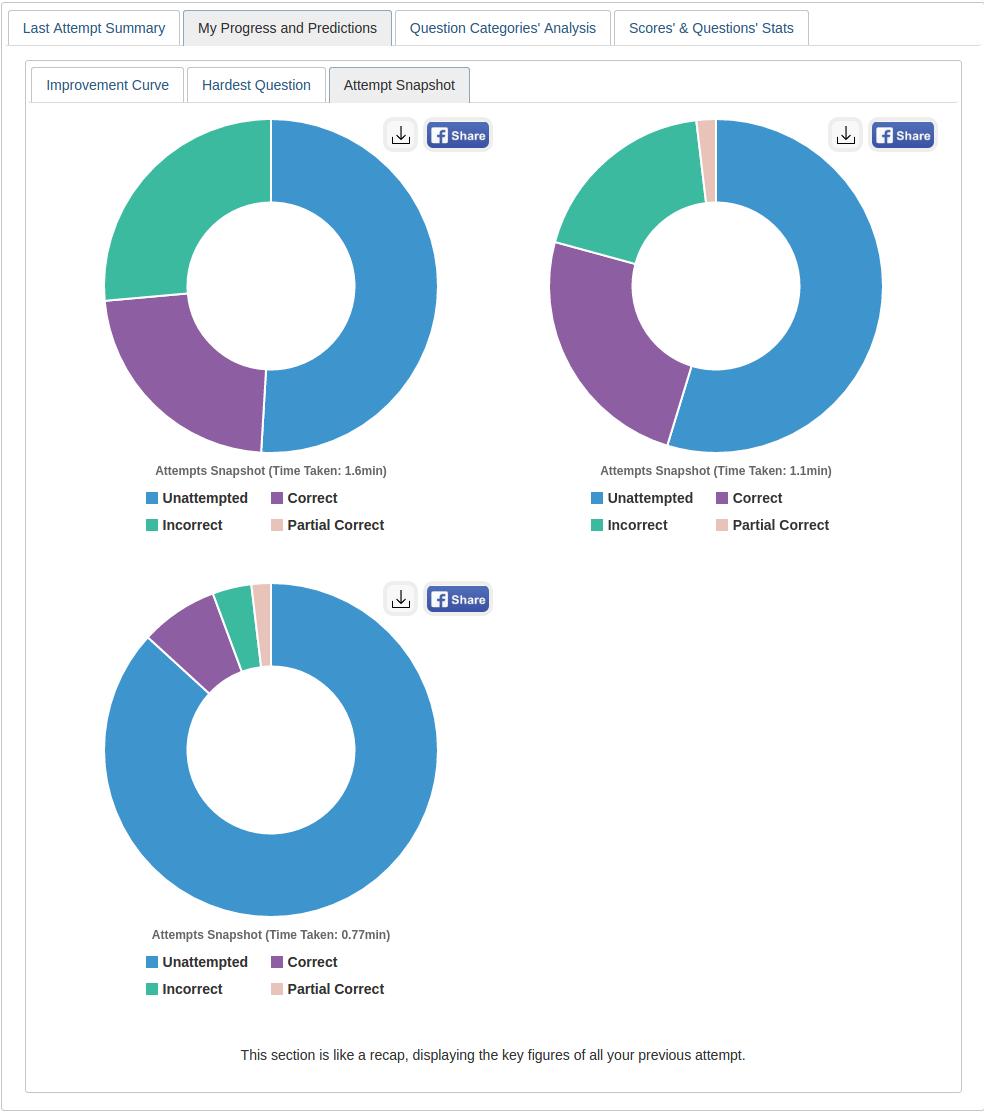
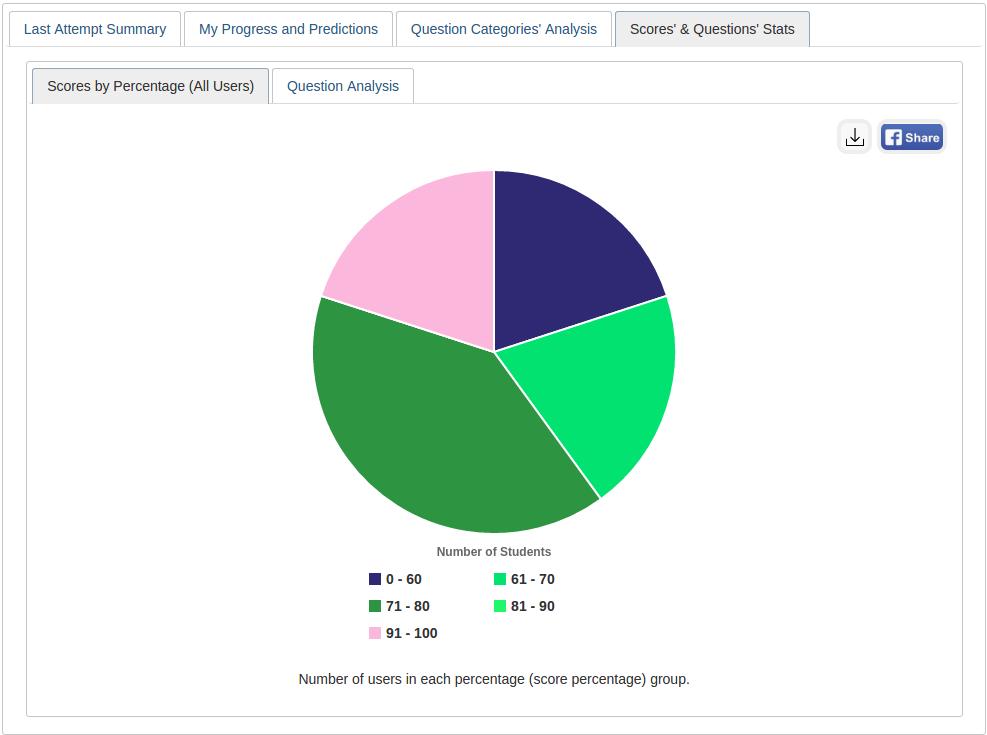
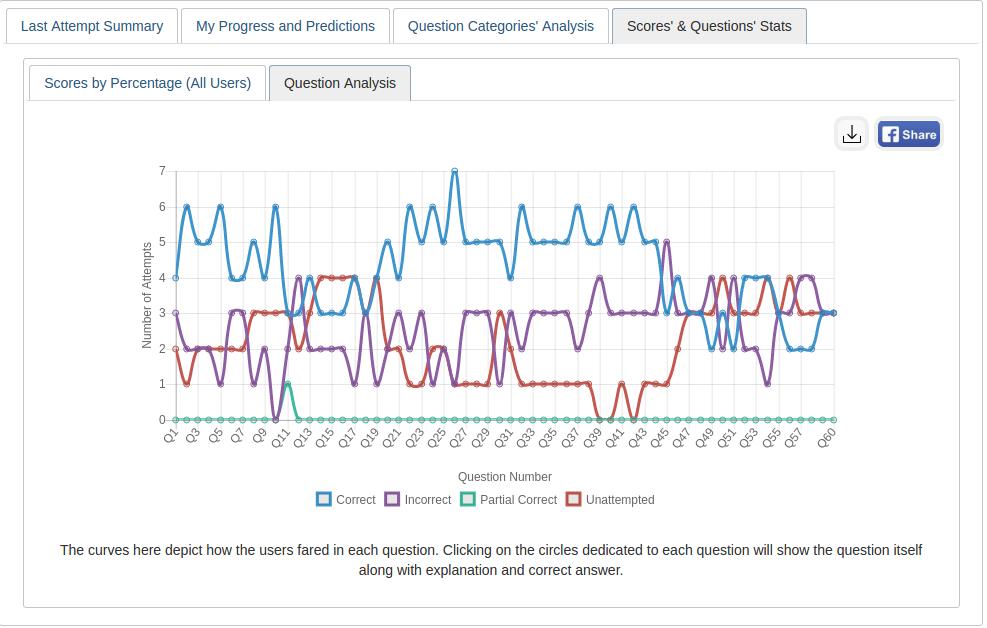
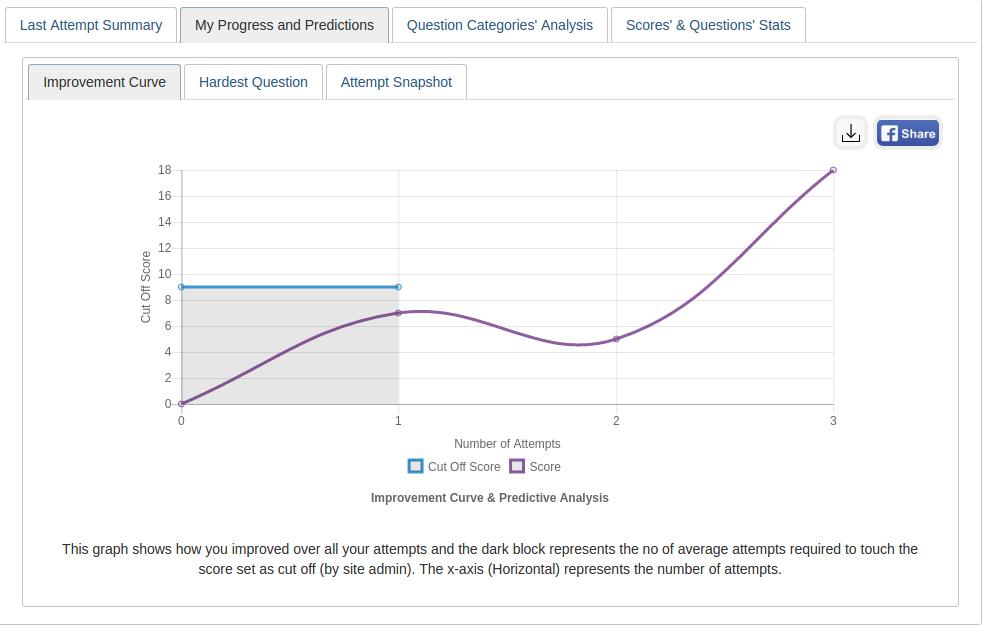
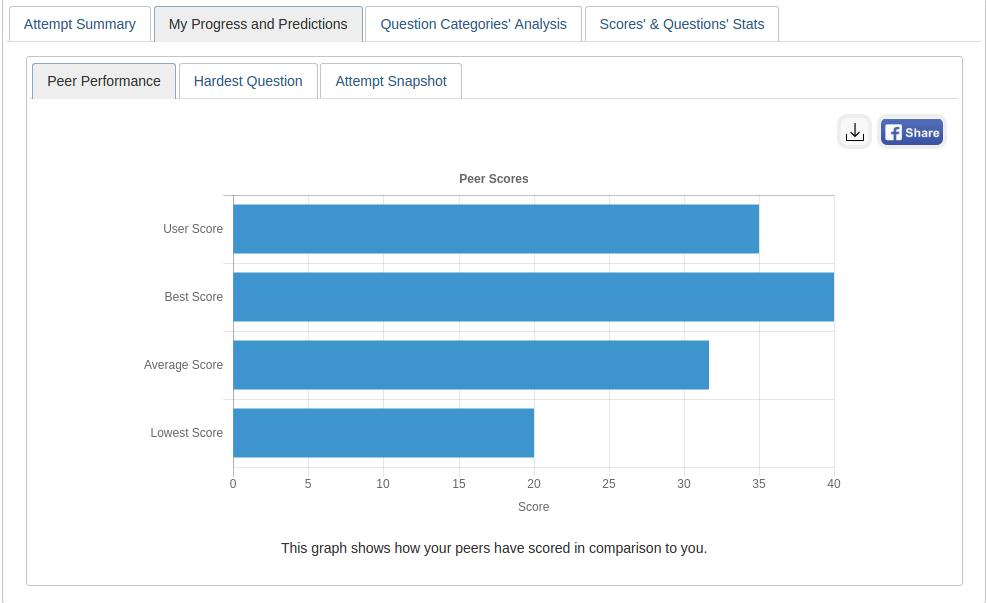
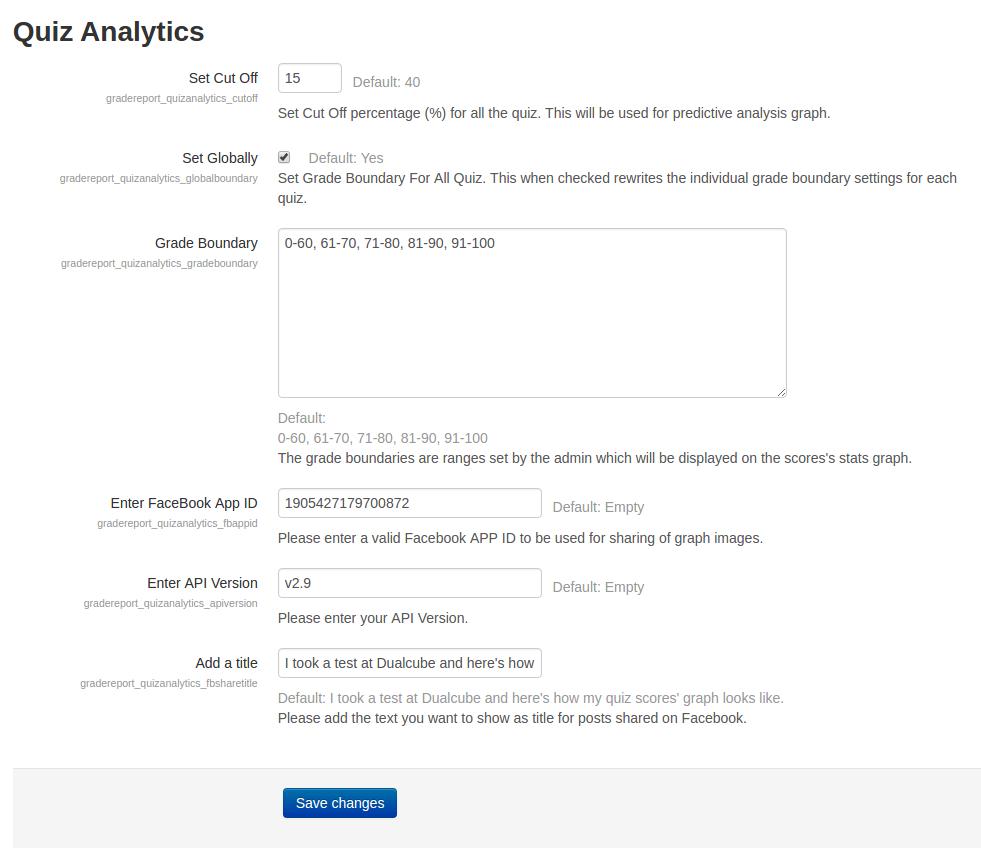
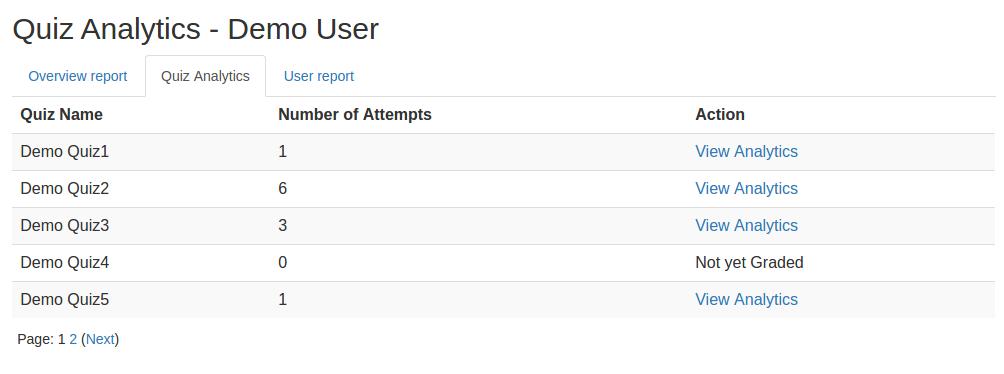
This plugin gives an analytical report of the quiz and the questions within it to promote student growth. A learner’s growth pattern is ascertained after carefully examining their quiz attempt. The user's current position is then displayed on a graph following each successful attempt.
Comments
Comments are no longer open for new posts. Existing comments remain available to read.
I am trying to create an sql report that retrieves some of the data that is showing on the Quiz analytics report, especially the Question Categories Analysis tab. Can anyone please give guidance on the database tables names that are related to this plugin?
thanks
can teacher see the entire class test analyze?
Thanks for your feedback.
Working fine in M3.4.2
We have been testing the plugin with students ( 15-16 year-old). They reported information is excessive, so we have decided to adapt the plugin ( is this correct?), and to reduce the amount of info (only 4 graphs and shorter texts).
We are going to test it again
You could have a look at https://formulas.compasspro.eu/mod/quiz/view.php?id=204
Thanks for reaching out to us.
We have checked it on our server but it was working fine.
Please visit this link: https://moodle.org/plugins/pluginversions.php?plugin=gradereport_quizanalytics and make sure that your "Quiz Analytics" plugin version is "2017081615".
Then go to Site administration / ► Appearance / ► Themes / ► Theme selector / ►Activate moodle default theme "Clean".
Now go to Site administration / ► Development / ► Debugging / ►Debug messages / ►Select "DEVELOPER: extra Moodle debug messages for developers" and check the "Display debug messages" field then click on the "Save changes" button.
Clear all the caches.
Click on the "view analytics" link.
If any error occurs, please share with us the error message.
Thank you.
analytics.js:1 POST https://smp.harapanibu.sch.id/grade/report/quizanalytics/fetchdata.php 404 (Not Found)
send @ /lib/javascript.php/…uery-3.2.1.min.js:1
ajax @ /lib/javascript.php/…uery-3.2.1.min.js:1
(anonymous) @ analytics.js:1
dispatch @ jquery.min.js:1
q.handle @ jquery.min.js:1
permission of quizanalytics plugin in my server was 644 for file and 755 for the folder..
i share link screenshot of error
https://prnt.sc/j3c5ag
im still confuse or this plugin not support or conflict with other plugin or theme
Thanks for reaching out! Please check the permission of the quizanalytics plugin. It should be 644 for file and 755 for the folder.
Thank you.
I have installed version for moodle 3.4.2
i have problem when i click view analytics nothing shown data, i look in browser console log i have report like this
/grade/report/quizanalytics/fetchdata.php Failed to load resource: the server responded with a status of 404 (Not Found)
can u help me how to solve thats ?
Thanks
Thanks for the appreciation but could not understand how the shared link is connected to the plugin.
Thank you.
We have checked it on our server ( active boost theme ); tabs are working perfectly. We guess that you are experiencing this because it might be conflicting with another plugin on your site.
If you need us to find the conflicting plugin, please share your details via email: admin@dualcube.com or suman.d@dualcube.com
Thank you.
I have installed version for Moodle 3.4. It solved tab visualisation issues.
Anyway with some tabs once you visited it , if you want to return, it doesn't work. To see it again you have to refresh the page.
On the other hand, when showing sector grades, it only shows one, not all participants grades.
You may test yourself at http://formulas.compasspro.eu/mod/quiz/view.php?id=204
(create an account)
Please download/install the latest version of this plugin from moodle.org, based on your Moodle version. Hope it will solve this issue.
Thanks.
Please download / Install "2017081605" version of this plugin for Moodle 3.4
And "2017081604" version of this plugin for Moodle 2.7 - Moodle 3.3
Thank you.
Thanks a lot, I see new version has solved the multilang issue, this is very important for us.
As regards tabs are improved, but in version 3.3 they look clearer
https://docs.google.com/document/d/1S2eq5xwyy9s__a_cEm_sw6ma3I0F9W0xcB_60UNsquA/edit?usp=sharing