
Quiz Analytics
Maintained by
Purnendu Dash, DualCube Team
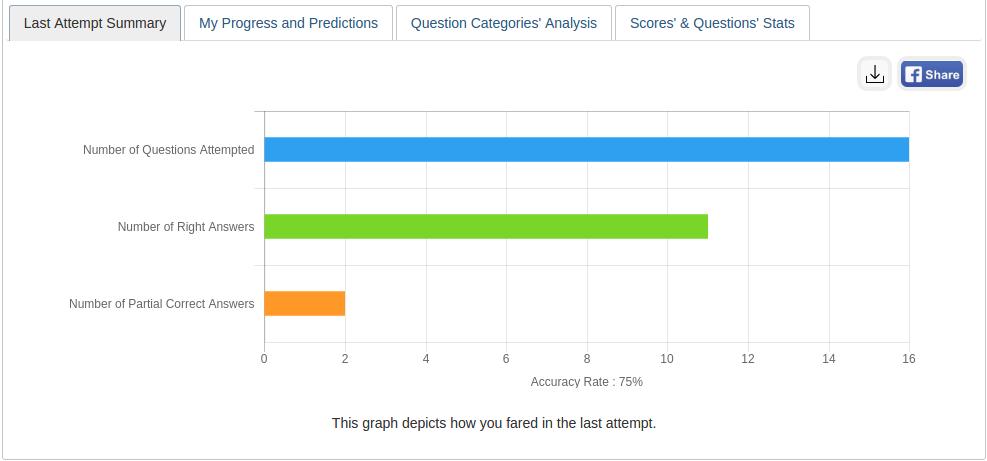
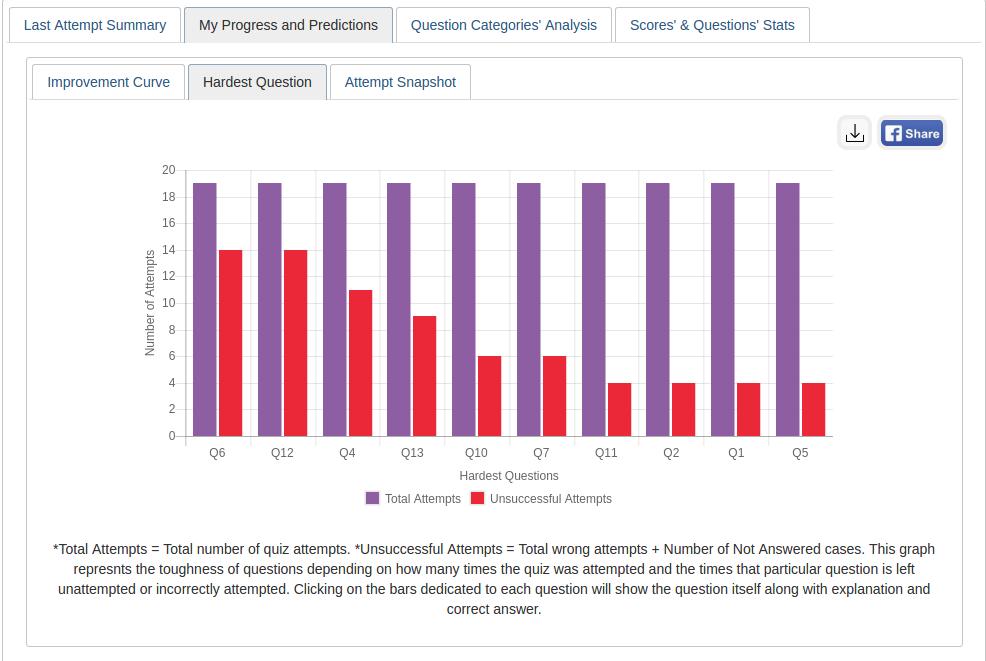
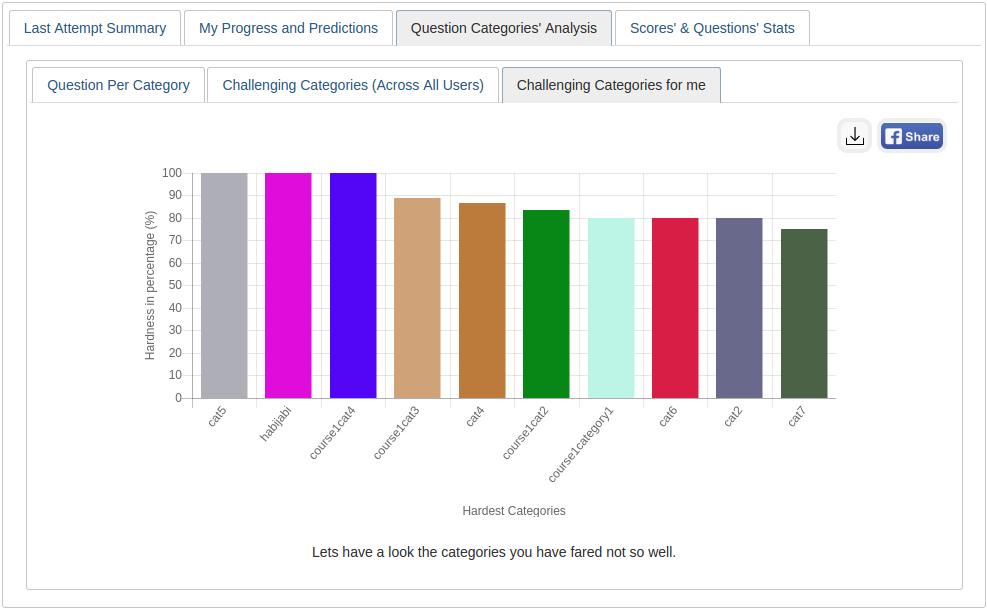
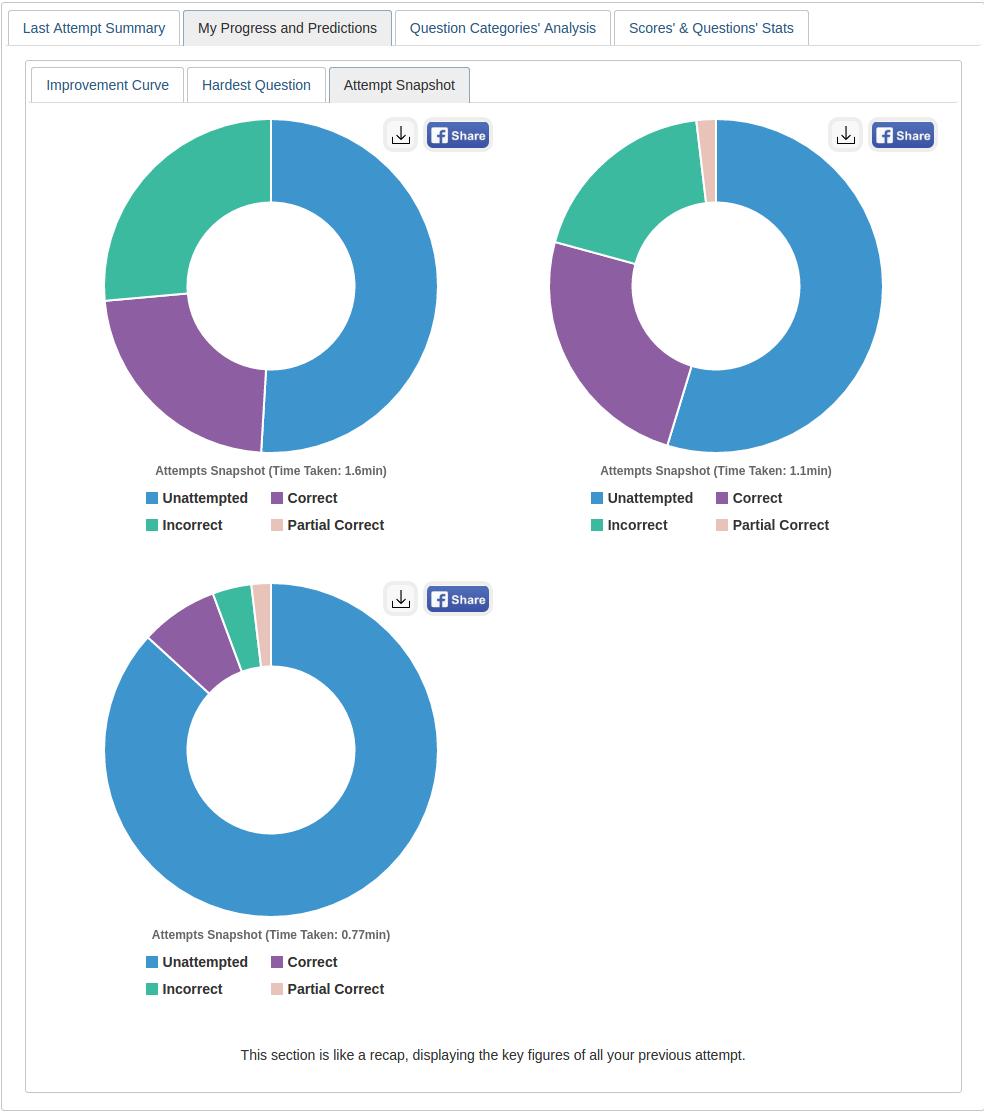
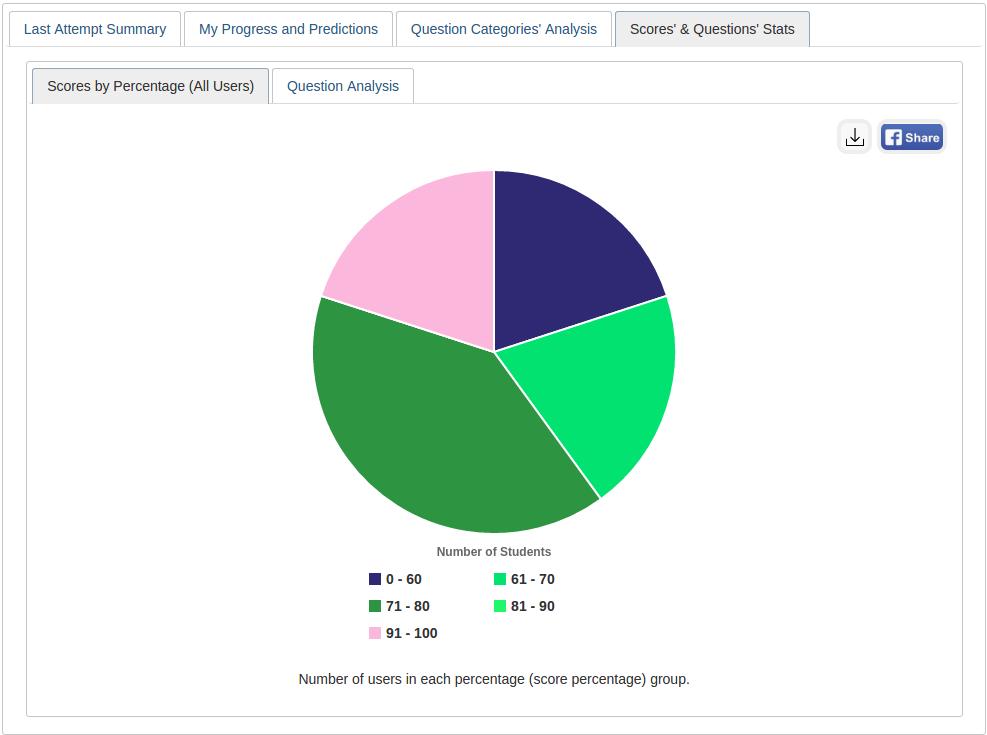
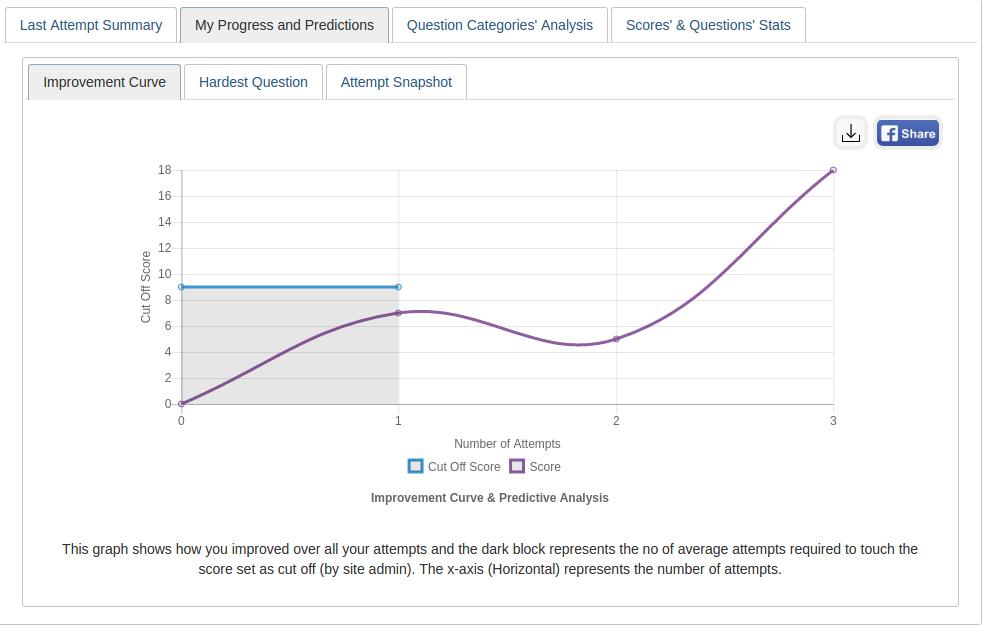
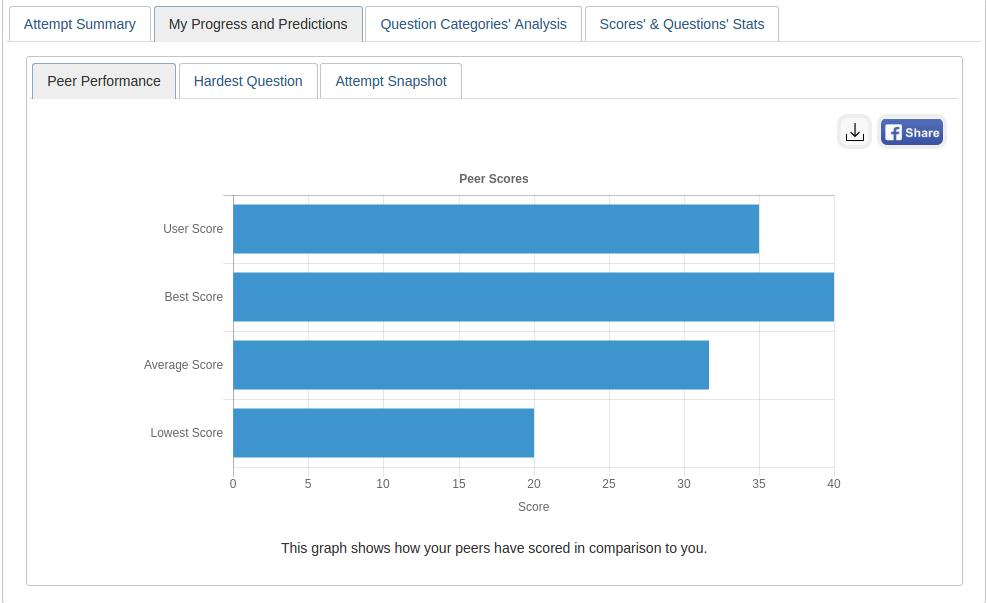
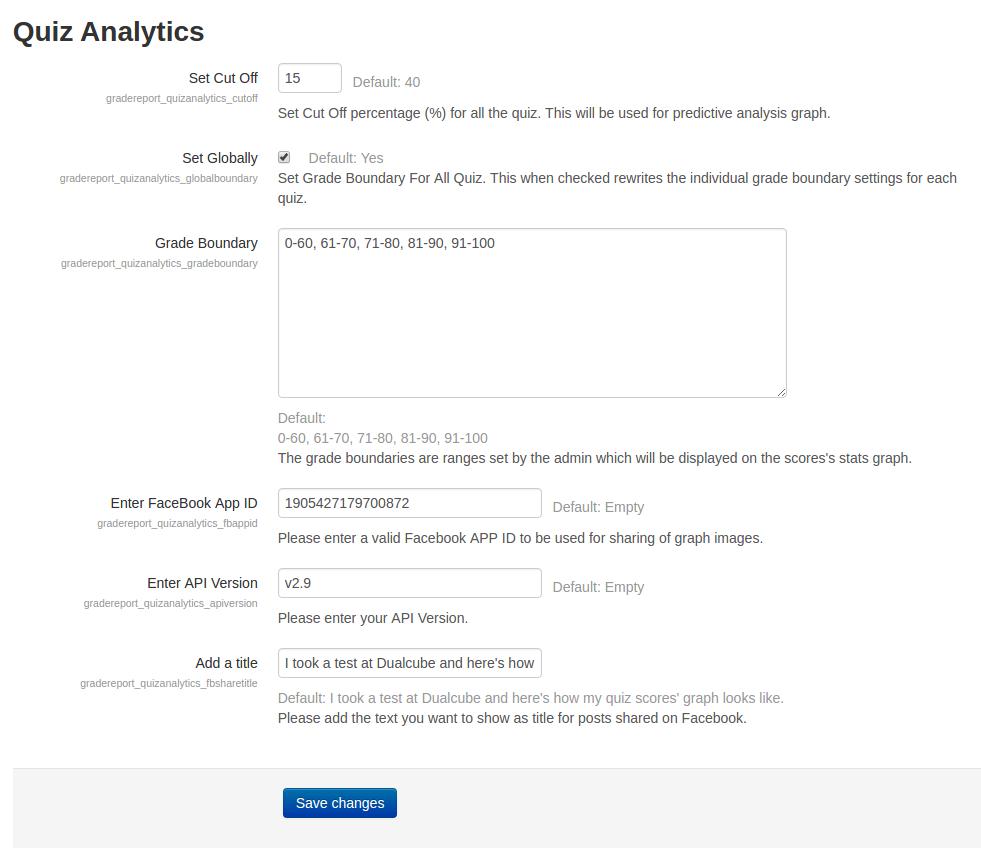
This plugin gives an analytical report of the quiz and the questions within it to promote student growth. A learner’s growth pattern is ascertained after carefully examining their quiz attempt. The user's current position is then displayed on a graph following each successful attempt.
Comments
Comments are no longer open for new posts. Existing comments remain available to read.
Thank you very much.
Michel
Thanks for reaching out.
Please download/install the latest version of this plugin from moodle.org.
Thank you.
when installing the plugin (for 3.4), I have a message [Error] Extracted file not found [{"file":"quizanalytics\/images\/"}]
Thank you for your help
Thanks a bunch for the appreciation.
Let me get back to your queries duly:
I contributed to the Spanish translation and started to use with my students. Some issues
1. When showing the name of the quizz, it doesn't accept multilang tags {mlang}
2 In Moodle 3.4 the layout is not as good as in Moodle 3.3 as there are no tabs
See at
>>Please download/install the latest version of this plugin from moodle.org
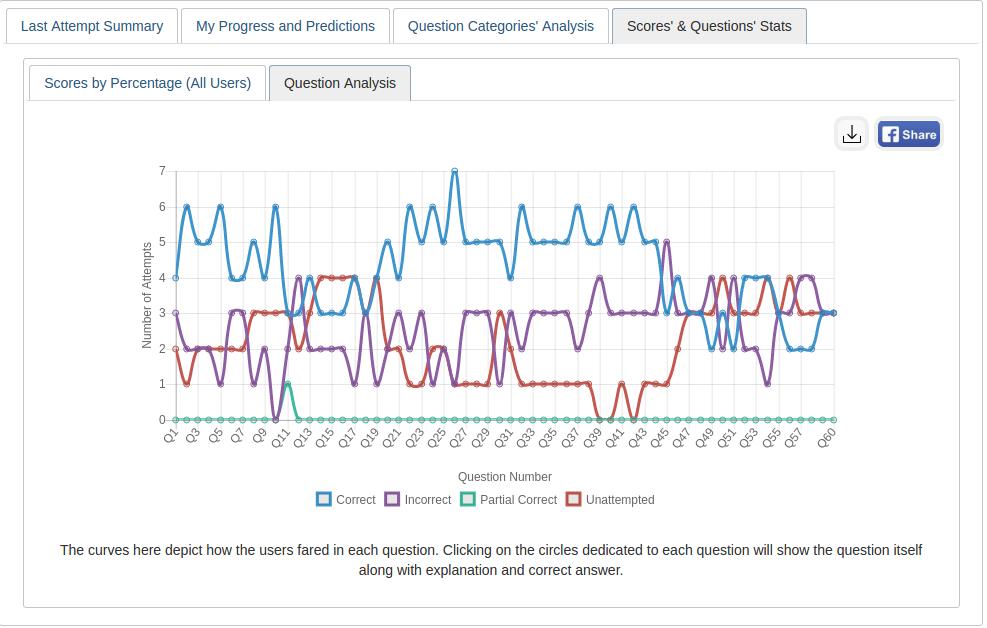
Your point: Hi think there is a confusion in the last graph (Question Analysis) where labels Incorrect and Unattempted are interchanged
>>Can you please elaborate your issue?
Thanks for reaching out to us. Here is the solution:
Actually, this is not a problem. "524" is the course ID.
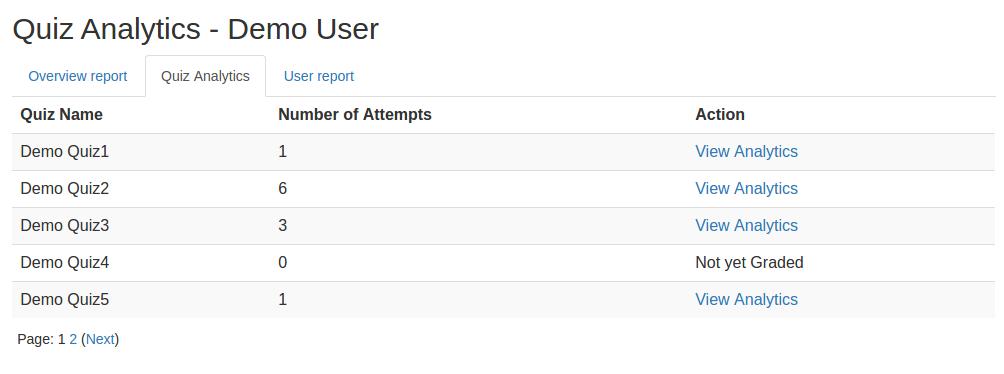
When you click on the "Grades" link from "NAVIGATION" block then select "Quiz Analytics", you can see all quiz list of this course.
And when you click on "View Analytics" link you can see all graphical analysis of this quiz.
Hope it helps.
Thank you.
Hi think there is a confusion in the last graph (Question Analysis) where labels Incorrect and Unattempted are interchanged
CONGRATULATIONS!!
In my opinion this is a very good plugin, as it allows students to know better about what happens with them and ....with their colleagues ( they are so curious): This stimulate them to make better.
I contributed to the Spanish translation and started to use with my students. Some issues
1. When showing the name of the quizz, it doesn't accept multilang tags {mlang}
2 In Moodle 3.4 the layout is not as good as in Moodle 3.3 as there are no tabs
See at
https://docs.google.com/document/d/1S2eq5xwyy9s__a_cEm_sw6ma3I0F9W0xcB_60UNsquA/edit?usp=sharing
Please keep with the good work
Sincerely
Bernat Martinez
A little problem.
As a student I opt for Quiz Analytics. The link there is:
https: //...../grade/report/quizanalytics/index.php? id = 524
At "Action" I choose "View Analytics".
The link there is:
https: //...../grade/report/quizanalytics/index.php? id = 524
Indeed, the same!
What am I doing wrong?
Sincerely,
Kees Koopman.
Thanks for reaching out to us! Can you please explain your issue in detail?
Always happy to help!
Thank you.
If you want to add this to the quiz navigation or quiz results panel for the user, then it will require customization.
Thank you.