
Quiz Analytics
Maintained by
Purnendu Dash, DualCube Team
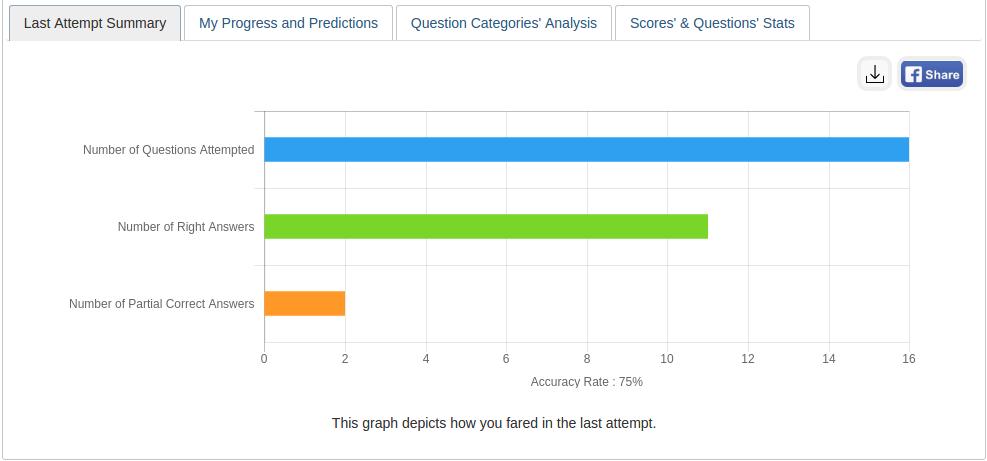
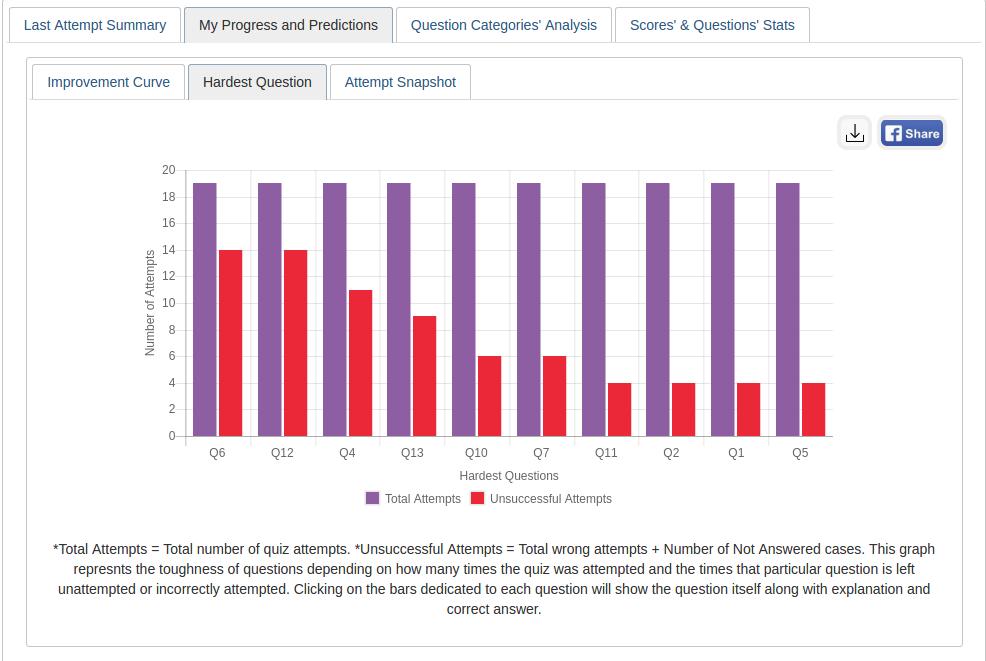
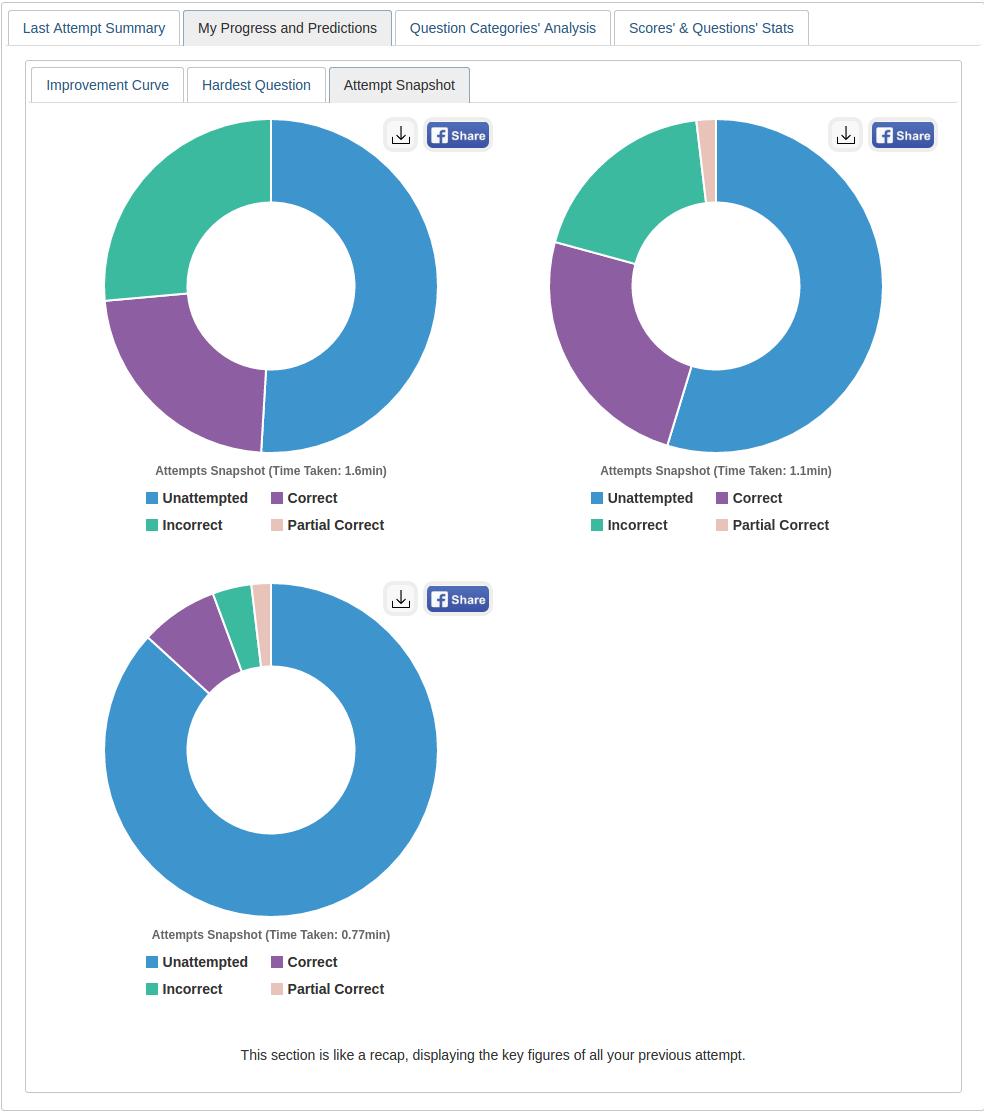
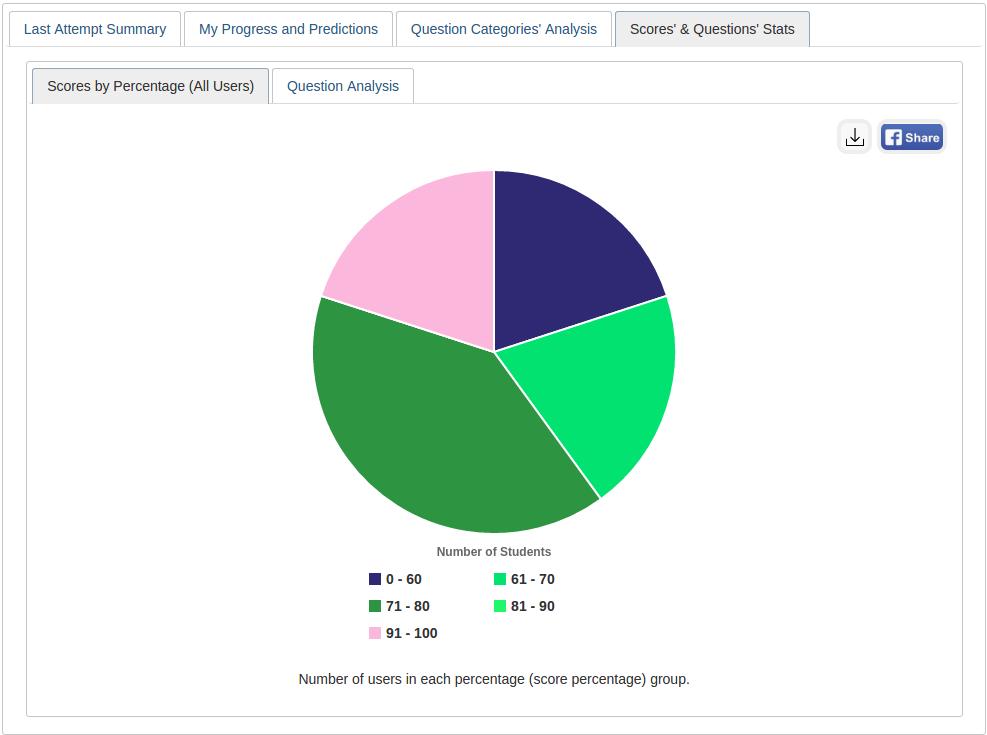
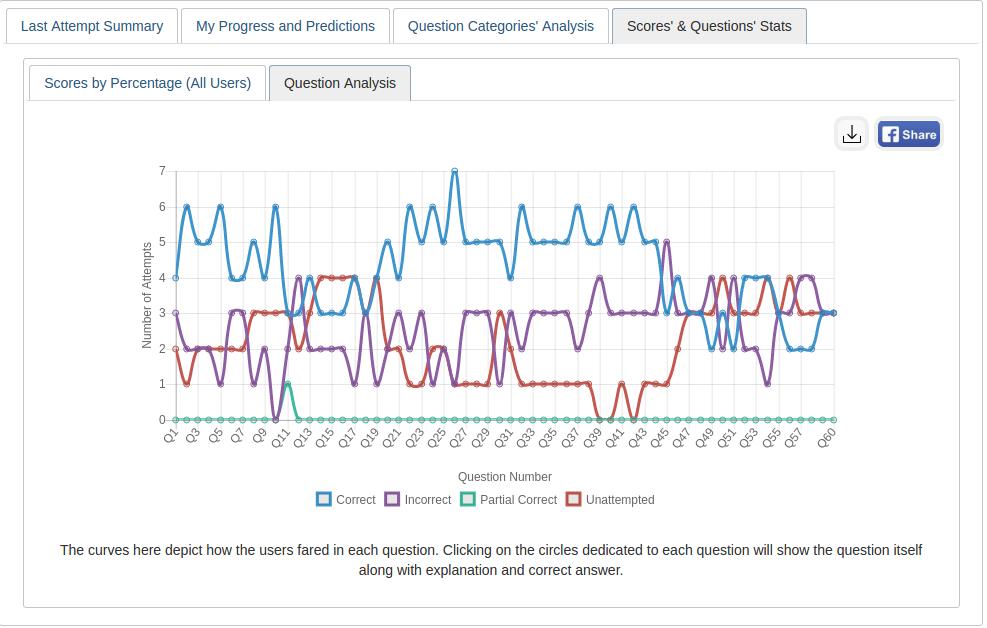
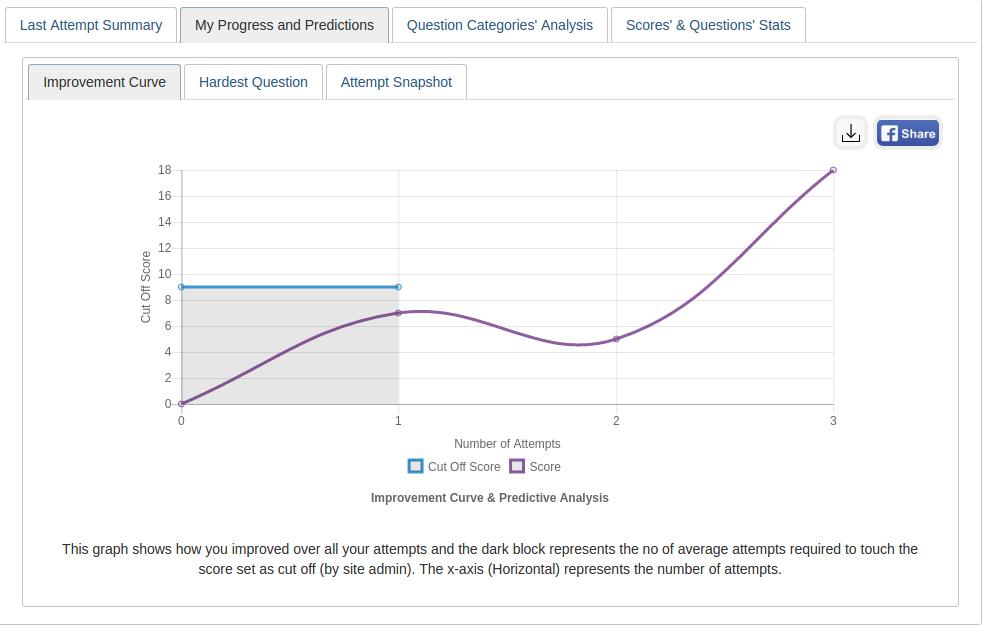
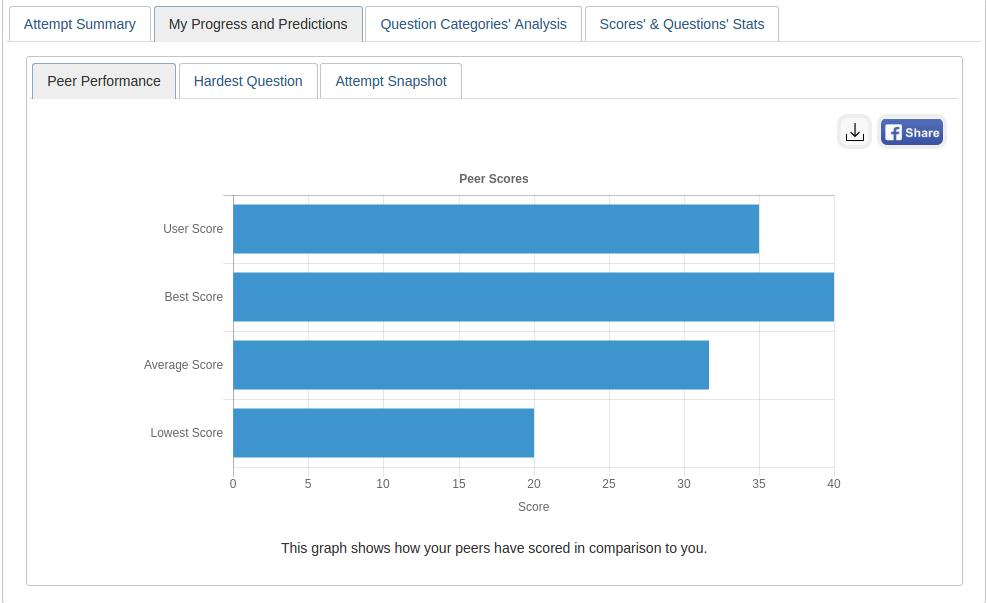
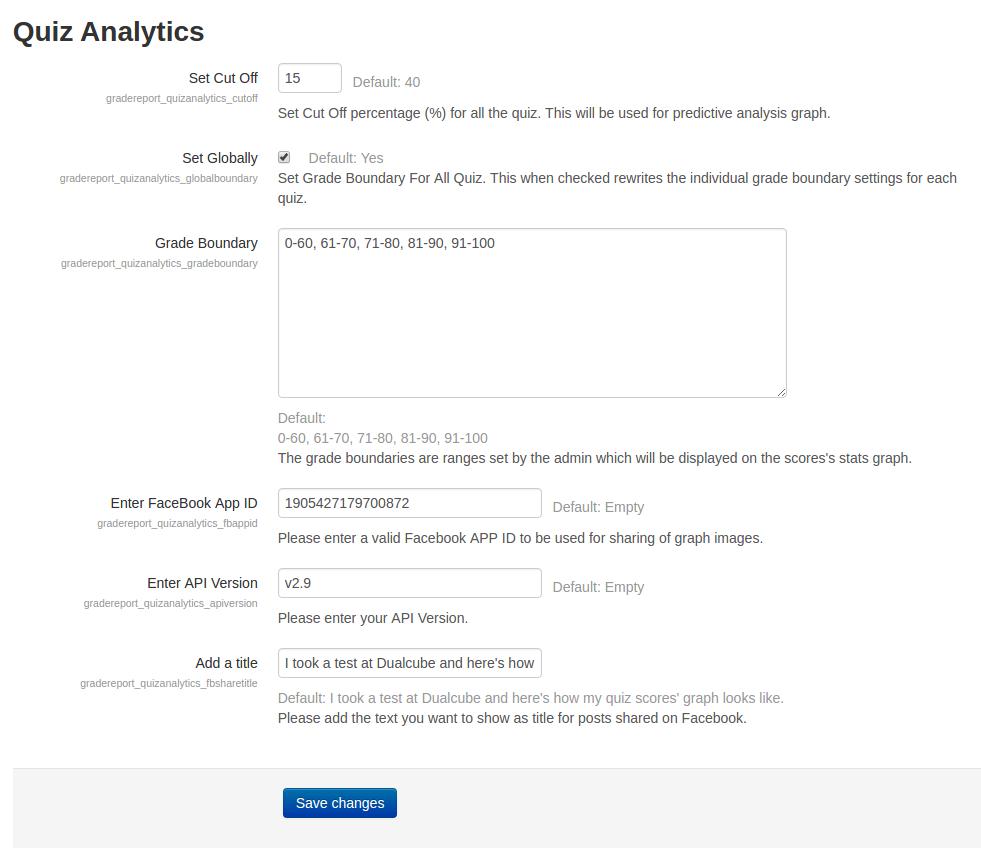
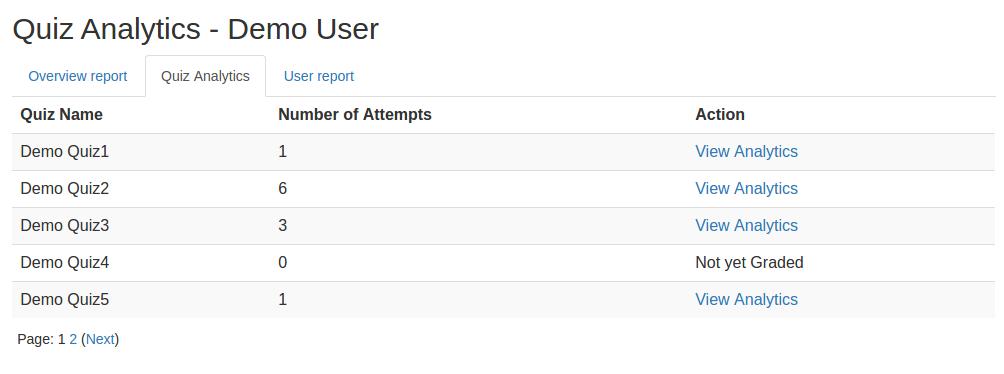
This plugin gives an analytical report of the quiz and the questions within it to promote student growth. A learner’s growth pattern is ascertained after carefully examining their quiz attempt. The user's current position is then displayed on a graph following each successful attempt.
Comments
Comments are no longer open for new posts. Existing comments remain available to read.
My IE version is 11.228.17134
I know this is the latest version.
This is the same on my other computers.
I don't know why.
We have used only Moodle's Graph (https://docs.moodle.org/dev/Charts_API) for the Graph generation. So it should support the IE too. Please upgrade your IE and test.
Thank you.
Very goog plugin. I like this.
I can't see graph in IE.
But other browser is good (Chrome or Edge)
What should I do?
This plugin is completely compatible with Moodle v3.3. It will work flawlessly with your Moodle.
Thank you.
We are running Moodle version 3.3 and one of our lecturers have requested that we install the plugin. Does anybody have this plugin installed on version 3.3 perhaps? If so, were there any issues?
Thanks for reaching out to us. There are no current settings to avoid it in this plugin. If you want it you have to customize it. You can email for a service request to admin@dualcube.com
Thank you.
I am glad that you liked our plugin. But, I am really sorry to inform you that there are no such settings in our current plugin. However, if you really want it, our service team can do this for you. You can email us here with the scope: admin@dualcube.com
Thank you.
Sincerely,
Suman,
Team Dualcube
Thanks so much for this fantastic plugin! It's just what we were looking for.
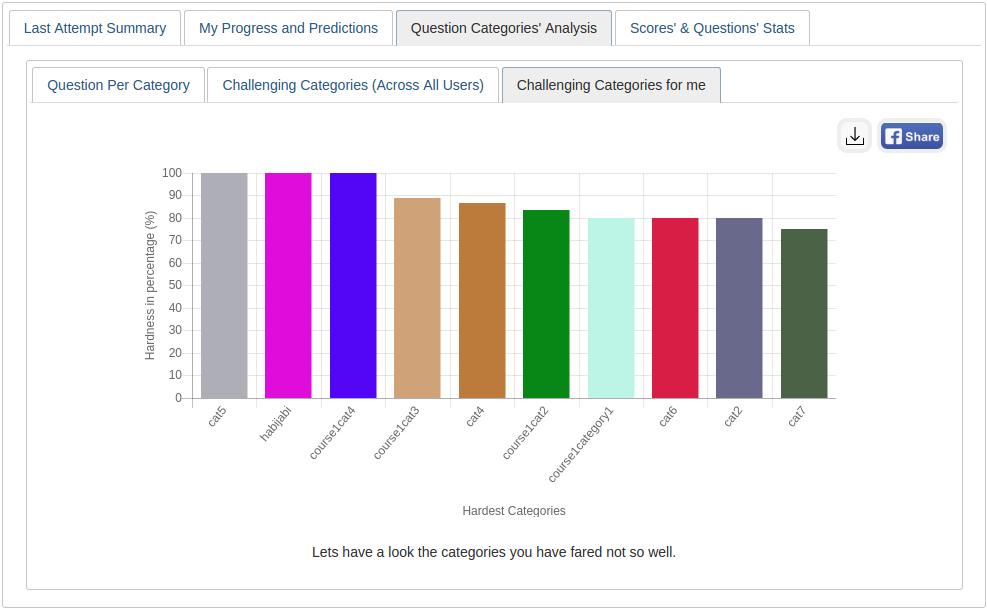
Is there a way to configure the "Question Category Analysis" to report based on a percentage of the question instead of wrong or unattempted?
In our quizzes, we're using Cloze multiple choice embedded questions, where the answers are worth a percentage of a 100, so there's never a wrong answer, they're always worth at least 25%. Because of this when we try to use the "categories analysis" all of the categories have the same percentage.
Is there any workaround this?
Thanks again!
Thanks for the appreciation.
This analytics plugin only lets you view the logged in users' own analytics. So a teacher or a student can only see his/her own quiz analytical statistics and it is not built to use any competency/ category settings.
If you want to view the student's analytics as a teacher, we would need to custom develop/modify the plugin.
If you are determined to have it customized to suit your need, you can send an email to admin@dualcube.com.
Thank you.
Sincerely,
Suman,
Team Dualcube
Thank you for this plugin.
Kindly can the analysis be viewed by Instructors too and not just for students.
this will give them additional information for the quiz analysis, especially category analysis.
Best regards,
Anis
As it seems, you have changed the grading method and for that, you are getting the notification. This is not related to our plugin.
Thank you.
I got this notice :Note: The aggregation method "Sum of grades" has been changed to "Natural" as part of a site upgrade. Since "Sum of grades" was previously used in this course, it is recommended that you review this change in the gradebook.
I have changed the Grade category settings to natural. is there anything else i need to do?
thanks
Thanks for reaching out to us! The database tables names are mdl_quiz_attempts, mdl_quiz_slots, mdl_question, mdl_question_categories, mdl_question_attempts, mdl_question_attempt_steps
Thank you.
We thank you for the appreciation. At present this feature is not implemented in our plugin. It will require customization to implement this feature. If you are willing to have it by customization, you can send an email to suman.d@dualcube.com.
Thank you.