
PDF Annotation
Maintained by
Tim Schroeder, Amrita Deb Dutta, Bernd Decker
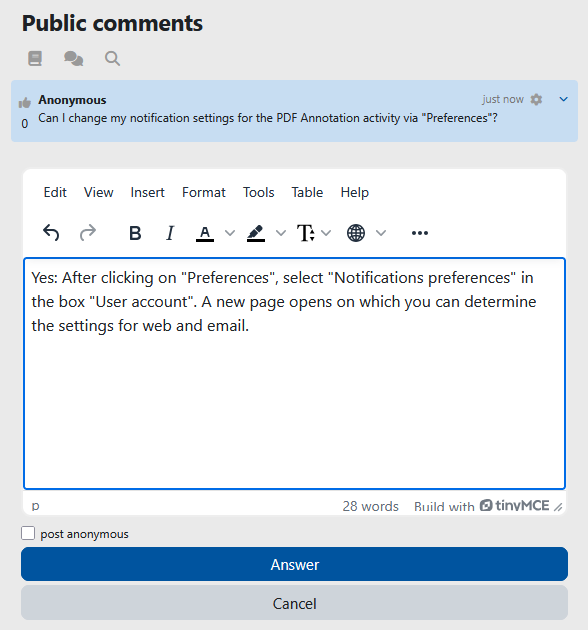
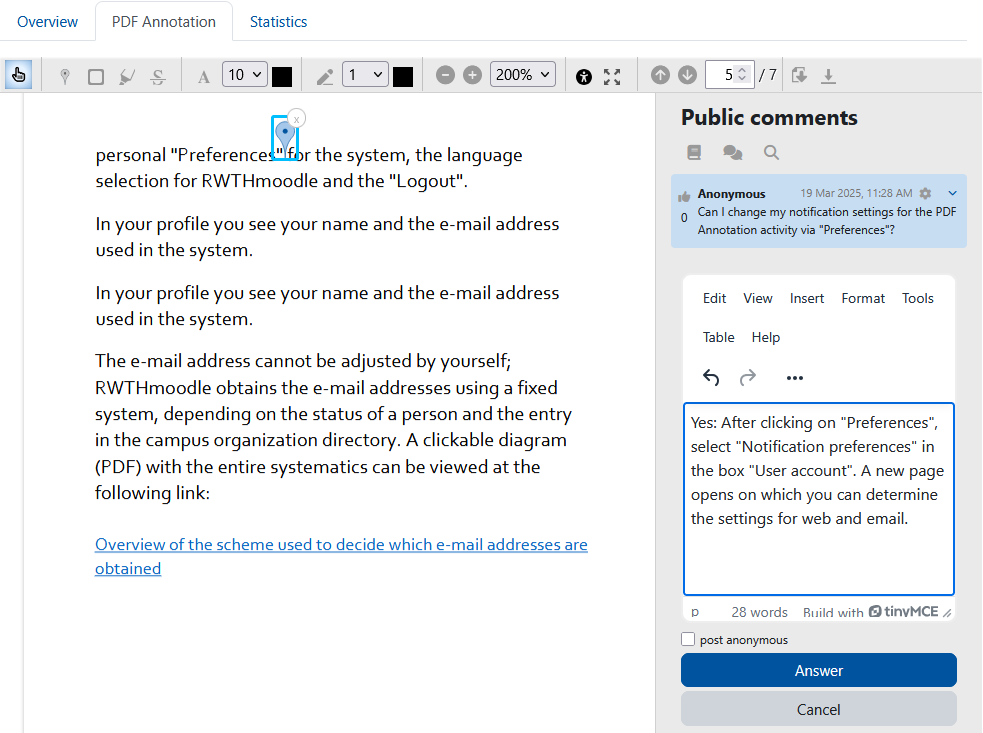
The PDF annotator allows students to insert questions, comments and remarks on learning materials in PDF format
directly into the document. Since all students, lecturers and tutors can read and answer the questions and
comments asked, it is made easier to clarify open questions on lecture slides, scripts and other PDF learning
materials quickly and in a concrete context.

Comments
Comments are no longer open for new posts. Existing comments remain available to read.
Great plugin, thank you for your work!
Where is the best place to write some ideas and/or features requests?
Anyway, here just for the starters:
when the PDF is open via the activity, it is relatively small.
Hence, two thoughts:
1. would you consider adding some button to close/open the comments section on the right?
2. would it be possible to make full screen button work in a more "full screen" ;) way, ie.
to make PDF file truly full total screen, with a plugin menu on top of that?
Why:
simply, when having lessons online with video, teacher:students, such a small PDF taking only a part of the screen, is hardly visible for both sides.
Oh, just got another idea
3. when the window pops up, for example during deleting a comment/ item, one needs to use mouse only to confirm deletion, and to click "Yes" button. It would be good to have this button "Yes" already highlighted/ active in order to just press Enter from the keyboard.
Now it works that way:
mouse -> click the item,
keyboard -> hit Delete,
mouse -> click "Yes".
Once again, thanks for your work, this is one of the most needed thingies on the market, really.
Piotr
What was fixed in "PDF Annotator v1.5 release 7 (2025010300)"?
Ricardo
关于这个错误的更多信息
调试信息:
Error code: generalexceptionmessage×关闭此通知
堆栈跟踪:
line 162 of /lib/classes/formatting.php: TypeError thrown
line 618 of /lib/weblib.php: call to core\formatting->format_text()
line 1098 of /mod/pdfannotator/locallib.php: call to format_text()
line 173 of /mod/pdfannotator/controller.php: call to pdfannotator_get_questions()
line 89 of /mod/pdfannotator/view.php: call to require_once() 如何处理
https://github.com/rwthmoodle/moodle-mod_pdfannotator/issues/110
https://github.com/rwthmoodle/moodle-mod_pdfannotator/issues/109
Ricardo
When debugging pdfannotator we get the following message in Moodle 4.4.3
Callback before_standard_html_head in mod_pdfannotator component should be migrated to new hook callback for core\hook\output\before_standard_head_html_generation
We always get the latest version from the plugin repository.
Best regards
Friedhelm
Would it be possible to add reset function to this useful plugin?
Is there any way to let the right area (question, etc.) disappear and show the PDF in Full width? That would be a huge benefit in terms of user friendliness. Thanks, Rainer
https://github.com/rwthmoodle/moodle-mod_pdfannotator/issues/110
https://github.com/rwthmoodle/moodle-mod_pdfannotator/issues/109
Ricardo
Click on "Overview" returns the following message:
core\formatting::format_text(): Argument #2 ($format) must be of type string, array given, called in [dirroot]/lib/weblib.php on line 1449
I understand the PDF Annotation Plugin is maintained for Moodle 4.1, could that be the reason? If yes: Will there be an update for the plugin, or could you advise us how to fix this issue? (otherwise it seems to work ok on 4.4....)
Thank you and kind regards,
Katja
thanks for the suggestions. I've created an issue on GitHub for the custom completion condition feature. I'll put that into our backlog. However, I don't understand what you mean by "a rating for interaction". Can you explain what that would look like?
to delete an annotation:
1. select the hand tool,
2. click on the annotation to select it and
3. click on the "X".