PDF Annotation icon

PDF Annotation

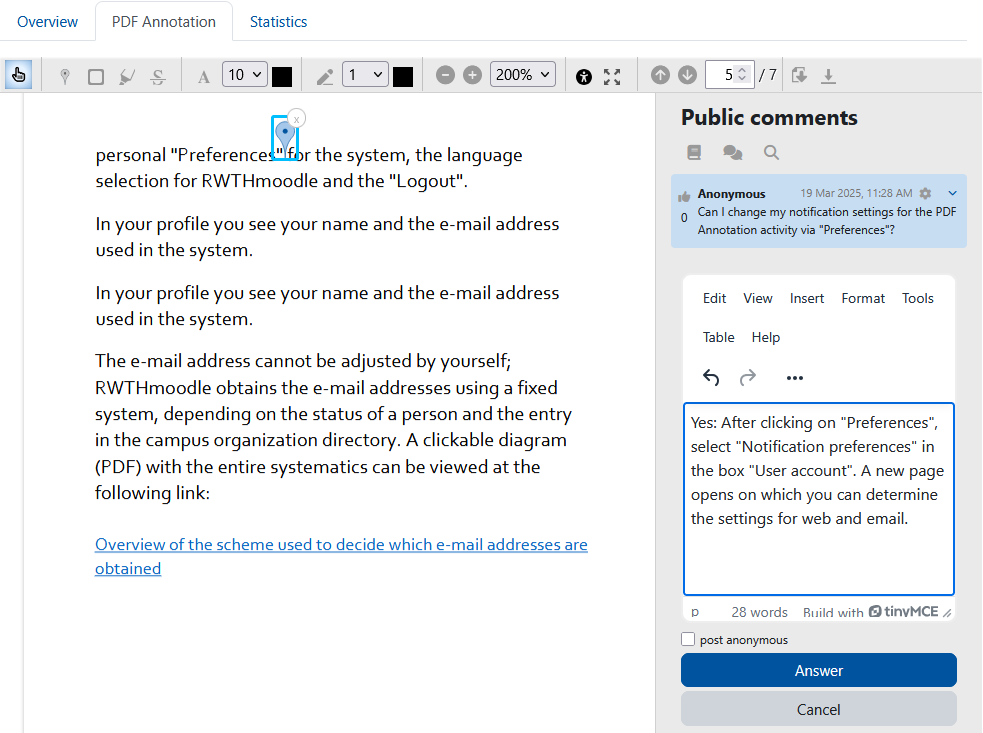
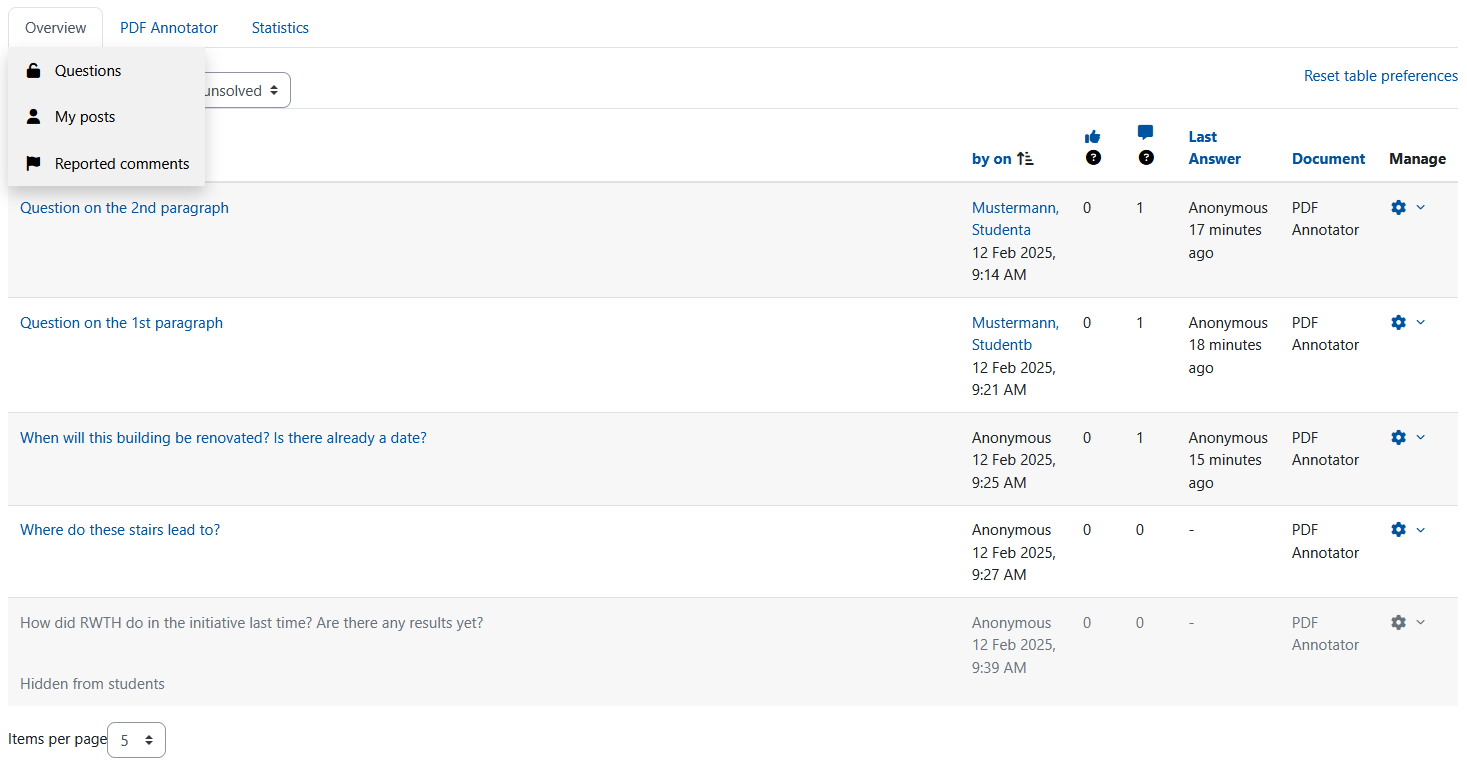
The PDF annotator allows students to insert questions, comments and remarks on learning materials in PDF format directly into the document. Since all students, lecturers and tutors can read and answer the questions and comments asked, it is made easier to clarify open questions on lecture slides, scripts and other PDF learning materials quickly and in a concrete context.
Price option: Free

Supports Moodle 3.2-5.0 See all versions
Latest release: 10 months ago
Installations: 2705
Downloads (last 90 days): 644

Frankenstyle name: mod_pdfannotator
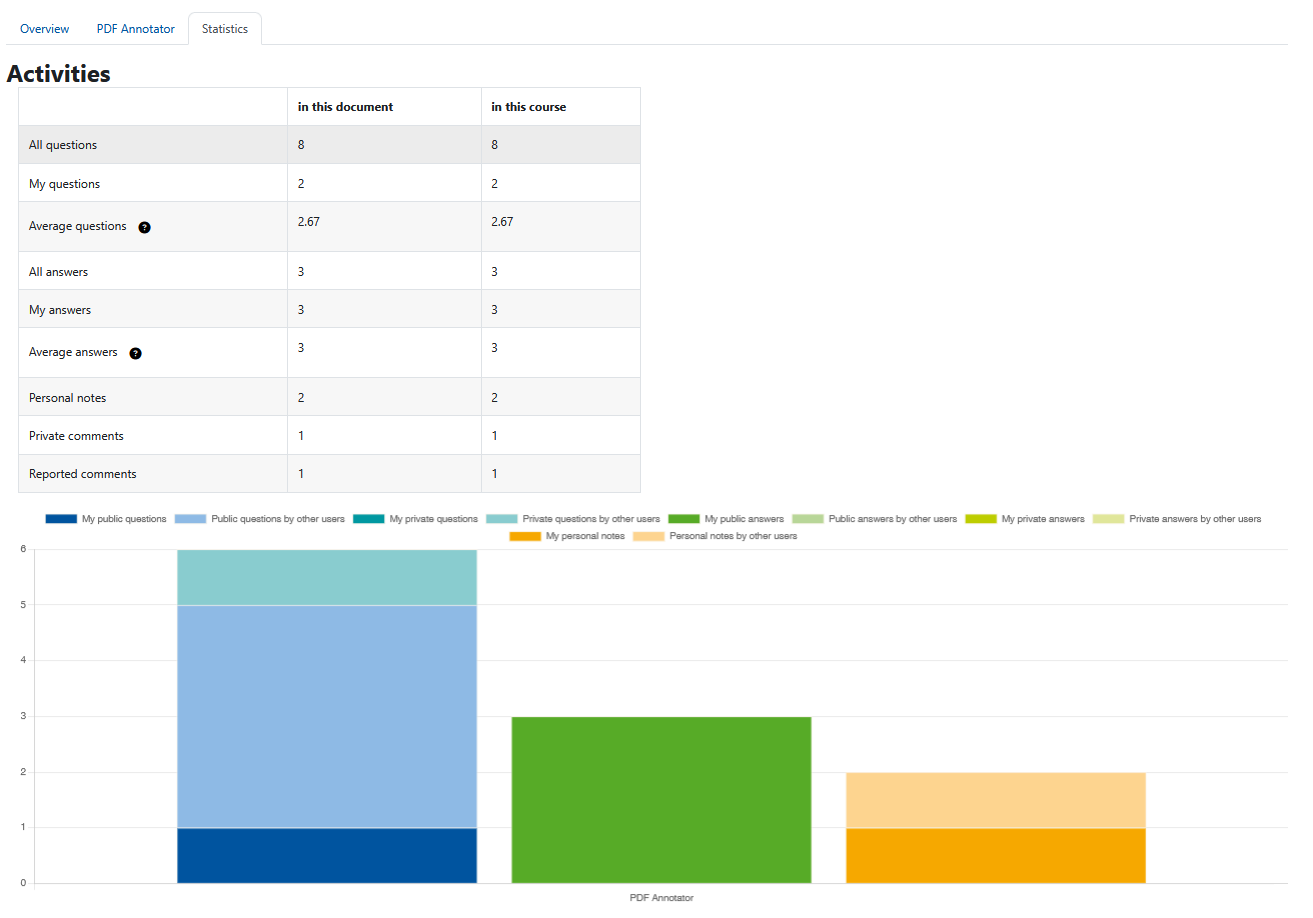
Activities

Comments

Comments are no longer open for new posts. Existing comments remain available to read.

Hi, could anyone highlight which part of the code is used to view the document in Moodle. I would like to create this feature for my own plugin and was hoping to take a look on hwo I should go about it.
Hi.
How I can disable automatic sending of email notifications every time an annotation is made in the pdf document? Due to restrictions on my web hosting, the server cannot send many emails per hour.
Thank you.
@Avinash, @CFSM-Oscar
The plugin is now tested with Moodle 3.8.2 and the compatibility is added in the description.
I also want this Plugins support for My site version Moodle 3.8.3. Please reply for if this plugin in working on version of 3.8.3.
Great plugin. Thanks for your effort.
Just one question: it seems that "Reset" button is not working at all, so you have to delete all annotations one by one.
Another concern is, I'm about to upgrade to Moodle 3.8, but I don't want to loose this functionality. Could somebody confirm wether it will work or not?
Regards.
Are there plans to make this compatible with 3.8?
Hello, I commented on a closed issue on github and am not sure whether this comment is propagated by github to the plugin authors. (https://github.com/rwthmoodle/moodle-mod_pdfannotator/issues/19). We're still having issues using a theme_bootstrapbase child theme (missing buttons). The new release didn't fix our problems.
Hello dear friends... Excellent extension. It can provide another tool to motivate the students to read and discuss directly on the document. I wonder... It could be a way to set options to grade the participation of the students? This can encourage the participants. Congrats and good luck.
@Bernd Decker
Would you please have a look at this issue: https://github.com/rwthmoodle/moodle-mod_pdfannotator/issues/17
Hi Rozelle, hi Ammar, all students can see all comments unless a particular comment is hidden. We didn't plan a private or group mode until now. In our use case, we assumed that the more users can see a question, the greater the likelihood of getting a helpful answer. But basically, an option over which visibility can be controlled is certainly a very good extension for the plugin. We will include this in our backlog and check implementation.
Hi Matthias, we will change the default for the notifications with the next update of the plugin. The idea to include an option in the activity (like in forums) is great and we will implement it in a later version.
It is difficult to see where lines will start when using the pencil-tool. The icon for the pencil should be an arrow to the upper left corner of the icon that is shown during annotating with a pencil. The upper left corner is the position where the lines will start. How can I change the icon?
I have tested it in a separate group mode, but it seems that students in separate groups can see the annotations and comments of students in different separate groups. This works great for small groups or one class but if one has 11 groups with each 20 students it become messy if the questions are meant to annotate an informational text or literary text.
First off thanks for a great plugin. As Rozelle's write it could be nice with a feature where you start with private notetaking and then decide if you want to publish them later on.
I have an issue with the plugin on our moodle 3.5 installation. If I create a task and I afterwards tries to change the settings then I get this error:
Argument 1 passed to file_get_all_files_in_draftarea() must be of the type integer, null given, called in [dirroot]/lib/form/filemanager.php on line 336
Hi, I was wondering if the PDF Annotation can be set up to only cater for making notes for oneself? The use case is a self-reflection journal so group work is not necessary. Neither is it ideal if tutors can comment. Which settings or permissions would I have to edit for this to be possible?