
PDF Annotation
Maintained by
Tim Schroeder, Amrita Deb Dutta, Bernd Decker
The PDF annotator allows students to insert questions, comments and remarks on learning materials in PDF format
directly into the document. Since all students, lecturers and tutors can read and answer the questions and
comments asked, it is made easier to clarify open questions on lecture slides, scripts and other PDF learning
materials quickly and in a concrete context.

Comments
Comments are no longer open for new posts. Existing comments remain available to read.
that bug has been fixed with Release 1.5.5
you can currently only download (and then print)
a) the PDF itself without annotations and
b) a list of the annotations and replies as a separate PDF.
Downloading both in one file is currently not implemented.
what would be the advantage of having an eraser tool over the current way of deleting annotation by selecting them with the hand tool and then clicking "X"?
Thank you for using our plugin.
Is it possible to add an eraser to the tools ?
you can copy text from the PDF but that only works with PDFs where the text is actually stored as text and not as an image. So if you can highlight the text you should be able to copy it, too.
A small question - is there any way to copy text from a pdf file in the plugin window, without downloading the pdf file?
Thank you for using our plugin
I cannot recreate the problem. Can you tell me your browser and its version, your operating system, and what in your browser console is? Are there any errors or something?
best regards
Anisa
However, since we updated to Moodle 4.1 it's no longer possible to activate the pin and add comments to the pdf (while drawing lines or adding text on the pdf is working).
Do you have any suggestions what might cause this issue? (Moodle 4.1.2, PDF Annotator v1.5 release 4 2023052300)
Thank you so much, best regards, Katja
@samai each commentable annotation type, such as pin, highlighting etc.. call a callback function in index.js. It will call a function in lib.php names mod_pdfannotator_fragment_xxx. If you wanna add a question or a comment, it will triggered an event listener and call action.php. The action.php contains all events we need for pdfannotator.
@cristina we have published a new release today. Please have a look
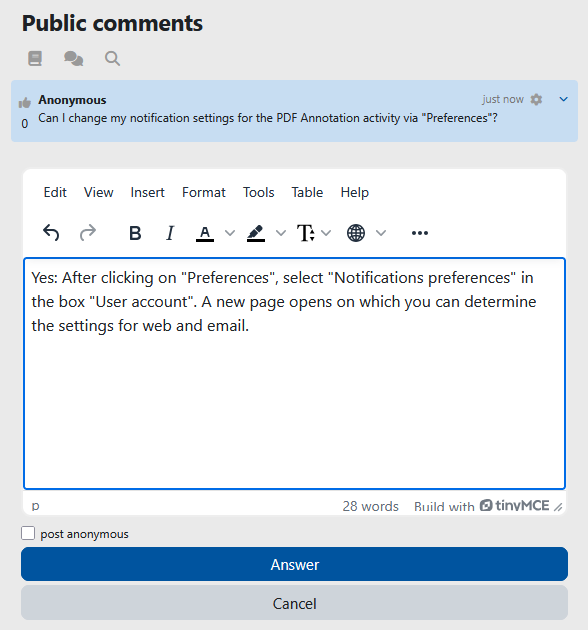
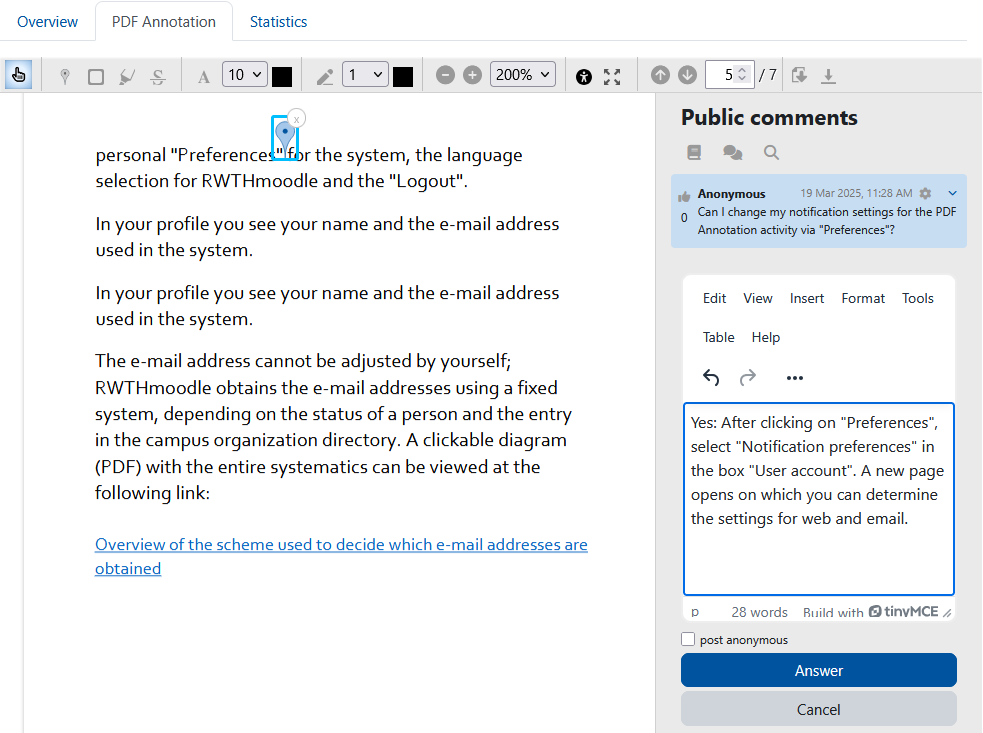
@aldwin every user can turn it off in notification settings. Go to user preferences -> notifications preferences -> look for pdfannotator. Or what notifications do you mean?
Do you know when it will be available for Moodle version 4.1.3?
Thanks.