PDF Annotation icon

PDF Annotation

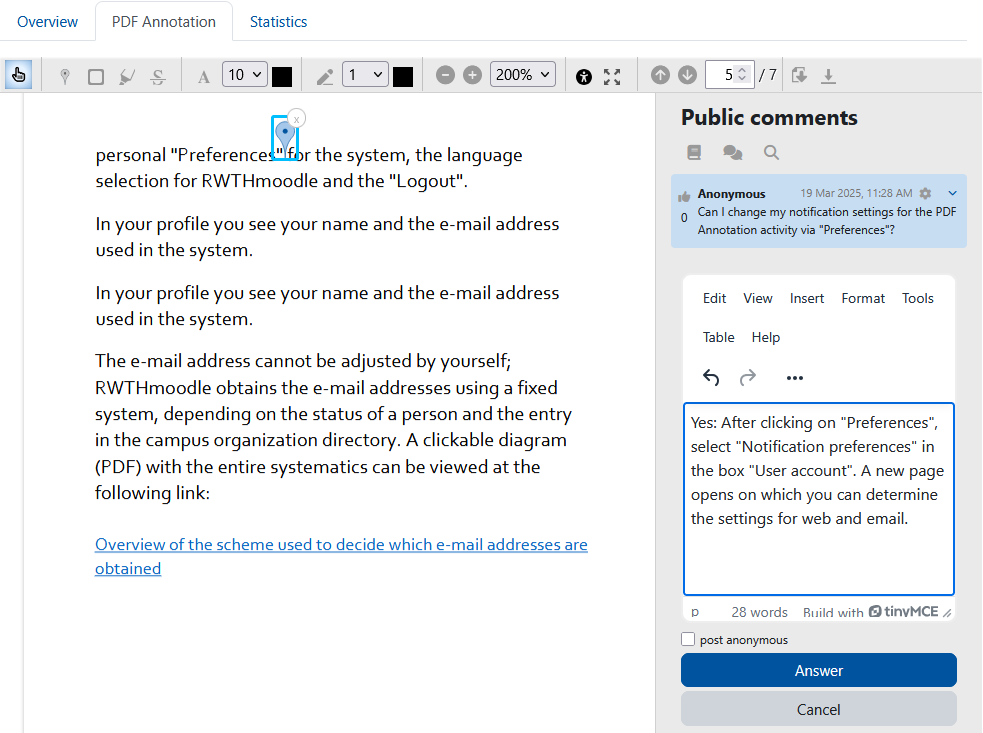
The PDF annotator allows students to insert questions, comments and remarks on learning materials in PDF format directly into the document. Since all students, lecturers and tutors can read and answer the questions and comments asked, it is made easier to clarify open questions on lecture slides, scripts and other PDF learning materials quickly and in a concrete context.
Price option: Free

Supports Moodle 3.2-5.0 See all versions
Latest release: 10 months ago
Installations: 2705
Downloads (last 90 days): 644

Frankenstyle name: mod_pdfannotator
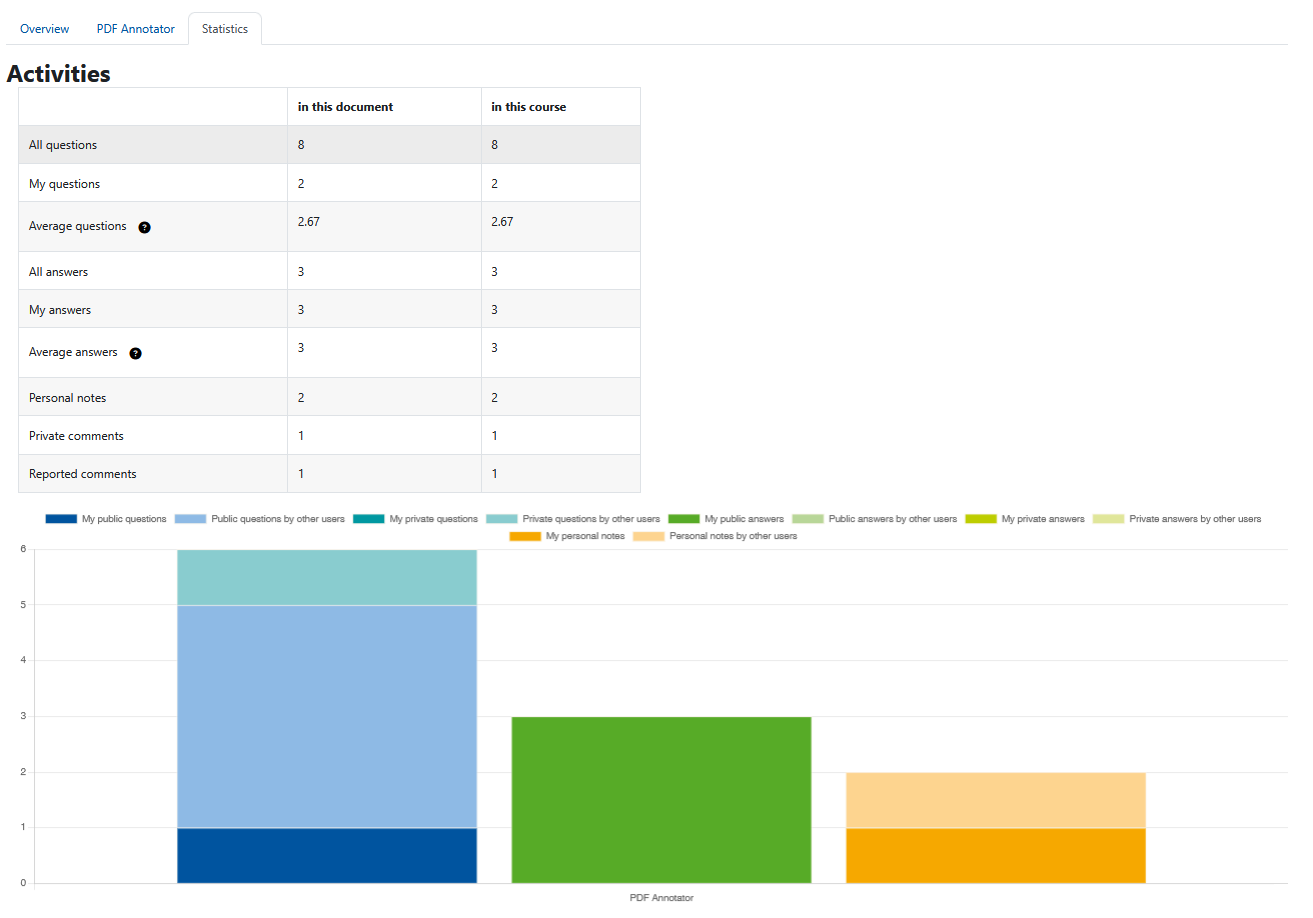
Activities

Comments

Comments are no longer open for new posts. Existing comments remain available to read.

Hello @synnac and @Hamdi,
we are currently still working for the new release.
@Hamdi no we cannot. The download of comments happens separately from the original pdf file.
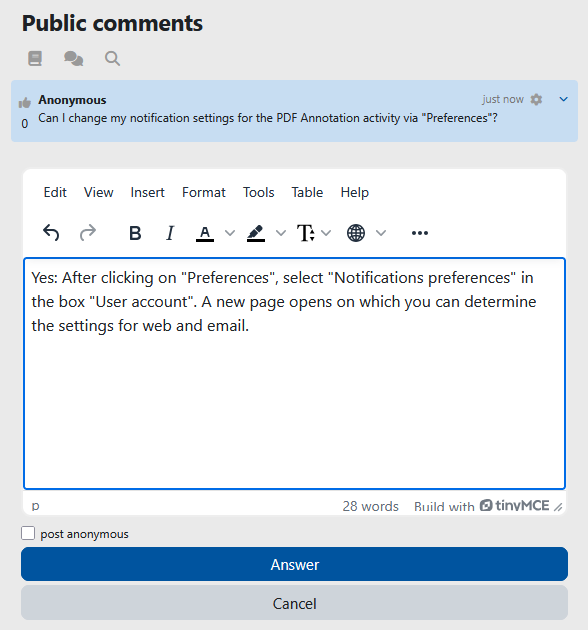
This is an awesome plugin that some of our faculty really appreciate. I know this has been discussed, but I can't seem to find any option to turn off the automatic email notifications. @Giulia Covezzi, you said, "You can disable emails in the notification preferences." Can you please tell me what I'm missing here? We are using v1.4 r11. I am anxiously awaiting the next release. Thanks for your hard work!
Hi Friederike, will the new version be released soon? Thank you. While downloading the pdf file, will we be able to download it with comments and markups?
Hi Friederike, will the new version be released soon? Thank you.
Hi,
we are still working on the new release, but unfortunately we won't make it until the end of August
Hi Friederike, will the new 4.0 verson be released by the end of next month? Our new semester will begin at the beginning of September, so I wonder whether it is possible to use the new version. If not, we will stick to the current version. And thank you again for this wonderful plugin.
Hello Eric, we’re currently working on a 4.0 release that will contain some additional features. We don’t have a release date yet but it should be ready by the end of summer.
Hi Susan, we haven’t thought about incorporating options for setting grading and completion tracking. The problem with that is that it somehow contradicts the optional anonymity of the comments. If you give grades or track completion then it becomes visible who has already posted something to a certain degree. But maybe there could be something like a grading mode without the anonymity?! Just an idea. We will put it into our backlog but this will need some discussion first on how to realise it.
Hi Robert, I don't think that we use such a message. This is the PDF Annotation activity plugin. Maybe you are talking about the assignment feedback plugin?
Thank you to the designers of the Annotated PDF grader, I use it daily. I have one request, I writing on these submissions, when I do, a temporary message pops up that says "Draft annotation saved". I find that this is in the way of what I am attempted to writing on. I teach chemistry, and as I am marking up say a chemical reaction, I am finding myself annoyed by the pop up, is there a way to make this go away or can it be moved to a section of the page that is not going to be annotated, like to the right or left of the students name at the top of the page?
Again, thank you.
Cheers,
-Rob
Hello, generally really great and useful plugin! However, it would be much more useful if there were options for setting grading and completion tracking (such as in the forum activity, where one can specify how many posts or responses a student has to submit). Are there plans for these features in the future?
Hello,
Do you plan a release for Moodle 4.0 ?
if so, when will it be published?
Thank you
by export result I mean the comments downloaded
@Friederike Schwager, Hello Friederike, thank you guys for bringing us such a great plugin. But I found an issue concerning the export result. If users write in non-European languages such as Chinese characters, or the users' names are in Chinese characters, then the export result (pdf) would be presented in messy codes. Could you plz check the issue? Thank you!
@Dr. Nellie Deutsch If you aren't there already, you have to navigate to the Document tab. There is a toolbar where you can select different types of annotations, for example the pin. Then you add the annotation to the document (for the pin simply click somewhere on the pdf), then a text field shows up, where you can enter a question.
@Shelley Hibbert Do you mean bookmarks that are in the pdf document? That's sadly not supported
@Janlord Luga Since the main idea of this plugin is to collaborate, we didn't implement such an option. But feel free to implement it and provide a merge request smile
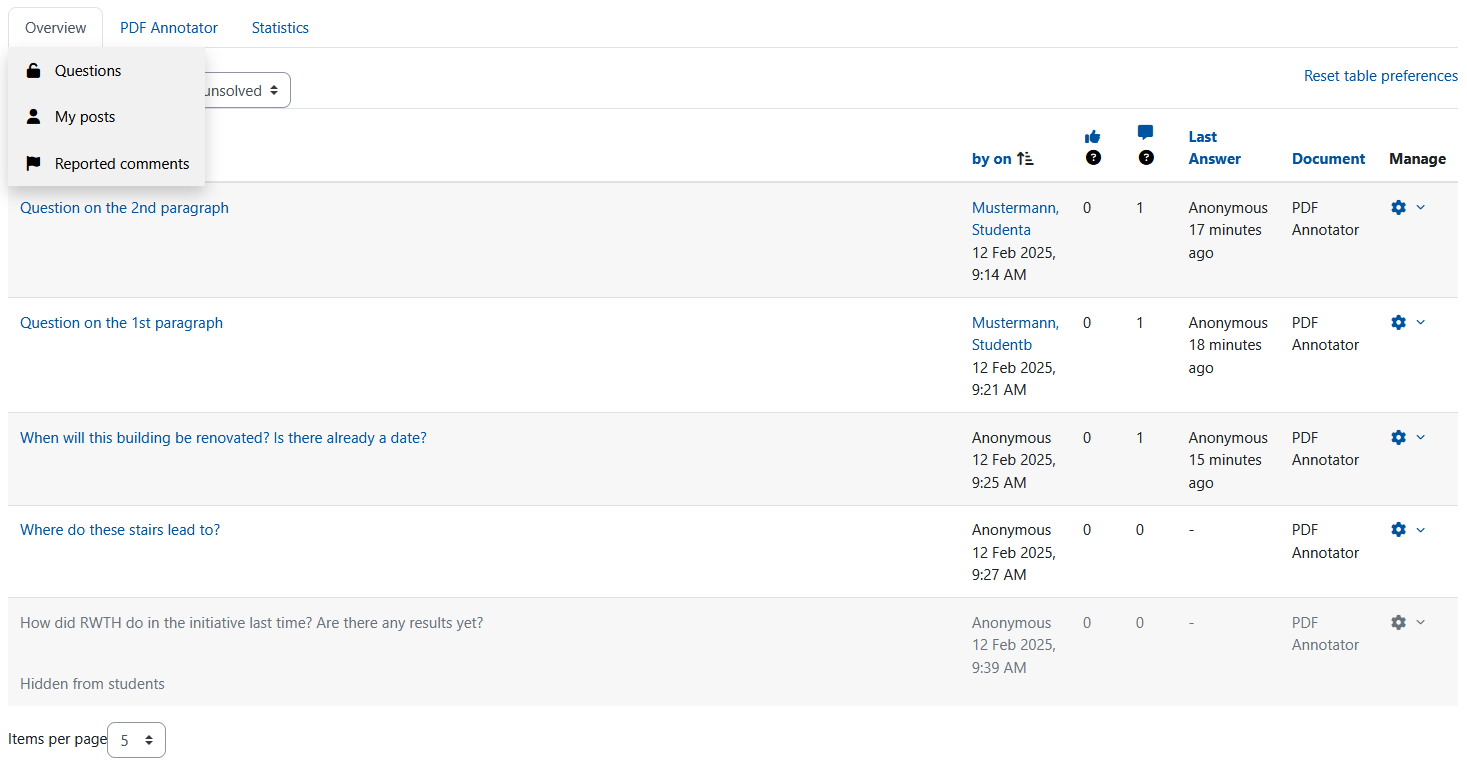
Is there any option to disable the public comment? Thanks
Hi there
This plugin looks really good, however, does it show the bookmarks? Thanks