
PDF Annotation
Maintained by
Tim Schroeder, Amrita Deb Dutta, Bernd Decker
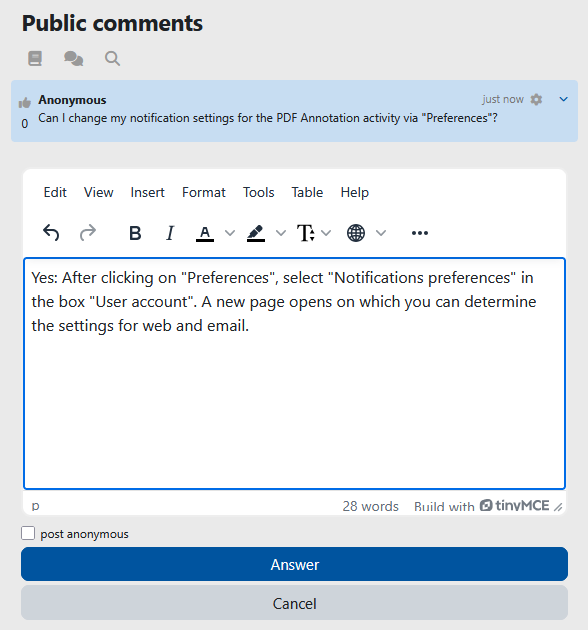
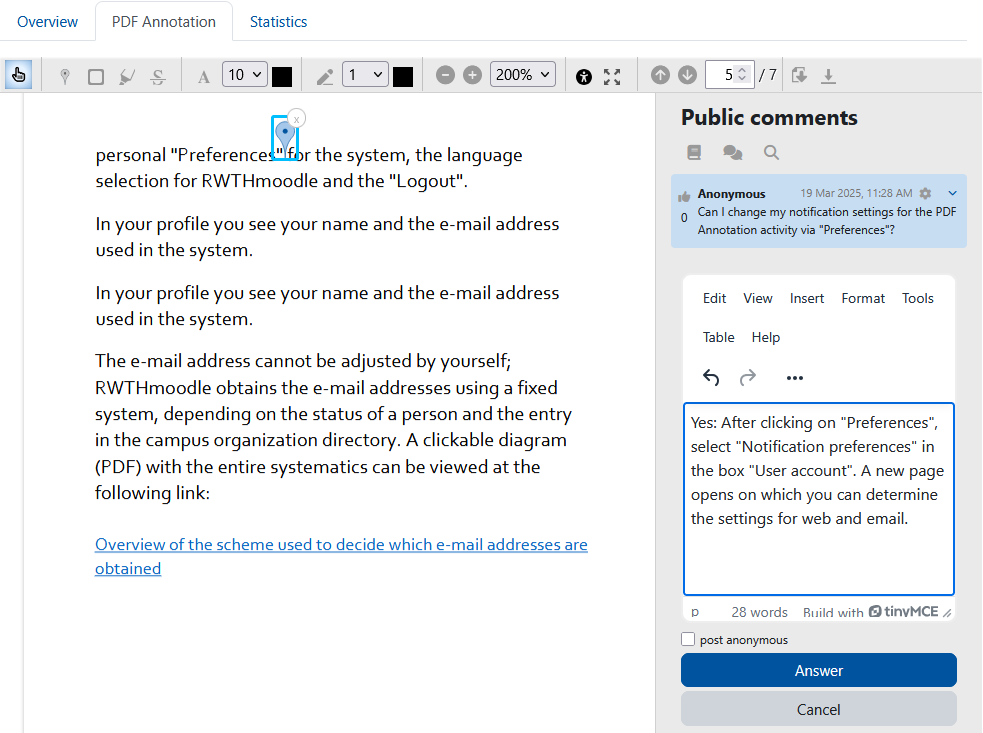
The PDF annotator allows students to insert questions, comments and remarks on learning materials in PDF format
directly into the document. Since all students, lecturers and tutors can read and answer the questions and
comments asked, it is made easier to clarify open questions on lecture slides, scripts and other PDF learning
materials quickly and in a concrete context.

Comments
Comments are no longer open for new posts. Existing comments remain available to read.
@samai thank you for using our plugin for your final degree. You can find our source code here: https://github.com/rwthmoodle/moodle-mod_pdfannotator and make a clone to your local repo.
@synnac we have checked the problem you mentioned about the settings for textbox and drawing. There was no bugs on it. The settings are for students. As long as you are an admin or manager you can see both annotations. But, you are right with the setting descriptions. They do not correctly describe the settings. We have added this improvement to our backlog. Thanks for reporting.
Thank you very much!
I was surprised because the version for 3.11 is currently not available.
The version for Moodle 4 was not offered to me in the automatic update. But after the manual installation it works!
the latest release is still compatible with 3.11.
I had already updated to 1.5 and would have to adjust a few language strings.
Since the version is currently offline and the problem has already been fixed for later versions, the problem should probably already be worked on.
Thanks for an info!
Thank you for the response, the language string errors have now been fixed.
Keep up the great work.
@synnac thank you for reporting. We well check it.
1) Settings for Textbox and Drawing do not seem to work. Whether selected or unselected, their icons always show on the annotation toolbox.
2) The language string of the helpnote for "Enable drawing for participants? " is the same as that for "Save and print pdf document"
Thanks for using our plugin.
@Dannie the problems with language strings are fixed in the release v1.5.3.
@Eldridge in the release v1.5.2, we have some problems with language strings. Did you mean those problems? which error did you mean? can you open an issue in our github and provide the details so then we can identify the problems easily?
Throws error when trying to customize language strings.
Doesn't allow me to customize the language strings.
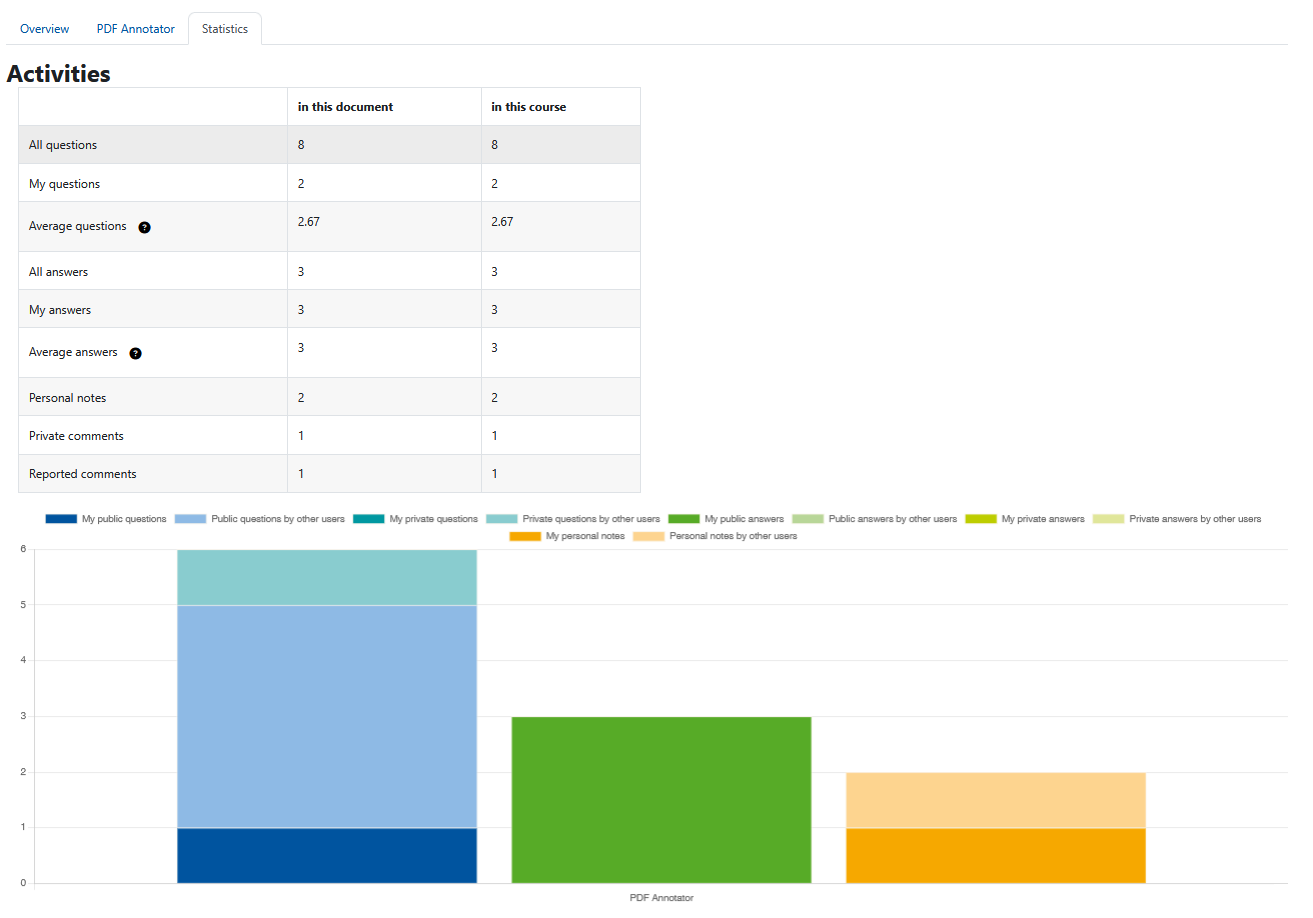
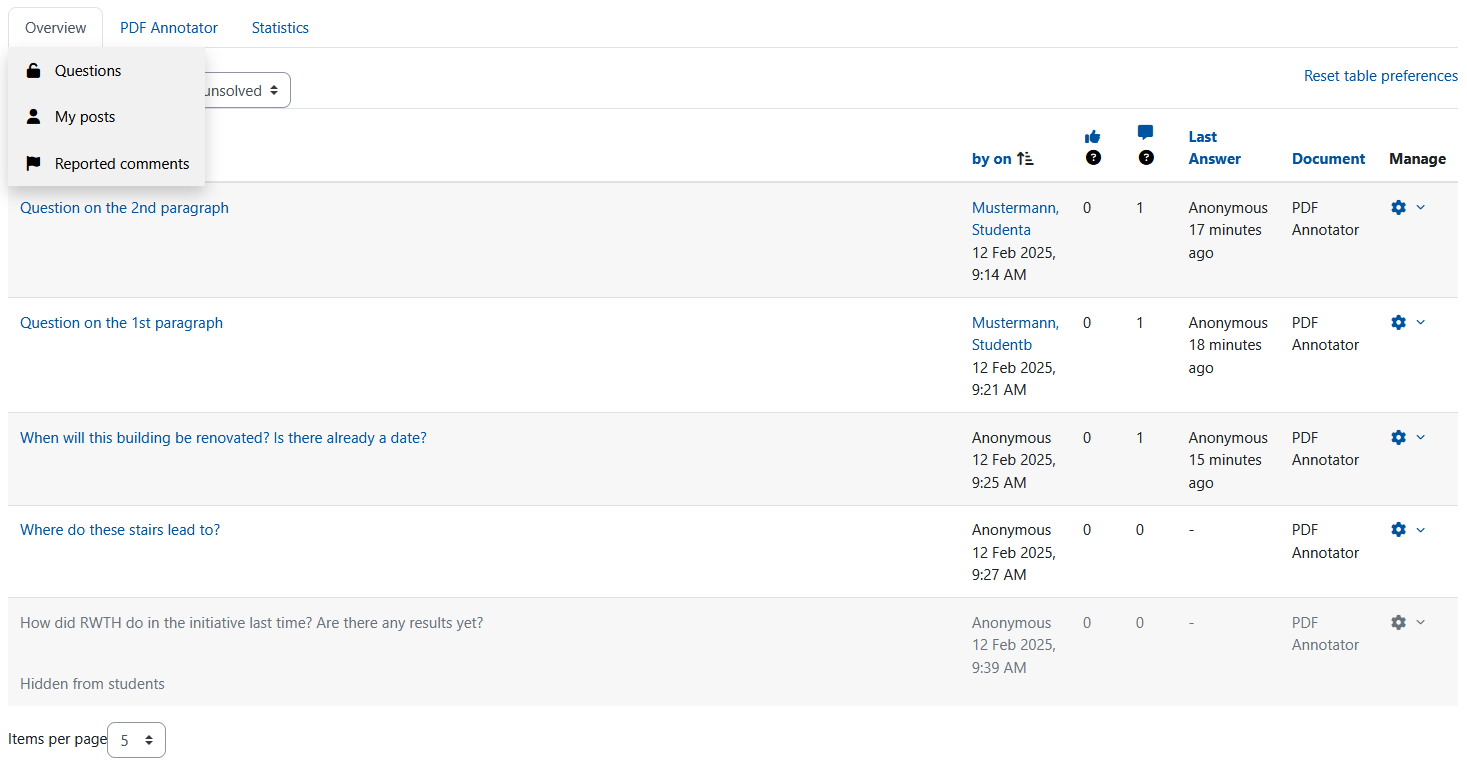
the title of the second tab is the name of the activity. The screenshot is quite old, the "feedback" tab does not exist anymore
I find a "feedback"tab in your screenshot, but it doesn't appear in my site (with 1.5.1 installed). Is there anything to do with my setting?