PDF Annotation icon

PDF Annotation

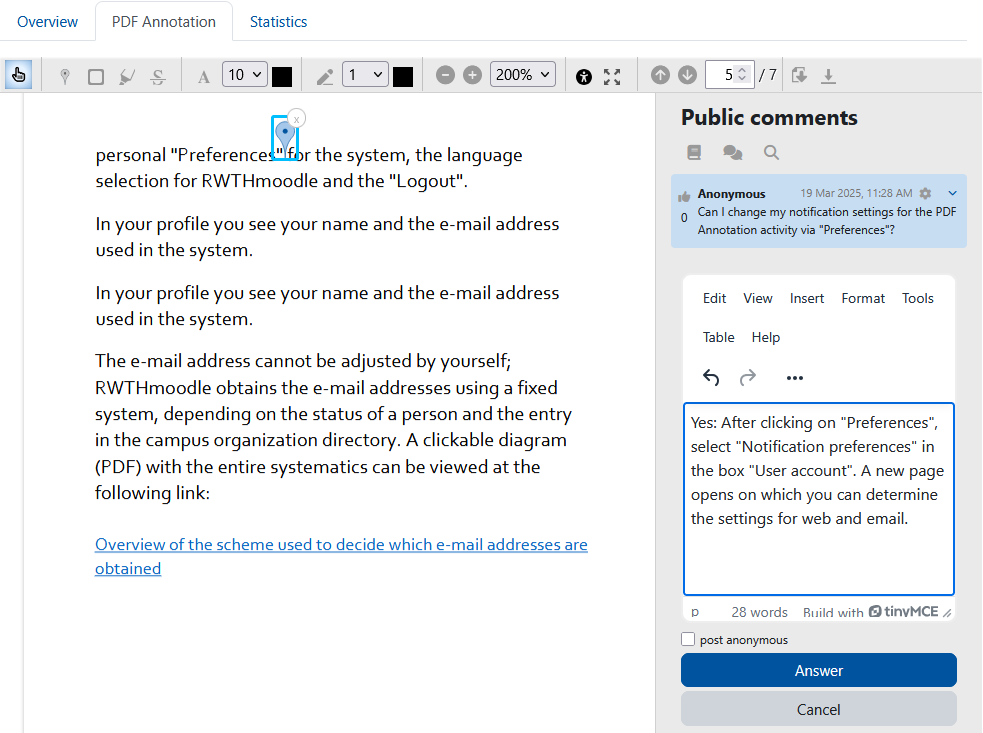
The PDF annotator allows students to insert questions, comments and remarks on learning materials in PDF format directly into the document. Since all students, lecturers and tutors can read and answer the questions and comments asked, it is made easier to clarify open questions on lecture slides, scripts and other PDF learning materials quickly and in a concrete context.
Price option: Free

Supports Moodle 3.2-5.0 See all versions
Latest release: 10 months ago
Installations: 2705
Downloads (last 90 days): 644

Frankenstyle name: mod_pdfannotator
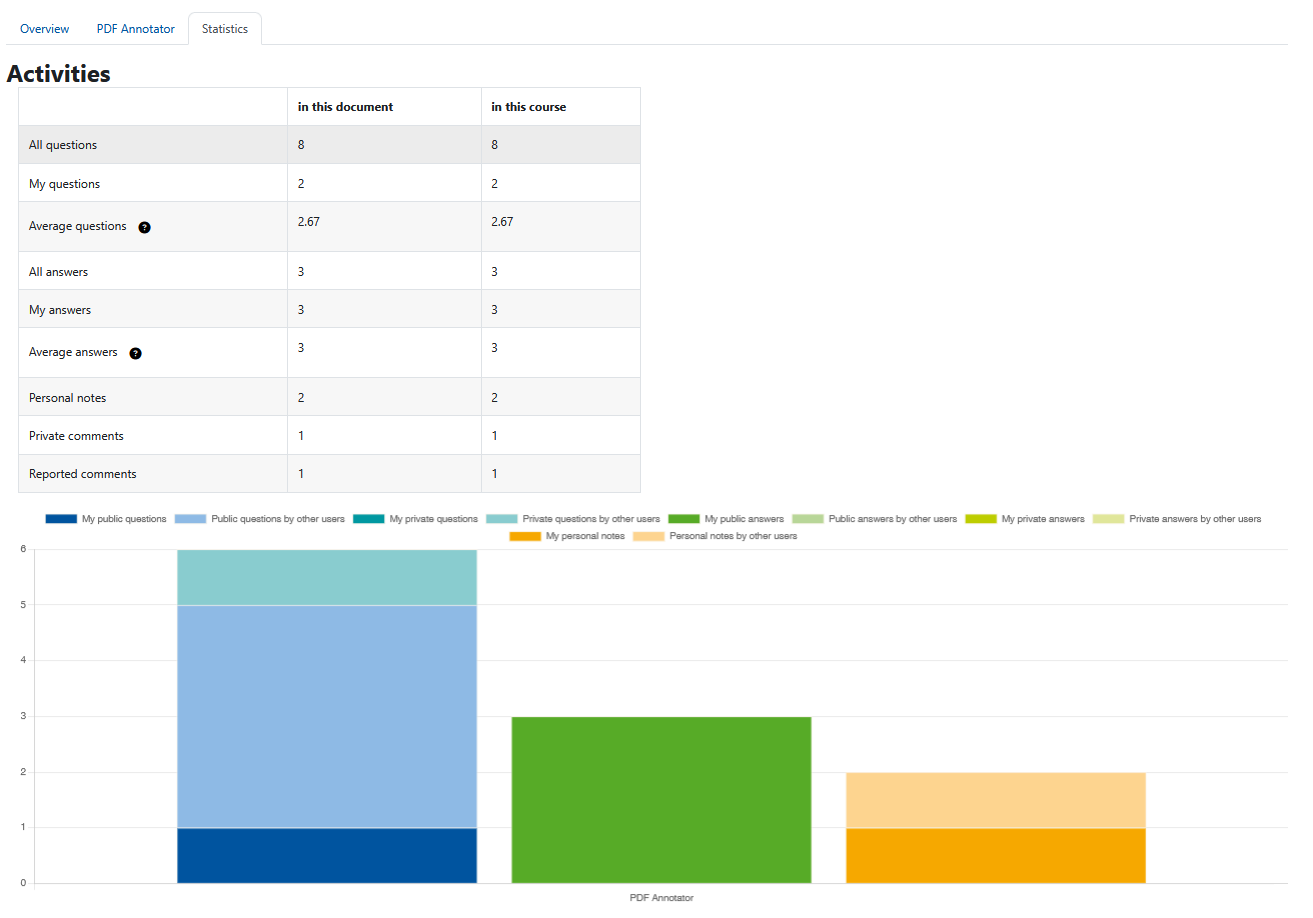
Activities

Comments

Comments are no longer open for new posts. Existing comments remain available to read.

I get this message "There are no open questions in this course at present" Where do I add the questions?
Love it, but where do I add questions for students
Hi @John van der Baaren Groups are not supported. We are aware of this issue (https://github.com/rwthmoodle/moodle-mod_pdfannotator/issues/45), but not planning to implement this in the next time. But of course you can provide a pull request
This is a very useful plugin for us. I see it is also possible to enable group mode in the common module settings, but it looks like this is not working as expected. Do yo have plan to support seperate groups working on their own comments? This would be very useful when large classes generate too many comments.
@Séverin Terrier Right now we are testing it. After that we will make it compatible
@Clovis Tristao We never had this issue. Could you please provide some more information about your infrastructure, the steps to reproduce this problem and a screenshot? Also feel free to create an issue in the github repository
Hi, is anyone else going through the experience of having the pdf file tripled using this plugin? In our infrastructure this plugin has had this behavior.
Does anyone have any idea how to resolve this situation?
It would be very nice if you could make it (officialy) compatible with Moodle 3.10 and 3.11.
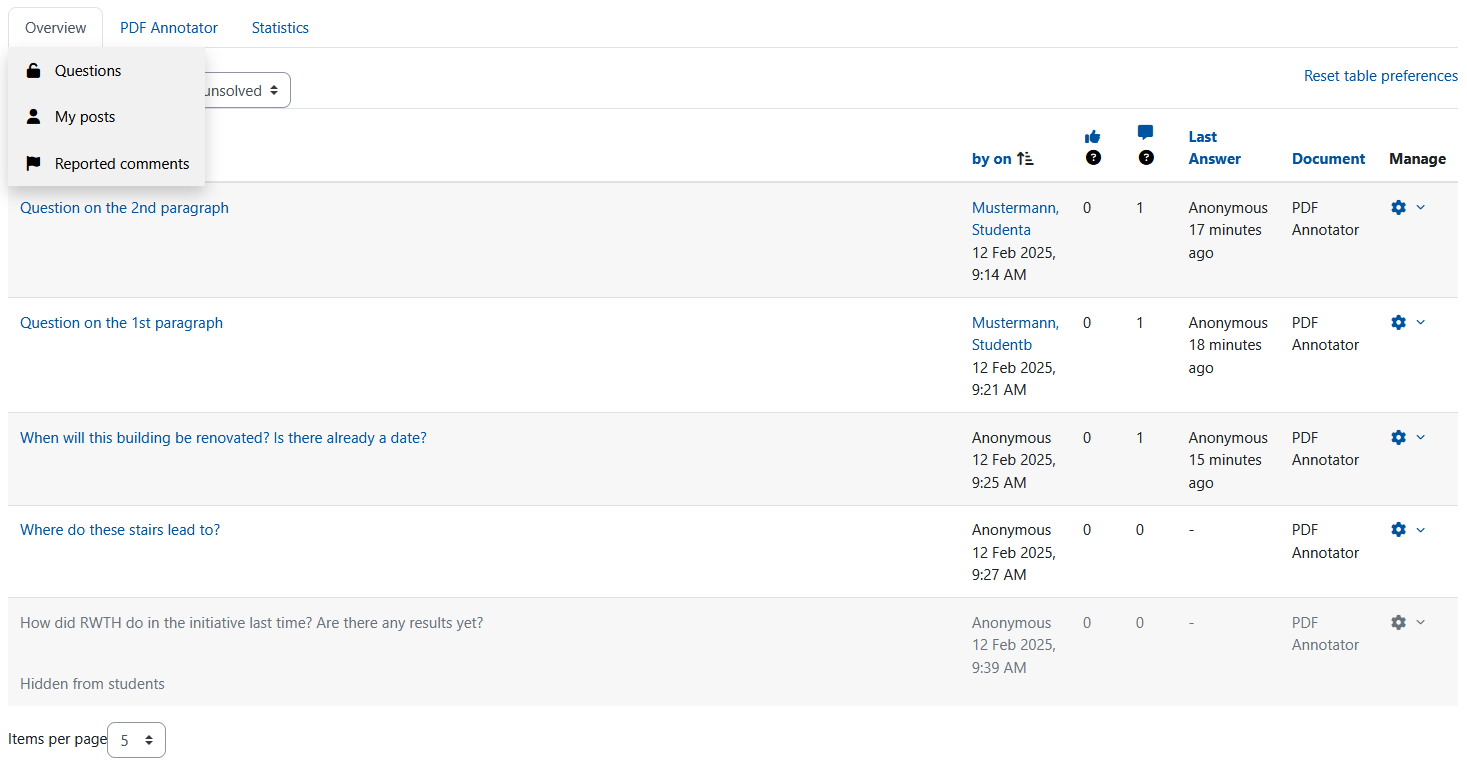
@Debra Anthony Managers and the author of a question can mark a question as solved/closed. Then other useres can directly see, that the question has been answered sufficiently. On the overview tab it is possible to filter for open/unsolved questions. So you don't have to search through all the old questions to find the unsolved ones.
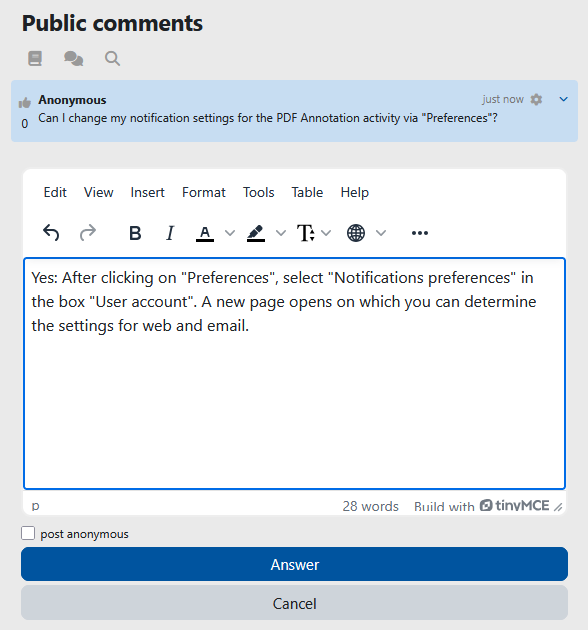
@Giulia Covezzi You can disable emails in the notification preferences. In the newest version (which currently is only released on github) the notifications are turned off by default.
@Çetin Özyurt In the toolbar you can find an button for fullscreen, which hides everything except the PDFAnnotator-Activity. But the question section on the right is still displayed.
It is not possible to download the PDF with the annotations on it. But you can download the comments separatly.
Thank you for this plugin. I have two questions. Is it possible to hide the questions sections and do pdf annotation on full screen. I want to use this tool for tutoring. Second question is: When I click the download PDF tool, the pdf document is downloaded without the annotations. Can I download the PDF with annotations on it. Thanks.
Thank you for this wonderful plugin. I just have a question: each time someone comments on the PDF i get an email. And I cannot find where to stop it (wether in the Plugin Admin Settings nor in the Activity setting in the course). Can you help me? Thanks in advance
We recently installed this plug in and it seems to work pretty well. Could you explain what the Unsolved and Solved feature is and how you use it?
@Randi: Nevermind, I see you already created an issue. Can you provide some more information about the problem? Is there some error in the JavaScript console? Does this only happen with certain PDFs? Have you tried with browser extensions disabled? Have you tried turning hardware acceleration off? Have you tried clearing your browser cache?
It would be best to continue the discussion in the tracker.
@Randi: Can you please open an issue in the bug tracker for this plugin? It would be helpful if you could add some more information about the error you are getting: error message and/or a screenshot.
I still can not open pdf with this plugin. There is an error while opening the file on the PC browser, I've tried all browsers (chrome, edge, firefox, safari) and it is still not worked.. However it works when I access my moodle through mobile web browsers. Are there anyone here can help me?
Hello
Very promising plugin. I too would like notifications to be off bt default. The forum-style settings that are already suggested would be good. But a checkbox per activity or even in the plugin settings would be anough for me.