
Microsoft Word File Import/Export (Book)
Maintained by
Eoin Campbell
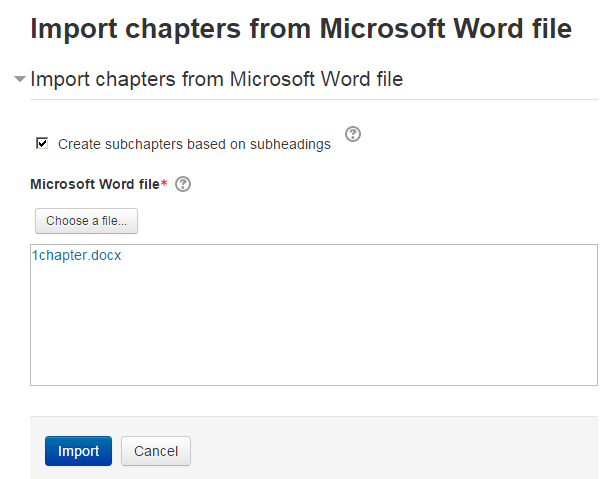
Import the contents of a Microsoft Word file into a book, splitting it into chapters and (optionally) subchapters, based on the heading styles. The file can be saved from Microsoft Word, Google Docs or LibreOffice, as long as it has a '.docx' suffix. Also supports exporting books to Word format, for round-trip editing.
Comments
Comments are no longer open for new posts. Existing comments remain available to read.
I then tried using a MS Word 2007 docx copy of the same file. It failed with the same two debug messages and then had additional info, "Can not read file, either file does not exist or there are permission problems
More information about this error", followed by some more debug info,a stack trace, and a Continue button. Clicking continue takes me back to the Moodle front page, and upon checking, the book is still empty.
Since I can't put pictures of the debug output here, let me know if you would like me to, and I will try to add them at the github source page.
Hi Eoin. Thanks for sharing yet another plugin with the Moodle community. I admit I had some issues with importing a docx file with subheadings (supposed to form subchapters) and embedded image (the image did not get into the Book). But chances are that these issues were caused by the fact that I had to create the docx file in my Libre Office (not having MS Office available). Other docx file found on the internet threw a transformation exception to me.
However, as I believe the plugin works well for you in normal situations, and because I did not spot any serious issues while checking the code, I am happy to approve this plugin now. Please find more detailed findings from the code review in your issues tracker.
You are cleared to land, welcome to the Plugins directory.
http://integration.moodle.org/job/Precheck%20remote%20branch/19582/artifact/work/smurf.html