
Multitopic format
Maintained by
James Calder
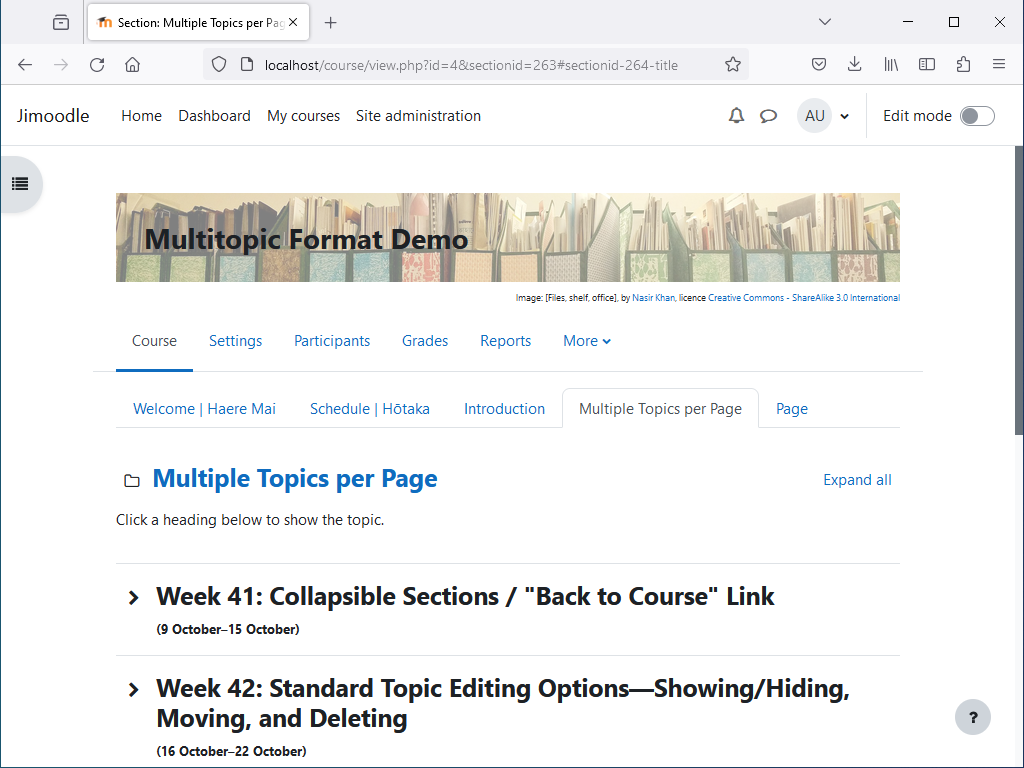
Shows multiple topics per page, with tabbed navigation between pages. Topics are collapsible, and can optionally be timed.


Comments
Comments are no longer open for new posts. Existing comments remain available to read.
Thank you for such a speedy response! That worked a treat and looks great! Thanks for your help - really loving the format!
Thanks. Activity navigation (if any) is added by a Moodle theme, but the Multitopic format uses CSS to hide it. If the Moodle theme you're using supports activity navigation, you should be able to unhide it by overriding the CSS. You could put this in Site admin > Appearance > Additional HTML > Within HEAD, within an HTML style tag. Be careful to close the style tag correctly, as not doing so could lock you out of the Moodle server.
For Moodle 4.x, this CSS should work:
body.format-multitopic.path-mod.pagelayout-incourse #page #page-content .activity-navigation {
display: block !important;
}
For Moodle 3.x, this CSS may be needed instead:
body.format-multitopic.path-mod.pagelayout-incourse #page #page-content [role='main'] + .m-t-2.m-b-1,
body.format-multitopic.path-mod.pagelayout-incourse #page #page-content .activity-navigation {
display: block !important;
}
I have a problem with the "old" plugin version and Moodle 4.4. Moodle will not let me install the RC1 version because "it is already installed".
The problem is that if the course is opened or one is in a different topic than section 0, the link to section 0 does not contain the section ID, but only the course ID - and then tries to access this (empty) position in class content. Thus, the first section is not shown and the entire course is not displayed. Sigh.
I already submitted a ticket.
I'm not sure I know what you mean, but if you're talking about the maximum number of sections in a course, a Moodle administrator can change this under Site admin > Courses > Course default settings > Course format > Maximum number of sections. However setting this over 78 may mean that collapsing sections and items in the course index may fail to work if too many things are collapsed. See https://tracker.moodle.org/browse/MDL-78073
we use the Plugin and it works well.
Now we have a teacher, he aks to increase the Numbetrs of Multitopic on each site, over 99.
Is it possible? Wen yes, where?
Thanks
Although there's no option for this, you could disable it site-wide with some CSS. You could put the following in Site admin > Appearance > Additional HTML > Within HEAD. Replace curly brackets with angled brackets (I don't think I can type angled brackets in the comments). And be careful to get it right. I just found out it's possible to lock up a Moodle server if the style tag isn't closed properly.
{style}
body.format-multitopic .page-header-headings {
display: block !important;
}
body.format-multitopic #course-header {
display: none;
}
body.format-multitopic#page-course-edit #fitem_id_bannerslice {
display: none;
}
{/style}
Sorry, I saw this message when you posted it, then completely forgot about it. I don't know what the issue could be. I think we were using Multitopic v4.2.1 on Moodle 4.1.4 without problems. (Although it looks like we're using Moodle 4.1.5 now.) Has anything else about your Moodle server changed recently, like any new plugins? Maybe if you set me up a guest account with access to a Multitopic sandpit (student role should be fine), and message me the login details, I could have a look, and see if I can figure it out.