
Board — collaborative post-it board activity for Moodle
Maintained by
Brickfield Education Labs, Gavin Henrick (Brickfield)
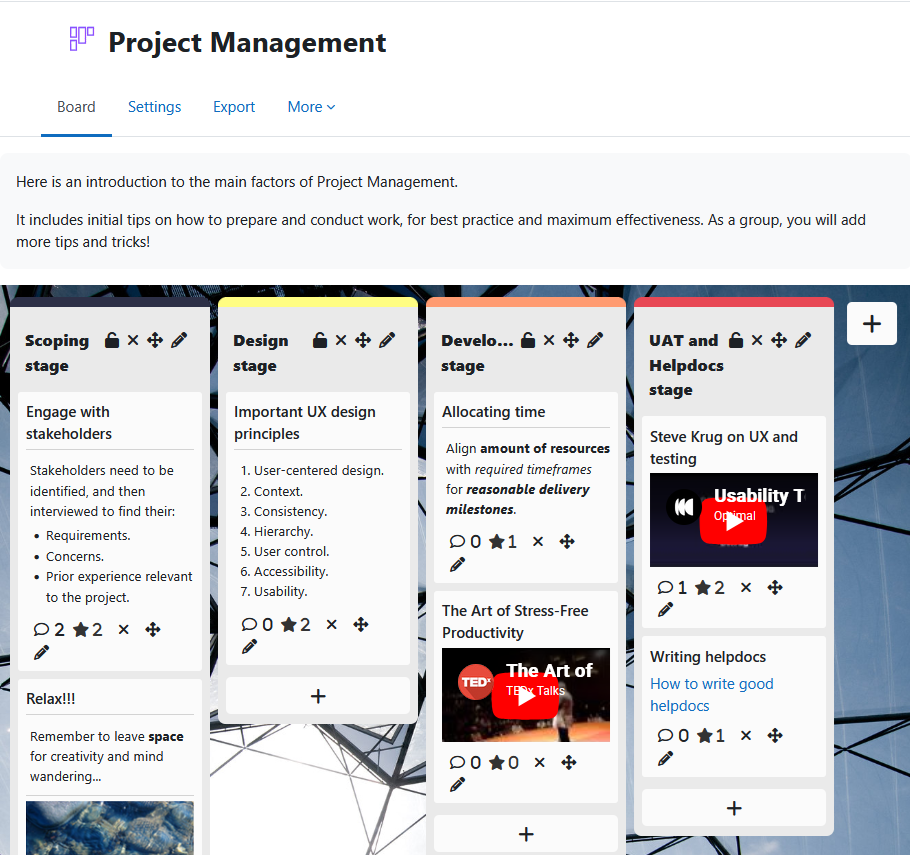
Board gives students a shared space to contribute ideas, links, images, and videos as visual posts organised into teacher-defined columns.
Posts are anonymous by default — students see each other's contributions but not who made them.
Comments
Comments are no longer open for new posts. Existing comments remain available to read.
jquery-3.7.1.min.js:2 Uncaught Error: Syntax error, unrecognized expression: unsupported pseudo: editable
at I.error (jquery-3.7.1.min.js:2:11769)
at PSEUDO (jquery-3.7.1.min.js:2:14453)
at te (jquery-3.7.1.min.js:2:18967)
at ne (jquery-3.7.1.min.js:2:19323)
at re (jquery-3.7.1.min.js:2:20522)
at I (jquery-3.7.1.min.js:2:7520)
at I.matchesSelector (jquery-3.7.1.min.js:2:11454)
at ce.filter (jquery-3.7.1.min.js:2:21675)
at T (jquery-3.7.1.min.js:2:21559)
at ce.fn.init.is (jquery-3.7.1.min.js:2:22177)
We have installed the latest update of the Board plugin - but we cannot add any boards at all. We used Moodle 4.4 last year and had no issues like this at all (even though the Board plugin indicated that it is only up to moodle 4.3) I tried making contact with Brickfields Education Labs through the Website contact form, but nobody has returned my email yet. We have tried various themes to determine if it could be a theme issue, but not working with any of the themes. Please can someone assist urgently?
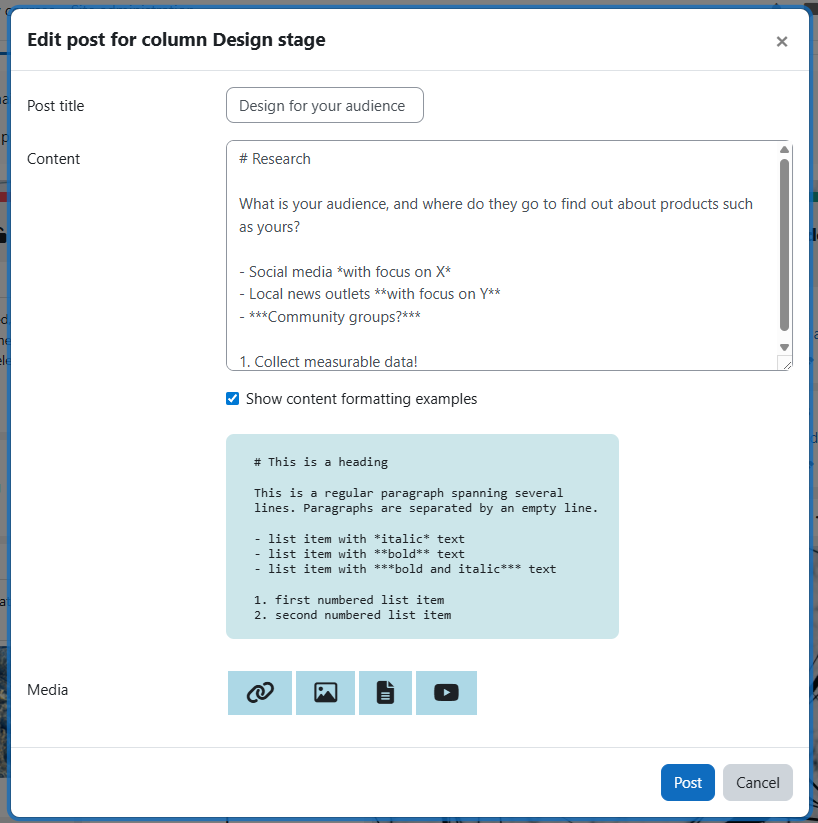
I would like to suggest introducing the option of text formatting in the plugin. To be specific, it is about the text formatting of text within the tiles with which you can fill the board.
It would be extremely helpful if text could be displayed in bold, italics and underlined and if line breaks could be inserted. These customisations would significantly increase the added value of the plugin.
Thank you in advance for your efforts and the time and effort involved.
Best Regards
Dominic
We have previously introduced a new configuration for individual board instances, defaulting to off, called "Enable blank target". This is for accessibility purposes. If you are embedding your board, as you describe, you'll need to set this particular setting to on instead. Hope this helps!
Regards
Karen