
Board — collaborative post-it board activity for Moodle
Maintained by
Brickfield Education Labs, Gavin Henrick (Brickfield)
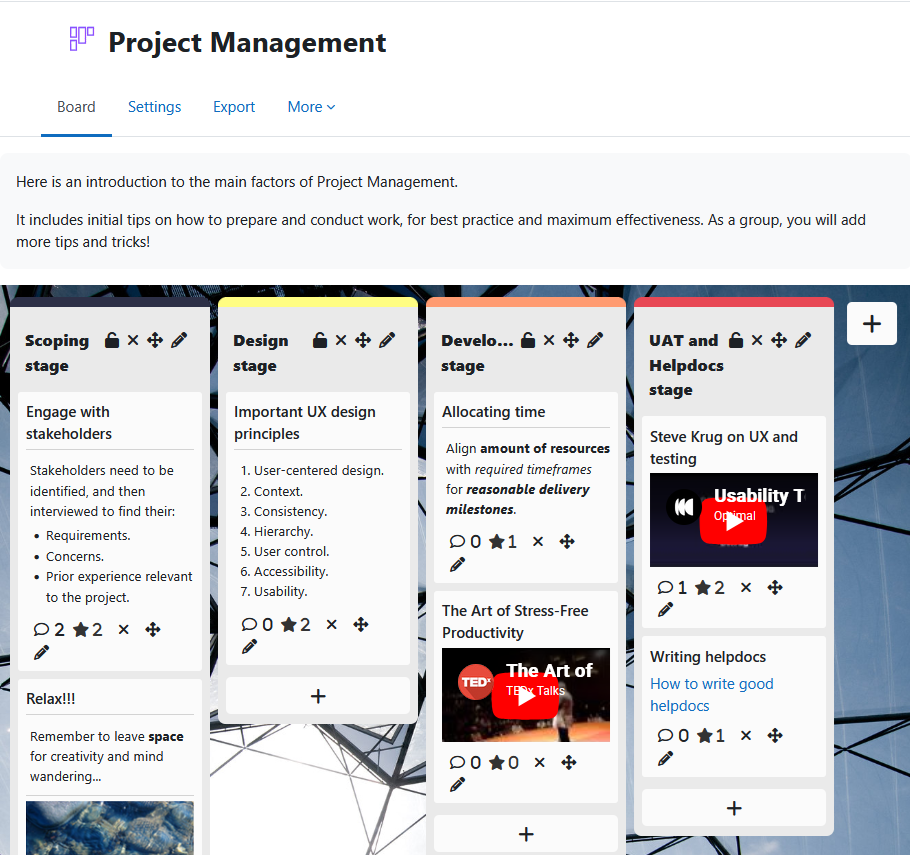
Board gives students a shared space to contribute ideas, links, images, and videos as visual posts organised into teacher-defined columns.
Posts are anonymous by default — students see each other's contributions but not who made them.
Comments
Comments are no longer open for new posts. Existing comments remain available to read.
I#ve got another question: Did you already recognizes a problem with groups? If you set the option Visible Groups for the Board module an error occours while clicking on board as a student
the following message appears: Fehler: Argument 2 passed to has_capability() must be an instance of context, null given, called in [dirroot]/mod/board/classes/board.php on line 1031
Do you have any idea how to avoid this?
thanks in advance
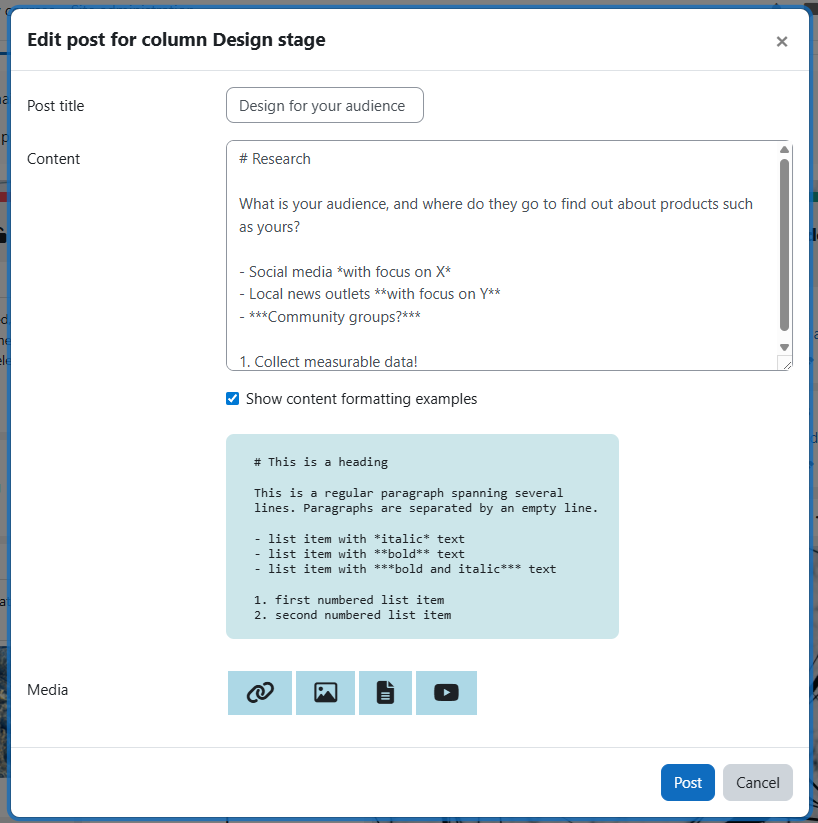
1. Yes, it’s possible to edit your own post, or all posts if a teacher/manager. You currently have to double-click on the top part of the post, but our next release (coming soon) will have an Edit (pencil) icon in the icon bottom row, to make this clearer.
2. Our next release will have a Sort option of None, where users can then rearrange their own posts within a column or others if a teacher/manager
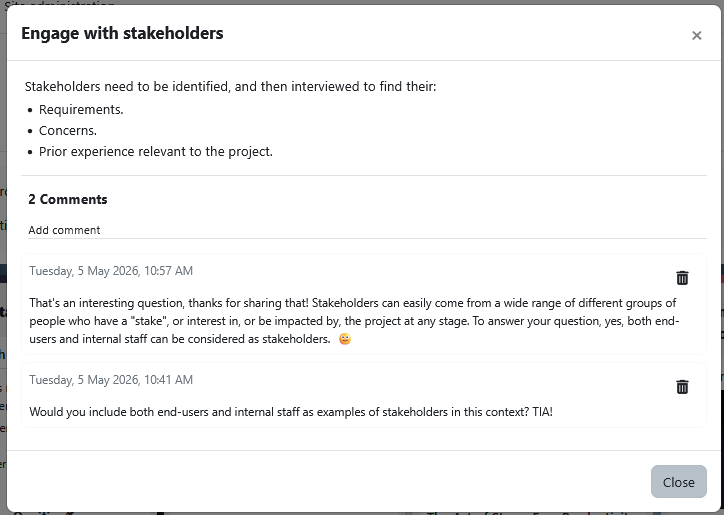
3. No, we have a roadmap feature to allow comments on posts, but it is not funded yet
4. No, but you can create new columns and move the notes between them, and you can also rename the headers.
1) Hexadecimal code is the current way, you’re welcome to suggest an issue on github repo for adding a colour picker setting instead.
2) Header colours are currently a global admin setting, you’re welcome to suggest an issue on the github issues page if you want to make this a per instance setting as well. One point, adding these as colour pickers instead would be more complex as they are a flexible amount of values.
3) Full screen - very welcome to suggest this issue on the github issues page too.
1. Is it possible to edit a post?
2. Is it possible to rearrange posts within a column (not just between them)?
3. Is it possible to comment a post?
4. Is it possible to rearrange the columns?
Thanks in advance.
Kathleen
1. Is hexadecimal code the only way of setting the 'Background colour' field?
2. Are the Headings background colours editable, as per the example in the screenshots? If so, how?
3. Aside from creating a Board, hiding and then linking to it via a URL, is there a method/future plan to offer full screen viewing?
Question 1:- Can you add sounds, video and animation?
Question 2:- The exam board does not like items in straight lines, can the student rotate the images to make it like a mood board?
Question 3:- Can you drag items to overlap, so they are grouped?
Sorry to ask so much. Thank you.