MooTyper icon

MooTyper

Maintained by RACHELS, DANIEL A.
MooTyper implements a typing practice/instruction functionality into Moodle.
Price option: Free

Supports Moodle 2.2-5.2 See all versions
Latest release: 2 months ago
Installations: 1058
Downloads (last 90 days): 386

Frankenstyle name: mod_mootyper
Activities

Comments

Comments are no longer open for new posts. Existing comments remain available to read.

Changing this is very simple to do. See here: https://github.com/jl2035/al_moodle_mod_mootyper
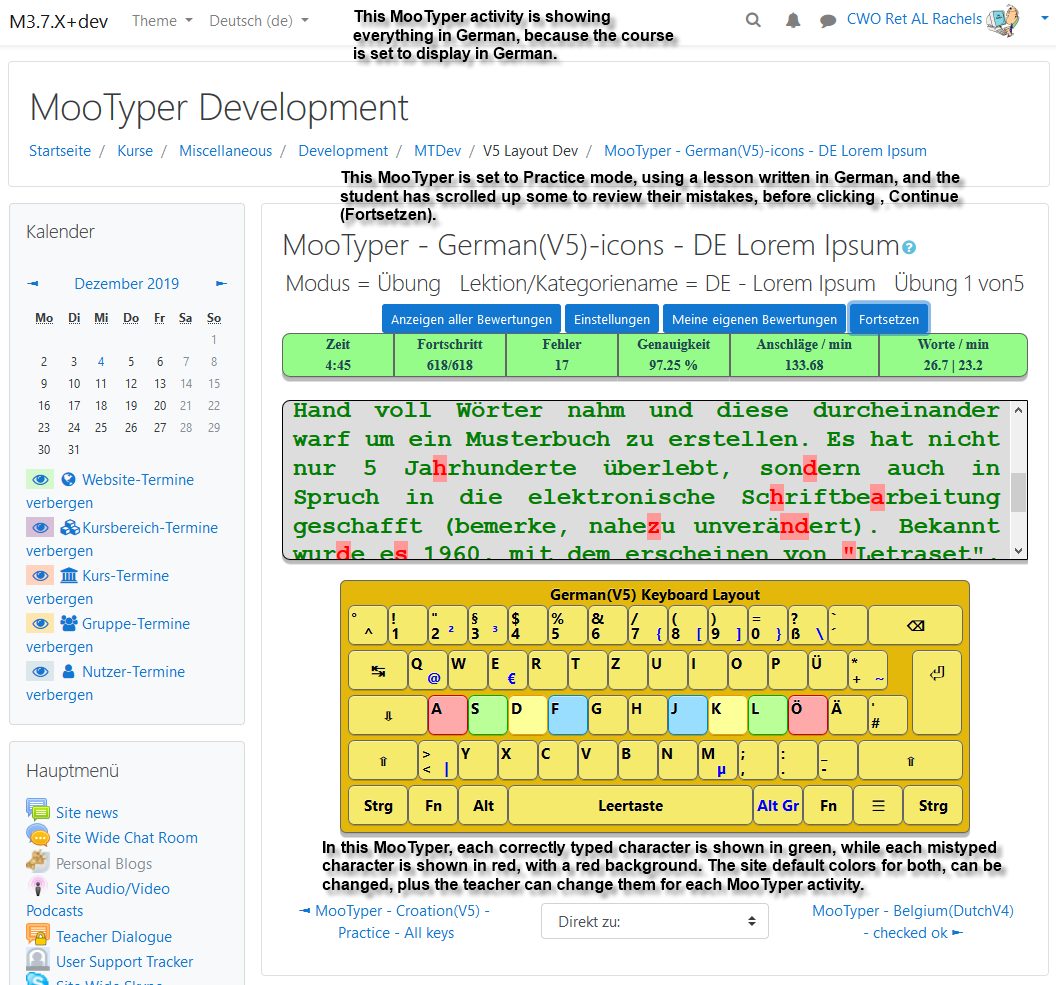
Some coding is still needed. If you reload the page during some lesson, all characters that have already been entered are back to green, which is not perfect, but mistakes counter works ok.
There are also a few questions. Should we just change that, or allow teacher to choose between two modes when creating the activity? Which one should be default? Or should we just keep this out of the main branch and maintain in other repos? How many users would prefer the new mode over the old?
To all MooTYper users...I've been asked if it would be possible to change MooTyper to allow a user to continue typing without being forced to enter the correct character, after making a mistake. Is anyone else interested in this capability?
Quang Viet Nguyen, dude, what do you think you are doing?! This is not how plugin versions should be released. Plese read the official development documentation: https://docs.moodle.org/dev/Main_Page
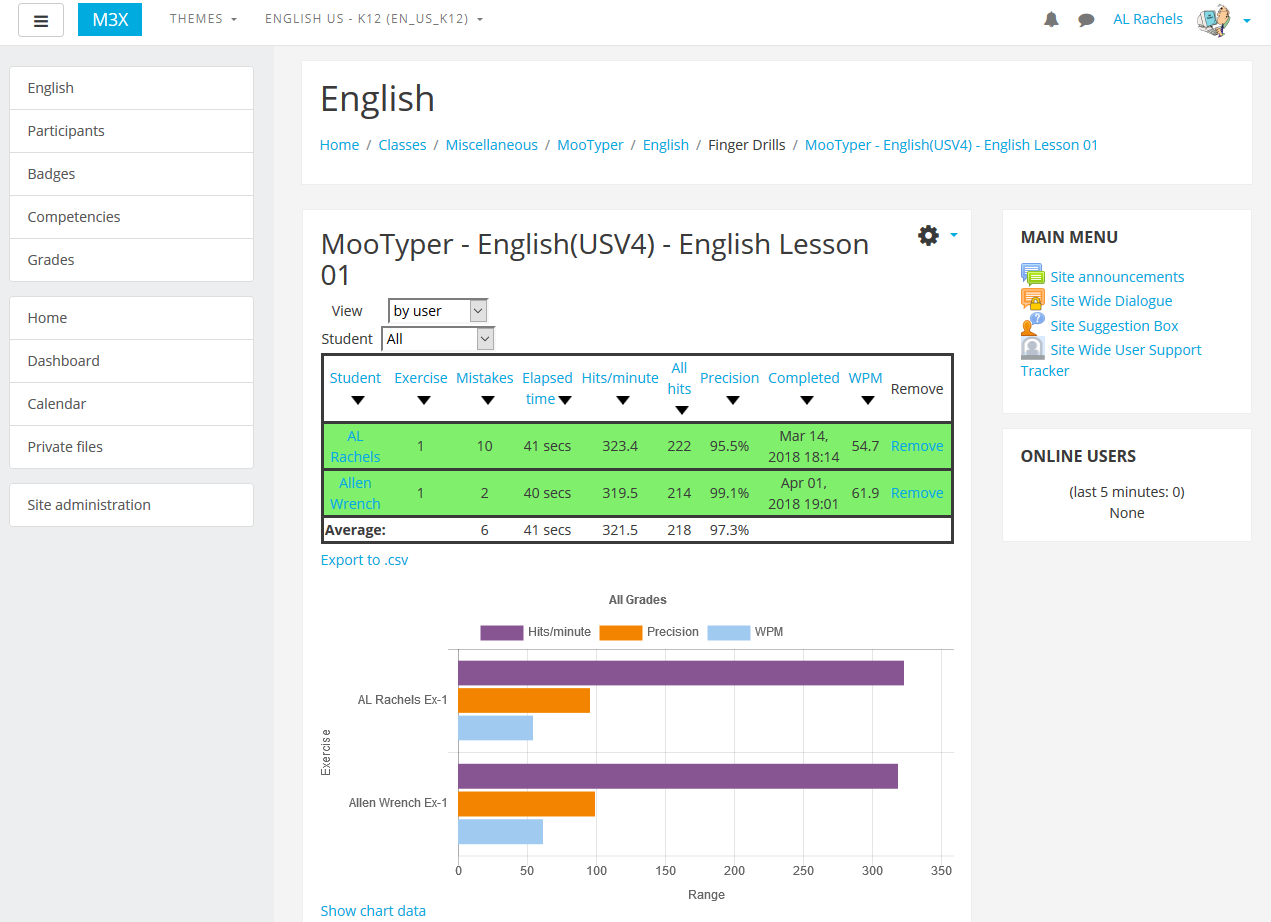
Just added a new MooTyper 3.1 version that works with Moodle 2.9, 3.0, and 3.1 as well as PHP 7. If you do an update from a previous version, in the admin block for MooTyper you will see some new capabilities. If you click on Import exercise/category, you will see at least one new lesson added to those available for use when setting up a new MooTyper activity. If you have created your own lessons, there is also a link, Export/edit exercises, that takes you to the edit page where you can select lessons to download so you can save them or swap them with other MooTyper users.
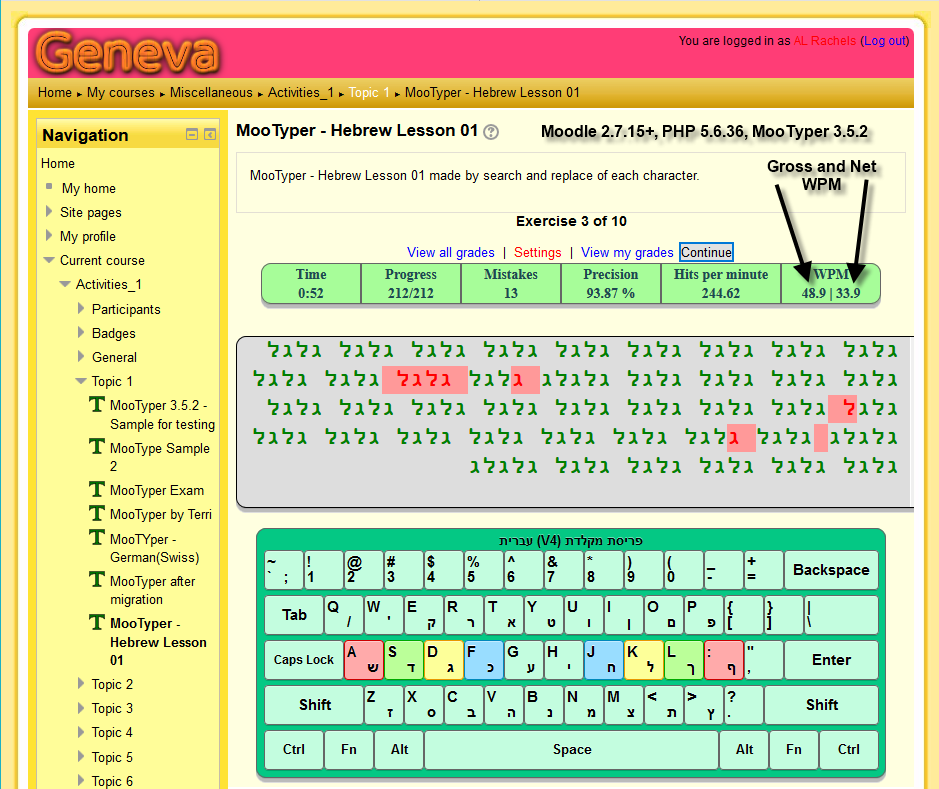
I've also included some new keyboard layouts. If doing a new install they will automatically be available for use when setting up a new MooTyper activity. If you already use MooTyper there are two ways to get access to the new layouts. One is to uninstall MooTyper then reinstall it to get the new layouts to show up. Two, after updating MooTyper, manually add the new layout you want to use in the database table, mdl_mootyper_layouts. Just duplicate the last record, then edit the filepath, name, and jspath so it contains the name of the new layout.
NOTE: Currently, my testing of the new keyboard layouts is very limited and done by switching to different languages on my desktop computer using WIndows 10 and my regular keyboard. If you notice any problems be sure and let me know about it and I'll see what I can do to fix it.
Just made an entry about an upcoming new version over at the discussion forum. https://moodle.org/mod/forum/discuss.php?d=209535#p1351478
Actually Jaka, it's not too bad. It has mostly just been adding in things required by Moodle changing how things works, such as events for logging, and fixing deprecated ways things used to be done.
Yeah sorry about that.. the code must be terrible.
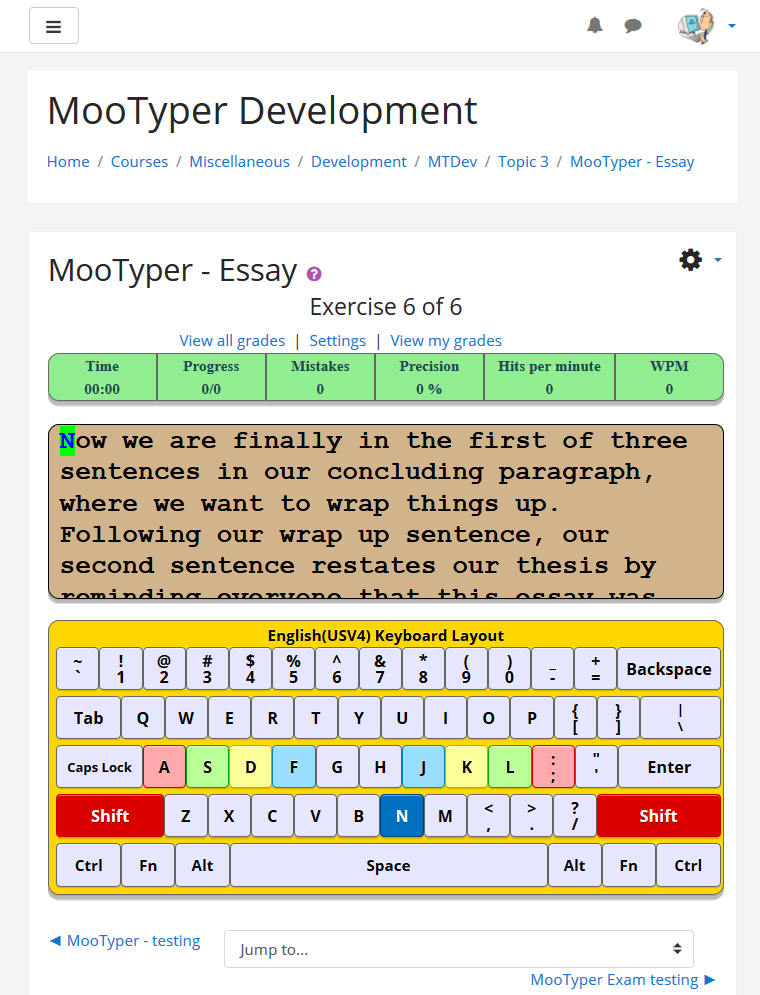
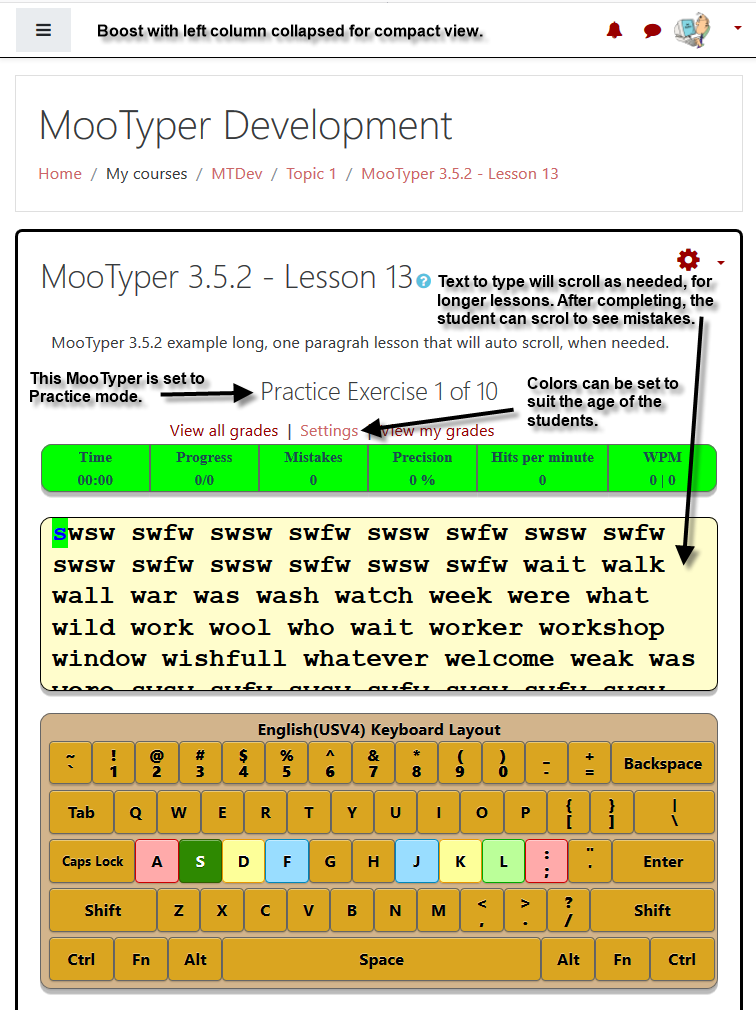
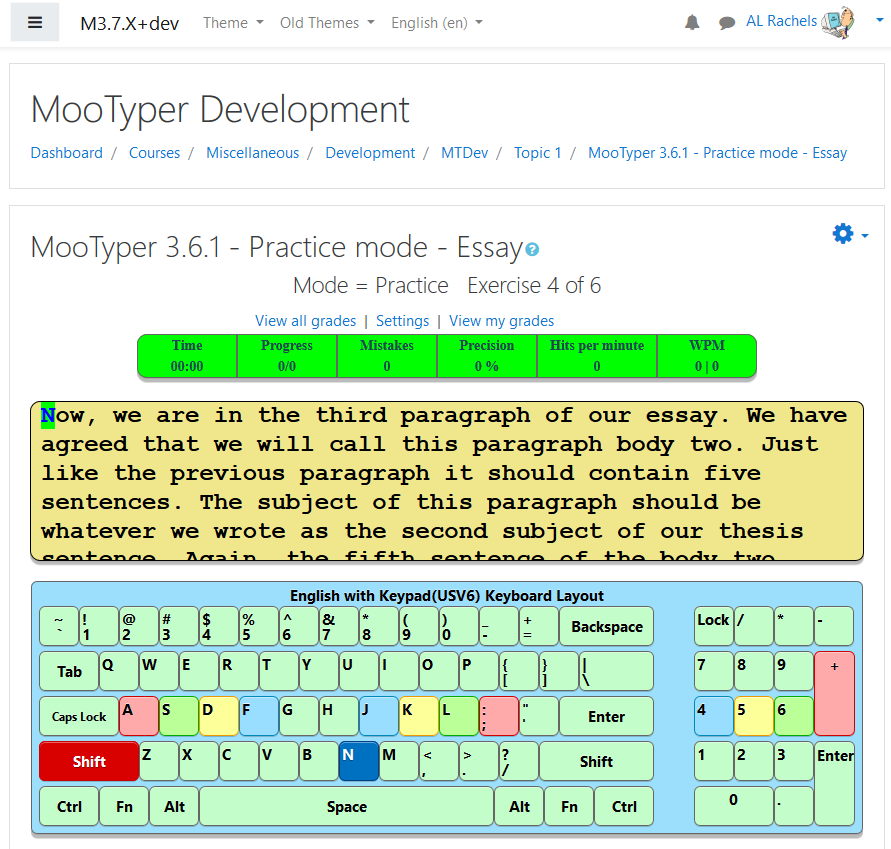
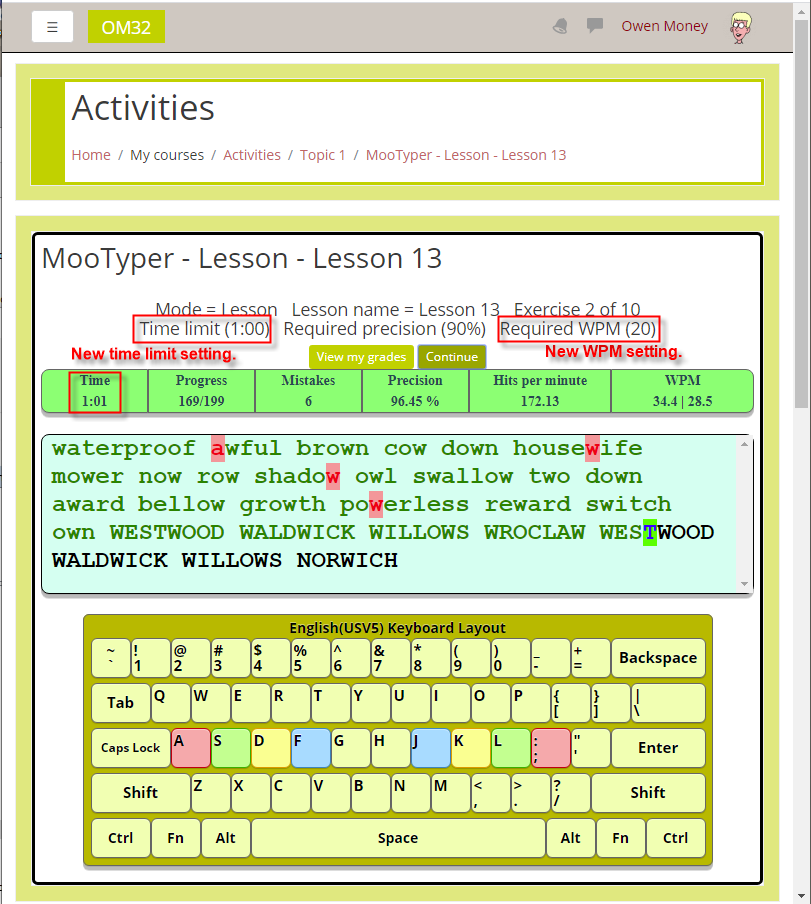
I've been doing a lot of work on MooTyper, most of which doesn't really show up as it mostly has to do with needed modifications to the code for such things as logging events. For the past couple of days I've worked on a new keyboard layout, English(US), which you can see as a new screen shot near the top of this page. If you would like to try it out let me know. Also, if you use one of the other keyboard layouts and would like it updated similar to this one, let me know and I'll see about getting it done, too.
David, I thought I might have higher versions ready by now but I'm so new at programming php it is taking me a little longer than I'd hoped. I've been hung up for two days tracking down a permission error that goes back way before I took over, but I just figured it out a few minutes ago. I will need to do some more testing just to make sure, but hopefully will do a 2.7.1 release by Monday, Then I'll jump forward to 2.8 and 2.9. I really want to get to 3.0 before Moodle 3.1 gets released this spring.
Great to hear. We are planning to use this activity so looking forward to the updated version. I'm using Moodle 2.9.4 but planning to move to 3.1 in May. Hoping it works for both. Thanks for your awesome work!
I know it has been a while since a new version of this module has been released. One is in the works and we hope to have it ready in another day or two.
It is fantastic this module ... very good! Thanks or service, job! is perfect!
I'm using Moodle 2.8 and it works, but I'm having trouble putting the letter ç
Please, I would love to have the keyboard in Portuguese, because it could be used in Portugal and in Brazil.
You would enter this keyboard? I ask this because I could not in any way put to work the character ç
Here in Brazil we have the letter ç on the keyboard
Look this image: http://prntscr.com/5dmm7q
Thank you for your help
Can you check your PMs ?
Thank you in advance
The main problem is alphabet: ñ ç etc...